Cornerstone OnDemand vs. iSpring Learn

Overview
ProductRatingMost Used ByProduct SummaryStarting Price
Cornerstone OnDemand
Score 6.4 out of 10
N/A
Cornerstone OnDemand is a cloud-based application for talent management. Cornerstone offers suites for recruiting, training, performance monitoring and planning, learning, and HR data management. It is scaled for enterprises.N/A
iSpring Learn
Score 9.6 out of 10
N/A
iSpring Learn is an LMS developed by iSpring Solutions, a company that provides more than 59,000 clients with an eLearning software ecosystem. iSpring Learn automates corporate training and helps to improve employee retention through quality onboarding, on-the-job training,…
$3.75
per month (billed annually) per user
Pricing
Cornerstone OnDemandiSpring Learn
Editions & Modules
No answers on this topic
500 Users
$3.75
per month (billed annually) per user
300 Users
$4.10
per month (billed annually) per user
100 Users
$6.64
per month (billed annually) per user
Offerings
Pricing Offerings
Cornerstone OnDemandiSpring Learn
Free Trial
NoYes
Free/Freemium Version
NoNo
Premium Consulting/Integration Services
NoNo
Entry-level Setup FeeRequiredOptional
Additional DetailsCharges only for active users only. No fees for storage or bandwidth.
More Pricing Information
Community Pulse
Cornerstone OnDemandiSpring Learn
Considered Both Products
Cornerstone OnDemand
Chose Cornerstone OnDemand
UKG HR Service Delivery and Workday Professional Services Automation

Chose Cornerstone OnDemand
It's been years since I've worked with another product. I don't really have a great answer for how it stacks up anymore, and Cornerstone OnDemand has acquired some of the bigger players in the same LMS sphere in Saba and SumTotal. However, they have positioned themselves as …
Chose Cornerstone OnDemand
We have been with Cornerstone OnDemand for about 7 years now. I do not recall the other products we evaluated at the time, but more recently there was some interest in using Workday as an LMS since that is our HR platform. Their learning platform, however, simply couldn't …
Chose Cornerstone OnDemand
I have previously used SumTotal and Moodle and find Cornerstone OnDemand to be much more deep in terms of the amount of features available and custom configurations possible. From an admin perspective, Cornerstone OnDemand also has a much richer admin community and educational …
Chose Cornerstone OnDemand
Mainly the annual costs of the suite: we are present in 7 countries and develp an implementation of SAP SSFF costs triple than Cornerstone OnDemand. Talentia was "in price" similar than Cornerstone OnDemand, but is more oriented to Europe customers than American or Latam. The …
Chose Cornerstone OnDemand
The user experience is a lot better than using SumTotal as an admin CSOD makes working easy. Without having workarounds. Reporting is a lot better than both platforms. Reporting in CSOD is complex however easy to manage and create when you understand the data points collected.
Chose Cornerstone OnDemand
My background is that I have been a teacher for more than thirty years. I have worked with a few different Learning Management Systems and when it came time for my company to implement its own LMS I evaluated more than twenty other Learning Management Systems. I went through …
Chose Cornerstone OnDemand
We previously used Oracle Learn. Cornerstone OnDemand as a whole is a superior product built on a modern architecture.
Chose Cornerstone OnDemand
Cornerstone OnDemand is a system that can fit a lot of different needs. It is a complex system that is maybe not too contemporary looking at the moment but it looks good enough. But the most important is that it's safe and it is compliant. And that is it's point of difference. …
Chose Cornerstone OnDemand
We selected Cornerstone which offers to the possibility to create regional administration user, for the reports and the app.
Chose Cornerstone OnDemand
great customer service, great functionalities and spain office based which is key for us
Chose Cornerstone OnDemand
Since the platform can be accessed not only through the website but also through users' cell phones, Cornerstone's virtual training tool offers great accessibility for employees receiving training. It works with Android and iOS devices and collaborates with other apps to ensure …
Chose Cornerstone OnDemand
CSOD is by far the best talent management software I have used.
Chose Cornerstone OnDemand
In comparison to other platforms, Cornerstone checks all the boxes. They are always looking for ways to improve the platform with the suggestions from their users. It always evolving which is great because the platform is always staying current with trends as well as the …
Chose Cornerstone OnDemand
Cornerstone OnDemand provides an overall fit for our organization's training needs. Our HR Directors are able to provide and monitor activities and stay abreast of annual mandatory trainings.
Chose Cornerstone OnDemand
Each have their pros and cons. CSOD makes sense for our current business needs.
Chose Cornerstone OnDemand
Cornerstone is a more holistic system, we have all necessary modules in one place, don't need to switch between different systems. On the other hand, the admin panel in CSOD, especially in the learning module, is out of date, and preparing learning activities is very …
Chose Cornerstone OnDemand
We have used Cornerstone [onDemand] for the past six years. We have not used or reviewed any other learning management systems during my tenure at Jack Henry.
Chose Cornerstone OnDemand
Cornerstone is more complex, offering more features while allowing learners to see a more modern learning platform
Chose Cornerstone OnDemand
Cornerstone has many features and configurations. Articular is only good to create [content], and every admin needs a license.
Chose Cornerstone OnDemand
All of the products are essentially the same. The difference between each company and product [is] minimal at best. Some offer additional tools such as integration, reporting, customization, and the like. Others are standard out of the box. Overall each product delivers what …
Chose Cornerstone OnDemand
Cornerstone OnDemand was ranking quite high up in the Gartner's Learning quadrant and the Forrester Report and was also highly recommended in Bersin's findings. Cornerstone's team of consultants is fun to work with and they love and enjoy their work. Their treatment of their …
Chose Cornerstone OnDemand
The Sales Pitch for Cornerstone while being great, left us a bit disappointed when the tool got implemented. Although it is a game-changer and radically improved the learning experience the after-sales service has left us a bit disappointed. Since the overall package makes up …
Chose Cornerstone OnDemand
Cornerstone perfectly fits into a mid-size company, also in prizing (annual fee and implementation), where flexibility is key.
iSpring Learn
Chose iSpring Learn
iSpring Learn's UI/UX was way better than those other systems, which was a huge factor for us. We wanted our platform to be self-service so even brand new hires could quickly navigate it and find what they need, and it's definitely been that for us. Many of the other systems we …
Chose iSpring Learn
iSpring Learn had the best ratio of volume of features, price and ease of use. They were the clear choice after doing trial periods with all of the other platforms I was comparing. I had demos and trialed 15 platforms prior to making my decision.
Chose iSpring Learn
We are using iSpring with older products designed with external developers, so the content has already been created and we use it to translate/localize content for different markets. For new course design we partner with external developers and use Articulate 360 and other …
Chose iSpring Learn
We do not have an Learning Management System in our organisation as was looking at a more affordable option. iSpring is exactly what we needed to help create engaging content for our employees but where we can upload and track their progress as well. All the additional features …
Chose iSpring Learn
Lattice and Trakstar both had a larger focus on employee reviews and 360 reviews which we did not need. Lattice was also priced higher than we were willing to allocate budget for. Lattice in particular seemed very catered to a large corporate organization and we are a small/mid …
Chose iSpring Learn
I found that, for the price, the tools, and the usability, iSpring Learn had them all beat.

iSpring Learn had a higher level of adaptability; it was visually cleaners, and the users seemed to take to it well.
Chose iSpring Learn
We use Ninjio for a completely different use - cyber awareness training - iSpring is internal training on our processes
Chose iSpring Learn
iSpring learn is WAY more simple to navigate and use than the rest of the options.
And the customer service is certainly much better.
Chose iSpring Learn
iSpring is a more entry level LMS. It does not have the same level of features and benefits. For example, it does not have the same level of communication capability. It does not have the same level of reporting functionality. It does not have the same ability to build …
Chose iSpring Learn
iSpring Learn has everything you need in one place, looks great, and it's very easy to maintain. Interaction with users is organic and has a great flow. Course updates can be easily done with powerful design tools. If combined with the Suite, it's an all-in-one solution where …
Chose iSpring Learn
Having used several LMS iSpring is the best around program.
Chose iSpring Learn
iSpring probably had the least functionality of all of them. Ease of use is similar to Skyprep (Tovuti was by far the most complicated), but iSpring did not meet expectations and had constant glitches that could not be fixed by their tech team.
Chose iSpring Learn
Every platform has its own focus and strengths. We were mostly looking at automating and digitalizing our training program from instructor-led training and analytics/dashboards with detailed user performance. Trakstar has more in-depth dashboards and Paradiso is great in …
Chose iSpring Learn
iSpring is easy to use comparing to other LMS systems. ALM is more extensive if it comes to features, but it's also more focussed on big companies (+2000 users). Also social learning is better in ALM. eFront is very hard to manage, administrator portal is not very clear like …
Chose iSpring Learn
All of these have their benefits, but none really had a better LMS than iSpring Learn. They throw in off the shelf courses, but if you're needing a good learning management system you are going to make-do with these others.
Chose iSpring Learn
I reviewed a few different LMSs before deciding on iSpring Learn. I can't remember the names, but I chose iSpring Learn primarily because I liked that it was just a PowerPoint add-on, which made it easy to use, and I liked the price!
Chose iSpring Learn
iSpring Learn has a lot of power with a very cost-effective punch. Prices and capabilities can vary widely with LMSs. iSpring Learn can do everything we were looking for but at a reasonable cost. Other LMS software may have more options but we really didn't need most of them.
Chose iSpring Learn
We used Udemy for Business for a couple of years, which was fine for certain courses; however, you paid per license as opposed to iSpring Learn, where you pay a flat fee for 50, 100, 200 licenses. The fact that we can also create our own content for our bespoke service makes a …
Chose iSpring Learn
ISpring was easy to use. Hundreds of video tutorials are available. iSpring was the most cost-effective solution and also met all our requirements of what’s needed in an authoring tool.
Chose iSpring Learn
They are not user friendly, It is free and I think the paid version works much better. In the past I used Moodle, as a teacher I had problems uploading and using it let alone my students. Now iSpring has a mobile app for both Android and iPhone. It has made my job so easy and …
Features
Cornerstone OnDemandiSpring Learn
Onboarding
Comparison of Onboarding features of Product A and Product B
Cornerstone OnDemand
7.7
Ratings
5% above category average
iSpring Learn
-
Ratings
New hire portal7.90 Ratings00 Ratings
Manager tracking tools7.80 Ratings00 Ratings
Compliance tracking and reporting7.40 Ratings00 Ratings
Performance and Goals
Comparison of Performance and Goals features of Product A and Product B
Cornerstone OnDemand
7.9
Ratings
10% above category average
iSpring Learn
-
Ratings
Corporate goal setting7.70 Ratings00 Ratings
Subordinate goal setting8.00 Ratings00 Ratings
Individual goal setting8.40 Ratings00 Ratings
Line-of sight-visibility7.80 Ratings00 Ratings
Performance tracking7.60 Ratings00 Ratings
Performance Management
Comparison of Performance Management features of Product A and Product B
Cornerstone OnDemand
7.4
Ratings
12% above category average
iSpring Learn
-
Ratings
Performance plans7.60 Ratings00 Ratings
Plan weighting7.20 Ratings00 Ratings
Manager note taking7.40 Ratings00 Ratings
Performance improvement plans7.30 Ratings00 Ratings
Review status tracking8.00 Ratings00 Ratings
Rater nomination workflow7.30 Ratings00 Ratings
Review reminders7.80 Ratings00 Ratings
Workflow restrictions7.00 Ratings00 Ratings
Multiple review frequency6.80 Ratings00 Ratings
Reporting7.30 Ratings00 Ratings
Succession Planning
Comparison of Succession Planning features of Product A and Product B
Cornerstone OnDemand
7.8
Ratings
12% above category average
iSpring Learn
-
Ratings
Create succession plans/pools7.00 Ratings00 Ratings
Candidate ranking8.00 Ratings00 Ratings
Candidate search7.80 Ratings00 Ratings
Candidate development8.40 Ratings00 Ratings
Recruiting / ATS
Comparison of Recruiting / ATS features of Product A and Product B
Cornerstone OnDemand
7.2
Ratings
0% above category average
iSpring Learn
-
Ratings
Job Requisition Management7.80 Ratings00 Ratings
Company Website Posting7.80 Ratings00 Ratings
Publish to Social Media6.40 Ratings00 Ratings
Job Search Site Posting6.30 Ratings00 Ratings
Customized Application Form7.80 Ratings00 Ratings
Resume Management6.40 Ratings00 Ratings
Duplicate Candidate Prevention6.70 Ratings00 Ratings
Candidate Search6.40 Ratings00 Ratings
Applicant Tracking7.50 Ratings00 Ratings
Collaboration7.80 Ratings00 Ratings
Task Creation and Delegation7.20 Ratings00 Ratings
Email Templates7.50 Ratings00 Ratings
User Permissions7.80 Ratings00 Ratings
Notifications and Alerts7.40 Ratings00 Ratings
Reporting7.60 Ratings00 Ratings
Learning Management
Comparison of Learning Management features of Product A and Product B
Cornerstone OnDemand
7.3
Ratings
3% above category average
iSpring Learn
8.5
Ratings
4% above category average
Course authoring4.80 Ratings9.00 Ratings
Course catalog or library8.30 Ratings9.20 Ratings
Player/Portal8.00 Ratings9.40 Ratings
Learning content8.20 Ratings6.50 Ratings
Mobile friendly8.70 Ratings8.90 Ratings
Progress tracking & certifications7.80 Ratings8.80 Ratings
Assignments8.00 Ratings9.40 Ratings
Compliance management7.10 Ratings7.30 Ratings
Learning administration6.40 Ratings10.00 Ratings
Learning reporting & analytics6.20 Ratings9.00 Ratings
Social learning7.00 Ratings8.00 Ratings
Gamification00 Ratings7.40 Ratings
Single Sign On (SSO) Enabled Learning00 Ratings8.20 Ratings
Best Alternatives
Cornerstone OnDemandiSpring Learn
Small Businesses
Paycor
Paycor
Score 7.0 out of 10
Tovuti LMS
Tovuti LMS
Score 10.0 out of 10
Medium-sized Companies
Engagedly
Engagedly
Score 8.4 out of 10
Tovuti LMS
Tovuti LMS
Score 10.0 out of 10
Enterprises
PeopleStrong
PeopleStrong
Score 9.9 out of 10
Axonify
Axonify
Score 10.0 out of 10
All AlternativesView all alternativesView all alternatives
User Ratings
Cornerstone OnDemandiSpring Learn
Likelihood to Recommend
8.5
(0 ratings)
9.6
(0 ratings)
Likelihood to Renew
9.9
(0 ratings)
9.1
(0 ratings)
Usability
8.0
(0 ratings)
6.1
(0 ratings)
Availability
9.0
(0 ratings)
9.1
(0 ratings)
Performance
9.0
(0 ratings)
9.1
(0 ratings)
Support Rating
6.6
(0 ratings)
8.7
(0 ratings)
In-Person Training
8.6
(0 ratings)
9.1
(0 ratings)
Online Training
8.0
(0 ratings)
9.1
(0 ratings)
Implementation Rating
8.0
(0 ratings)
4.5
(0 ratings)
Configurability
7.1
(0 ratings)
9.1
(0 ratings)
Ease of integration
8.5
(0 ratings)
9.1
(0 ratings)
Product Scalability
9.5
(0 ratings)
9.1
(0 ratings)
Vendor post-sale
7.0
(0 ratings)
9.1
(0 ratings)
Vendor pre-sale
9.0
(0 ratings)
9.1
(0 ratings)
User Testimonials
Cornerstone OnDemandiSpring Learn
Likelihood to Recommend
The dashboards and reporting needs more additional features to clean up the old reports, manage dashboards more effectively is my main concern. I recently launched one of three phases for dashboards and I noticed I cannot work efficiently seeing which dashboard is important to me, which has been shared with me. More organization is requested
Read full review
iSpring Learn supports short, engaging courses ideal for corporate training programs, especially in finance-related industries. It pairs well with bite-sized content for compliance training, product knowledge, or soft skills development. For companies that need an LMS up and running quickly, iSpring Learn offers a simple setup process and an intuitive interface that doesn't require extensive technical knowledge. If a company needs extensive customization for branding or workflows, iSpring Learn may not be as flexible as some alternatives.
Read full review
Pros
  • The user group community is unlike any other. It is easy to connect with other clients and the CSOD team is actively engaged, always interested in what clients want and need.
  • Vast content catalog from a wide variety of providers. Content delivery service makes my job easier. I don't have to deal with course files and metadata!
  • Ease of use for non-admin admins! I was not a LMS administrator prior to implementation so I learned as I went which was fully supported by the robust training available to system admins.
Read full review
  • Gamification: Available badges, certificates, and user achievements on training completion. Leadership boards available in the user profile increase competitiveness and motivation among users.
  • Analytics: Org level, departments wise, groups wise, and user-wise in-depth reports with lots of filters. The learning curve at the user level is one great functionality.
  • MS PowerPoint integration with iSpring Learn is a top feature and since most of our users are pretty comfortable with MS PowerPoint, it allows for easy content creation and quizzes.
Read full review
Cons
  • User-submitted external training is editable by users even after it has been approved and completed on their transcript, UNLESS a transcript lock is put into place--which also renders all submitted certificates un-openable once approved. Thus they can never be referenced after approval.
  • The system is designed for annual compliance training to be re-versioned annually. I [believe it] is a very un-user friendly for training that we don't want to re-version because users take it on a rolling, as-needed basis.
  • Some very key components are not configurable and cause our users a great deal of confusion. For example, there is no way to turn off the search bar on a user transcript or even to edit the prompt text within it. Our users are constantly searching for training here, and end up re-opening/re-launching completed courses rather than registering for a new occurrence of a course.
  • In general, we find Cornerstone [onDemand] clunky and that it does not really meet our needs.
Read full review
  • I wish ISpring Learn could interface with my eCommerce website so that users were automatically enrolled when they purchase a course. That would require an API feed.
  • I have 516 downloadable documents for the three learning tracks. I wish iSpring Learn had an option for the user to download numerous documents at one time, instead of one at a time. After early users complained, I put a link to a Box account, for each learning track, so the user could download the documents all at one time.
Read full review
Likelihood to Renew
As long as pricing stays reasonable, we will likely stay with Cornerstone for at least one more contract renewal. It would be a large task to migrate all of our content to a new system. However, the LMS landscape is diversifying with new startups that are showing some real innovation.
Read full review
In the past I could not encourage my students to take online training. The results and the questions were hard to be given. When I used the iSpring Suite along with iSpring Learn, my dreams came through and most of the time my students are online and take good training with my programme.
Read full review
Usability
For End-users it is exceptionally easy to use. There is admittedly a steep curve for admins, but simply because there is so much that is truly possible with the system. Cornerstone has been updating many features in recent years, though, which have been moving overall usability in a favorable direction.
Read full review
Sometimes, things just aren't intuitive enough. For example, burying the catalog in the settings area makes no sense at all. The same goes for permissions and year reviews. It was a massive oversight that really caused a lot of confusion for all of our managers. It caused distrust in the LMS simply because someone who designed and developed it did not think that an employee review should be private to them, their direct supervisor, or the supervisor above. Instead, ANY manager could read ANY employee review. I have mentioned this several times throughout these questionnaires, and as you can see, I still find it incomprehensible that a company that wants to promote its software as a multifaceted solution could be so blind to something so critical, especially in terms of privacy.
Read full review
Reliability and Availability
I haven't really had any major availability problems. The service is practically impeccable but it is true that at times, due to server and latency problems, the application has been slower. But these have been specific issues that have resolved themselves.
Read full review
I have to say ALWAYS.
Read full review
Performance
Pages do not load quickly. Often times any action or selection of a box, drop down, check, pretty much ANY Javascript interaction causes the whole entire page to load/reload/start doing something in the background. This makes a nightmare for having to mass edit courses or upload ILT sessions. It's the one of the archaic web designs they use that really bugs me as an admin and makes working in the portal at times intolerable and insufferable
Read full review
No answers on this topic
Support Rating
Its always important to have support when you are facing problems and when you are the main admin of the organization. Cornerstone Support is very supporting when you have not found the answer in the help guide. its very useful to have a team support to guide you.
Read full review
Our account rep Katie Connor is fantastic. She is very responsive to our requests. She does not try to over sell. She has setup training sessions for us any time we asked. Finally, she is a very nice person we like working with. She also has been patient with us as we figure out our renewal
Read full review
In-Person Training
we use also to admin all our training in person events and sessions. Its easy to admin this kind of trainings and automatize some processes we have. Also de user experience and the integration with other systems helps to the employees to use more. All modules integrated oriented to develop people is the principal reason to have CSOD. The training administration is very complete and allows to automate many processes.
Read full review
We can say that most of my students attend my classes twice a week and that's not enough for someone to learn. I put some training for them to do at home and they really enjoy doing them. The kind of progress they make is really satisfying for them and they are always learning.
Read full review
Online Training
Overall our rep changed a handful of times during our LMS switchover, which made the training inconsistent. They offer a large amount of online training not specific for what we were looking for at the time, but we were able to make it work
Read full review
As a teacher, I used to spend a lot of time correcting my students' papers. Now with iSpring Learn, my time has been saved and everything is done automatically. All the time I can check my students' progress and I know which exams they have taken or they should take. On the whole, online training has really helped a lot of teachers
Read full review
Implementation Rating
The implementation was pretty difficult. We felt they (Cornerstone) didn’t properly allocate the resources to complete our implementation in the timetable we wanted.

For example, we worked on Workday and SSO integrations - work that we had specifically contracted for in advance. When we were ready to work on that project, they didn’t have the people ready to help us, so it took a lot longer than necessary. That was my biggest pain point.

The implementation approach we went with was a self-led implementation. We would speak to the implementation manager once per week, and self-trained. We met with implementation manager to discuss issues, review things that we’d learned for 1 hour. We found that wasn’t enough. Other things would come up outside that one hour window that we couldn’t get answers to. We didn’t have anyone to ask about those things and we had to wait to ask during our weekly meeting.

The advantage of the self-led implementation approach was that it was really inexpensive – significantly less than the implementation cost for the other systems that we looked at. I also liked that we could pace ourselves. There were however big roadblocks. We would have to make sure the right resources were available. We had an implementation/project manager with a lot of experience and felt that the person was knowledgeable but missed on a few things.

In hindsight, I would still go with the self-led implementation, but knowing what I know now, I would ask for the integration person to be available more. I would work that into the contract. With single sign-on, we needed deep linking to build direct links through a Single Sign-On tool, e.g. when someone gets an email, it directs them to training. But it has to go through SSO to get them to the correct link. Deep linking wasn’t turned on in our system and they had to activate it. We encountered little things like that – sequencing pre-requisites which were problematic. We tried to troubleshoot ourselves.

I recommend you consider contracting for some extra implementation hours and determine when they are going to be available. Work it into the contract that you have the ability to call tech support during implementation. In addition to weekly implementation meetings, they have technical webexes – 4 every week, but 2 didn’t apply to us – one as we were using SSO. The challenge is they were not always relevant – we had specific questions that didn’t fall into those categories
Read full review
When I talked to my colleagues or informed them to search for a programme before iSpring Learn, they were not successful in designing and implementing a programme like this. I am sure they have done a lot to implement it in the best and educational way. That was not that easy as we thought.
Read full review
Alternatives Considered
We have been with Cornerstone OnDemand for about 7 years now. I do not recall the other products we evaluated at the time, but more recently there was some interest in using Workday as an LMS since that is our HR platform. Their learning platform, however, simply couldn't compete with what Cornerstone OnDemand can give us, especially with our critical need of robust reporting.
Read full review
iSpring Learn had the best ratio of volume of features, price and ease of use. They were the clear choice after doing trial periods with all of the other platforms I was comparing. I had demos and trialed 15 platforms prior to making my decision.
Read full review
Scalability
It's a great product with some pieces that are set but many things that can be customized as needed for individual needs
Read full review
Really perfect.
Read full review
Return on Investment
  • Our goal is to standardize training across our company and its 5 permanent locations allowing us to build a common culture across the company.
  • Our goal is to be able to push out specific training to our teams which are spread across an enormous geographical area of the United States.
  • We are currently meeting our objectives - in less than three months' time our team members have completed more than 1500 individual courses through Cornerstone OnDemand.
Read full review
  • I feel since we have introduced iSpring to our employees we have retained more employees then before
  • Some individuals do complain when they don't receive their email through for the training (this happens frequently) making them not want to use the platform
  • Overall this has been a great addition to our resources which is helping to encourage more of a learning culture in our organisation
Read full review
ScreenShots

Cornerstone OnDemand Screenshots

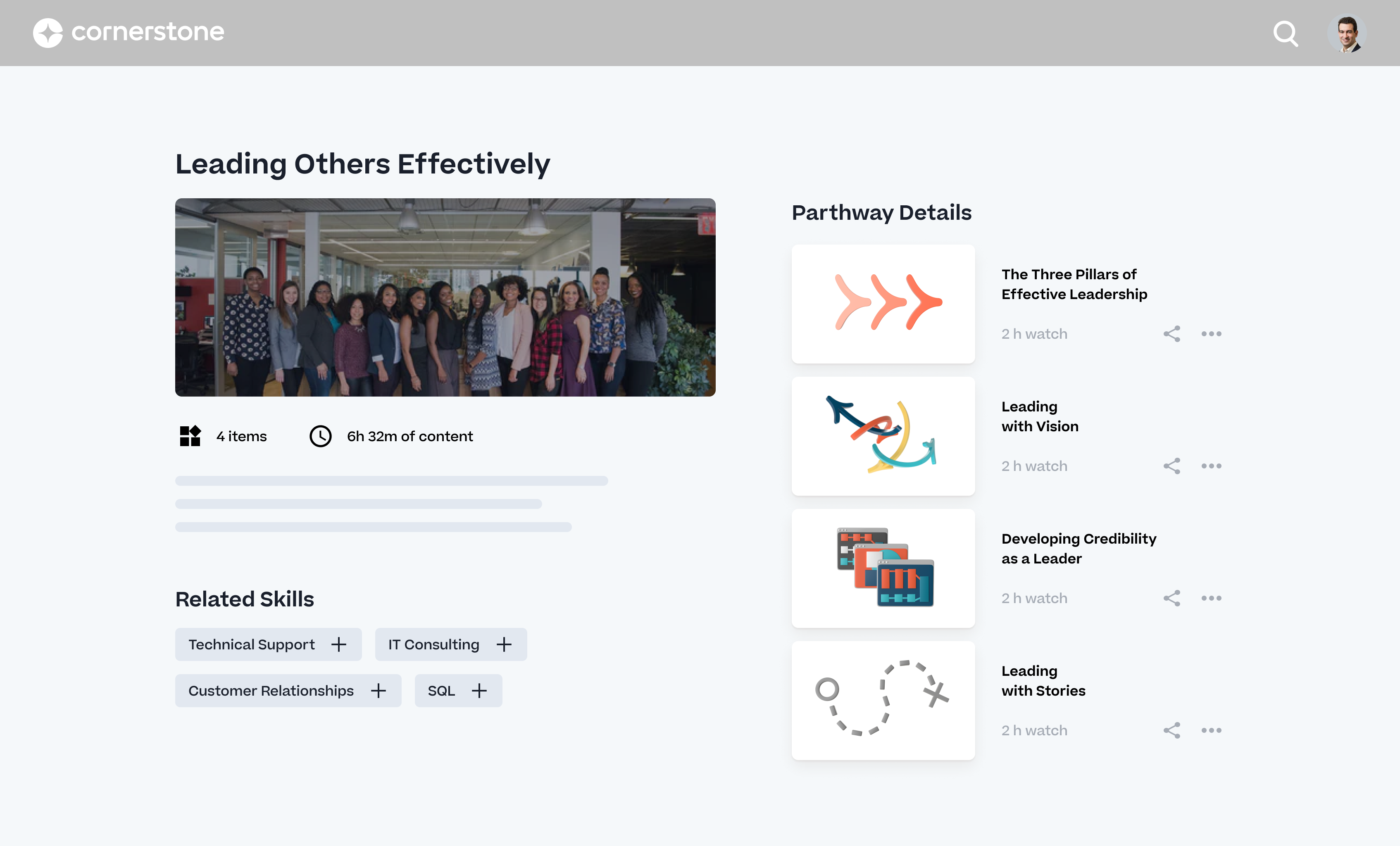
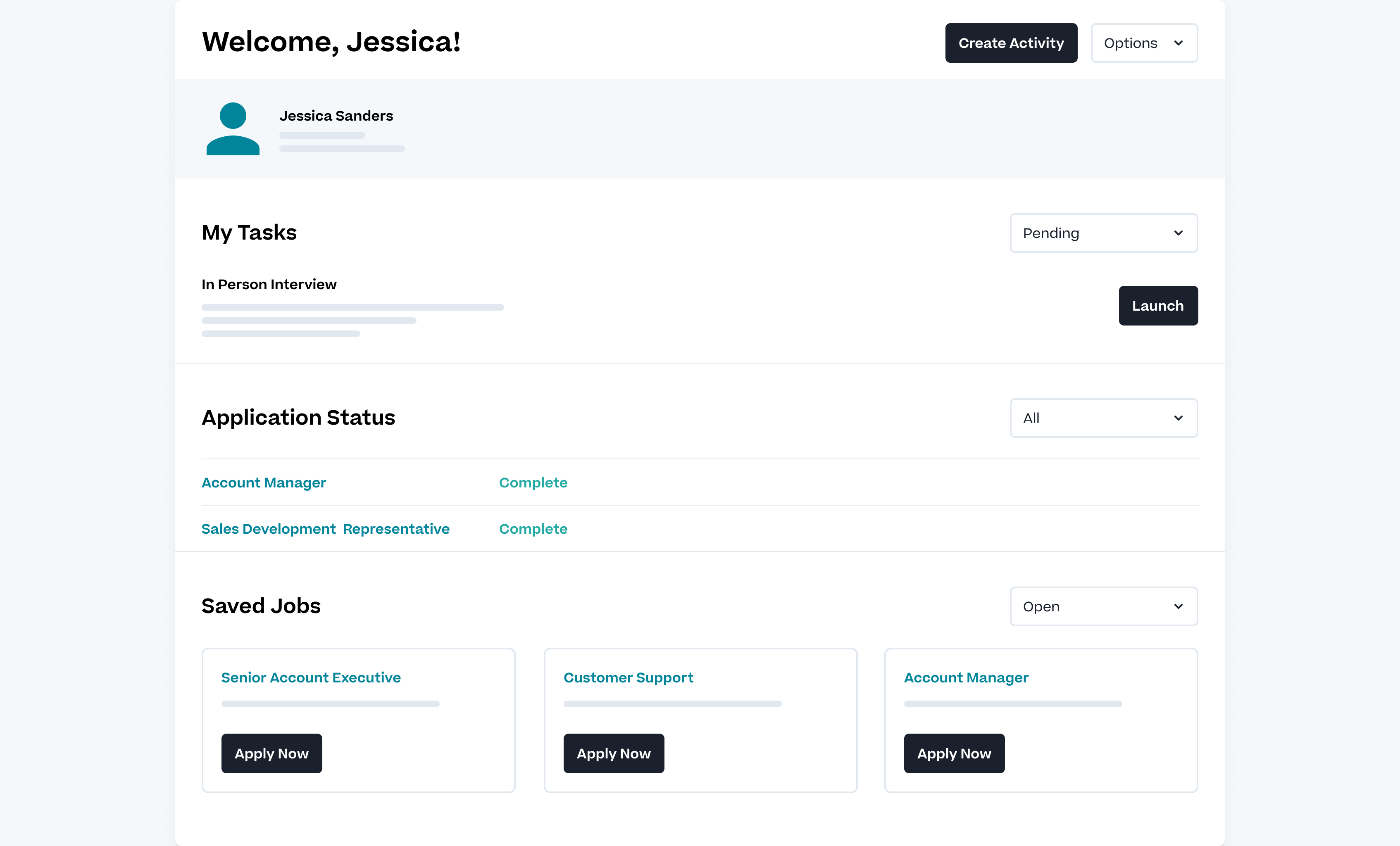
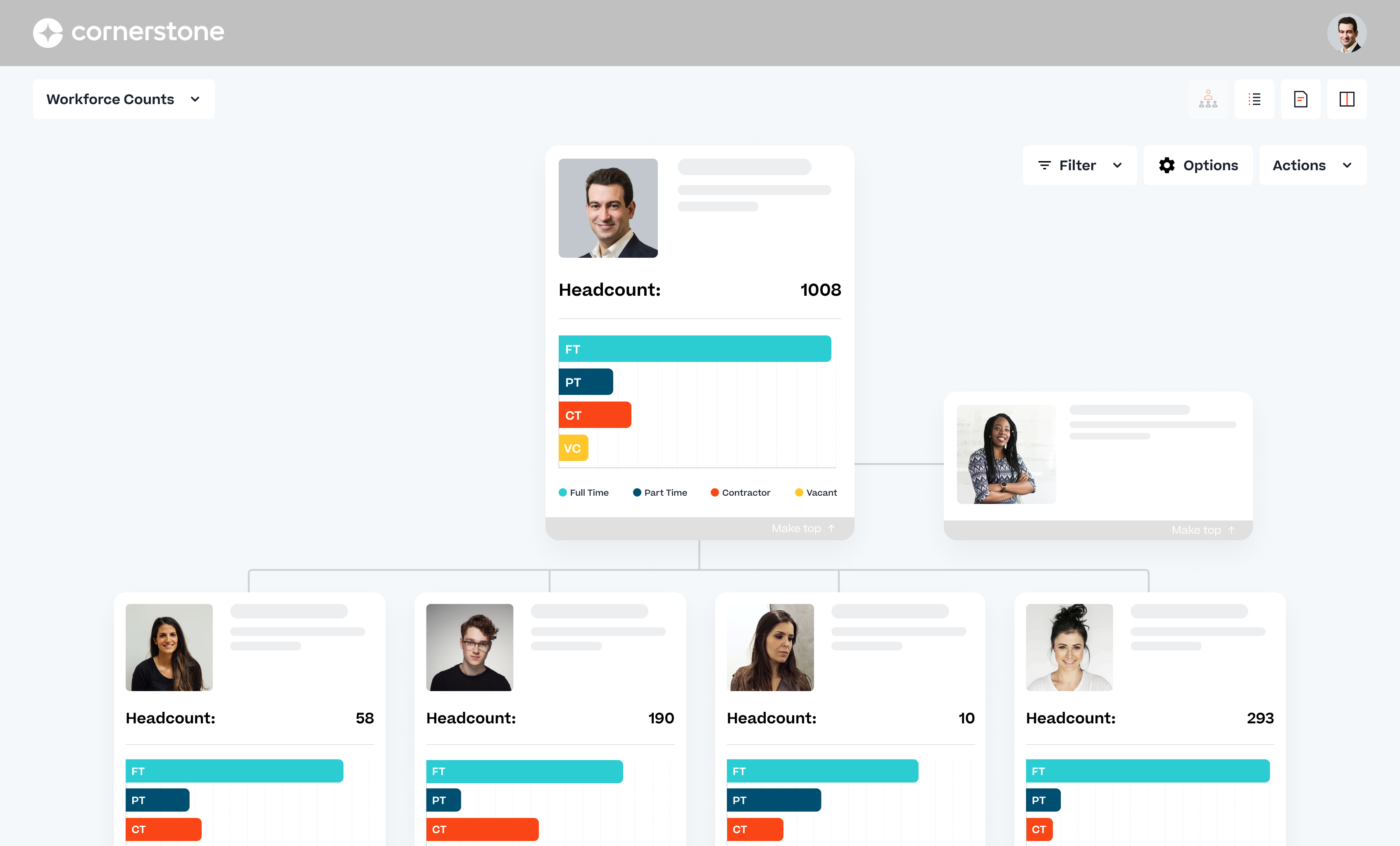
Screenshot of A personalized, modern user experience and self-service capabilities to engage employees, ensure productivity, and centralize employee dataScreenshot of With Cornerstone Learning, go beyond compliance and training - truly develop an engaged and collaborative workforce.Screenshot of Cornerstone Recruiting takes care of all talent acquisition needs and provides candidates with an amazing experience.Screenshot of With Cornerstone Performance, benchmark your people's performance, align them with your strategy, and provide feedback that matters.Screenshot of Cornerstone HR offers a personalized, modern user experience and self-service capabilities to engage employees, ensure productivity, and centralize employee data.Screenshot of With Content Anytime, quickly deliver hundreds of eLearning courses covering key soft-skills such as communication, time management, leadership, teamwork, and emotional intelligence.

iSpring Learn Screenshots

Screenshot of iSpring Learn LMSScreenshot of Mobile LearningScreenshot of Detailed StatisticsScreenshot of Learning ContentScreenshot of the user management interfaceScreenshot of the Training Calendar