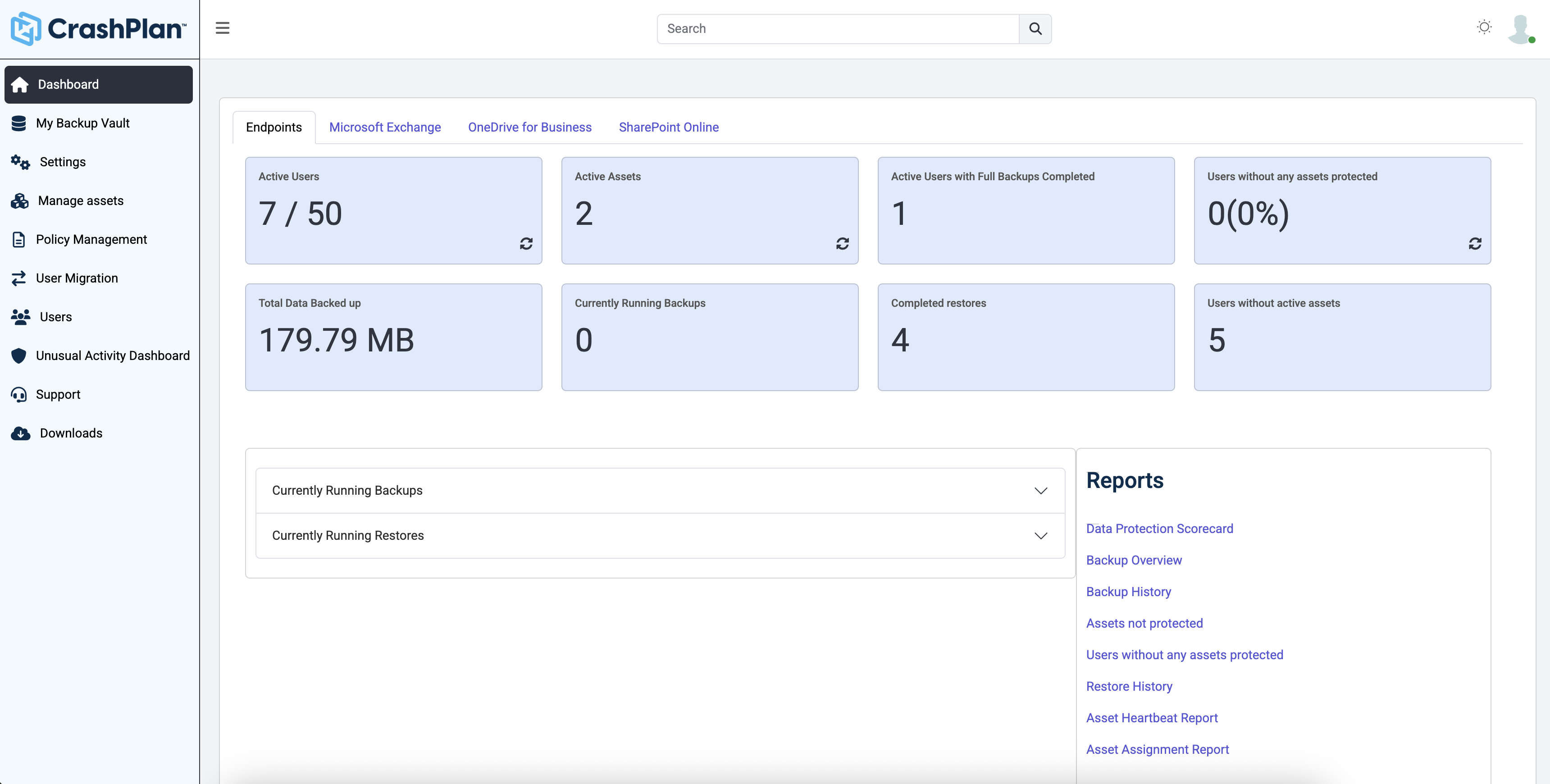
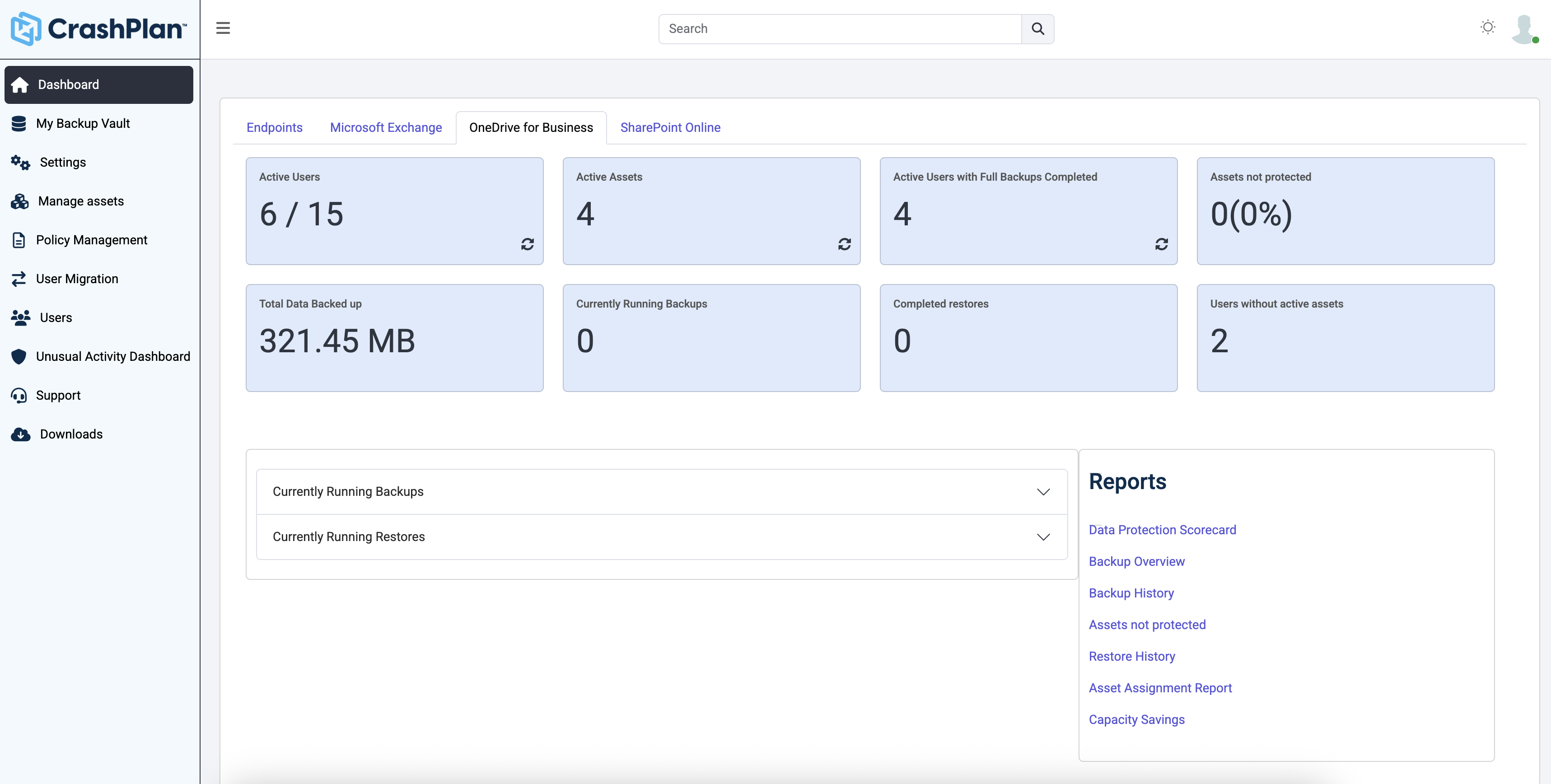
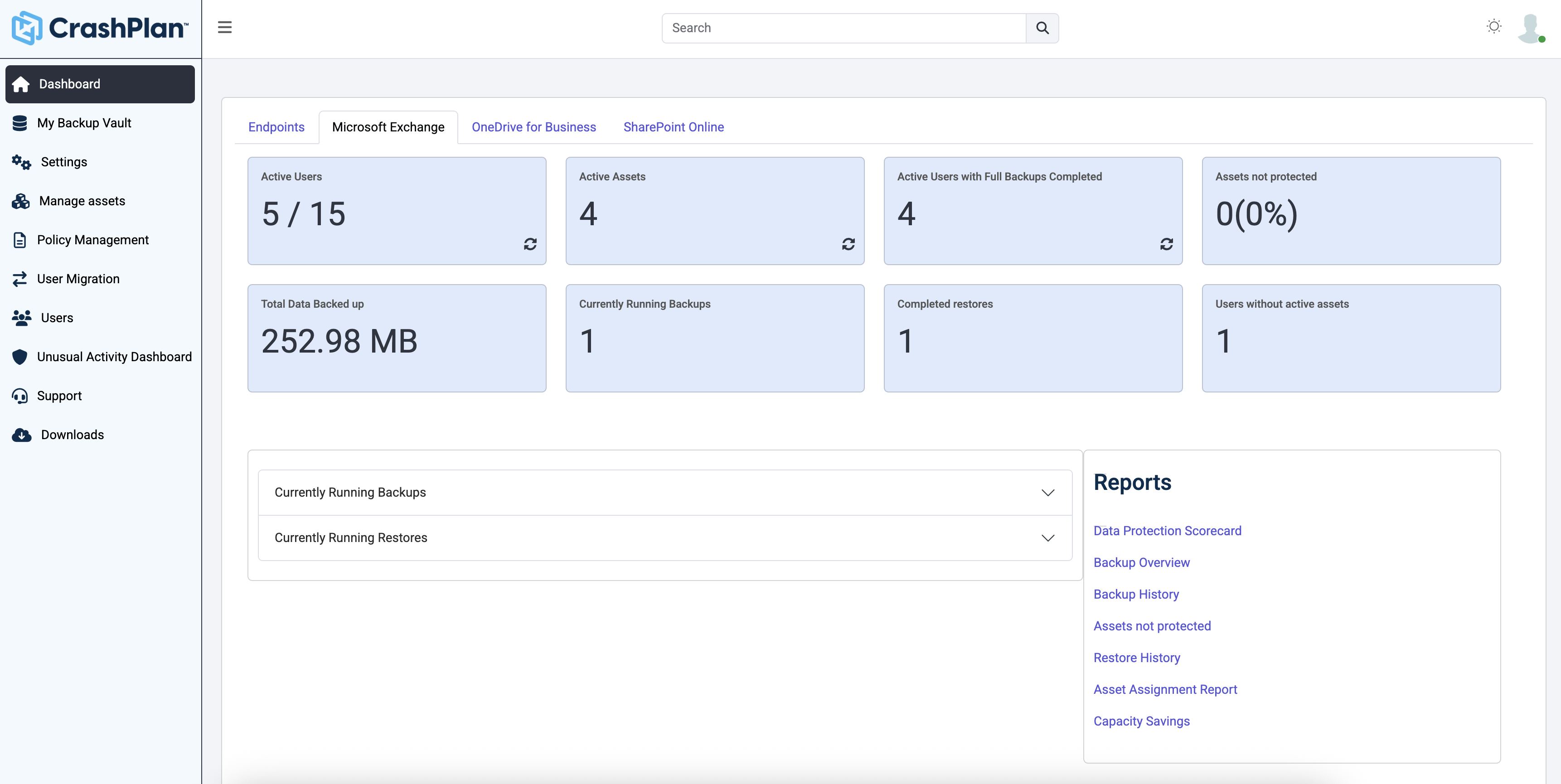
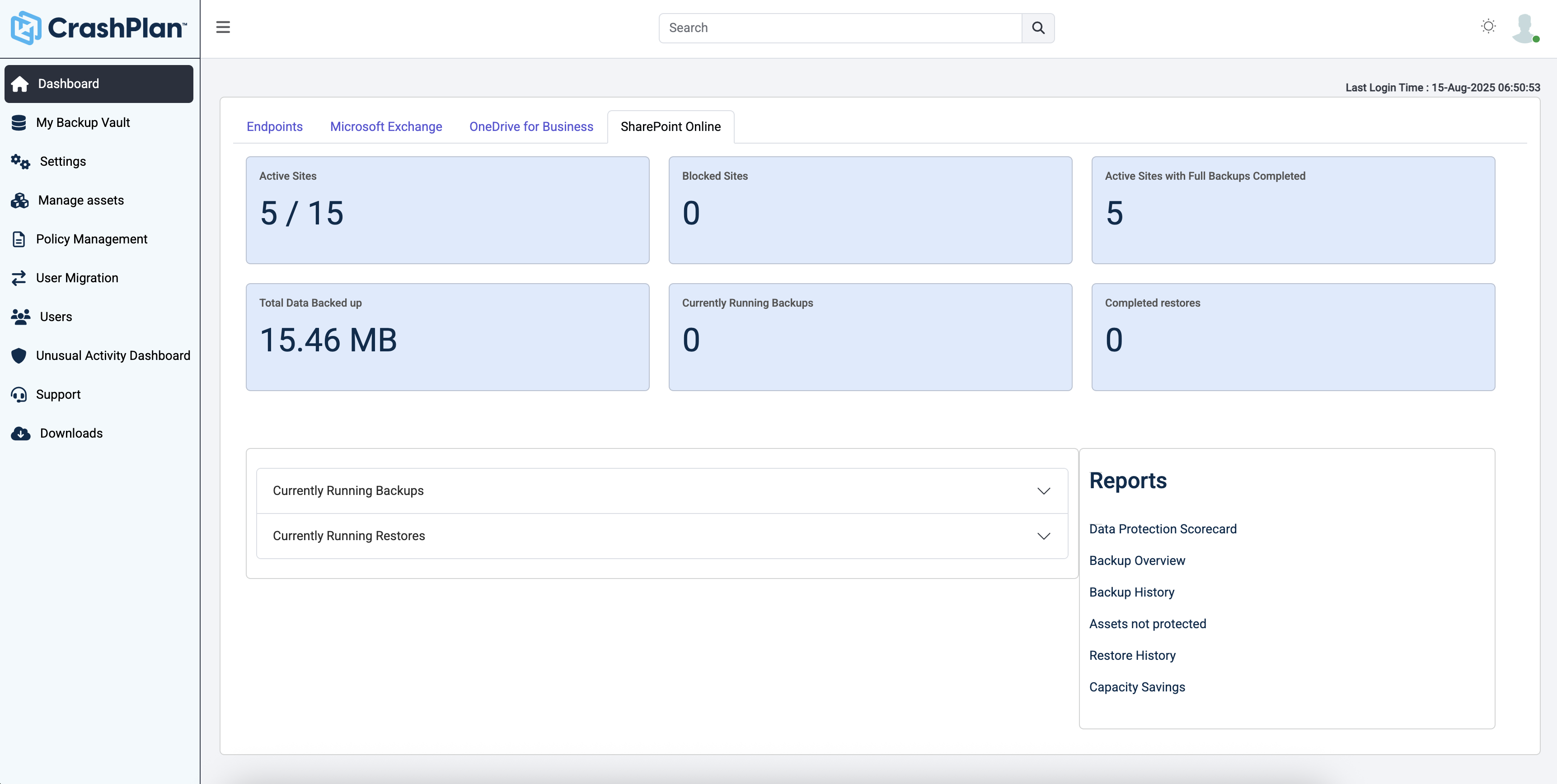
CrashPlan® provides secure, scalable, and straightforward endpoint data backup, to help organizations recover from any worst-case scenario, whether it is a disaster, simple human error, a stolen laptop, ransomware, or an as-of-yet-undiscovered calamity.
N/A
Zerto on IBM Cloud
Score 8.4 out of 10
N/A
Zerto on IBM Cloud protects, expands, and migrates existing VMware vSphere and other hypervisor workloads onto IBM Cloud, in order to provide a secure, flexible, and scalable disaster recovery solution. These single-tenant environments are deployed on IBM Cloud's data centers around the world and provide cloud application recovery in minutes.
CrashPlan (in my specific case the CrashPlan Pro or CrashPlan for Small Business (there seems to be somewhat of an ongoing identity crisis with the products) is significantly lower overhead, in terms of cost and complexity, when compared to the other two products I have …
Mostly the price is what drew me to CrashPlan -others I have used are expensive per GB storage and difficult to manage. Carbonite was costing $1000.00 a year for 1 server with 2 TB of data. CrashPlan helps keep down the cost and the client spends much less time paying me to …
Both of the entries I put need a dedicated VM or physical server to be utilized. VEEAM can be installed as a VM or on a physical server, but Unitrends has a dedicated server needed as a purchased product in order to get the backups running. CrashPlan is a simple install on any …
Unitrends is our primary backup solution here at my place of employment, and I have no complaints. It does on-prem backups to a storage pool and with that, we chose not to also use Unitrends could storage as the cost was pretty high. Crashplan has a low cost and we were …
Both AppAssure and Acronis Disaster Recovery Service was used in the IT business management firm in which I worked. AppAssure required off sight storage. It was challenging in that the size of offsite storage was an additional cost and rolling up could take hours. Restoring …
I have used SOS online backup. SOS might have had some advantages and was fairly easy to use, especially when searching for files. This is not to say that Code42 is difficult. But I did not feel that using SOS was justified given the exorbitant pricing scheme used by SOS.
We've been using Nakivo and Code42 together. It works great as we are able to have the peace of mind of having data backed up offsite (Code42) and locally (Nakivo) I found this combo worked better than the costly and complicated setup of both Unitrends and Zerto. My biggest …
Have used Veritas, Symantec, Mozy, and Carbonite. Veritas and Symantec Backup Exec from my tape days, and Mozy and Carbonite when I wanted to move to a modern backup service. Code42's interface, cost, simplicity of use, versioning, security, and low-impact sold me. No contest …
I formerly used SOS Online Backup. It was a very similar system, originally offering unlimited backups at a price similar to Code42. After more than a year of backups, SOS informed me that they'd be reducing my storage from unlimited to 2tb, and, increasing my monthly rate by …
The main advantage that CrashPlan has on competing services is it's ability to back up network drives and keep your backup archives indefinitely. While Backblaze costs significantly less ($50/year/computer vs. $10/year/computer - or $120/year/computer), it does not have the …
OneDrive is not a good backup solution for endpoints. It is for storing a few files and sharing those files but not for business backup. Druva is a very good product that we never had any problems with and I'm not exactly sure why we switched from it. Code42 has some extra …
For our business model, Carbonite was not as economical. CrashPlan offered unlimited backup and unlimited deleted file retention for similar cost. Additionally, we had better results with support during evaluation with CrashPlan.
I have used several tape drives over the years with Symantec Backup Exec. Tapes have so many negatives associated with them, I would never recommend them as a backup system. I have also tried a couple of other disk based backup systems. Compared to all other backup solutions …
CrashPlan just makes backups simple. It's LDAP integration isn't locked in to only AD (i.e., Commvault) and the product is much more solid and reliable than the end user portion of Tivoli's CDP offering that was replaced in our environment by CrashPlan. I can't stress enough …
We compared CrashPlan with other choices and they were either too expensive or didn't have the backup capacity we required at the time. For lack of a better solution, we were very close to signing with Mozy, and this was years ago when CrashPlan was still a new player in the …
I like Crashplan's centralized nature and flexibility with support for all platforms. Their support has been the best of all other competitors' solutions.
I have not used the product, but it appears to be in the same league as the Crashplan product. I tend to think Crashplan is better only because of naivete of the other product and the fact that the entire experience with Crashplan has been fantastic from setup to updating to …
We use Windows Server to backup our in-house associates as they are connecting to the domain and it is easy to keep track of. Our remote associates do not connect to the domain as often so we had to find a solution to enable us to get a secure, accurate backup of their data. …
CrashPlan demonstrated a more advanced development than other products we were evaluating. A number of them didn't compress and dedupe, which affected performance on the machine as well as the network. The controls and reporting of crashplan were way more intuitive and …
We looked at file sync solutions that require an end user to move data independently, and two major things stuck out:
1. The human error factor was high. You cannot trust people to move files, even if they are important or they've agreed to move them on a certain schedule, and …
We had prior experience with Zerto and we were very happy with how it worked. Rubrik is also a very good product, but we wanted to go with the solution we were most familiar with. Zerto combined with IBM Cloud is a reliable combo that we feel works together well in addressing …
Zerto was simpler and faster when it came to a large data repository that needs backup, replication, and restoration. Even though it was slightly more expensive, the functionality and features of Zerto drove us to go with it.
Zerto on IBM Cloud was the more robust and proven solution that provides continuous data protection when compared with Veeam.
Zerto on iLand did not allow us to get the full management experience of Zerto as it was all accessed via iLand's third-party management portal. Our IBM …
Before we were using native backup solutions. We elected to bring in Zerto on IBM Cloud so that our team could have the ability to take small increments of data over time so that the final cutover would be quick and efficient.
If I understand correctly, I evaluated those products for an IoT device management solution, that manages sensors not virtual machines, Not sure how to compare
This is a great Cloud backup solution. The cost is low, the bandwidth is managed well within the application, and the footprint for the client on a machine is very small and provides a notification menu icon with info about what is happening now or very recently. This does not backup to anything locally, so if that is a requirement, it will not meet that need. It used to be able to backup from one machine to another remote machine at one time, but now it is only cloud-based.
If the environment is fully IBM cloud-based with simple infra components like the SQL servers, standard VMs or applications with short recovery time objectives. This cost-effective solution can save in implementing rather than an expensive DR mechanism or tool to support the overall recovery strategy. If you have complex environments where mission-critical apps like Oracle Databases are running in a cluster mode and features like data guard is used this option would not be a good choice due to complexity.
Code42 is the most affordable backup system offering unlimited storage that I could find. I came from SOS Online Backup, which I ultimately decided to drop after my monthly rate for their unlimited plan increased by 20x.
With Code42's unlimited storage option, I don't have to worry about the fact that my backups are significant in space. As a photographer with thousands of images at stake, I need to run large backups often.
Code42 runs continuously and silently in the background of my desktop computer. It is truly "set and go", so I don't have to think about it when I'm away. It runs until the designated drive has been fully backed up to my cloud storage. It will then automatically email me once the backup is complete (or, it will email me if it encounters any errors).
Customer service is above par. Anytime I need help, a chat agent is available (chat is my communication preference), they are always friendly, and go above and beyond to resolve my needs.
Ease of setup and upgrade. Installation and configuration was a breeze and can get you protected in just minutes without having to set up additional hardware.
Consolidated billing of the IBM infrastructure and Zerto licensing. One bill to pay monthly.
Ease of support access. Contacting IBM Cloud support is quick and easy and they can quickly involve Zerto support if needed.
The CrashPlan program installed on your computer is Java-based vs. a native application. While this makes development for CrashPlan easier, there are a lot of drawbacks to Java programs including more resources usage, less stability, and overall more clunky interface.
While this was also in the Pros category - CrashPlan is an extremely powerful and flexible program, which adds a great deal of complexity. Setting up CrashPlan isn't always a simple procedure, and depending on the complexity of your backup set, can take a while to tinker around with the settings to get everything to work properly.
The CrashPlan desktop program consists of a Java program front end, as well as a backend service - there are times when the backend service will crash, and the front end Java program will refuse to load. Typically, restarting the service or restarting the computer will resolve the issue, but sometimes more in-depth troubleshooting is required.
Perhaps one of the biggest downsides to CrashPlan is its price - at $10/month/computer CrashPlan is more than double the price of some existing backup services such as Backblaze (priced at $50/year/computer). To add salt to the wound, about a year and a half ago, CrashPlan discontinued their consumer options - which were very reasonably priced at $60/year for a single computer or a family plan priced at $150/year for up to 10 computers. When these options were discontinued, the cost of backing up with CrashPlan was effectively doubled for the same feature set.
Along with the previous example, CrashPlan had the option to back up to a remote machine on a different network with a free Crashplan account. This option was eliminated when the consumer line of services were discontinued.
While the backup service provided by CrashPlan are still first in class, the above two controversial changes have broken some trust between CrashPlan and its clients.
Enable the ability to use IBM Cloud Object Storage as a target for Zerto's long-term retention feature.
Easier access to the underlying VMware infrastructure would be nice. Right now we have to connect to IBM's VPN and use other tools to do some infrastructure management tasks.
More insight into the IBM-side VMware environment that we replicate to (i.e. ability to see available IPs, etc). Most of that is managed by IBM.
Friendly and knowledgeable support team available to assist with this product. Code 42 (formerly CrashPlan) offers unlimited storage options for reasonable costs, so you really can't go wrong with this product. They have been a reliable resource for our company, and I would recommend to others looking for an easy setup with unlimited storage.
CrashPlan (in my specific case the CrashPlan Pro or CrashPlan for Small Business (there seems to be somewhat of an ongoing identity crisis with the products) is significantly lower overhead, in terms of cost and complexity, when compared to the other two products I have evaluated/used. The downsides are that it is also significantly less functional than the other products. CrashPlan is, as I have said a good value simple point solution.
We had prior experience with Zerto and we were very happy with how it worked. Rubrik is also a very good product, but we wanted to go with the solution we were most familiar with. Zerto combined with IBM Cloud is a reliable combo that we feel works together well in addressing what we are trying to accomplish.
Tremendous cost savings as the amount of data you backup doesn't impact cost. One flat rate!
Implementation time was minimal and requires little to no maintenance. Since installation, I've not had to correct or fix any issues. It just works.
We opted to supplement Code42 with another solution that allowed us to backup data to a local repository due to the amount for data that changes in our firm.
Overall, it's a very effective solution both from a cost and operational standpoint. We now do DR tests once a quarter rather than once every 6 months.