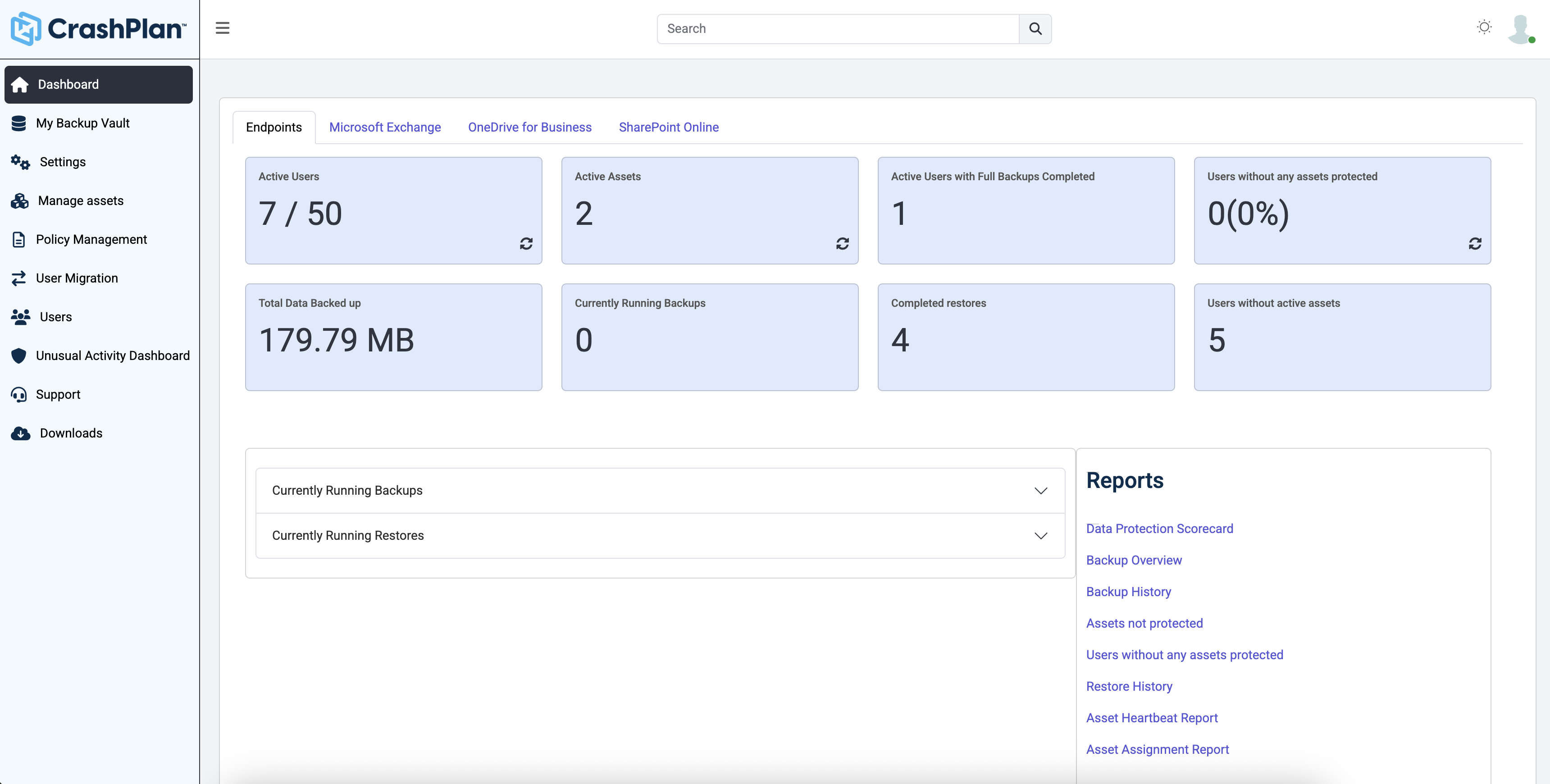
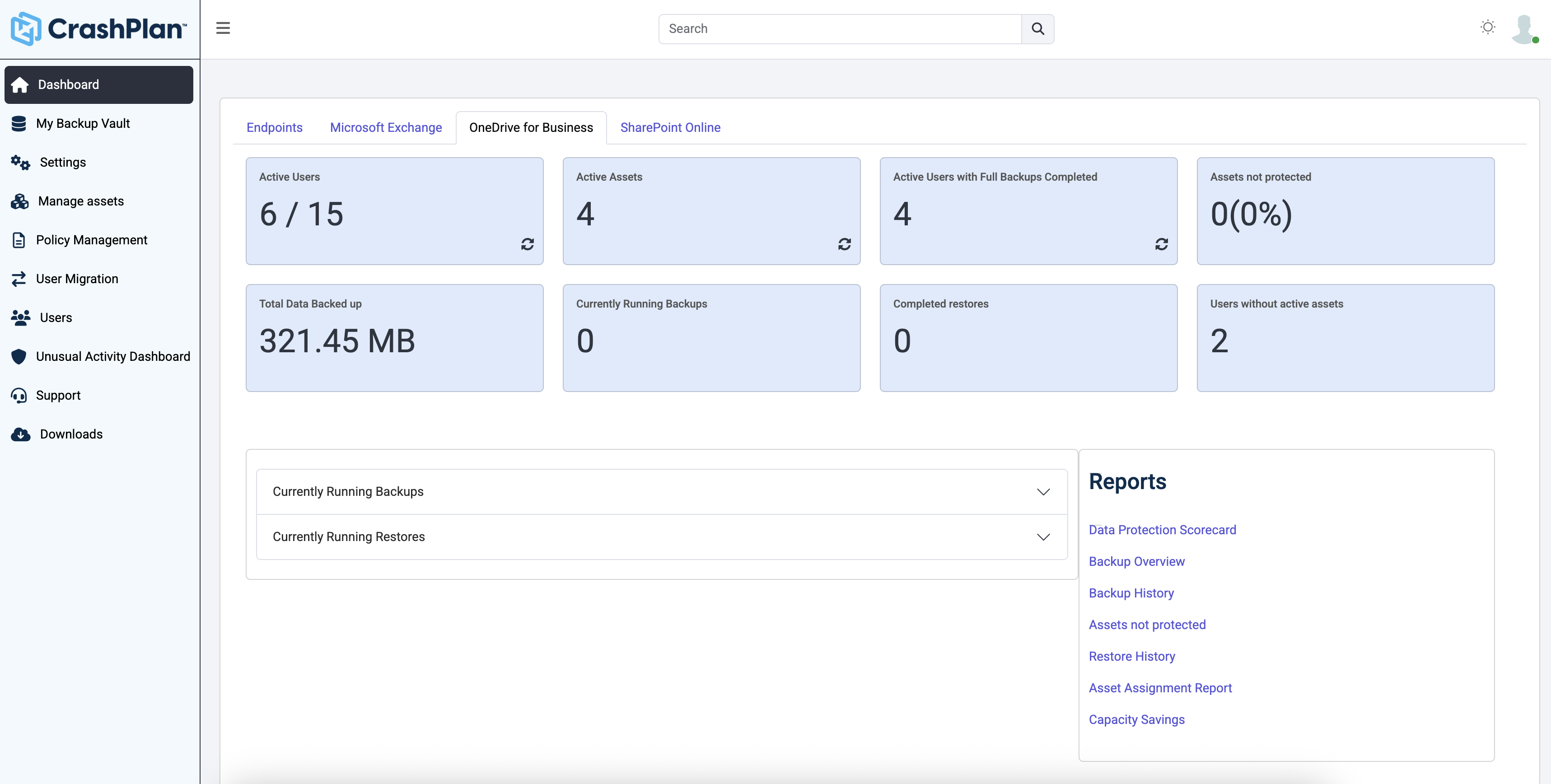
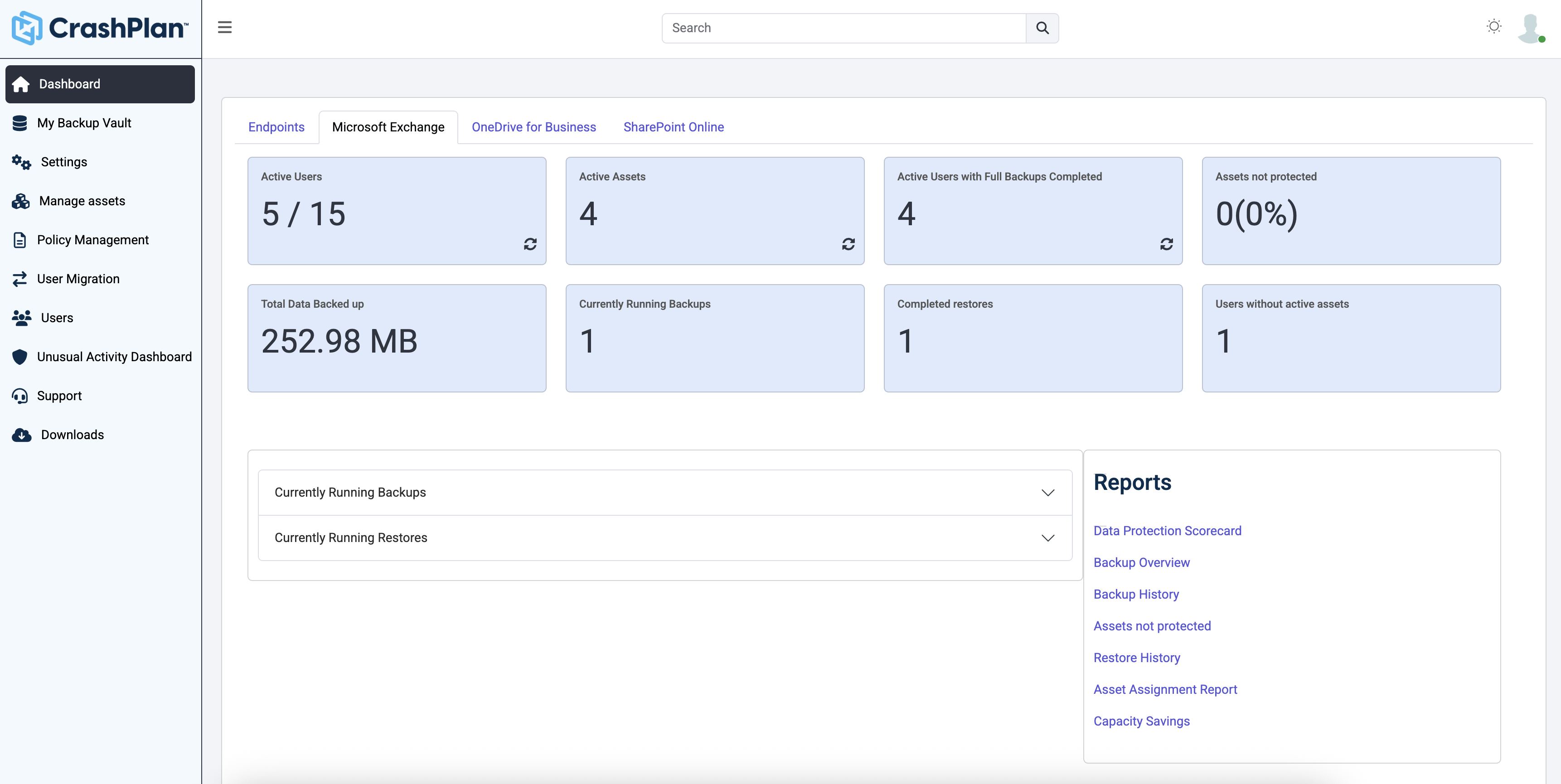
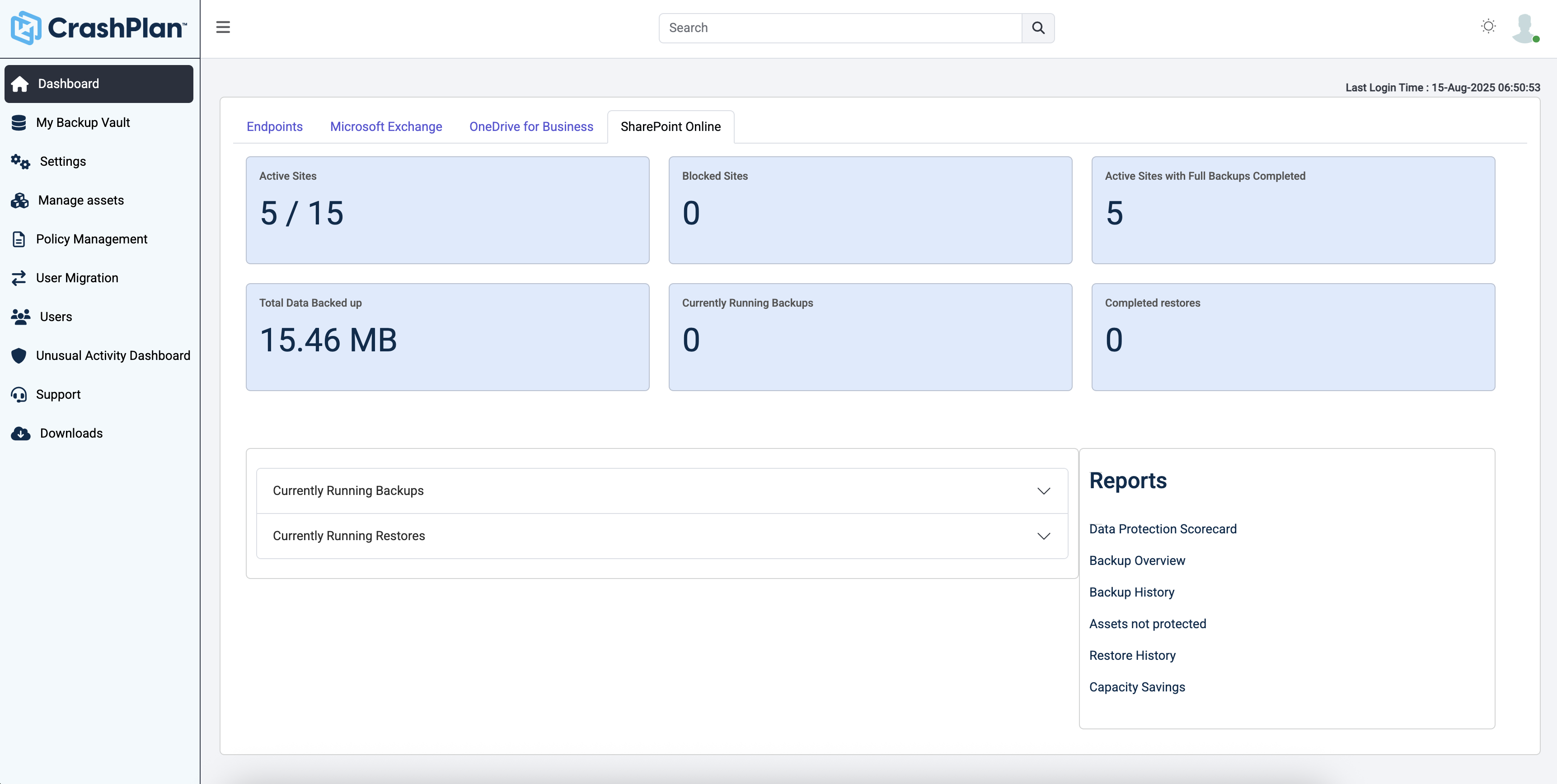
CrashPlan® provides secure, scalable, and straightforward endpoint data backup, to help organizations recover from any worst-case scenario, whether it is a disaster, simple human error, a stolen laptop, ransomware, or an as-of-yet-undiscovered calamity.
N/A
HPE Zerto Software
Score 8.7 out of 10
Enterprise companies (1,001+ employees)
HPE Zerto Software aims to enable customers to run an always-on business by simplifying the protection, recovery, and mobility of on-premises and cloud applications.
CrashPlan (in my specific case the CrashPlan Pro or CrashPlan for Small Business (there seems to be somewhat of an ongoing identity crisis with the products) is significantly lower overhead, in terms of cost and complexity, when compared to the other two products I have …
Mostly the price is what drew me to CrashPlan -others I have used are expensive per GB storage and difficult to manage. Carbonite was costing $1000.00 a year for 1 server with 2 TB of data. CrashPlan helps keep down the cost and the client spends much less time paying me to …
Both of the entries I put need a dedicated VM or physical server to be utilized. VEEAM can be installed as a VM or on a physical server, but Unitrends has a dedicated server needed as a purchased product in order to get the backups running. CrashPlan is a simple install on any …
Unitrends is our primary backup solution here at my place of employment, and I have no complaints. It does on-prem backups to a storage pool and with that, we chose not to also use Unitrends could storage as the cost was pretty high. Crashplan has a low cost and we were …
Both AppAssure and Acronis Disaster Recovery Service was used in the IT business management firm in which I worked. AppAssure required off sight storage. It was challenging in that the size of offsite storage was an additional cost and rolling up could take hours. Restoring …
I have used SOS online backup. SOS might have had some advantages and was fairly easy to use, especially when searching for files. This is not to say that Code42 is difficult. But I did not feel that using SOS was justified given the exorbitant pricing scheme used by SOS.
We've been using Nakivo and Code42 together. It works great as we are able to have the peace of mind of having data backed up offsite (Code42) and locally (Nakivo) I found this combo worked better than the costly and complicated setup of both Unitrends and Zerto. My biggest …
Have used Veritas, Symantec, Mozy, and Carbonite. Veritas and Symantec Backup Exec from my tape days, and Mozy and Carbonite when I wanted to move to a modern backup service. Code42's interface, cost, simplicity of use, versioning, security, and low-impact sold me. No contest …
I formerly used SOS Online Backup. It was a very similar system, originally offering unlimited backups at a price similar to Code42. After more than a year of backups, SOS informed me that they'd be reducing my storage from unlimited to 2tb, and, increasing my monthly rate by …
The main advantage that CrashPlan has on competing services is it's ability to back up network drives and keep your backup archives indefinitely. While Backblaze costs significantly less ($50/year/computer vs. $10/year/computer - or $120/year/computer), it does not have the …
OneDrive is not a good backup solution for endpoints. It is for storing a few files and sharing those files but not for business backup. Druva is a very good product that we never had any problems with and I'm not exactly sure why we switched from it. Code42 has some extra …
For our business model, Carbonite was not as economical. CrashPlan offered unlimited backup and unlimited deleted file retention for similar cost. Additionally, we had better results with support during evaluation with CrashPlan.
I have used several tape drives over the years with Symantec Backup Exec. Tapes have so many negatives associated with them, I would never recommend them as a backup system. I have also tried a couple of other disk based backup systems. Compared to all other backup solutions …
CrashPlan just makes backups simple. It's LDAP integration isn't locked in to only AD (i.e., Commvault) and the product is much more solid and reliable than the end user portion of Tivoli's CDP offering that was replaced in our environment by CrashPlan. I can't stress enough …
We compared CrashPlan with other choices and they were either too expensive or didn't have the backup capacity we required at the time. For lack of a better solution, we were very close to signing with Mozy, and this was years ago when CrashPlan was still a new player in the …
I like Crashplan's centralized nature and flexibility with support for all platforms. Their support has been the best of all other competitors' solutions.
I have not used the product, but it appears to be in the same league as the Crashplan product. I tend to think Crashplan is better only because of naivete of the other product and the fact that the entire experience with Crashplan has been fantastic from setup to updating to …
We use Windows Server to backup our in-house associates as they are connecting to the domain and it is easy to keep track of. Our remote associates do not connect to the domain as often so we had to find a solution to enable us to get a secure, accurate backup of their data. …
CrashPlan demonstrated a more advanced development than other products we were evaluating. A number of them didn't compress and dedupe, which affected performance on the machine as well as the network. The controls and reporting of crashplan were way more intuitive and …
We looked at file sync solutions that require an end user to move data independently, and two major things stuck out:
1. The human error factor was high. You cannot trust people to move files, even if they are important or they've agreed to move them on a certain schedule, and …
I think Rubrik, VEEAM and Zerto are great products, really depends on the use case. Zerto is probably the best real time replication technology available for VMs to a single or multiple DR datacenter. They claim they have backup capabilities but they are not in the ballpark of …
Migrations from Hyper-V to VMWare. This something VMware cloud availiblity not can do. Whit migrations from several platforms to VMWare, this is realy a missing part in VMware Cloud availity and a real + in Zerto. The RPO en RTO are almost the same, butnif you realy want 'the …
We initially purchased RecoverPoint and after stumbling through the installation with the consultant and realizing how clumsy and nonautomated it was we began looking elsewhere. We really disliked the amount of setup and manual configuration needed to get basic things …
Zerto was far and away from a much better product than RecoverPoint. EMC was unable to perform near as fast and as good as Zerto and required a lot more setup and infrastructure to run.
Hands down Zerto blows VMWare SRM out of the water. The configuration is easy to setup. Managing replications are just a few short key strokes and there is an easy-to-navigate web dashboard.
Veeam is an impressive solution, however, Zerto has a better feature set, customizable journal, and RPO timing. The price with Zerto was more competitive.
We use VMware vSphere Replication as our disaster recovery tool for our Tier 2/3 systems. This was chosen as it saves us costs for our less critical, but still needed systems that keep our company running. Putting everything on Zerto would be great, but with this combination, …
Zerto replication is a lot cheaper than any of the completion, it’s simple to set up and use, requires minimal training for users, and its simple interface and groups using VPG enables a granular setup.
It just does what it says and is simple, reliable, and relatively cheap
Zerto solves issues with snapshot-based backups and provides continuous data protection up to 14 days with an astonishing granularity. Zerto's One-2-Many can provide local and offsite backups with near real-time and fast restore of a VM
While more expensive, Zerto does a better job of protecting our servers and keeping the RPO low. It was also supported by our financial core which was a huge factor in our adoption. However, one it was put into our system, we wanted to adopt it company wide. As long as you …
We looked at both CommVault and NetBackup, which are similar platforms to that of the Zerto Replication Software stack. We thought the Zerto solution best met our specification needs, as well as our cost needs. The CommVault licensing was complicated, and we just have had a bad …
We started out using Backup Exec which was in service until we virtualized our environment where it didn't perform as well at the time. Then we switched to Veeam which worked well, but then as we started needing to do migrations and off-site DR, we found ourselves relying on …
The speed of WAN replication is great. It is faster compared to RecoverPoint and 20 VMs replicating over a 20Mbps VPN, which has a RPO less than one minute. Of course, your mileage will vary.
We used to use Veeam for our replication solution but due to the snapshot issues that we used to experience with our larger virtual machines, i.e we would encounter some lost of connectivity. We were told by two of our partners that Zerto would solve our needs and we did our …
Zerto is easy to install and maintain. Most importantly, the replication feature with a journal that provides recovery point every few seconds cannot be found in any other software we evaluated.
Physical recoverpoint and virtual Recovperpoint for VMware are still very basic in their feature set. Physical recoverpoint requires months of planning, installation, configuration, before systems are replicated and then protected. There is no backup feature such as Zerto, …
Zerto replicates at the hypervisor level, not the VM level like VMware Site Recovery Manager (SRM). SRM replicates vms within or across vSphere clusters, but not between different hypervisors. While I only replicate from vcenter to vcenter, if we needed to replicate to a …
This is a great Cloud backup solution. The cost is low, the bandwidth is managed well within the application, and the footprint for the client on a machine is very small and provides a notification menu icon with info about what is happening now or very recently. This does not backup to anything locally, so if that is a requirement, it will not meet that need. It used to be able to backup from one machine to another remote machine at one time, but now it is only cloud-based.
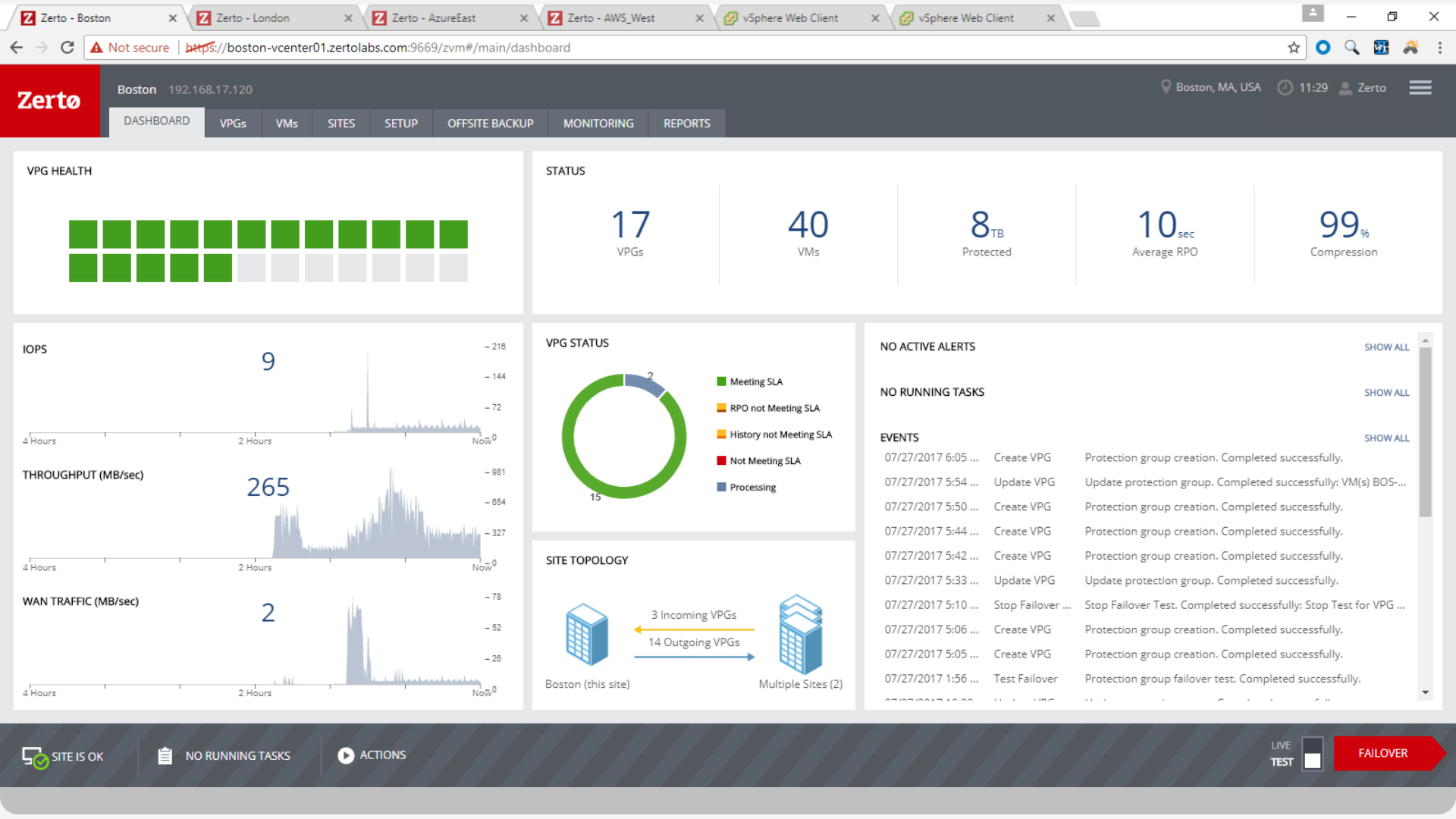
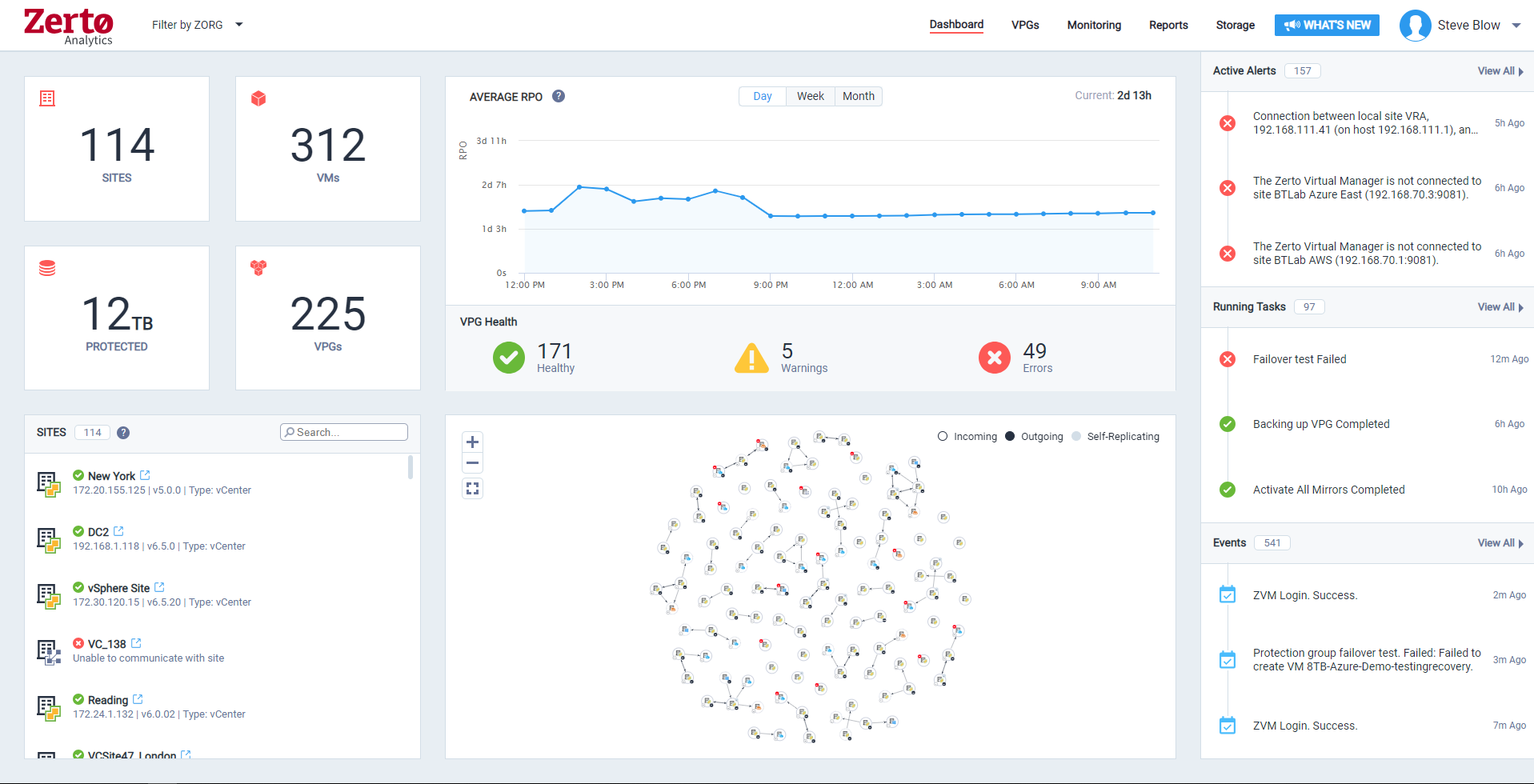
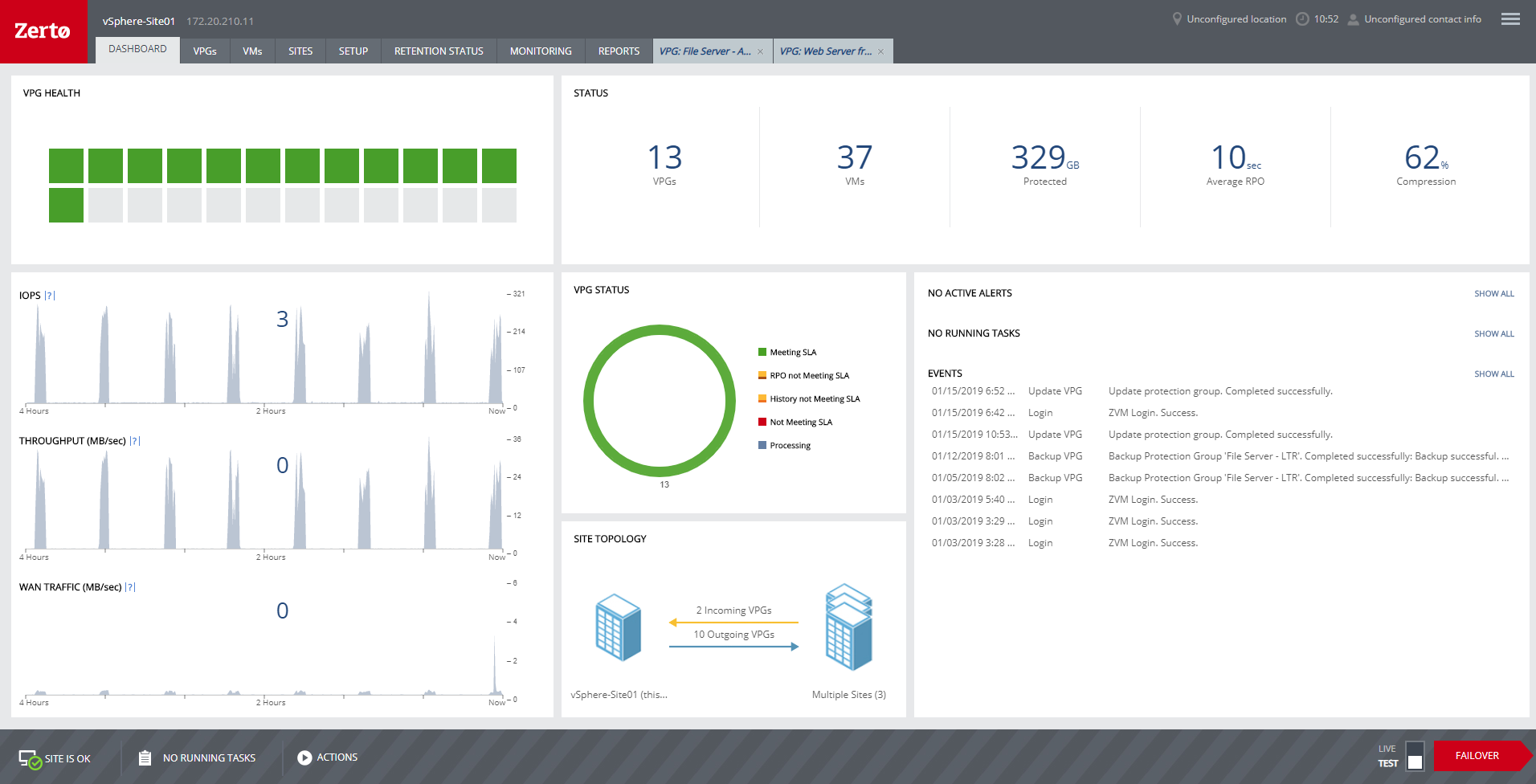
Zerto is well suited for disaster recovery and virtual machine replication between multiple data centers. DR testing for audit or regulations is much easier with Zerto, great reporting, dashboard etc. It is not well suited for physical server replication for disaster recovery or as a primary backup solution.
Code42 is the most affordable backup system offering unlimited storage that I could find. I came from SOS Online Backup, which I ultimately decided to drop after my monthly rate for their unlimited plan increased by 20x.
With Code42's unlimited storage option, I don't have to worry about the fact that my backups are significant in space. As a photographer with thousands of images at stake, I need to run large backups often.
Code42 runs continuously and silently in the background of my desktop computer. It is truly "set and go", so I don't have to think about it when I'm away. It runs until the designated drive has been fully backed up to my cloud storage. It will then automatically email me once the backup is complete (or, it will email me if it encounters any errors).
Customer service is above par. Anytime I need help, a chat agent is available (chat is my communication preference), they are always friendly, and go above and beyond to resolve my needs.
It is simple to set up and use. In my opinion, one of the most important functions of a tool is its interface. If you have the best product in the world but it takes an arm and a leg to configure and a doctorate degree to use, then the product isn't worth very much.
The continuous replication is done very well. The failover and failback process runs smoothly.
This has less to do with the product than the company, but Zerto as a company really listens to their customer base. We've always had a very good interpersonal experience with their support and sales teams. Having great people behind their product is definitely one of Zerto's strengths.
The CrashPlan program installed on your computer is Java-based vs. a native application. While this makes development for CrashPlan easier, there are a lot of drawbacks to Java programs including more resources usage, less stability, and overall more clunky interface.
While this was also in the Pros category - CrashPlan is an extremely powerful and flexible program, which adds a great deal of complexity. Setting up CrashPlan isn't always a simple procedure, and depending on the complexity of your backup set, can take a while to tinker around with the settings to get everything to work properly.
The CrashPlan desktop program consists of a Java program front end, as well as a backend service - there are times when the backend service will crash, and the front end Java program will refuse to load. Typically, restarting the service or restarting the computer will resolve the issue, but sometimes more in-depth troubleshooting is required.
Perhaps one of the biggest downsides to CrashPlan is its price - at $10/month/computer CrashPlan is more than double the price of some existing backup services such as Backblaze (priced at $50/year/computer). To add salt to the wound, about a year and a half ago, CrashPlan discontinued their consumer options - which were very reasonably priced at $60/year for a single computer or a family plan priced at $150/year for up to 10 computers. When these options were discontinued, the cost of backing up with CrashPlan was effectively doubled for the same feature set.
Along with the previous example, CrashPlan had the option to back up to a remote machine on a different network with a free Crashplan account. This option was eliminated when the consumer line of services were discontinued.
While the backup service provided by CrashPlan are still first in class, the above two controversial changes have broken some trust between CrashPlan and its clients.
We really like the easy setup of this replication solution, as well as the ease of management. Not to mention, our internal IT Economist determined that the Zerto solution would provide the best ROI out of the competing solutions we analyzed. So far, his calculations have been spot on, and we have saved substantially
Zerto is very easy to implement and support. Uses are broad, only issues are once something doesn't sync it is difficult to get assistance until your reach tier 2 or tier 3 support. Basic file and folder recovery is great. Live and test fail overs are also easy to implement without issue.
Friendly and knowledgeable support team available to assist with this product. Code 42 (formerly CrashPlan) offers unlimited storage options for reasonable costs, so you really can't go wrong with this product. They have been a reliable resource for our company, and I would recommend to others looking for an easy setup with unlimited storage.
Very responsive, very capable. Overall, the product is very easy to set up and configure. Problems usually encroach when lower-level components are updated for changed, for instance, vSphere. Support usually can help us work through any issues that pop up from upgrades to other software, but their own updates can lag behind a little.
CrashPlan (in my specific case the CrashPlan Pro or CrashPlan for Small Business (there seems to be somewhat of an ongoing identity crisis with the products) is significantly lower overhead, in terms of cost and complexity, when compared to the other two products I have evaluated/used. The downsides are that it is also significantly less functional than the other products. CrashPlan is, as I have said a good value simple point solution.
Zerto solves issues with snapshot-based backups and provides continuous data protection up to 14 days with an astonishing granularity. Zerto's One-2-Many can provide local and offsite backups with near real-time and fast restore of a VM
Zerto does not backup physical machines or VMs that are turned off, but there are other products to do that.
Other backup products are stepping up with ease of deployment and small organizations would find them a little easier to use as there are fewer configuration options.
Tremendous cost savings as the amount of data you backup doesn't impact cost. One flat rate!
Implementation time was minimal and requires little to no maintenance. Since installation, I've not had to correct or fix any issues. It just works.
We opted to supplement Code42 with another solution that allowed us to backup data to a local repository due to the amount for data that changes in our firm.