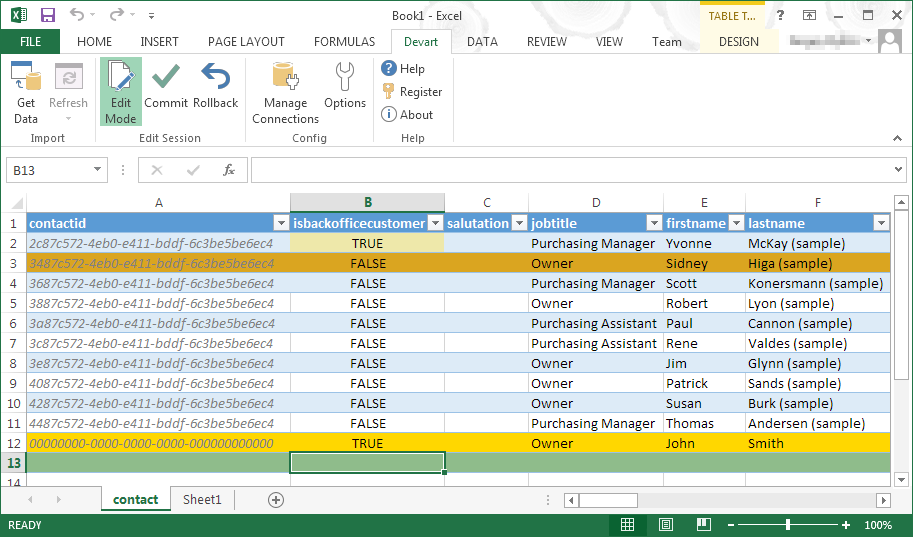
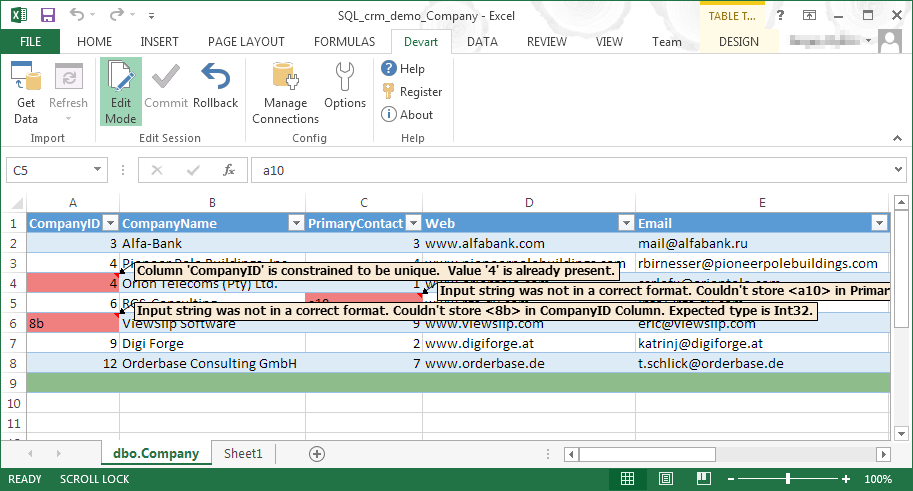
Devart Excel Add-ins allow you to use Excel capabilities to import, process, and analyze data from cloud applications and relational databases. The Excel Add-ins also allow users to make data changes and then save those changes back to the data source they were originally imported from.
$399.95
one-time fee
Qlik Replicate
Score 8.4 out of 10
N/A
Qlik Replicate enables organizations to accelerate data real-time replication, ingestion and streaming via change data capture, across a wide range of heterogeneous databases, data warehouses and data lake platforms.
N/A
Pricing
Devart Excel Add-ins
Qlik Replicate
Editions & Modules
Excel Add-in Database Pack
$399.95
one-time fee
Excel Add-in Cloud Pack
$499.95
one-time fee
Excel Add-in Universal Pack
$599.95
one-time fee
No answers on this topic
Offerings
Pricing Offerings
Devart Excel Add-ins
Qlik Replicate
Free Trial
Yes
Yes
Free/Freemium Version
No
No
Premium Consulting/Integration Services
No
No
Entry-level Setup Fee
No setup fee
Required
Additional Details
Purchases include a perpetual license and 1 year of subscription which includes the product updates and premium support.
One of the biggest benefits of Excel is its primary function: The ability to organize large amounts of data into orderly, logical spreadsheets and charts. With the data organized, it's a lot easier to analyze and digest, especially when used to create graphs and other visual data representations. Excel crunches numbers almost instantly, making batch calculations much easier than working things out yourself with a calculator. Depending on your understanding and skill with Excel, the formulas and equations are used to quickly compute both simple and complex equations using large amounts of data.
Qlik Replicate works very well with relational data platforms, both on premise and in the cloud, for example Oracle, SQL Server, PostgreSQL, MySQL and others, it also works very well with DB2. If the data source is MongoDB, it is more complicated and currently there is no possibility of sending data to MongoDB.
Qlik Replicate brought a great experience with respect to the ease of implementation and great UI. We had a software that was a blackbox for the team and was very hard to maintain. Qlik Replicate implementation helped us avoid dependency on one resource.
Global transformation and in-built functions are what I like in our project.
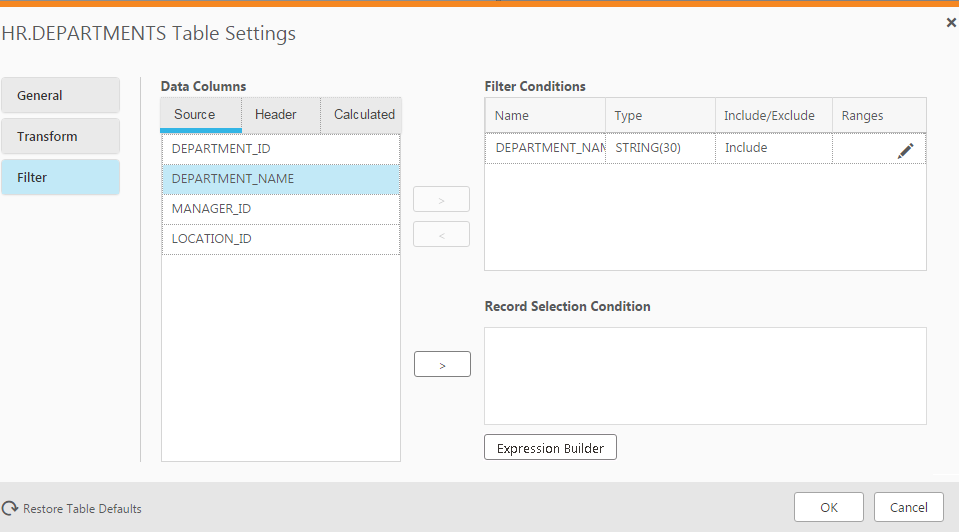
You can customize the conversion/transformation using a JSON file generated by Qlik Replicate, and it is very convenient.
The base Replicate web GUI is lacking. If you have dozens or more tasks, it's hard to get a sense of how they're performing. Enterprise Manager solves all of these problems but is a separate install.
The support portal is extremely difficult to navigate. It's hard to track down exactly what you're looking for.
It would be helpful to have better documentation and example queries for the tables in the Enterprise Manager analytics database.
Destination databases that don't support common DDL commands behave unpredictably. And the replication of schema changes isn't consistent.
The availability of the replicated data in disparate environments has is now crucial. Replacing a product like Qlik Replicate would require significant time, investments, and work. In addition, Qlik Replicate is reasonably reliable with few failures.
We now have greater business flexibility and scalability, and our big data integration projects have a quick rate of growth, which has been profitable for us. Independent of the sources involved, maintaining data consistency between sources is easy. One of my favorite features is the way it lets owners of the source system start and stop processes from updating their system windows.
The issue I've had is that Qlik does an awful job of keeping their customers informed when new versions of the software are available. We found that we were using a version that was no longer supported and could never get help. When it came time to get us upgraded so that we were on a current version, no one knew how to help get us to where we needed to be. We had to purchased professional services time and even then I was basically on my own to get everything built out and set up. Qlik needs to be more proactive with communicating about new releases and how to get your version upgraded in the most secure, safe way possible.
Follow the directions from the Qlik documentation. They are pretty straight forward and easy enough to follow. If you follow these, then you are not likely to have issues on implementation.
Microsoft Excel is the most used tool in the software universe. As such, asking Microsoft Excel to be the tool used post data acquisition makes a ton of sense. Almost everyone we hire has some idea on how to use this tool, which decreases the time spend training new employees.
Great tool for data replication solution for Oracle/SQLServers/etc. Real easy to get it set up and start realizing business value. Getting the PoC accomplished in a short window. Product costing and easy to start small and scale as needed. It helped cover most of our ask compared to other solutions.
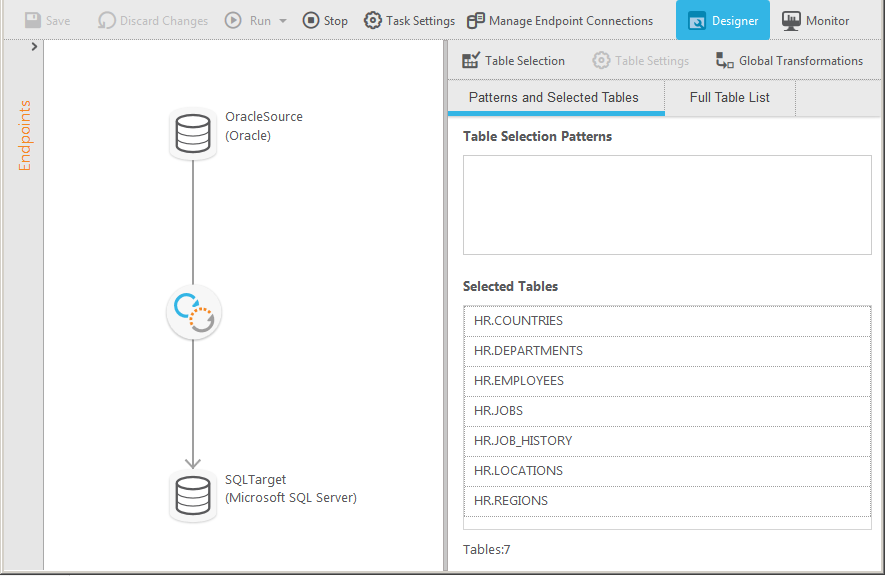
Prior to using Qlik Replicate, we used an ETL solution to copy data from the Oracle ERP system to the Microsoft SQL Server BI system at a 15-minute interval. It was very tedious to maintain. Qlik Replicate is much easier to use and we replicate data near real-time now.