Dooly is a sales enablement platform that collects information and insights essential to close business sales. Originally designed to make faster updates in Salesforce, Dooly has evolved into a connected workspace that integrates with several different CRM tools. Features include editing and notetaking while on calls, as well as a dashboard for co-workers to share their meetings, tasks, notes, and sales pipelines. With a strong focus on promoting teamwork, Dooly aims to help sales professionals…
$0
Free forever
Pipeliner CRM
Score 8.7 out of 10
Mid-Size Companies (51-1,000 employees)
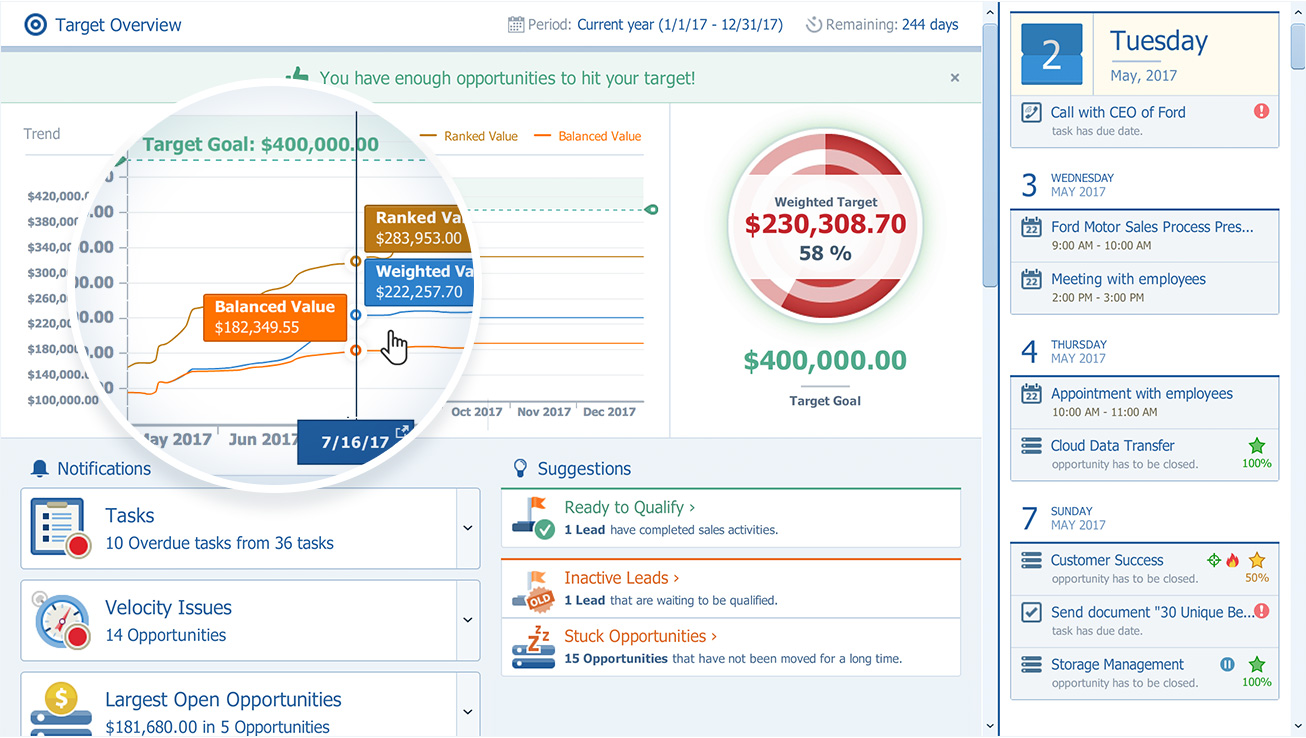
Pipeliner CRM is a sales enablement tool focusing on pipeline management, sales processes, and analytics designed to empower sales professionals. Pipeliner CRM provides a visual sales process, profiles, and charts, all of which aim to help users take the right actions with their buyers and even helps identify key contacts within an organization. Pipeliner CRM Cloud is the latest addition to a product line that already includes Pipeliner CRM Hybrid, an…
$65
Pricing
Dooly.AI
Pipeliner CRM
Editions & Modules
Starter (For individuals and small teams)
$0
Free forever
Growth (For individuals and growing teams that want to ramp faster)
$25
per user
Enterprise (For large teams wanting to maximize company performance)
custom pricing
STARTER - Basic sales management, tracking and collaboration
$65.00 per user per month
STARTER - Basic sales management, tracking and collaboration
$65 per user per month
BUSINESS - Full CRM functionality, customization and unique productivity features.
$85 per user per month
BUSINESS - Full CRM functionality, customization and unique productivity features.
$85 per user per month
ENTERPRISE - Full CRM functionality with advanced reporting, customization and services.
$115 per user per month
ENTERPRISE - Full CRM functionality with advanced reporting, customization and services.
$115 per user per month
UNLIMITED - Full CRM functionality with advanced reporting, customization and services.
$150 per user per month
UNLIMITED - Advanced CRM functionality including advanced features
Scratchpad has a limit on the number of syncs but when you go to the paid version, it is cheaper. Dooly is also a much higher funded company and has a larger pool of customers. The premium version does offer more features in terms of collaboration than Scratchpad. Scratchpad …
Dooly.AI kills OneNote. OneNote is clunky, not intuitive, and doesn't integrate with the suite of products that our team uses. OneNote never made it easy to share and collaborate with other teammates. Dooly.AI integrates with all of our products, is better for collaboration and …
I like Dooly better than Clari. Clari was slower to update, although it does have a forecasting component. For my personal use case though, I love Dooly because I'm not using it for forecasting in my current role.
[Dooly.AI] makes it super easy to update fields and attach notes to Salesforce objects. Quip has more features like slides, project management templates, emojis, etc. [Dooly.AI] has fewer features, but is more robust with them.
I used to keep my notes in Evernote, but this is way better because of the seamless integration with SFDC. Other than that, I haven't come across other apps that are like Dooly.
The most important reason for selecting pipeliner CRM:-exceptional user engagement through its sales-friendly interface. With its uniform navigation and visual approach, users can learn the system quickly. Users can easily customize what they see to make the system their own. …
Conversely from competitors listed below, Pipeliner CRM does not need expensive certification for its administration daily basis. It is very intuitive and easy to use. Pipeliner CRM has a friendly interface with drag-and-drop functions. this software is designed to deliver …
As mentioned before, way easier to adopt too. Customization was easy to get a hang of, the training was superb, and allows anyone to quickly and easily get running with it.
Another CRM like Creatio is not very user-friendly. With a lot of complications, it might take a long time for a new user to master it, but Pipeliner CRM is easier to use and easier to master within a short period of time, which makes it more efficient and effective than any …
I will always select Pipeliner CRM because it is very flexible, easy to work with, data capturing is at its best, its integration to other major software’s and it aids in the monitoring of the core work process. One distinctive feature is it is very easy to learn without …
Pipeliner is easy to set up and it does not take time to get working other than the other CRM's that take up to 2 months before you can use it. Also pipeliner is easy to use and it is less costly unlike the other CRM's with high prices they charge.
We wanted a pure cloud-based solution with a reliable mobile app. This was a key driving force: reducing issues around upgrade and IT maintenance of servers etc. It was the first cloud-based solution welcomed by the team with an attractive interface that was common to both …
Pipeliner CRM has robust data entry functionality which is a panacea to exquisite output. On Pipeliner, customization and data viewing options are possible. We can choose the way we view data and information on the platform. Reporting is also easier and flexible because we can …
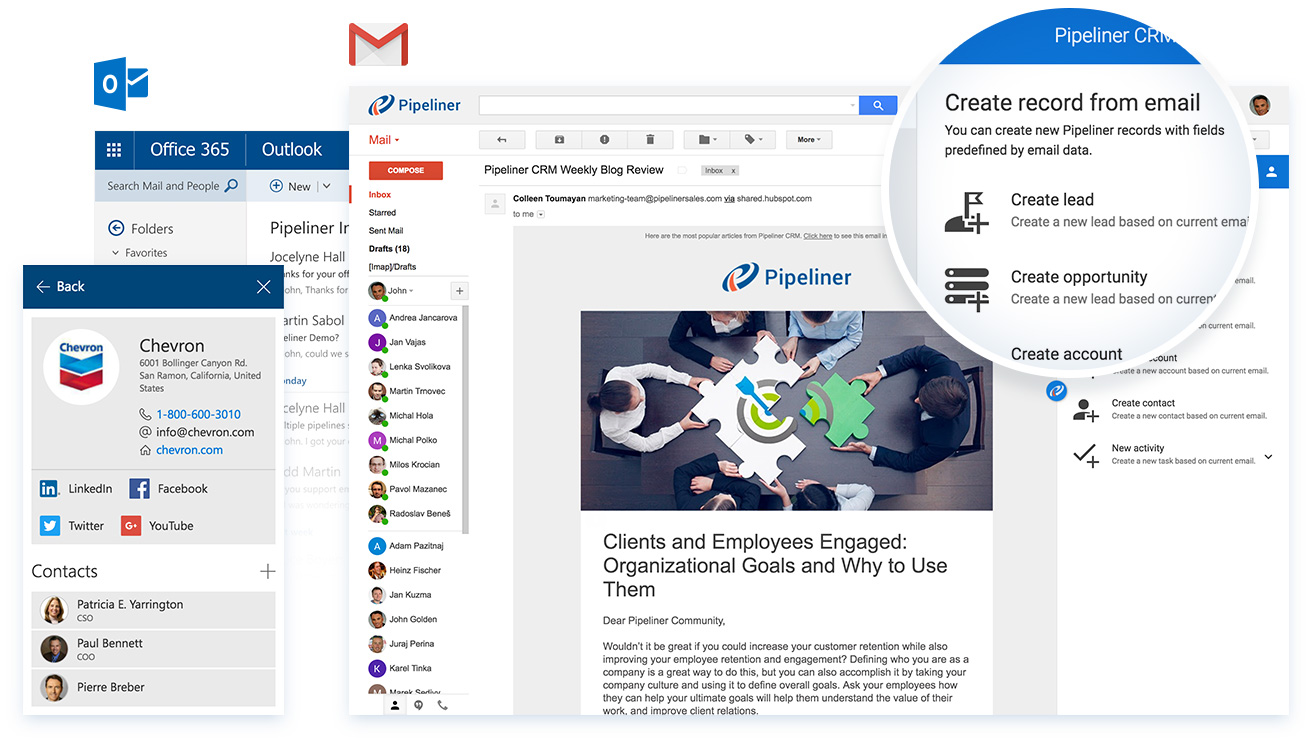
Pipeliner's visual user interface is a favorite of our sales team. I love the LinkedIn integration. It makes searching and linking in with prospects and customers easy. I also really enjoy how it pulls the pictures. This is especially handy when meeting with someone that you've …
Pipeliner CRM raises the bar far beyond any other currently available CRM. It makes all of your data immediately accessible and usable. It takes you away from constantly having to enter data into your CRM system and allows me to be a consultant and interpret findings from my …
We have been in the CRM space for a number of years. We represent and implement on-premise and Saas products regularly. Pipeliner CRM is one of those that provides a powerful set of tools for the sales team from agents to management to C-Team. It is the ONLY tool in our kit …
It is best suited whereby individuals are required to take down notes as a part of their job, especially in client-facing roles (Sales, etc) as I found that some of my friends who are not in client-facing roles do not take down notes as much as compared to me. (Eg. Developers, Marketers, etc). I found that Dooly.Al could be extremely useful if it is integrated with call solutions, whereby we can take down notes while on a call with a prospect.
Pipeliner CRM is amazingly flexible to your business model. For example, in addition to tracking movement of leads through your sales pipeline, Pipeliner CRM can be used to track internal processes, like RFQ and RFPs through your organization. It's highly adaptable across your organization.
Currently the company is using the Pipeliner CRM because we believe it is a tool that puts the customer as the main focus of business processes in order to understand and anticipate their needs, and then serve them in the best way.
I gave that rating level because it reflects both my satisfaction and expectations about PipelinerCRM.Plus, the adoption rate of this software. I mean the usability rate is very low. It just takes, for learning, a couple of hours less than three days roughly. Return on time investment is low also.
The support from Pipeliner CRM is superb; they have instant customer support and they are on time. They also give enough knowledge of sales and other material for the knowledge. They also have AI in the support by talking with customer support directly from the web or app and so on.
Salesforce IQ is the only system that I have used in the past, it was so slow, such a terrible product that Dooly just works. I think that's just the thing here, Dooly isn't hard, it's not complicated, it just does what it is supposed to do! Take notes easily, outline opportunities and next steps. This shouldn't be a problem, but it is with SFDC, since its so damn slow.
I will always select Pipeliner CRM because it is very flexible, easy to work with, data capturing is at its best, its integration to other major software’s and it aids in the monitoring of the core work process. One distinctive feature is it is very easy to learn without extensive training.
Incredible time savings! I easily save at least an hour a week by using Dooly.
We have more information on accounts and opportunities as we transition accounts to new teammates, so this saves time and ultimately helps us make more money.