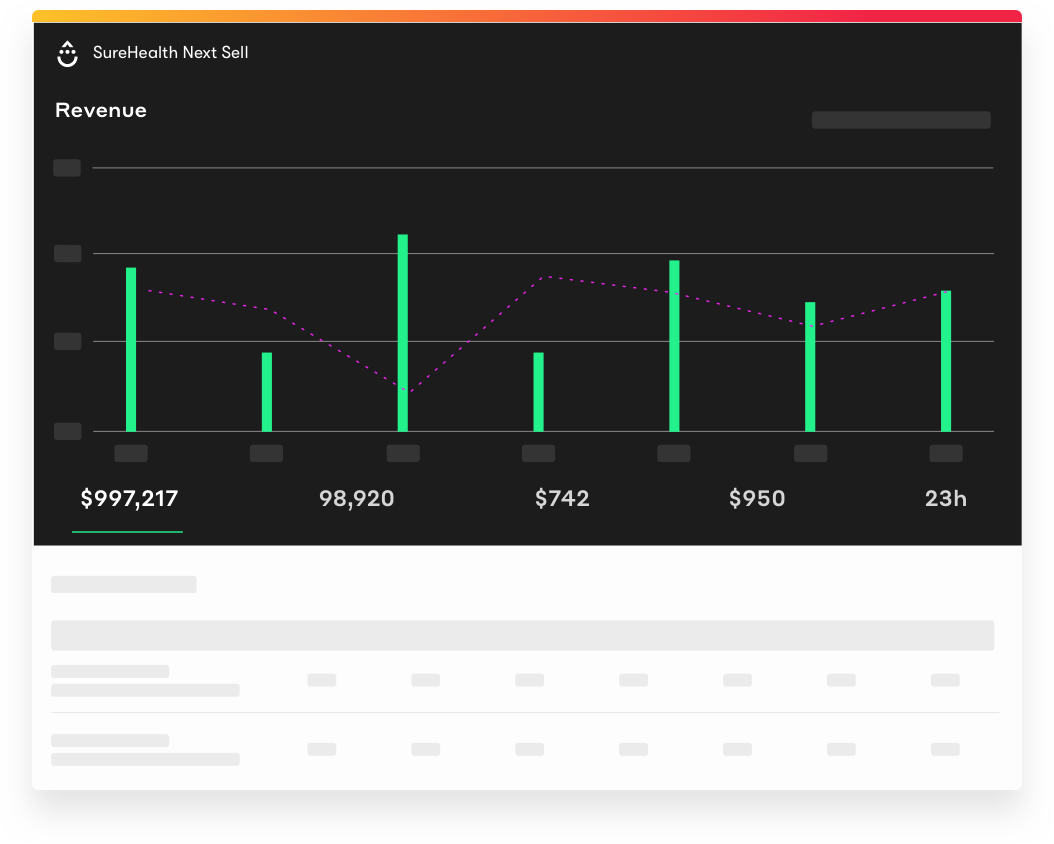
Drip is an ECRM–an Ecommerce CRM offering email marketing automation software specifically for B2C online retailers. The vendor’s value proposition is that with Drip's simple, user-friendly visual campaign builder, users can design email campaigns based on specific subscriber behavior—so they always send the right message, to the right person, at the right time. Drip starts at $41/mo (with email sending and every feature enabled).
$19
per month
SendPulse
Score 3.7 out of 10
N/A
SendPulse is an integrated messaging platform providing user communication that includes emails, SMS, web push, SMTP, and user management.. This solution includes 15,000 free emails with up to 2,500 subscribers per month.
N/A
Pricing
Drip Ecommerce CRM
SendPulse
Editions & Modules
Up to 500 people in account
$19
per month
550 - 2,000
$29
per month
2,001 - 5,000
$89
per month
5,001 - 8,000
$124
per month
8,001 - 15,000
$209
per month
15,001 - 22,500
$329
per month
22,501 - 27,500
$409
per month
27,501 - 35,000
$529
per month
35,001 - 50,000
$699
per month
No answers on this topic
Offerings
Pricing Offerings
Drip Ecommerce CRM
SendPulse
Free Trial
Yes
Yes
Free/Freemium Version
Yes
Yes
Premium Consulting/Integration Services
No
No
Entry-level Setup Fee
Optional
No setup fee
Additional Details
—
Pricing starts from $9 a month and depends on the number of messages sent.
Again, this is dependent on the use case. If you are a small- to medium-sized business that doesn't have a sales team, this is likely a great product for you. It is also a good price compared to larger enterprise software. Other software I have used worked better for other …
We decided to move away from Mailchimp when they announced the changes to their service plans. We cast a wide net and ended up boiling it down to Drip, Klaviyo, Omnisend, and Constant Contact.
They all have a similar set of features, but Drip was willing to work with us on …
MailChimp and Constant Contact are both excellent options based on your level of use and business goals. When comparing all three services we looked at integration ability, pricing, functionality, and customer service as our key decision factors. Each company has their pros & …
Compared to the heavyweight, Infusionsoft, Drip is incredibly powerful but much lighter weight. It's faster and easier to get a simple campaign up and running. The price is much more reasonable too. The only downside is the lack of drag and drop email builder that Infusionsoft …
As discussed earlier on, Drip from Leadpages is much more customizable and affordable than the competition. My experience has been excellent with the product support team and the business in general. I'm also a Leadpages customer, for custom landing pages and site popups, …
I selected Drip because of the integration with S2Member. When someone begins my membership program they are automatically added to my Drip campaign for members.
Drip seemed more powerful in what you can do with it. ConvertKit was considered simpler to get a handle of, but I wasn't aiming at simple, but rather at powerful and flexible. The pricing matched my current requirements at the time and the onboarding process was simple and easy …
SendPulse was more professionally developed - the better usability. It was a reason we moved to SendPulse from Pipeline. The main problems were discovered during using this software
For SendPulse's price point, I consider their competition to be the likes of MailChimp, ConstantContact, etc. While SendPulse rates roughly average across the board in all areas, for businesses looking for the cheapest option (which comes with a lack of features/quality), …
This software has many advanced features which make it my favourite email service for sending newsletters. Its UI is very intuitive and easy to operate. Its drag and drop feature can create beautiful emails in very little time. In this software I can send email in specific …
Its campaign editor feature makes it my favourite application for email marketing. It is extremely easy to send a campaign in very less time. And the results are very satisfying. So I switched to this application.
Its integration with sms facility and Viber makes it different from others. To be very honest I use all three facilities depending upon the content which i need to communicate to my subscribers. I use SendPulse more frequently because of its richness. And it delivers good …
We use SendPulse for different purposes - starting with regular email campaigns and up to push notifications and smart processes for increasing open rate. It's not the only service we use for our email marketing needs, but it's definitely one of the most powerful ones. It was …
SendPulse's artificial intelligence feature and the easy but powerful A/B Testing feature helps us test many subject ideas for our subscribers. The other similar product in the email marketing field doesn't have push notifications on the browser. Push notification is not and …
I transitioned recently from Mailchimp to SendPulse because I love to be able to customise my messages more so that emails are sent at the right time for each customer. This for me is a HUGE advantage that SendPulse provides. Additionally, even with a small list, Mailchimp was …
SendPulse is a great new email provider for your businesses. I have worked with other clients in the past such as Constant Contact and Blue Hornet and haven't found as many talking points as I have with SendPulse.
Sendpulse is a lot cheaper and has unique features like resend capabilities as well as AI options that others just don't offer. For our company, we need to get the best return on our time and money and with sendpulse's pricing and features we do.
For me, it was the obvious choice if we compared SendPulse and MailChimp/MailerLite/Aweber. Some of the competitors don't have SMS/push features, some are too simple (MailerLite), some are too complex or not so intuitive. I always preferred more all-in-one tools, because …
Drip is my top recommendation for most people who have an existing business and audience and want to move beyond basic email broadcast and drip campaigns and start building out more personalized sequences. I don't recommend the tool for people starting out, or for anyone that isn't bringing in solid profit every month as there are cheaper tools out there to get started with.
In my department it is very well suited. It is one of the best application for sending weekly newsletters to my clients. I use it to send important market information to my clients on a regular basis. The kind of templates it provides me I fill with adequate information for my clients. It also allows me to present that information in a very organised manner.
I feel its User Interface is one of the strengths. It is very simple to operate. It is not necessary for any user to have good knowledge of newsletters design or e-mailer design to make a good and informative e-mail design on this software.
Its technical ability to send user's campaign to customer's Inbox is something which one can rely on. Its deliver-ability is almost 100 percent.
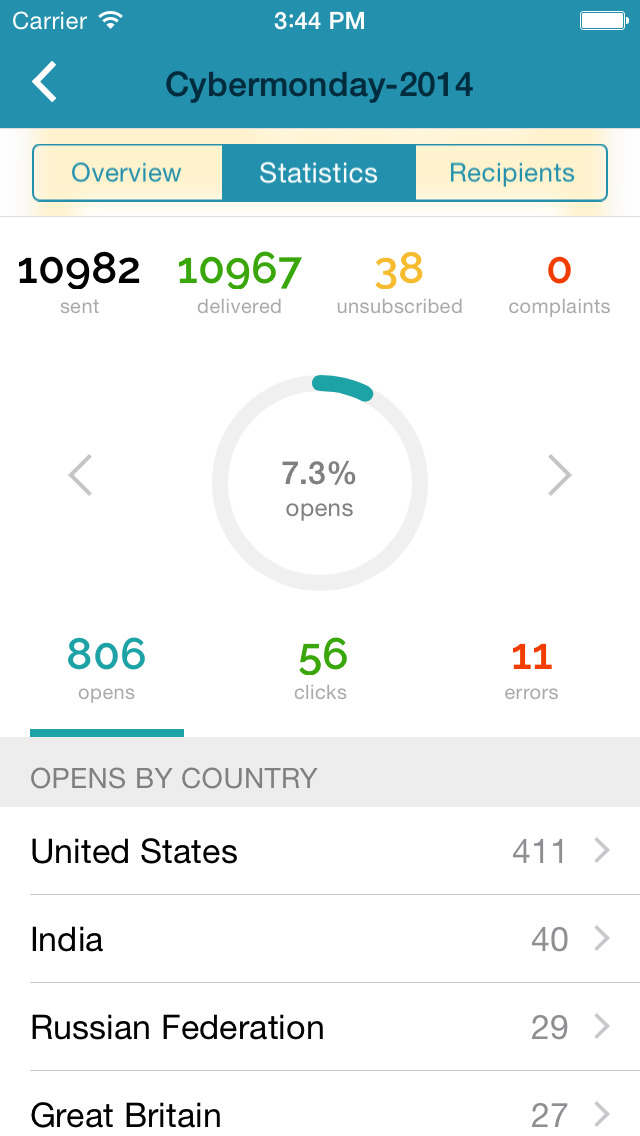
It gives detailed analysis of any campaign. And this feature is very necessary for any software to help its users to understand the outcome of that email activity. SendPulse is awesome in this feature. It gives you detailed statistics to analyse your campaign. Users can download these statistics in PDF and Excel format also.
I like its Drag and Drop function to design e-mailers but it lacks in some functionalities. Foe example when I write two different contents in a same box I need a line to show separation between my contents in the same box but this feature is unavailable in SendPulse.
They should include more fonts. Every product or service needs different kind of fonts to make a right impact on customers. With limited option of fonts it restricts user's creativity.
It is good to have templates to give users some idea for designing campaigns but here SendPluse has nothing much to offer. They have very limited number of templates.
I find that overall SendPulse is very intuitive to use and the support is there to help you out in case you don't find how to do what you wish to do. The drag and drop functionalities make it easy to create the newsletters you want. Every field is explained and small tutorials are included to show you how to create a new template, newsletter, etc. which makes it very easy to use.
Every time I contacted the support team with a question or a problem, they were very fast in replying and helping me out solve it. Usually latest within 10 minutes I would receive a first answer, and the problem would get solved on the same day.
We decided to move away from Mailchimp when they announced the changes to their service plans. We cast a wide net and ended up boiling it down to Drip, Klaviyo, Omnisend, and Constant Contact. They all have a similar set of features, but Drip was willing to work with us on price instead of simply referring us to their tiered plans. Even though they don't have a direct integration with our e-commerce platform it was obvious they were willing to help us make the connection via their API.
For SendPulse's price point, I consider their competition to be the likes of Mailchimp, ConstantContact, etc. While SendPulse rates roughly average across the board in all areas, for businesses looking for the cheapest option (which comes with a lack of features/quality), ConstantContact beats them. For quality/features/value, I'd say Mailchimp is the best option for small businesses.