TalentLMS vs. Sakai

Overview
ProductRatingMost Used ByProduct SummaryStarting Price
TalentLMS
Score 8.7 out of 10
Mid-Size Companies (51-1,000 employees)
TalentLMS is an LMS built for training success, presented as fully customizable and easy to manage, so that teams embrace training while feeling right at home. It is used to provide the right training to any team and every use, while giving expert guidance and support every step of the way.
$149
per month 1-40 users
Sakai
Score 8.7 out of 10
N/A
Sakai is an open source learning management system provided by the Apero Foundation. The LMS provides what it calls Core and Expanded Features. The Core Features encompass an integrated tool set that is tested by the Sakai community members and is then included with each new release. The tool set can be configured by: instructors, students, research investigators and project leaders. The other set of tools, known as “Contrib Tools” are specific to Sakai tools and innovations that are developed…N/A
Pricing
TalentLMSSakai
Editions & Modules
Core
$149
per month 1-40 users
Grow
$299
per month 1-70 users
Pro
$579
per month 1-100 users
Enterprise (Custom plan)
Custom
annual plan Starts at 1000 users
No answers on this topic
Offerings
Pricing Offerings
TalentLMSSakai
Free Trial
NoNo
Free/Freemium Version
YesYes
Premium Consulting/Integration Services
NoNo
Entry-level Setup FeeNo setup feeNo setup fee
Additional DetailsUsers can stay on the Forever Free plan and upgrade, or downgrade or cancel at any time. Higher volume plans available at additional cost. Discount available for annual billing, and for nonprofits.Must contact vendor for pricing information.
More Pricing Information
Community Pulse
TalentLMSSakai
Considered Both Products
TalentLMS
Chose TalentLMS
We chose TalentLMS because it met all our needs for managing training for our employees and it was very cheap as compared to other vendors.

Chose TalentLMS
Among all of the options that we evaluated TalentLMS presented the best value for the features that we required. In this tier of event management software tell him TalentLMS was one of the few that offered all the features that we needed at a reasonable price.
Chose TalentLMS
TalentLMS is way easier to use than Absorb and less expensive.
Chose TalentLMS
I don't recall our comparisons; it was four years ago.
Chose TalentLMS
Docebo's pricing has increased significantly. For one of my customers, we had to leave this tool. I have to admit that Docebo's technical support was very limited compared to TalentLMS. In my opinion, they were also snobbish because we were small customers. So we were relieved …
Chose TalentLMS
TalentLMS fit exactly what we were looking for: a user friendly, affordable, customizable LMS. Others didn't allow for creating your own trainings. Or, if they did allow you to create a training, they were extremely expensive. We were not looking for a library of content, so …
Chose TalentLMS
TalentLMS is user friendly and simple to learn. It is a well functional tool for professional development. It is stable and allows us to offer courses for 3 different types of learners by utilizing 3 different branches. Canvas was more cumbersome.
Chose TalentLMS
Our purchasing committee found that TalentLMS offered the best balance between pricing, features and functionality, along with an intuitive, easy to use interface for setup and ongoing usage. We also found that their sliding subscription levels allowed us to affordably …
Chose TalentLMS
I was not involved in the initial decision-making, but each of these options offer a comparable solution with some advantages and disadvantages.
Chose TalentLMS
TalentLMS is cheaper much more easy to use and quicker to implement.
Chose TalentLMS
We did not try anything prior to using TalentLMS and it was so user friendly and has served it's purpose for our clinic, there was no need to look for another program.
Chose TalentLMS
TalentLMS was the most robust solution that met all of our requirements.
Chose TalentLMS
we are currently using CPaT for our airline specific courses.
Invent
Chose TalentLMS
In my opinion, TalentLMS is so much better, it is not even in the same realm of ALM. The ease of use of the interface. Creating Groups. Enrolling Group. Reports!!!!!!!!!
Chose TalentLMS
We had to evaluate several platforms, some local in our country and then Adobe and neither could accommodate our business processes. Therefore, we went to a less academic and more commercial-based LMS in order for our business process to work.
Chose TalentLMS
I must admit it's been a few years since I last tested Moodle and Docebo, so my current opinion might be biased. That being said, on a pure price-to-performance ratio, TalentLMS blows both out of the water.
Chose TalentLMS
Both are good, but the pricing and general value proposition of Talent LMS are better than Trainual in my opinion. Trainual is a bit more modern and cleaner looking from a user interface perspective, but it comes at a higher cost. Both platforms provide very similar features in …
Chose TalentLMS
TalentLMS stacks up against them all because It is a very effective & good LMS system. It is user-friendly structured. Everything is well arranged and the information can be obtained in various ways. I appreciate how I can compile graphs and reports on the use of customers and …
Chose TalentLMS
Excellent platform. More user friendly and adaptable than Adobe and Ispring. More adaptable than either of these programmes. Better analytics and better reporting that give better information to managers.
Sakai
Chose Sakai
Before using Sakai, we used Blackboard. Ultimately, I think moving to Sakai was a financial decision (it was cheaper), but I believe it ended up being better accepted by faculty and students as well. At the time (this was several years ago), Blackboard's UI wasn't as …
Chose Sakai
Sakai will check most of the same boxes as Canvas as far as features. Students can receive feedback, emails, comments, grade and submit assignments, etc. However, everything is going to be a bit more difficult with Sakai. Finding something will take more clicks. Sakai is more …
Chose Sakai
Courses are organized into tabs. Teachers use the program to list assignments with due dates for students in each course. Students use the program to upload assignments before they are due. Teachers upload syllabi along which the students can follow the progress of the …
Chose Sakai
When considering an LMS there are multiple factors to consider, and typically those factors are not co-equal amongst all stakeholders. Some institutions select an LMS based on C-Level directive; others narrow the field based on feedback from the largest constituent user base or …
Chose Sakai
Sakai and Moodle seem to be neck and neck. I much prefer a proper LMS over a WordPress LMS Plugin. Sakai was much more robust than a simple plugin solution.
Chose Sakai
We were for a year or two on WebCT, which has been acquired by Blackboard. It was hard to learn and difficult to administer. Changing to Sakai not only meant a great deal of financial savings, but it was easier to use and more responsive to institutional and consortial needs. …
Chose Sakai
Every few years we evaluate LMSs. Each time Sakai comes out ahead due to cost, customizations, and the Sakai community. We like to keep things in house because it allows us an extra amount of reliability and control that you will have to give up when running most other …
Chose Sakai
I was not part of the selection committee, but I believe the ability to white label Sakai was very significant to the choice being made. In another institution I taught (not the one in which I used Sakai) the decision was made to go with MoodleRooms due to the need for support …
Chose Sakai
We selected Sakai for our purposes (copyright/IP education) because students were familiar with the interface and the assessments worked just as desired. Though Canvas could serve as an ideal alternative and is used robustly here at UD, we have chosen Sakai for its familiarity …
Chose Sakai
Sakai is a fair competitor to other online learning systems (i.e. Blackboard, Canvas, Desire-to-Learn). Essentially, Sakai is simply a different flavor of similar models for online learning management systems. It is more different from Moodle and Moodle's social networking …
Chose Sakai
I did not personally select Sakai. However, it is fairly easy to use and customize. That being said, this product is being abandoned by developers/universities and should not be adopted by an organization.
Chose Sakai
As an adjunct professor, I didn't pick Sakai for the university. I have experience with Moodle, Blackboard, eCollege, iBoard and now Sakai. I would have to say that Sakai is one of my all time favorite LMSs to use as it is very easy to navigate.
Chose Sakai
Our faculty found Moodle difficult to use-we tried at least two different releases of it with different vendors. It may have changed greatly since we worked with it in 2010-2012, but that was our experience.

Blackboard was what we were familiar with, but some of its tools were …
Features
TalentLMSSakai
Learning Management
Comparison of Learning Management features of Product A and Product B
TalentLMS
8.4
Ratings
3% above category average
Sakai
7.9
Ratings
4% below category average
Course authoring8.60 Ratings8.00 Ratings
Course catalog or library8.20 Ratings7.00 Ratings
Learning content8.20 Ratings8.00 Ratings
Mobile friendly8.60 Ratings7.00 Ratings
Progress tracking & certifications9.00 Ratings8.00 Ratings
Assignments8.50 Ratings10.00 Ratings
Compliance management8.80 Ratings7.00 Ratings
Learning administration8.90 Ratings9.00 Ratings
Learning reporting & analytics8.80 Ratings6.00 Ratings
Social learning7.30 Ratings9.00 Ratings
Gamification7.60 Ratings00 Ratings
Single Sign On (SSO) Enabled Learning8.80 Ratings00 Ratings
Player/Portal00 Ratings8.00 Ratings
Best Alternatives
TalentLMSSakai
Small Businesses
iSpring Learn
iSpring Learn
Score 9.6 out of 10
iSpring Learn
iSpring Learn
Score 9.6 out of 10
Medium-sized Companies
iSpring Learn
iSpring Learn
Score 9.6 out of 10
Schoology Learning
Schoology Learning
Score 9.7 out of 10
Enterprises
Axonify
Axonify
Score 10.0 out of 10
Schoology Learning
Schoology Learning
Score 9.7 out of 10
All AlternativesView all alternativesView all alternatives
User Ratings
TalentLMSSakai
Likelihood to Recommend
8.9
(0 ratings)
9.0
(0 ratings)
Likelihood to Renew
10.0
(0 ratings)
10.0
(0 ratings)
Usability
-
(0 ratings)
7.4
(0 ratings)
Support Rating
8.8
(0 ratings)
8.1
(0 ratings)
Implementation Rating
9.3
(0 ratings)
10.0
(0 ratings)
User Testimonials
TalentLMSSakai
Likelihood to Recommend
TalentLMS is user-friendly enough for someone new to LMS management can get a site up and running in a relatively quick manner. It is rather intuitive to operate. My needs have been a rather small scale of 400 learners and TalentLMS more than meets the need to produce a professional-looking and operational website to send customers and staff. The point here is that although I do not know how well it can be up-scaled, it certainly delivers for small to medium organizations to need to get content online
Read full review
Sakai is well suited for any size institution or training organization looking to use an extremely flexible, well-supported and extensible LMS that doesn't sacrifice budget for useless options and extra features. The community that is Sakai (by way of students, instructors, teachers, administrators, information technology professionals, instructional designers and developers) all make Sakai what it is. Sakai can be paired with multiple LTI tools, streaming services, conferencing and plagiarism detection platforms and student information systems to ultimately help students meet with success. As we have a very limited IT staff Sakai is hosted off-site, but are still able to provide support to our faculty with very little extra effort. While Sakai is not as well-known as platforms like Blackboard or Canvas, because we're one of just a few clients, requests to our host for second or third tier assistance are resolved pretty quickly. We recently had an instance where all of our users were unable to login; this turned out to be an issue with host configuration rather than Sakai itself. Sakai is not perfect: "Auto-saved draft" text disappears sometimes, question pools are difficult to share among faculty, the forums interface could be modernized and progress analytics surfaced more easily to students.
Read full review
Pros
  • Content creation tool for training lessons.
  • Managing and organizing users
  • Provides comprehensive library of pre-made courses.
  • Very easy to use, out of the box.
Read full review
  • User friendly, easy to navigate
  • Interactive friendly. You can link other resources to help students learn the course concepts better.
  • Stable platform. There are a few updates from time to time but it has never gone down in my years of using the LMS.
Read full review
Cons
  • It should be easier to re-send someone their initial course assignment email notification. The notification engine is a little non-intuitive.
  • I was trying to add a user to our account the other day (not a user - an internal employee that I wanted to give access to our system) and I had trouble finding it
Read full review
  • While the check box to send an email when you send a message is helpful, there have been times that teachers forgot to check that box, so students didn't get important assignments/announcements.
  • Discussion forums can be fun, but it's annoying to read other people's comments since you have to click into each person's comment, & it always marks the comments as new, even if you've read them.
  • I think it would be helpful if Sakai warned you before submitting an assignment how many submissions or when the assignment is due, before hitting submit.
Read full review
Likelihood to Renew
The ease of use, the robustness of the offering, and familiarity. It does everything we need and probably more. We likley don't utilize all the functionality it has as it does what we want it to without having to dig that deep into its tools. Their course library also has saved us some time in terms of saving time from creating some basic courses.
Read full review
Sakai is a good general learning management system - it is not leading edge but rather a stable system with standard learning management system features. It can be fairly easily customized and is fairly easy to learn from both student learning and faculty administrative vantage points. New paradigms for online learning though are emergent so the current field should also be investigated with competitors.
Read full review
Usability
The system is intuitive. It does not have a lot of features that are hidden behind secret menus or elsewhere. There are often multiple ways to get to the same place through different menus without having to go back to the home or root menu. It makes things pretty easy. Additionally, if there is something I can't figure out, there is documentation available to help with that.
Read full review
When faculty are preparing courses from term to term, a portion of the content is static within a specific discipline. The time it takes to import past lessons into new versions of Sakai can be an inefficient use of my time. When I want to add new content and edit from the old content, it's reliant upon me to cut and paste the content from term to term rather than simply import and edit from a backup.
Read full review
Reliability and Availability
I have never run into an issue with downtime in 5 plus years.
Read full review
No answers on this topic
Performance
It loads fast. Screen transitions are quick. Nothing seems to ever lag.
Read full review
No answers on this topic
Support Rating
The search feature alone is outstanding. When we needed technical assistance, it was provided with ease and clarity. Any representative we have worked with has been professional, knowledgeable, and good to work with, even if we were in different time zones or areas of the world.
Read full review
Since Sakai is open-source their documentation is often lacking and support is absolutely needed onsite. Internal documentation is more important with Sakai than other services. The Sakai community is fun, passionate, engaged, and absolutely doing their best, but it's an uphill battle against the current market and trends.
Read full review
Implementation Rating
Implementation was relatively easy. When we set up a second branch, we needed a little help. But the support area is well-detailed. My clients had no experience with an LMS and their digital skills were limited. We had a long way to go. Nevertheless, it was relatively easy. It was rather quick!
Read full review
No, I don't
Read full review
Alternatives Considered
Out of the box, Talent is easier to use than Learn Dash, which can be quite convoluted to set up, as it requires the integration and configuration of multiple plugins. As a result, we spent a lot less time getting things set up in Talent than LearnDash. Talent was also much less expensive than Litmos.
Read full review
Before using Sakai, we used Blackboard. Ultimately, I think moving to Sakai was a financial decision (it was cheaper), but I believe it ended up being better accepted by faculty and students as well. At the time (this was several years ago), Blackboard's UI wasn't as user-friendly and there were issues with administrating it. I don't think most of campus used it, actually. We changed to Sakai and haven't looked back.
Read full review
Scalability
The product can create as similar or unique experiences for different branches as you want for training purposes
Read full review
No answers on this topic
Return on Investment
  • We have dental practices across the United states; the TalentLMS platform helps us train out staff with one process. Standardization across 107 practice to track all of regulatory and compliance training needs.
  • Over the course of the last four years we have recruited internal faculty to help develop content and they find the TalentLMS platform very easy to author material.
  • Creating content ourselves saves a tremendous amount of money each year
Read full review
  • Our Sakai costs are about 10% (ten percent) what it would cost for the big name LMS. For a school with a budget. this is a deciding factor.
  • We can more easily afford more online programs to attract more students.
  • Hard-won resources can go to needy places in the institution rather than to the online infrastructure.
Read full review
ScreenShots

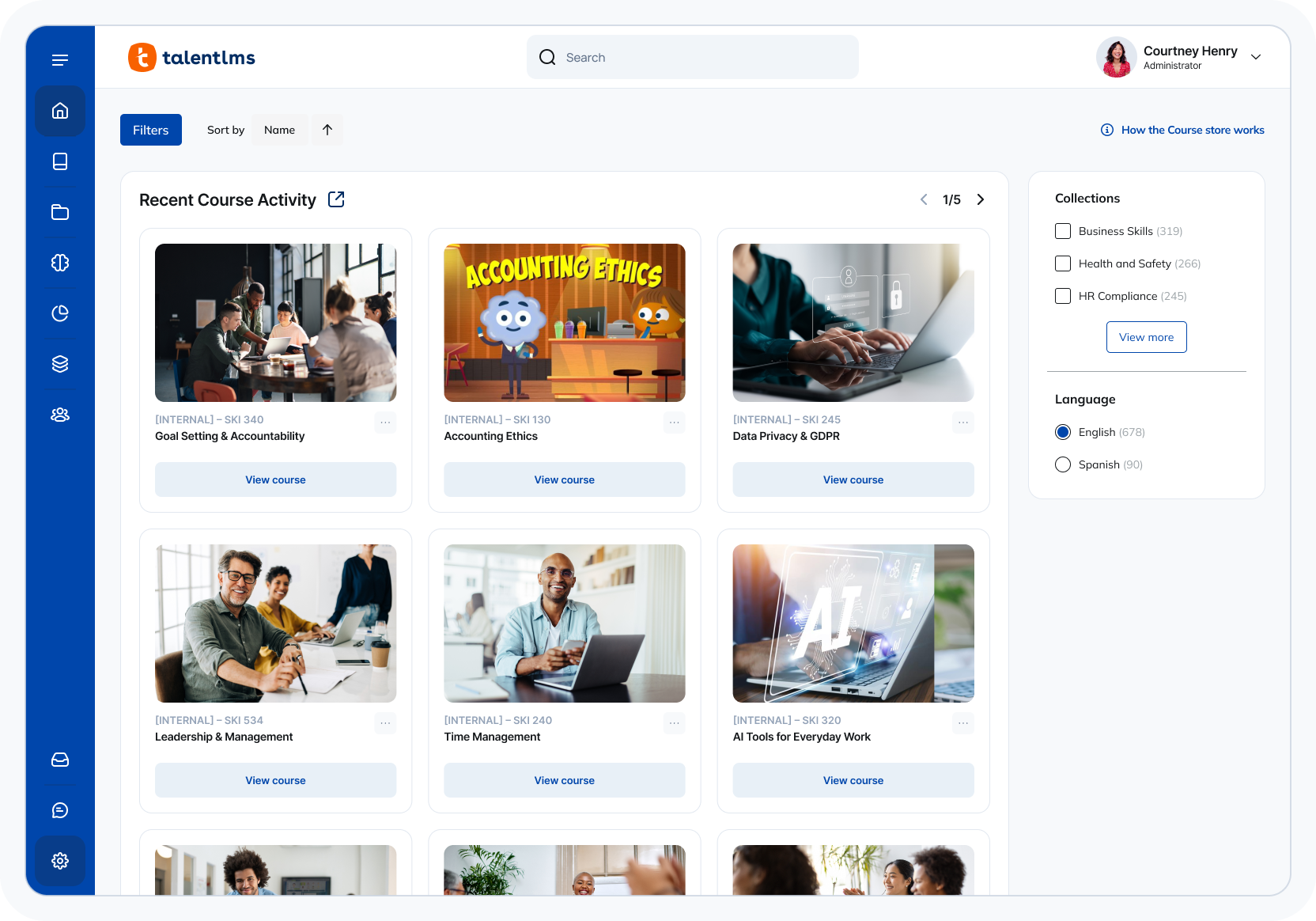
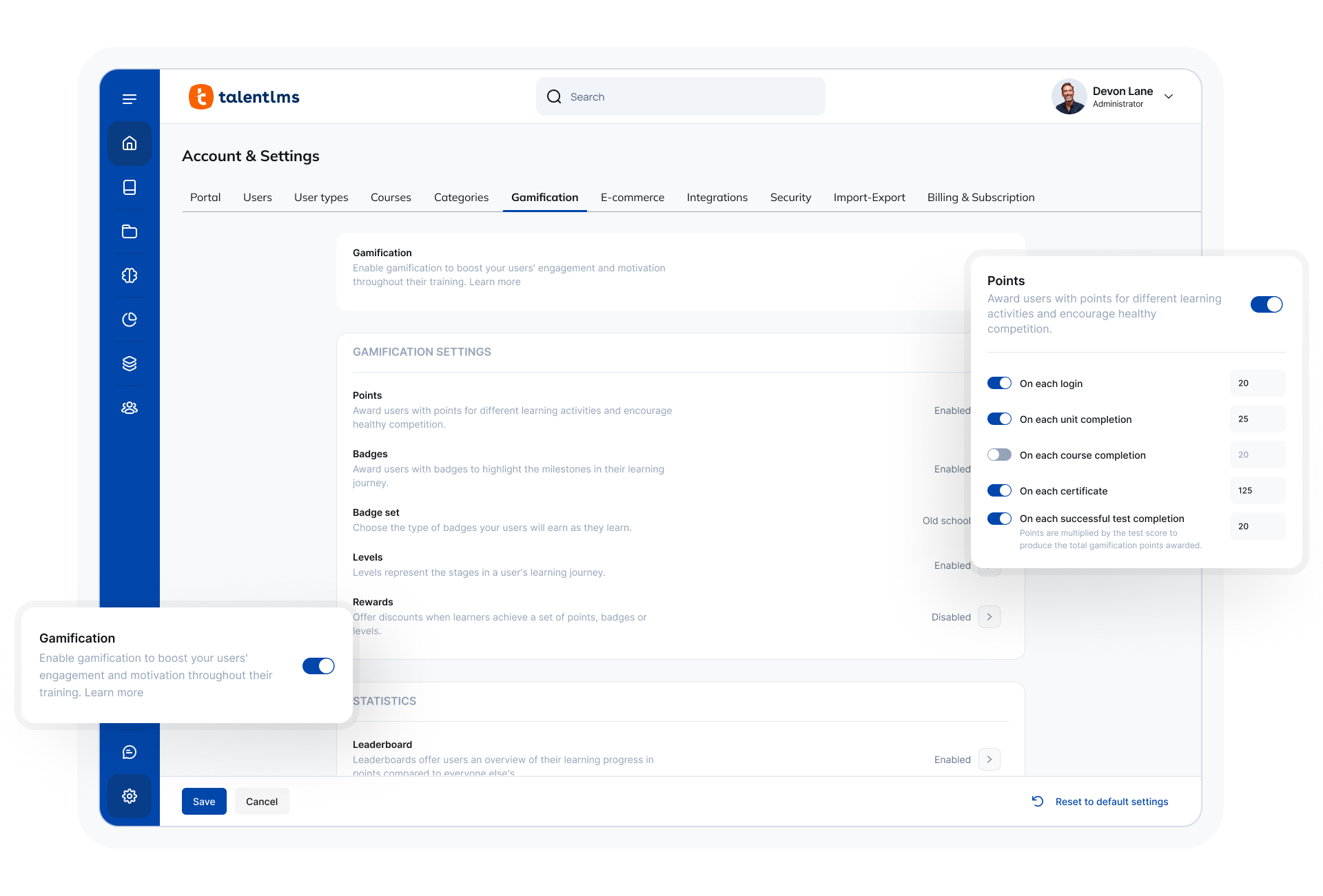
TalentLMS Screenshots

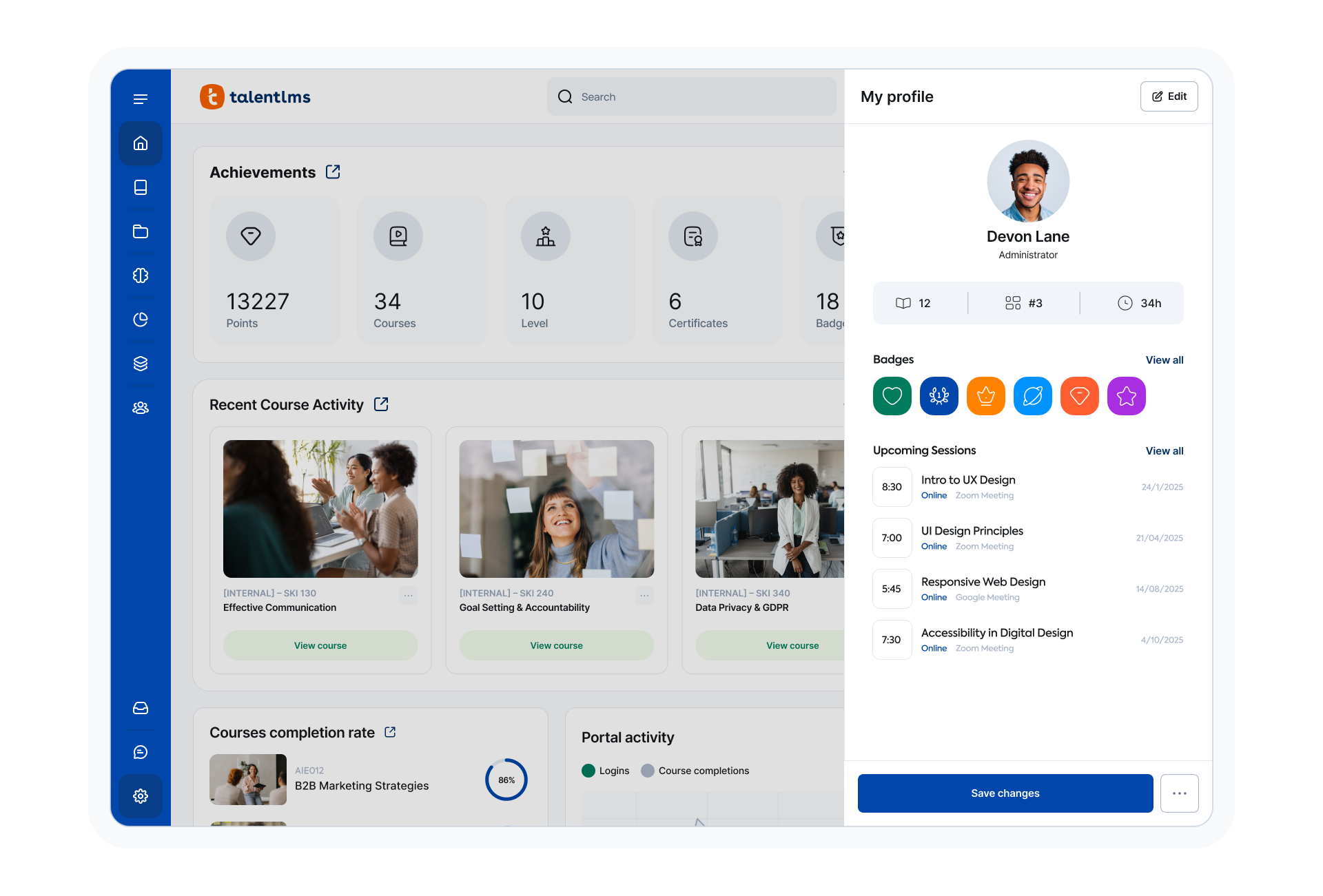
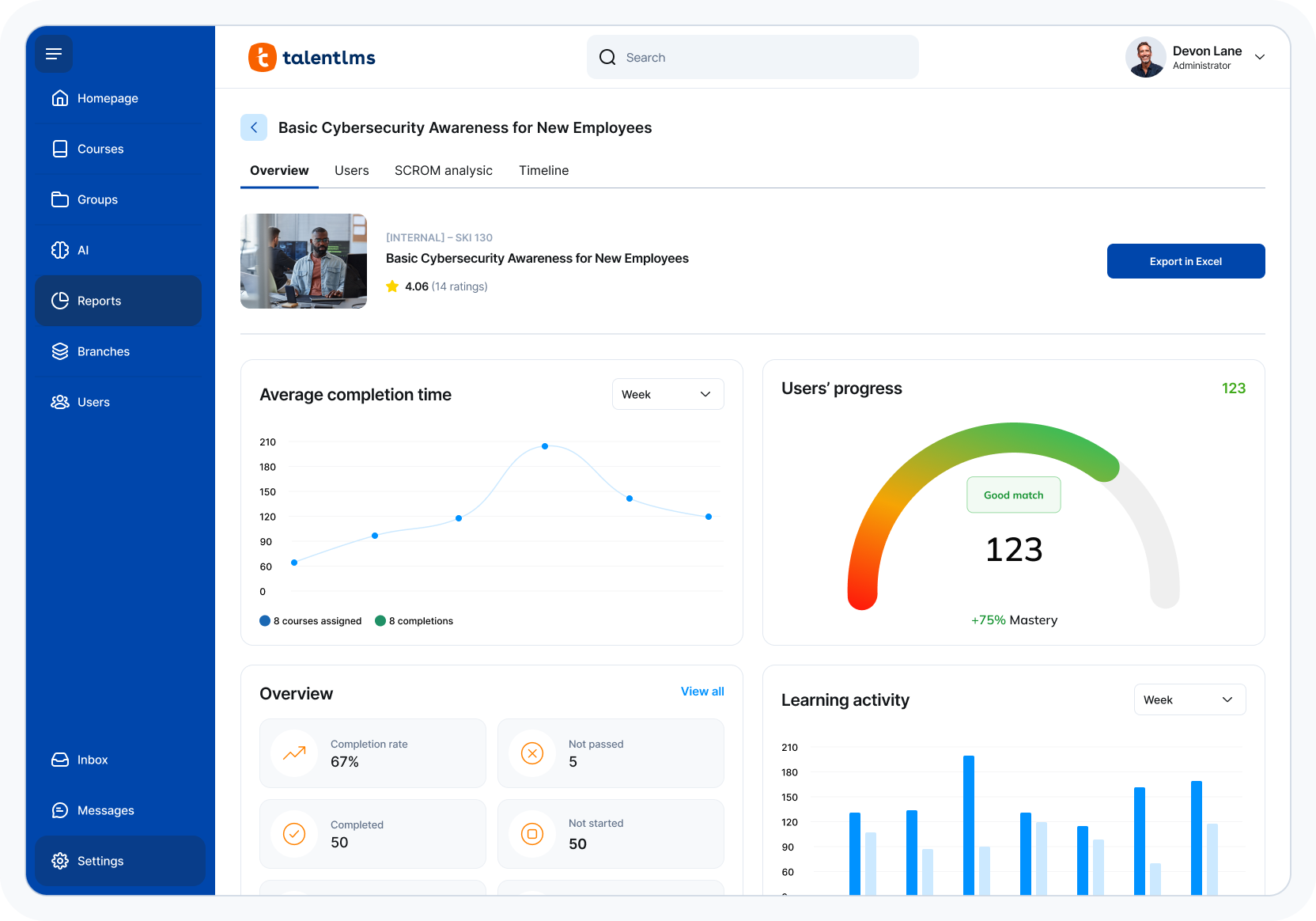
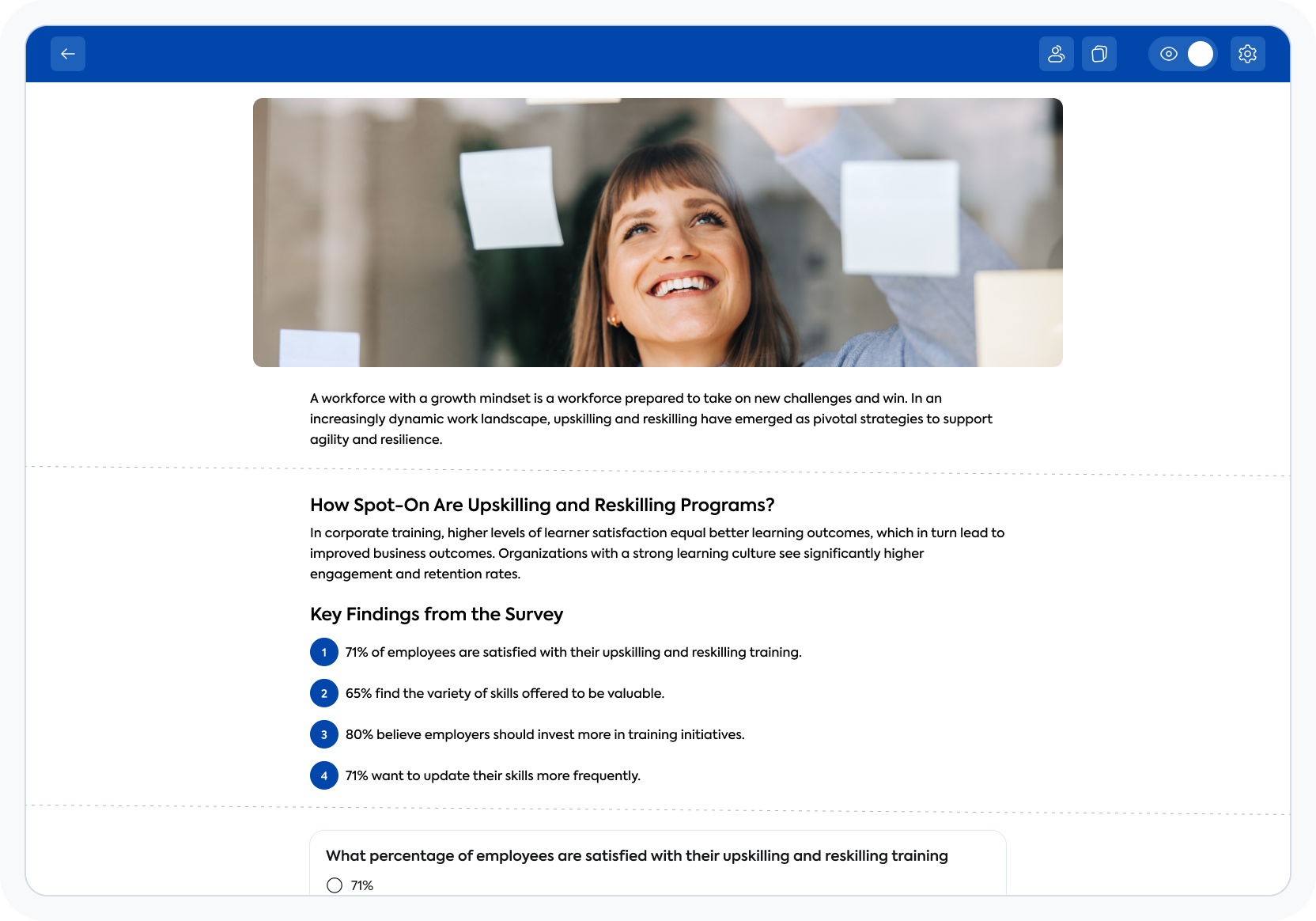
Screenshot of TalentLMS' learner view of a courseScreenshot of TalentLMS' training reportsScreenshot of TalentLMS's AI-powered Content CreatorScreenshot of the TalentLMS dashboardScreenshot of where to customize the TalentLMS portal