Chose TalentLMS
We chose TalentLMS because it met all our needs for managing training for our employees and it was very cheap as compared to other vendors.

| Product | Rating | Most Used By | Product Summary | Starting Price |
|---|---|---|---|---|
 TalentLMS | Mid-Size Companies (51-1,000 employees) | TalentLMS is an LMS built for training success, presented as fully customizable and easy to manage, so that teams embrace training while feeling right at home. It is used to provide the right training to any team and every use, while giving expert guidance and support every step of the way. | $149 per month 1-40 users | |
 Studio 360 (discontinued) | N/A | Studio 360 for PowerPoint, or formerly Articulate Studio, was a PowerPoint plugin used to develop elearning course content. It has been discontinued and is no longer receiving support. | N/A |
| TalentLMS | Studio 360 (discontinued) | |||||||||||||||
|---|---|---|---|---|---|---|---|---|---|---|---|---|---|---|---|---|
| Editions & Modules |
| No answers on this topic | ||||||||||||||
| Offerings |
| |||||||||||||||
| Entry-level Setup Fee | No setup fee | No setup fee | ||||||||||||||
| Additional Details | Users can stay on the Forever Free plan and upgrade, or downgrade or cancel at any time. Higher volume plans available at additional cost. Discount available for annual billing, and for nonprofits. | — | ||||||||||||||
| More Pricing Information | ||||||||||||||||
| TalentLMS | Studio 360 (discontinued) | |
|---|---|---|
| Considered Both Products |  TalentLMS  Randy "Shoe" Schumacher Director of Leaning and Development Chose TalentLMS Out performs and is less expensive than any of the other top LMS platforms in the industry!  Joel Brock IT Manager Chose TalentLMS Among all of the options that we evaluated TalentLMS presented the best value for the features that we required. In this tier of event management software tell him TalentLMS was one of the few that offered all the features that we needed at a reasonable price.  Danny Stoddard Director of Operations Chose TalentLMS We evaluated many. TalentLMS was deemed the most user-friendly and had the best ROI.  Dawn Espinoza Professional Development Supervisor Chose TalentLMS TalentLMS is user friendly and simple to learn. It is a well functional tool for professional development. It is stable and allows us to offer courses for 3 different types of learners by utilizing 3 different branches. Canvas was more cumbersome.  Gabrielle Hobbs Practice Manager Chose TalentLMS We did not try anything prior to using TalentLMS and it was so user friendly and has served it's purpose for our clinic, there was no need to look for another program.  Jeff P Miller Lead Instructional Systems Designer Chose TalentLMS In my opinion, TalentLMS is so much better, it is not even in the same realm of ALM. The ease of use of the interface. Creating Groups. Enrolling Group. Reports!!!!!!!!!  Oleksandr Torlo Product Advisor, Co-founder Chose TalentLMS TalentLMS is much better by functionality for its cost.  Parthesh Pandya Senior Marketing Associate Chose TalentLMS TalentLMS stacks up against them all because It is a very effective & good LMS system. It is user-friendly structured. Everything is well arranged and the information can be obtained in various ways. I appreciate how I can compile graphs and reports on the use of customers and …  Hein Grobler Director Chose TalentLMS Excellent platform. More user friendly and adaptable than Adobe and Ispring. More adaptable than either of these programmes. Better analytics and better reporting that give better information to managers. |  Studio 360 (discontinued)  Joseph Benton E-Learning and Instructional Designer Chose Studio 360 (discontinued) Several Adobe products combine to do the work of just Articulate Storyline, which is part of Articulate Studio. The comparison is not really one that is easy to make but if you needed to do something with these Adobe products, all of them can be done with just Storyline. The …  John Fester IT Manager Chose Studio 360 (discontinued) Articulate Studio still beats the competition by including all the necessary tools and utilities to create a course, add the content, videos, and quizes all from one user-friendly GUI. Other software works good, but you will need two or three combinations to do what Articulate …  Joseph Madere Learning Management System Analyst -- CornerstoneOnDemand Chose Studio 360 (discontinued) More in line with e-learning standards and an up-to-date design  D Walwyn e-Learning Analyst Chose Studio 360 (discontinued) Wondershare is the only other comparable piece of Learning authoring that I have used and it did not measure up in terms of the amount of options that are available for configuration. Wondershare had 2 or 3 things that it did very well, whereas Articulate Studio did all of …  Mark Nowowiejski Sr. IT Consultant Chose Studio 360 (discontinued) We look at Captivate first, which Adobe oddly leaves out of its Creative Cloud suite, and I can see why it seems to be completely foreign in term of UI vs other Adobe products. The familiar PPT structure Captivate leverages is completely absent and the tools are much more …  Chris Bloom Enablement Training Program Manager Chose Studio 360 (discontinued) I actually use all 3 products, as they each have their strong points. For Release Training, Studio is our best choice because of the short turnaround times. That said, we use Camtasia to create the video demos needed, and insert the finished mp4 video into Studio. Studio has …  Luciano Gardesani Marques Account Executive Chose Studio 360 (discontinued) The main advantage of Articulate Studio, when compared to other tools (such as Lectora and Storyline), is the simplicity of use. There is no need of programming or advanced technical knowledge. Other tools are more flexible and advanced in terms of features but they also …  Frank Broen President Chose Studio 360 (discontinued) Adobe Captivate is the tool I prefer to deliver software tutorials. If a project requires interactive, or non-linear delivery, Articulate Studio has more tools, more options, and can deliver a better, more interesting project with less effort than Adobe Captivate.  Kristin Savko eLearning Developer Chose Studio 360 (discontinued) Articulate Storyline and iSpring Learn  Danielle Watkins Owner, Instructional Designer and Trainer Chose Studio 360 (discontinued) I choose a tool based on my clients requirements, and what will best suite the content.  Khriss Kincaid Learning Architect Chose Studio 360 (discontinued) Each tool I mentioned has its pluses and minuses. The other tools aren't as easy to use right out of the box, Articulate is. Articulate has its limits and if I had a more complex course I needed to build I would choose one of the other products. But again for the easier …  Ann Renee Rollins Senior Instructional Designer Chose Studio 360 (discontinued) For a simple, quick course development and deployment, Studio is an excellent tool. Storyline creates more sophisticated results, and Captivate allows for excellent simulation-based courses, but for a typical, quick turnaround that doesn't require sims or sophistication, Studio … |
| TalentLMS | Studio 360 (discontinued) | |||||||||||||||||||||||||||||||||||||||
|---|---|---|---|---|---|---|---|---|---|---|---|---|---|---|---|---|---|---|---|---|---|---|---|---|---|---|---|---|---|---|---|---|---|---|---|---|---|---|---|---|
| Learning Management |
|
| TalentLMS | Studio 360 (discontinued) | |
|---|---|---|
| Small Businesses |  iSpring Learn Score 9.6 out of 10 | iSpring Learn Score 9.6 out of 10 |
| Medium-sized Companies | iSpring Learn Score 9.6 out of 10 | iSpring Learn Score 9.6 out of 10 |
| Enterprises |  Axonify Score 10.0 out of 10 |  Articulate 360 Score 9.3 out of 10 |
| All Alternatives | View all alternatives | View all alternatives |
| TalentLMS | Studio 360 (discontinued) | |
|---|---|---|
| Likelihood to Recommend | 8.9 (0 ratings) | 8.9 (0 ratings) |
| Likelihood to Renew | 10.0 (0 ratings) | 10.0 (0 ratings) |
| Usability | - (0 ratings) | 10.0 (0 ratings) |
| Support Rating | 8.8 (0 ratings) | 7.6 (0 ratings) |
| Implementation Rating | 9.3 (0 ratings) | - (0 ratings) |
| TalentLMS | Studio 360 (discontinued) | |
|---|---|---|
| Likelihood to Recommend |
 JD Gonzales Education and Trainig Program Lead |
|
| Pros |
|
Chris Bloom Enablement Training Program Manager |
| Cons |
|
Joseph Madere Learning Management System Analyst -- CornerstoneOnDemand |
| Likelihood to Renew |
|
D Walwyn e-Learning Analyst |
| Usability |
|
D Walwyn e-Learning Analyst |
| Reliability and Availability |
| No answers on this topic |
| Performance |
| No answers on this topic |
| Support Rating |
Danny Stoddard Director of Operations |
Joseph Benton E-Learning and Instructional Designer |
| Implementation Rating |
| No answers on this topic |
| Alternatives Considered |
|
Joseph Benton E-Learning and Instructional Designer |
| Scalability |
| No answers on this topic |
| Return on Investment |
Randy "Shoe" Schumacher Director of Leaning and Development |
John Fester IT Manager |
| ScreenShots | TalentLMS Screenshots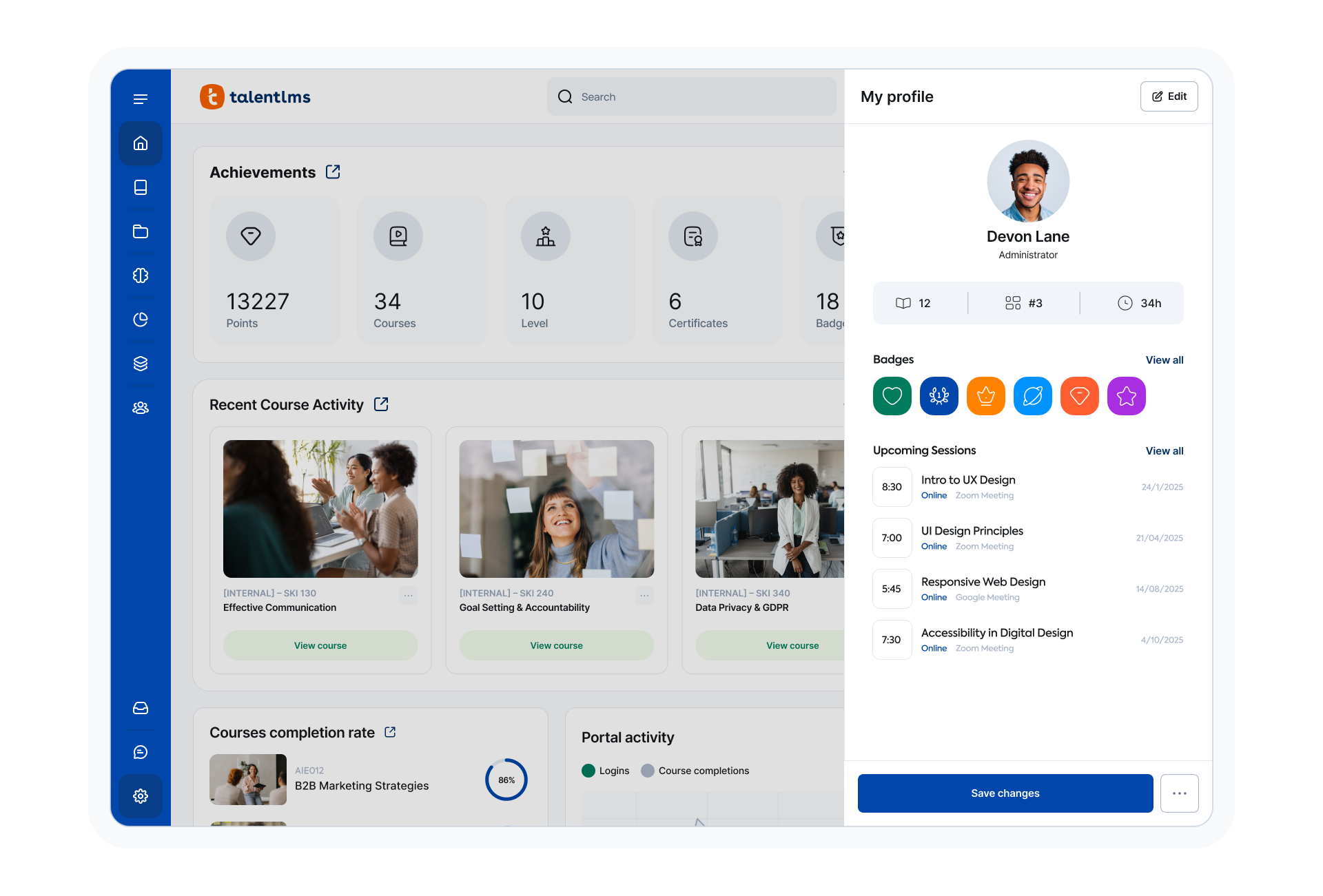 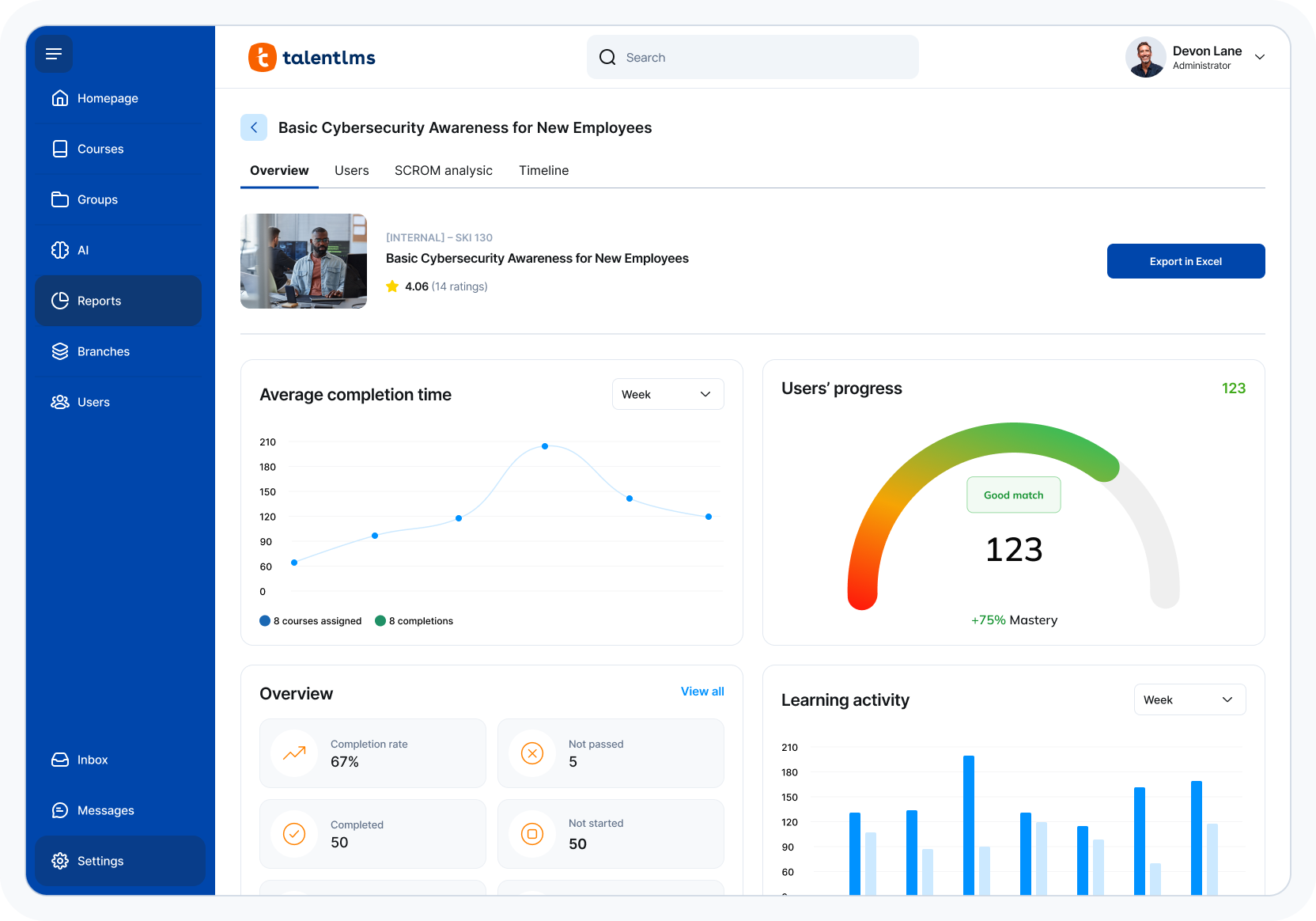 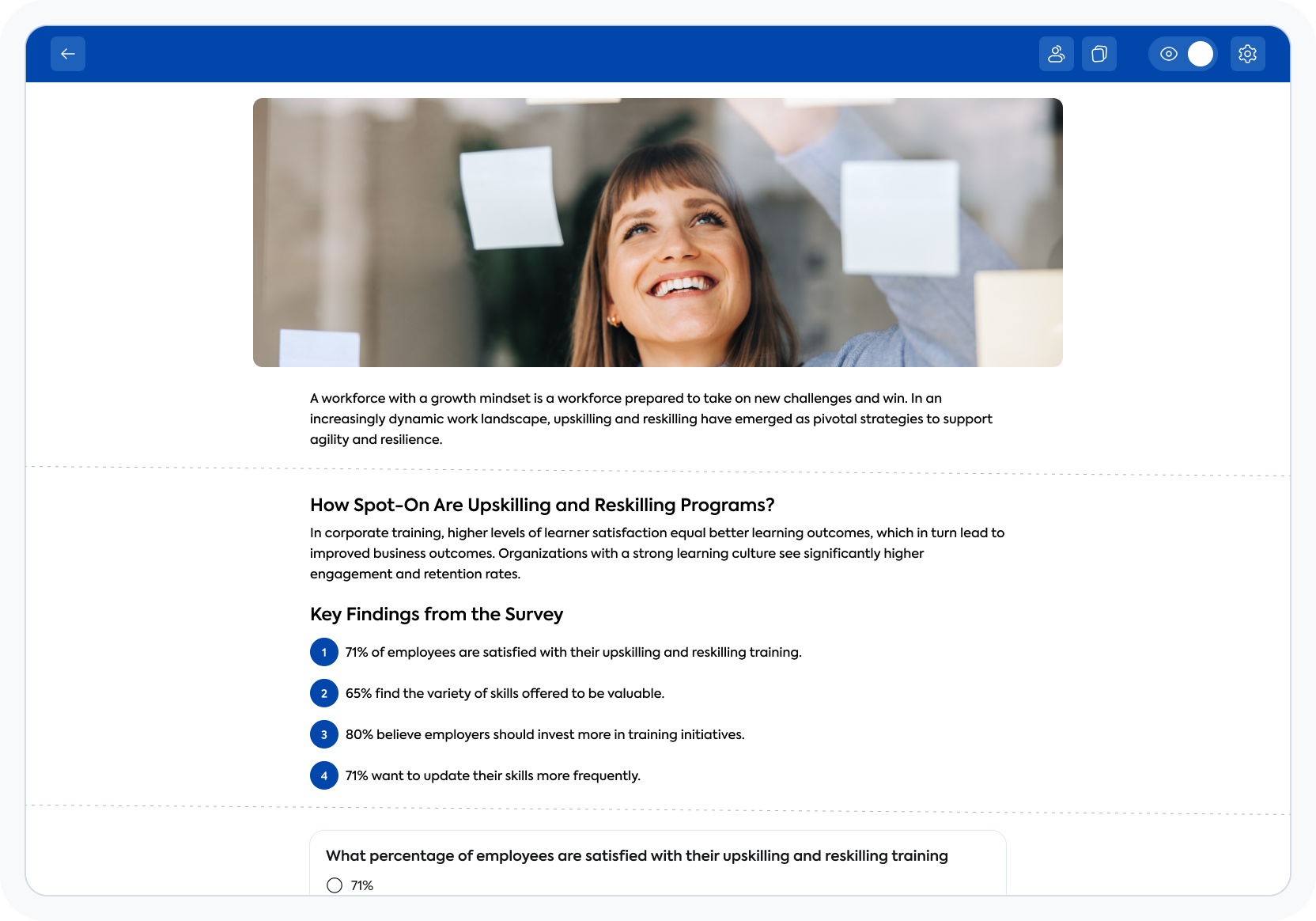 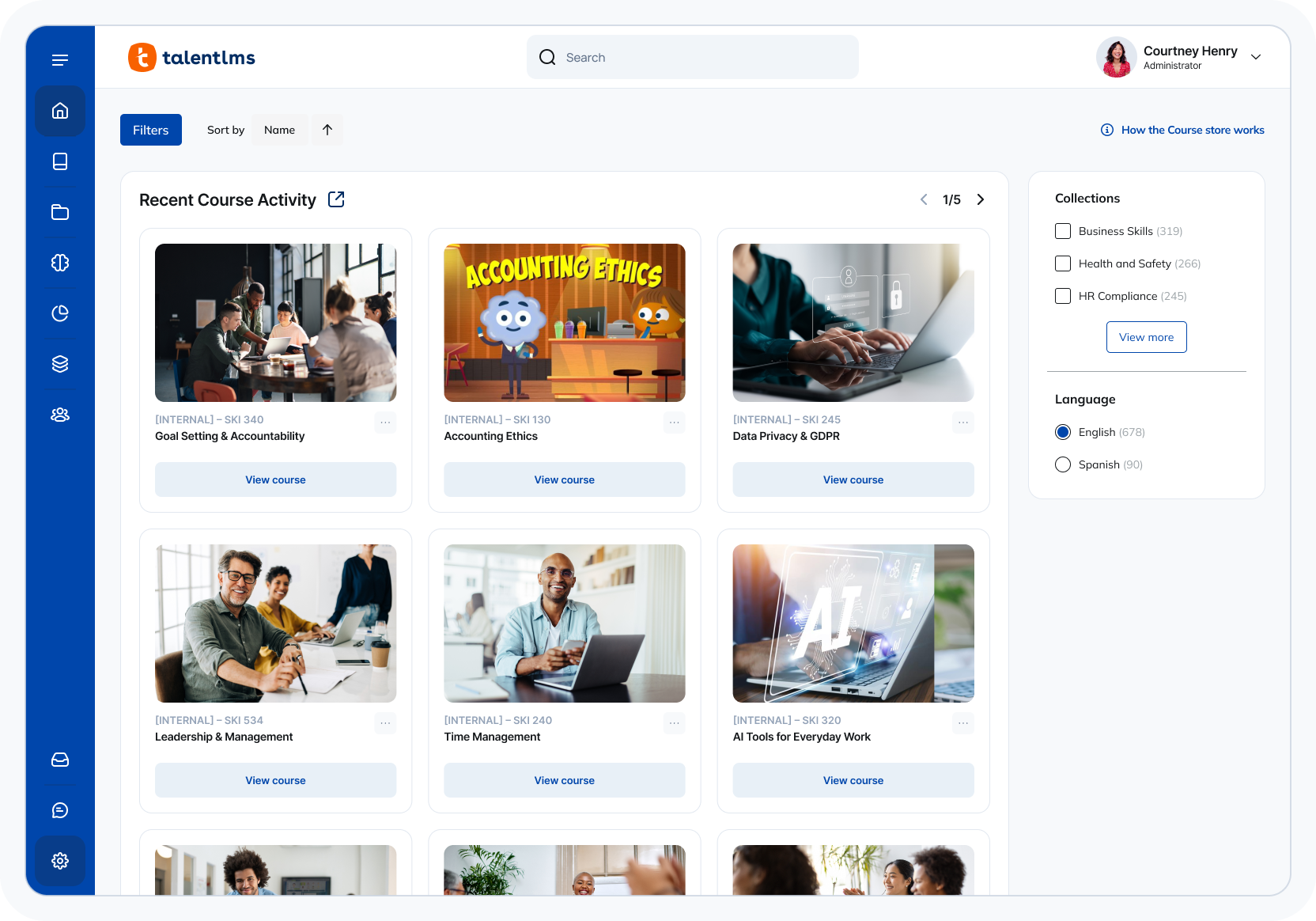 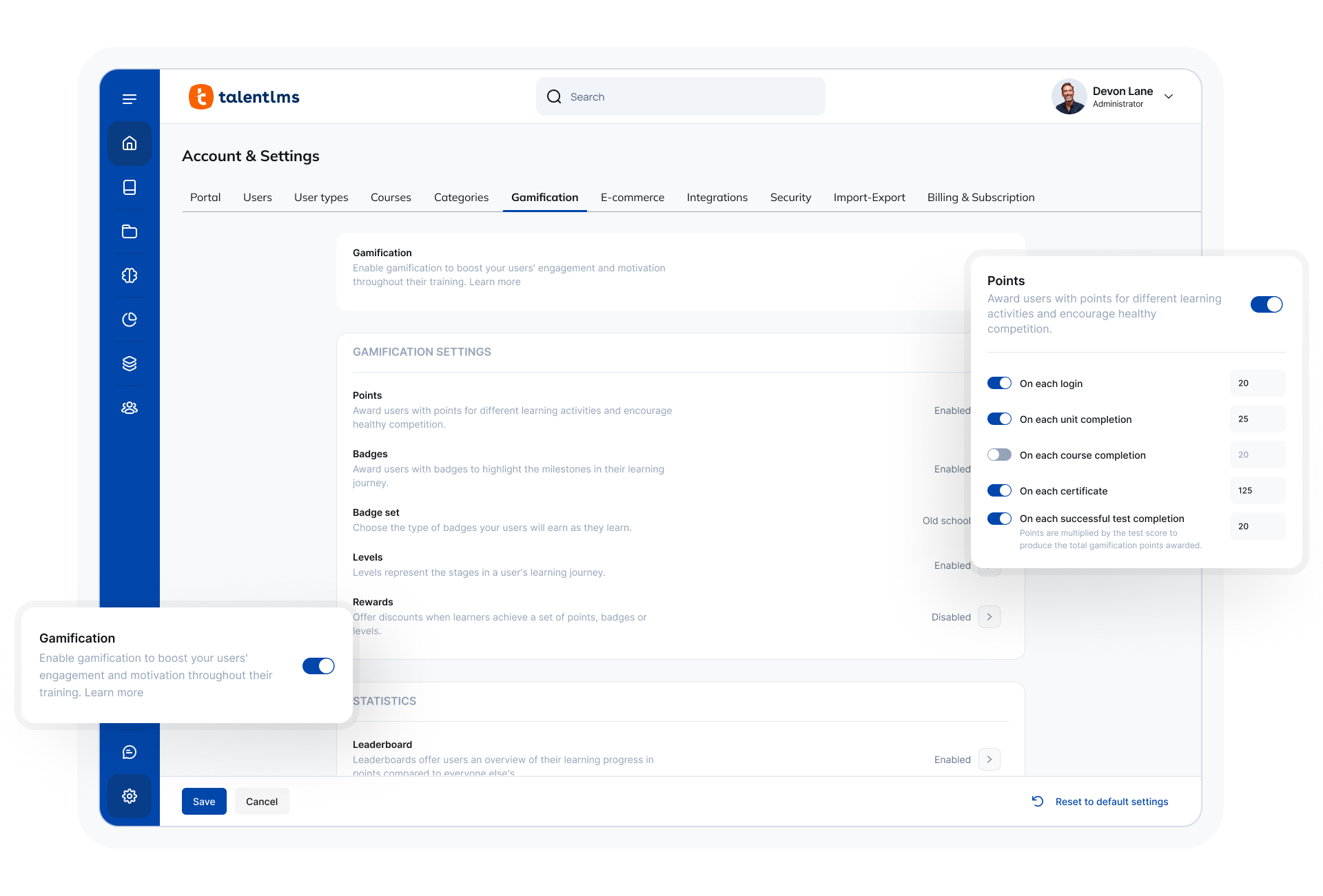 |