TalentLMS vs. WorkRamp

Overview
ProductRatingMost Used ByProduct SummaryStarting Price
TalentLMS
Score 8.6 out of 10
Mid-Size Companies (51-1,000 employees)
TalentLMS is an LMS built for training success, presented as fully customizable and easy to manage, so that teams embrace training while feeling right at home. It is used to provide the right training to any team and every use, while giving expert guidance and support every step of the way.
$149
per month 1-40 users
WorkRamp
Score 8.5 out of 10
N/A
WorkRamp, from the company of the same name in San Francisco, is presented as an end-to-end training platform for educating employees and customers at scale. WorkRamp offers solutions for sales (e.g. sales coaching, sales bootcamp), customer success and support, and also customers, to train users of the service on product usage, product pitch (sales), as well as provide in-context support to CS agents. It can be used to launch learning academies as well.N/A
Pricing
TalentLMSWorkRamp
Editions & Modules
Core
$149
per month 1-40 users
Grow
$299
per month 1-70 users
Pro
$579
per month 1-100 users
Enterprise (Custom plan)
Custom
annual plan Starts at 1000 users
No answers on this topic
Offerings
Pricing Offerings
TalentLMSWorkRamp
Free Trial
NoNo
Free/Freemium Version
YesNo
Premium Consulting/Integration Services
NoNo
Entry-level Setup FeeNo setup feeNo setup fee
Additional DetailsUsers can stay on the Forever Free plan and upgrade, or downgrade or cancel at any time. Higher volume plans available at additional cost. Discount available for annual billing, and for nonprofits.
More Pricing Information
Community Pulse
TalentLMSWorkRamp
Features
TalentLMSWorkRamp
Learning Management
Comparison of Learning Management features of Product A and Product B
TalentLMS
8.4
Ratings
3% above category average
WorkRamp
7.8
Ratings
5% below category average
Course authoring8.50 Ratings8.00 Ratings
Course catalog or library8.20 Ratings7.00 Ratings
Learning content8.10 Ratings8.00 Ratings
Mobile friendly8.60 Ratings7.00 Ratings
Progress tracking & certifications9.00 Ratings8.00 Ratings
Assignments8.50 Ratings9.00 Ratings
Compliance management8.80 Ratings8.00 Ratings
Learning administration8.80 Ratings8.00 Ratings
Learning reporting & analytics8.80 Ratings7.00 Ratings
Social learning7.30 Ratings9.00 Ratings
Gamification7.60 Ratings00 Ratings
Single Sign On (SSO) Enabled Learning8.80 Ratings00 Ratings
Player/Portal00 Ratings7.00 Ratings
User Ratings
TalentLMSWorkRamp
Likelihood to Recommend
8.9
(0 ratings)
8.0
(0 ratings)
Likelihood to Renew
10.0
(0 ratings)
-
(0 ratings)
Usability
-
(0 ratings)
8.0
(0 ratings)
Support Rating
8.8
(0 ratings)
-
(0 ratings)
Implementation Rating
9.3
(0 ratings)
-
(0 ratings)
User Testimonials
TalentLMSWorkRamp
Likelihood to Recommend
TalentLMS is user-friendly enough for someone new to LMS management can get a site up and running in a relatively quick manner. It is rather intuitive to operate. My needs have been a rather small scale of 400 learners and TalentLMS more than meets the need to produce a professional-looking and operational website to send customers and staff. The point here is that although I do not know how well it can be up-scaled, it certainly delivers for small to medium organizations to need to get content online
Read full review
WorkRamp is a great tool that is easy to use and manage. Especially for trainings that need to be done once it is easy to set them up and make them flow together, set out different topics, link to internal documents, etc. For trainings that you want people to be able to repeat or refer back to often, it is not the best solution. It's hard to go back and find a specific module or section of a module once you have completed it unless you know exactly where to look.
Read full review
Pros
  • Content creation tool for training lessons.
  • Managing and organizing users
  • Provides comprehensive library of pre-made courses.
  • Very easy to use, out of the box.
Read full review
  • Customer service.
  • Drag-and-drop course creation.
  • Great UX/UI for both users and admin.
  • Salesforce integration.
Read full review
Cons
  • It should be easier to re-send someone their initial course assignment email notification. The notification engine is a little non-intuitive.
  • I was trying to add a user to our account the other day (not a user - an internal employee that I wanted to give access to our system) and I had trouble finding it
Read full review
  • Auto tagging resources by keywords being used can be helpful to the party in charge of maintaining the information.
Read full review
Likelihood to Renew
The ease of use, the robustness of the offering, and familiarity. It does everything we need and probably more. We likley don't utilize all the functionality it has as it does what we want it to without having to dig that deep into its tools. Their course library also has saved us some time in terms of saving time from creating some basic courses.
Read full review
No answers on this topic
Usability
The system is intuitive. It does not have a lot of features that are hidden behind secret menus or elsewhere. There are often multiple ways to get to the same place through different menus without having to go back to the home or root menu. It makes things pretty easy. Additionally, if there is something I can't figure out, there is documentation available to help with that.
Read full review
WorkRamp has allowed us to keep employees up to date on the most recent trainings so that the entire workforce is working on the same information. It has also allowed us to roll out that training on an ad hoc basis vs gathering everyone together for live training, which can be delayed with calendar conflicts
Read full review
Reliability and Availability
I have never run into an issue with downtime in 5 plus years.
Read full review
No answers on this topic
Performance
It loads fast. Screen transitions are quick. Nothing seems to ever lag.
Read full review
No answers on this topic
Support Rating
The search feature alone is outstanding. When we needed technical assistance, it was provided with ease and clarity. Any representative we have worked with has been professional, knowledgeable, and good to work with, even if we were in different time zones or areas of the world.
Read full review
No answers on this topic
Implementation Rating
Implementation was relatively easy. When we set up a second branch, we needed a little help. But the support area is well-detailed. My clients had no experience with an LMS and their digital skills were limited. We had a long way to go. Nevertheless, it was relatively easy. It was rather quick!
Read full review
No answers on this topic
Alternatives Considered
Out of the box, Talent is easier to use than Learn Dash, which can be quite convoluted to set up, as it requires the integration and configuration of multiple plugins. As a result, we spent a lot less time getting things set up in Talent than LearnDash. Talent was also much less expensive than Litmos.
Read full review
WorkRamp has a very sophisticated solution that allows organizations to be nimble and flexible when it comes to rolling out training to employees. I like it for the ad hoc ability to move as fast as the organization needs to move
Read full review
Scalability
The product can create as similar or unique experiences for different branches as you want for training purposes
Read full review
No answers on this topic
Return on Investment
  • We have dental practices across the United states; the TalentLMS platform helps us train out staff with one process. Standardization across 107 practice to track all of regulatory and compliance training needs.
  • Over the course of the last four years we have recruited internal faculty to help develop content and they find the TalentLMS platform very easy to author material.
  • Creating content ourselves saves a tremendous amount of money each year
Read full review
  • We are much more knowledgeable in our respective teams and across departments regarding what each team is working on or has control over.
Read full review
ScreenShots

TalentLMS Screenshots

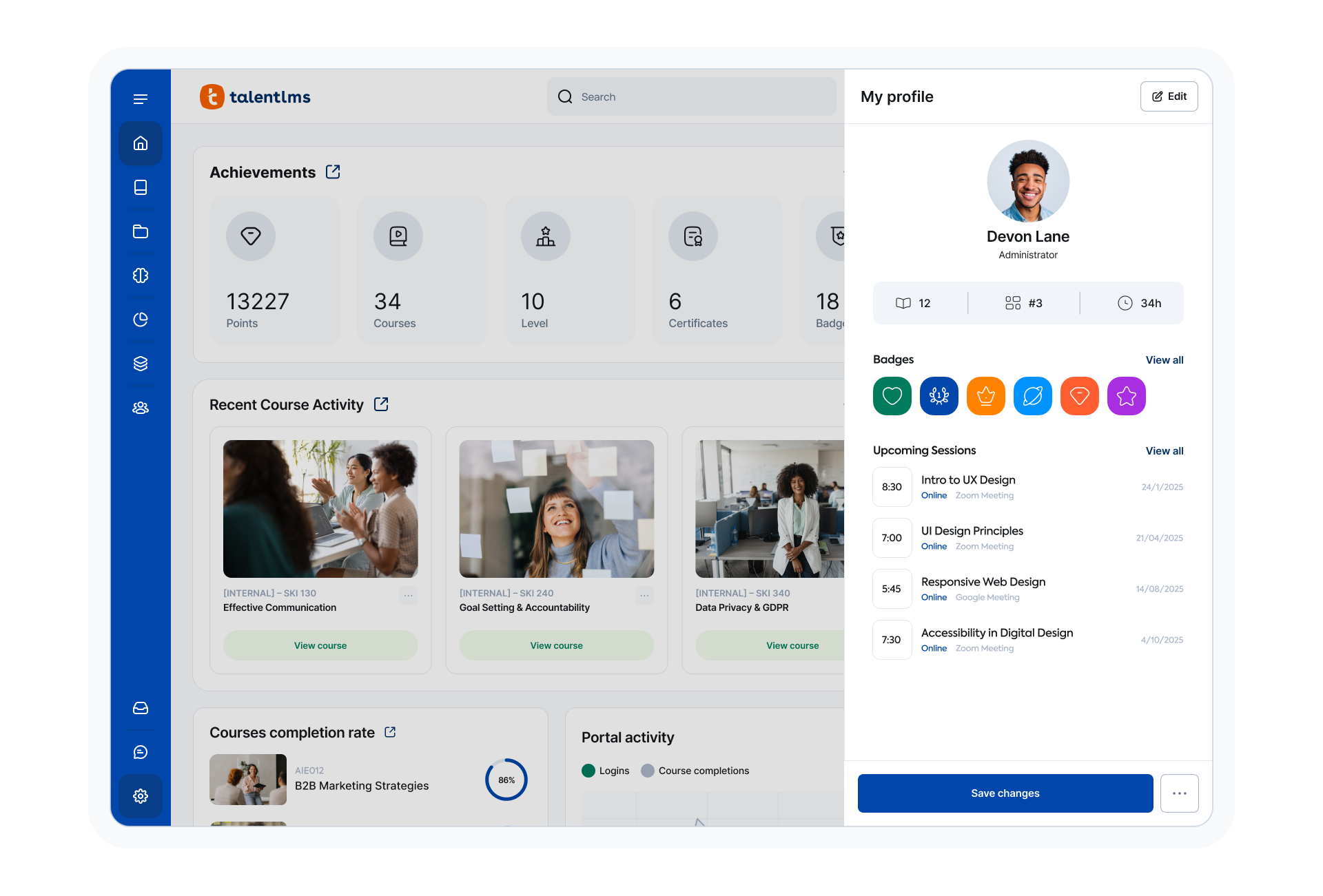
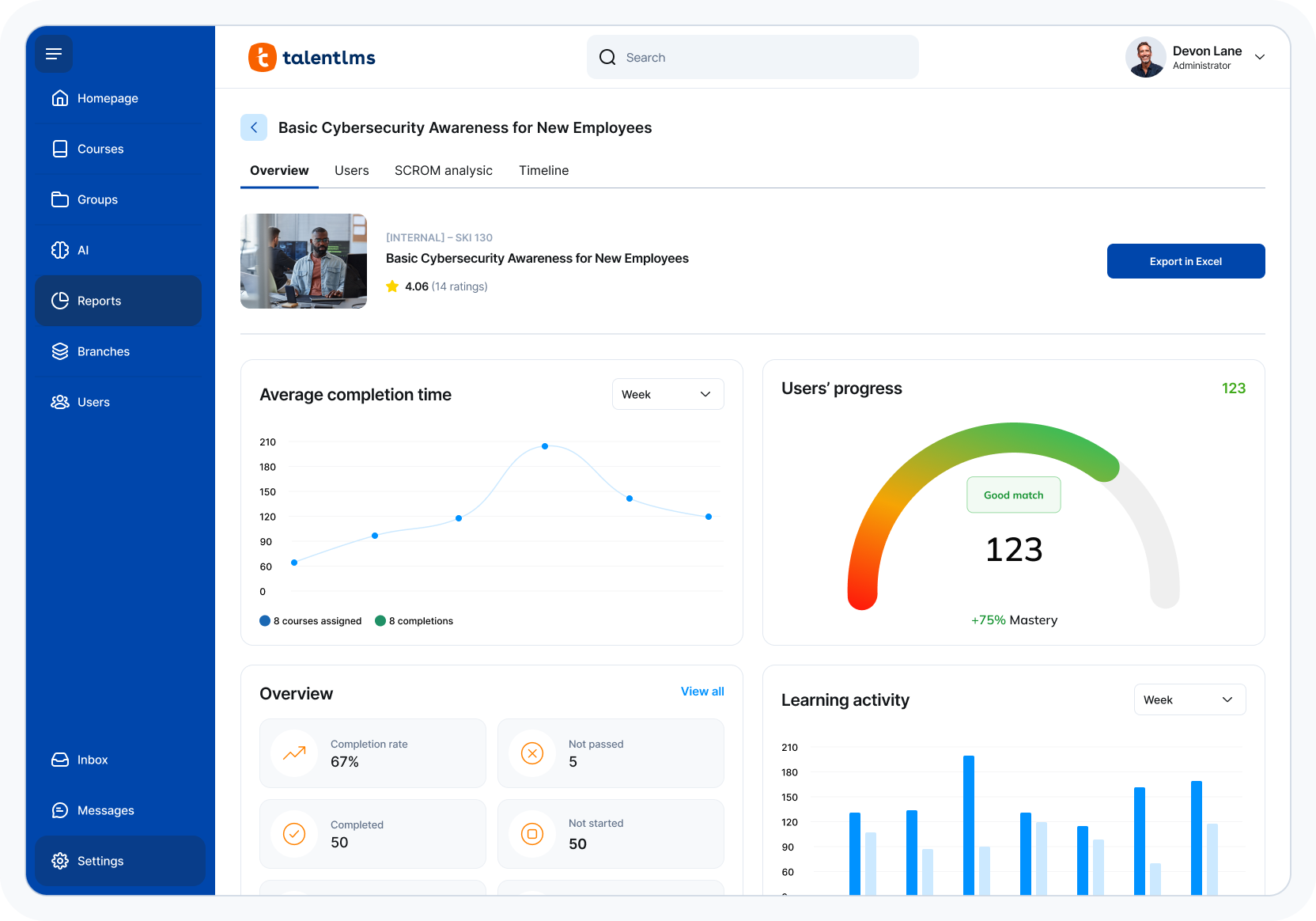
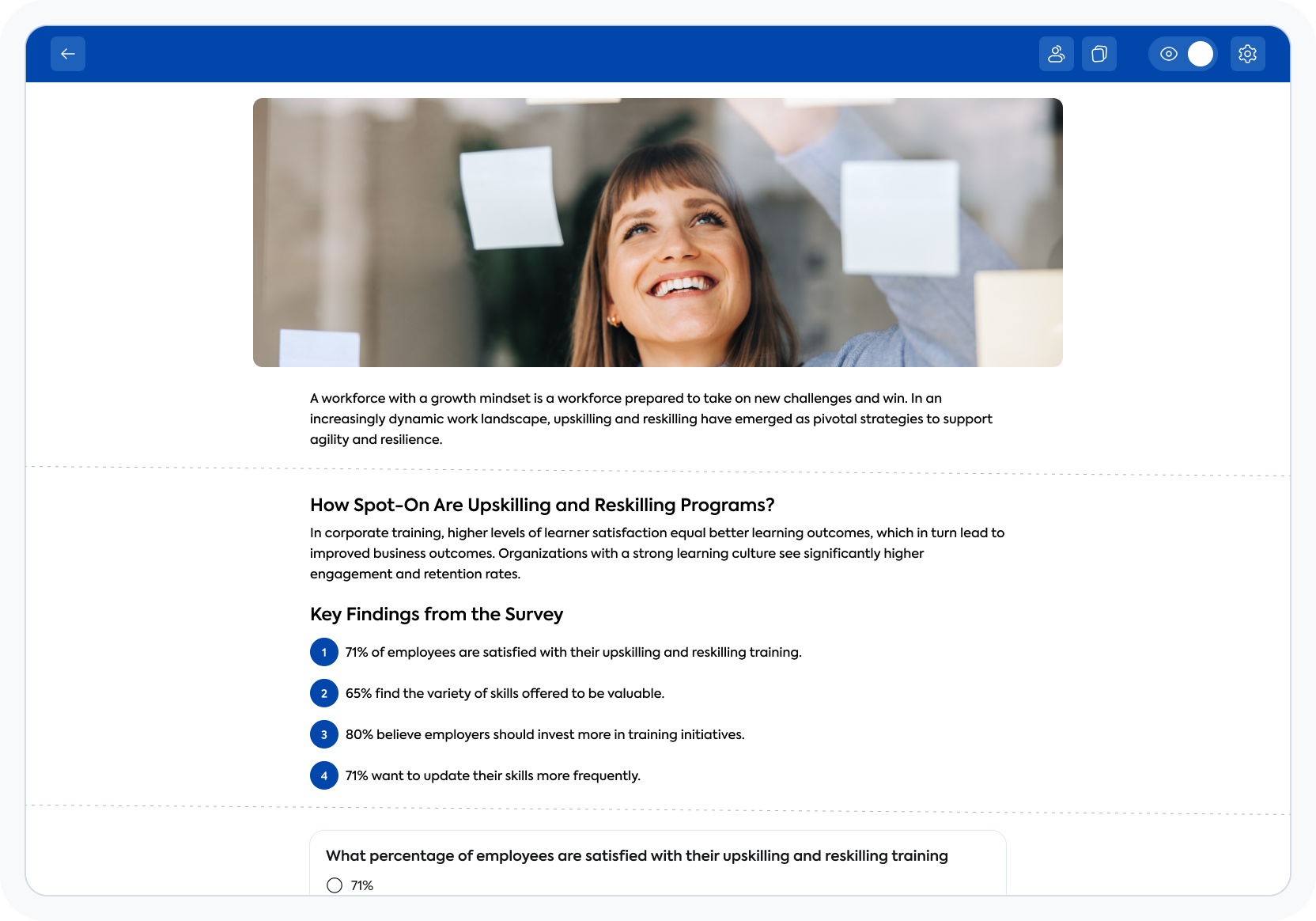
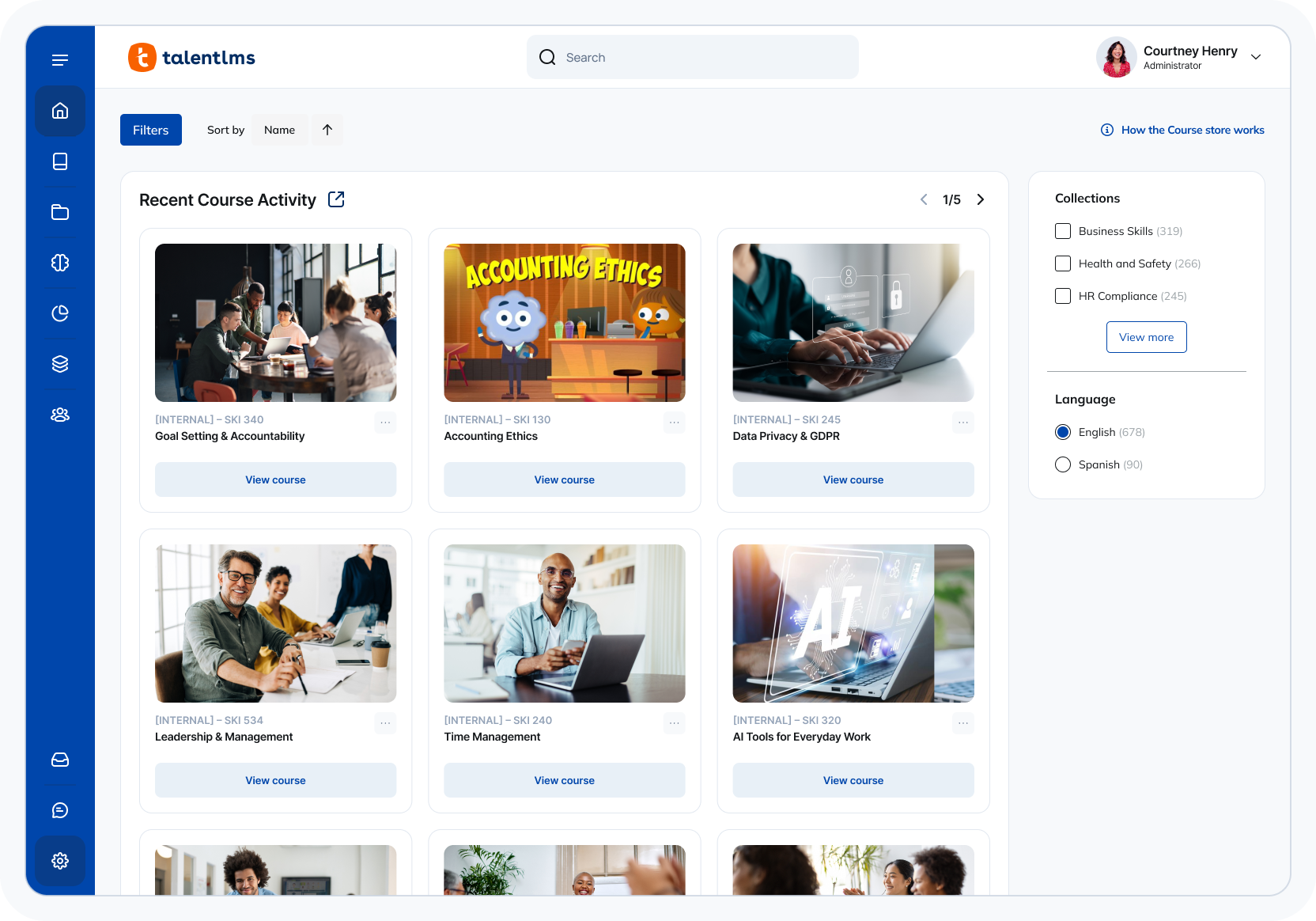
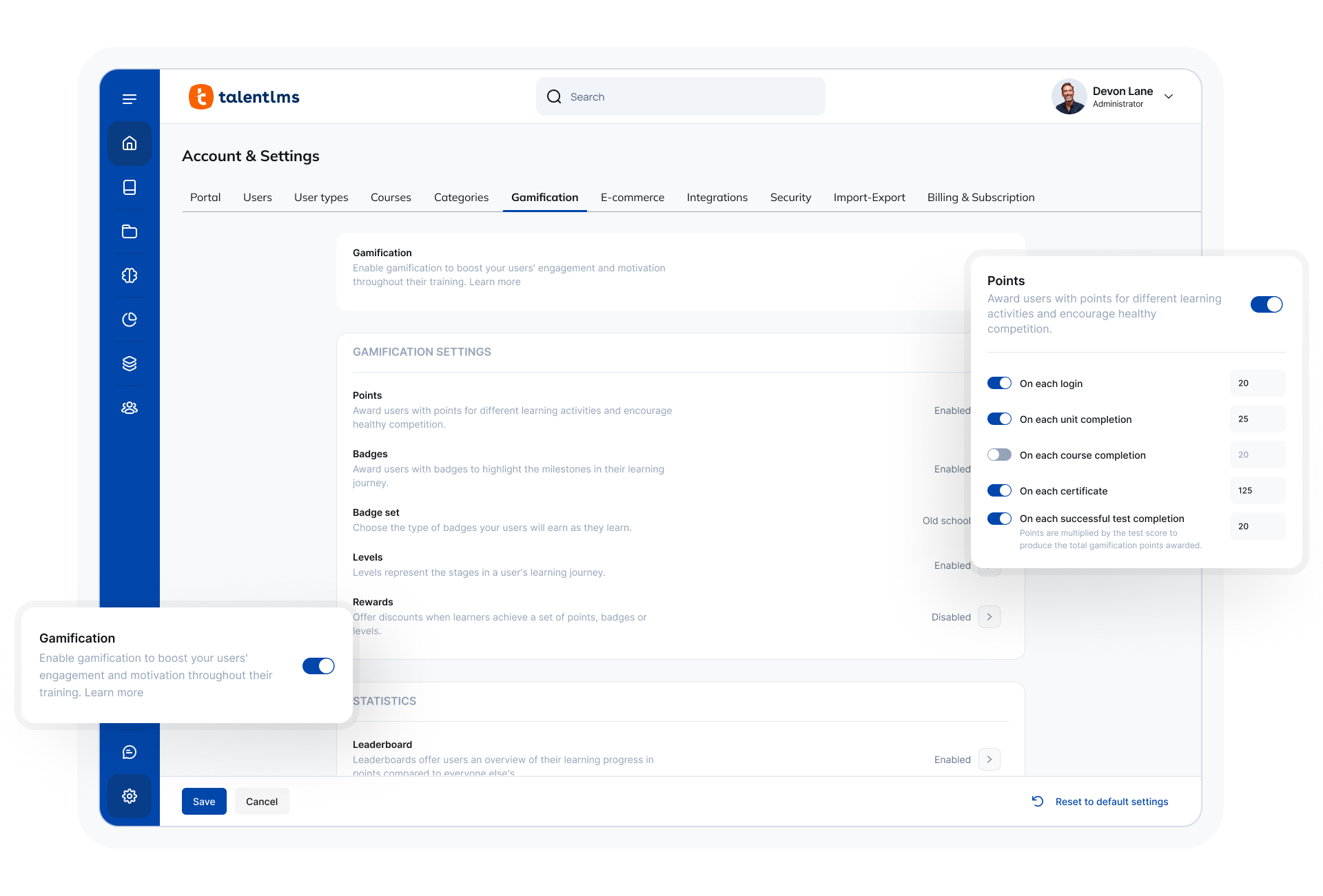
Screenshot of TalentLMS' learner view of a courseScreenshot of TalentLMS' training reportsScreenshot of TalentLMS's AI-powered Content CreatorScreenshot of the TalentLMS dashboardScreenshot of where to customize the TalentLMS portal

WorkRamp Screenshots

Screenshot of Learner Path (Onboarding)Screenshot of Content Collaboration Tools for EditorsScreenshot of Live Training Events (Instructor-Led)Screenshot of Pitch & Chat CertificationsScreenshot of Customer Training LMSScreenshot of Data Visualizations: In-App Reporting