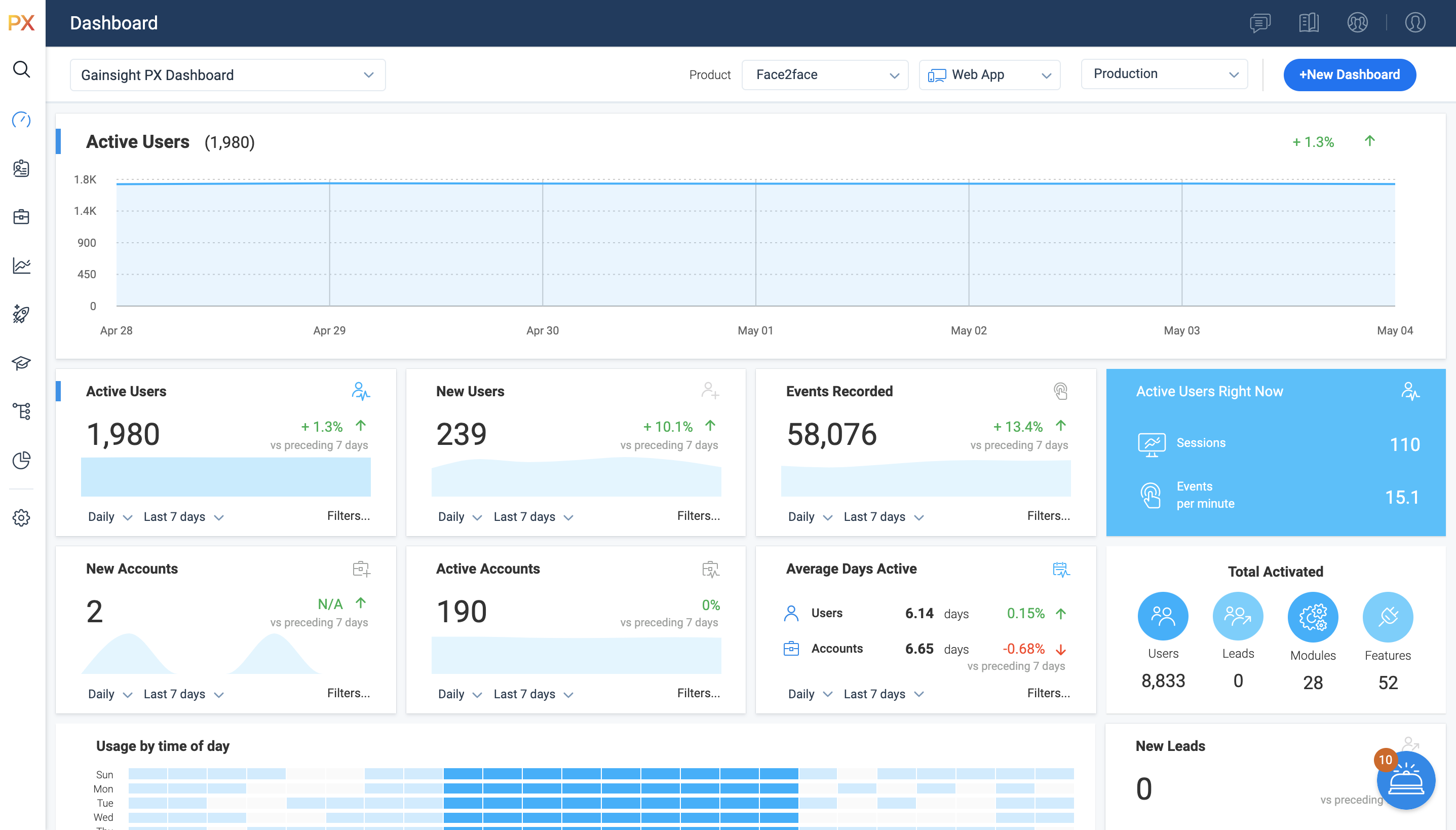
For SaaS products, Gainsight's product experience software enables companies to track every step of their user's journey and fully understand how they're interacting with a product over time.
$0
100 or less MAUs (Monthly Active Users)
WalkMe
Score 8.0 out of 10
N/A
WalkMe is a Digital Adoption Platform (DAP) that promises to transform the user experience in "today’s overwhelming digital world." Using artificial intelligence, analytics, engagement, guidance and automation, WalkMe offers a transparent overlay that assists users to complete tasks easily within any enterprise software, mobile application or website. Founded in 2011, WalkMe software is used by more than 1,500 enterprises globally, including over 30 percent of Fortune 500 companies.…
WalkMe: while the in-app engagements were powerful, there was no email capability, and the analytics were an afterthought (rather than a core part of the solution). Whatfix: the concept was great; the in-app engagements could be made into documentation and videos. However, we …
It’s a robust tool that allows you to easily map and track key features and actions within your products. It also allows for in app communications to help guide the user through the path you want them to follow. The ability to connect with Gainsight CS also allows you to leverage that data to drive actions for the account team, incorporate it in health scoring, and use it to trigger digital programs. You do need a well thought out strategy for management of the platform, the data and how you will use it.
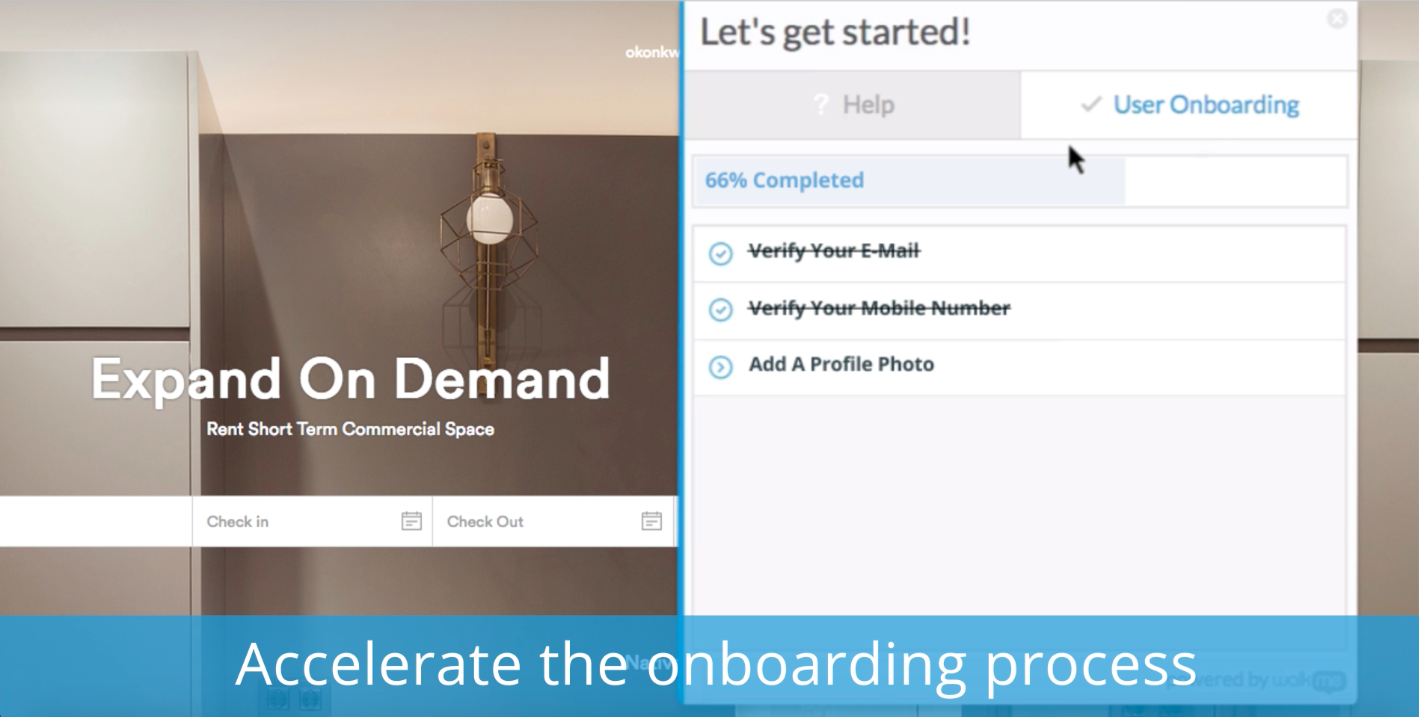
WalkMe is a great tool to support digital transformation efforts at an organization--it can reduce the training/learning time for both the users and the creators. It can also support onboarding, change management, data integrity, and creating a seamless connection between platforms and many others. It's not a tool for simple, intuitive platforms that do not change frequently.
Mapping your product is easier with PX than with Google Analytics (mapping your product makes usage data appear as hits on mapped URLs, buttons, etc)
PX is good at showing simple messaging popups to customers.
PX Badge functionality—a persistent hover- and click-enabled popup launcher, positioned on select pages and attached to select elements—works well as a self-serve resource for users. It can be unobtrusive yet right there when needed.
PX modal content is fully editable HTML with plenty of flexibility.
Audience filters are really powerful. You can target users by many built-in and dev-configurable attributes, like device-type (which helped me work with mobile web users), browser, account, parts of the application visited/used in the last day, and many more.
I would like to see some way to manage versions of the help from release to release, as currently the only way to see/roll a help item back to a time in the past is to revert to that time.
We had run into some issues with duplicating images in the Assets Library, but that has just been fixed!
It is a good product, but like with every product, there is room for improvement or even just things I, as a user, would prefer, such as the ability to click on a company and have it go to Salesforce instead of Insight. It can also be difficult to find certain reports.
WalkMe has done a great job of making their tool easy to use. However because it is a Firefox plugin it causes me to need another browser and sacrifice the left 2 - 3 inches of my display, when working on a laptop this makes it a bit painful. Also when publishing you can organize your list of walk-thrus, the window size is small and limited to the constraints of the WalkMe tool.
I have not had to contact support frequently but when I have I used the chat and my questions were answered immediately. I've also used their knowledge center, help documentation and training videos which are all very thorough. The support we've received from our Customer Success Manager has been helpful as well.
The WalkMe Support Team was phenomenal. My support rep made a genuine effort to ensure my success with using the WalkMe Software. She was kind, patient, and very knowledgeable on the software. If there was a question she did not know the answer too, she would find the answer and get back to me as soon as possible
I have used and evaluated a few similar products to Gainsight PX, including Appcues, WalkMe, and Pendo. I found that Gainsight PX was the most comprehensive and user-friendly platform, offering features such as customizable onboarding flows, product usage tracking, and automated customer success workflows.
I couldn't successfully implement this product for trial and found support help was delayed. In comparison, despite also being based in another country, WalkMe's support was quick to help with queries and always eager to address the issue and go above and beyond to make sure I had the information I needed.
Customer Sentiment. Customers have been excited when we can show them data around usage and where we can improve.
Deciding to remove features. We have used PX to identify features that have little to no usage which allows us to get rid of unnecessary process and maintenance.
Identifying areas of improvement. We are able to find areas of our product that we need to focus on improving where previously we would have missed or had a tough time justifying spending time and resources.
79% of our customers using a walk-thru agree that it has made it easy to handle their issue.
WalkMe has helped us lower costs associated with phone and ticket based support. Using WalkMe to promote self help over ticket creation has reduced our ticket contacts by 50%.
Many on our development team are leery of WalkMe. It is allowing someone outside of their department access to modify the user experience. However our leadership teams have been onboard with it.