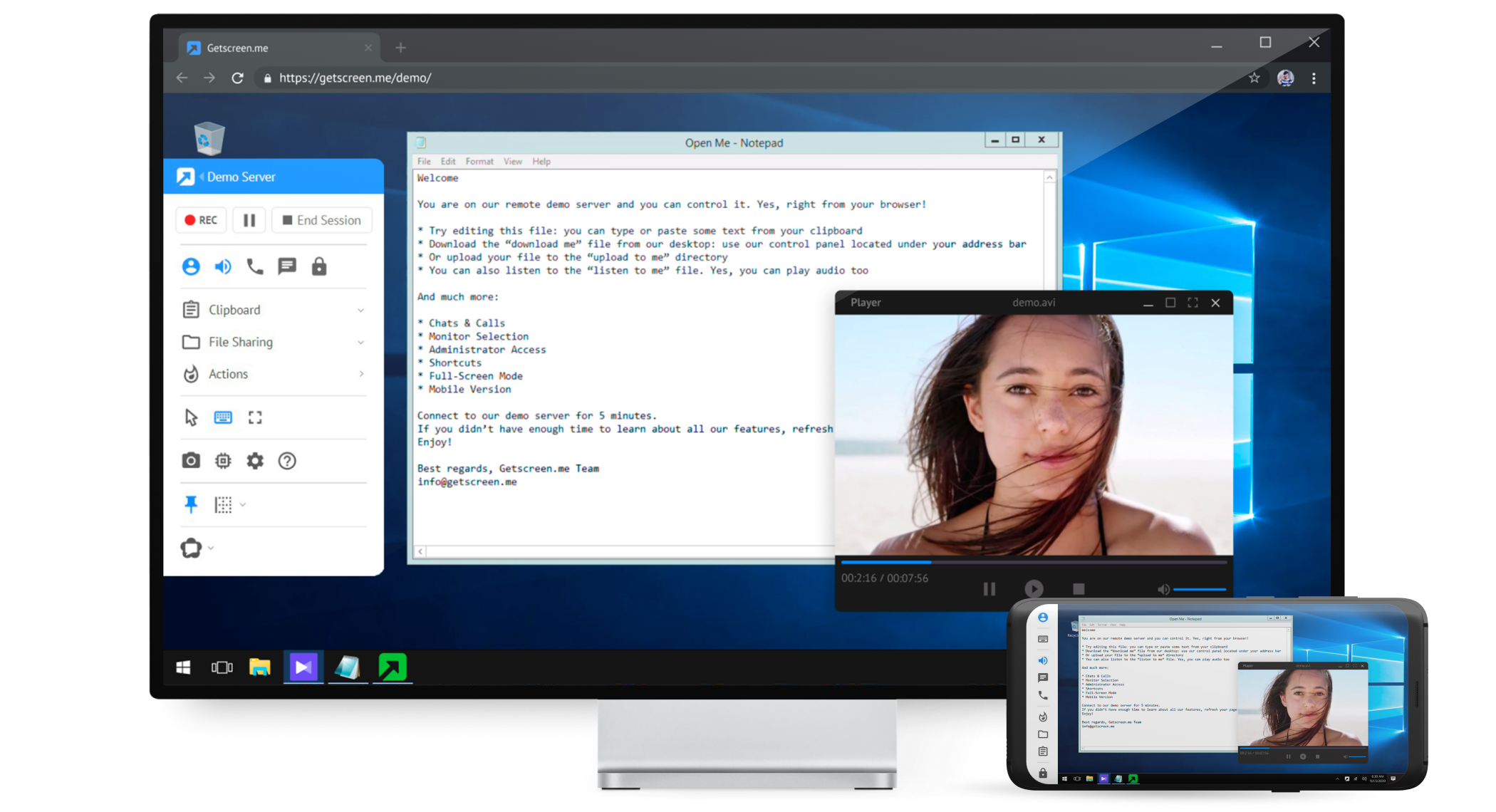
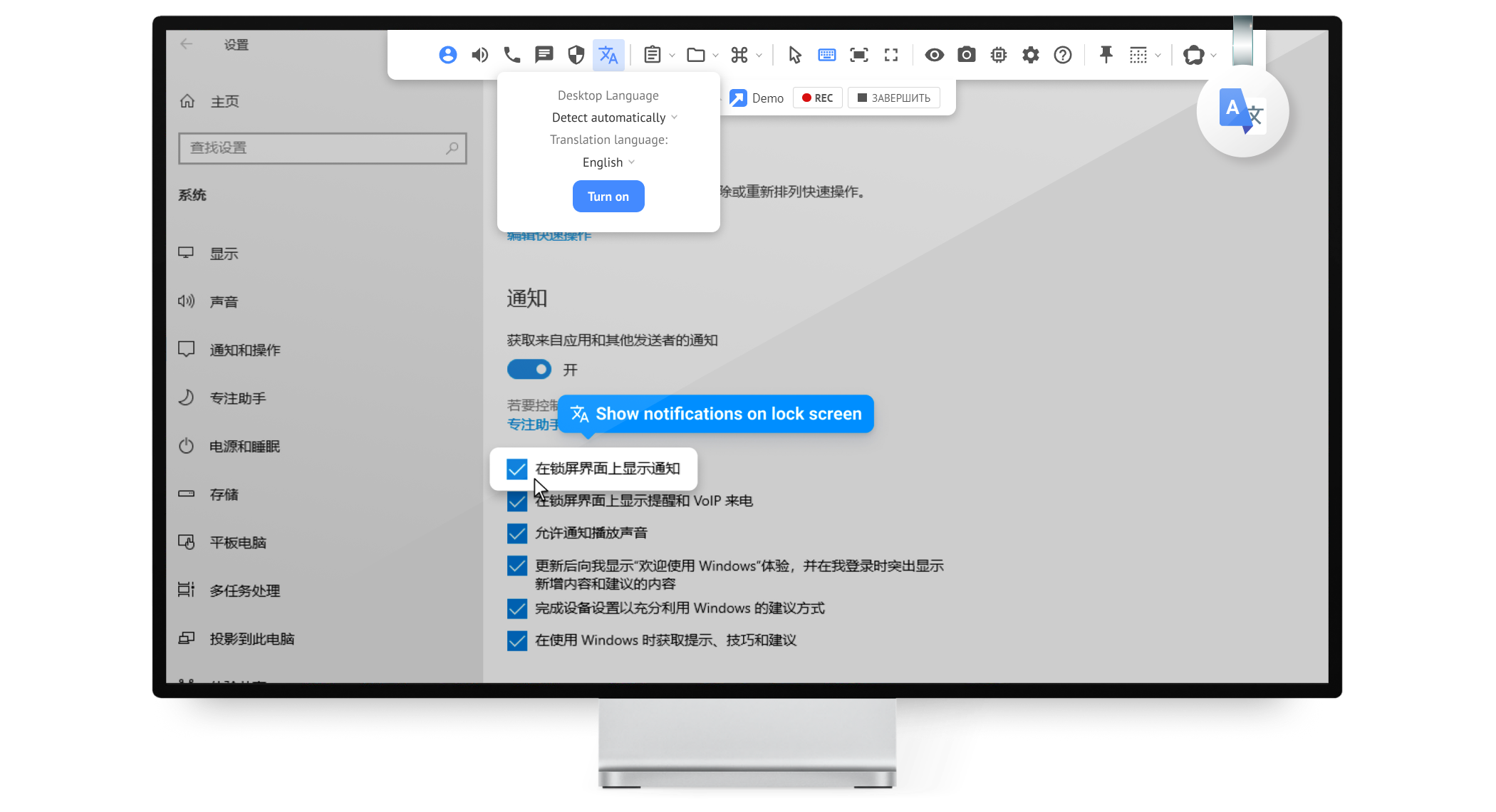
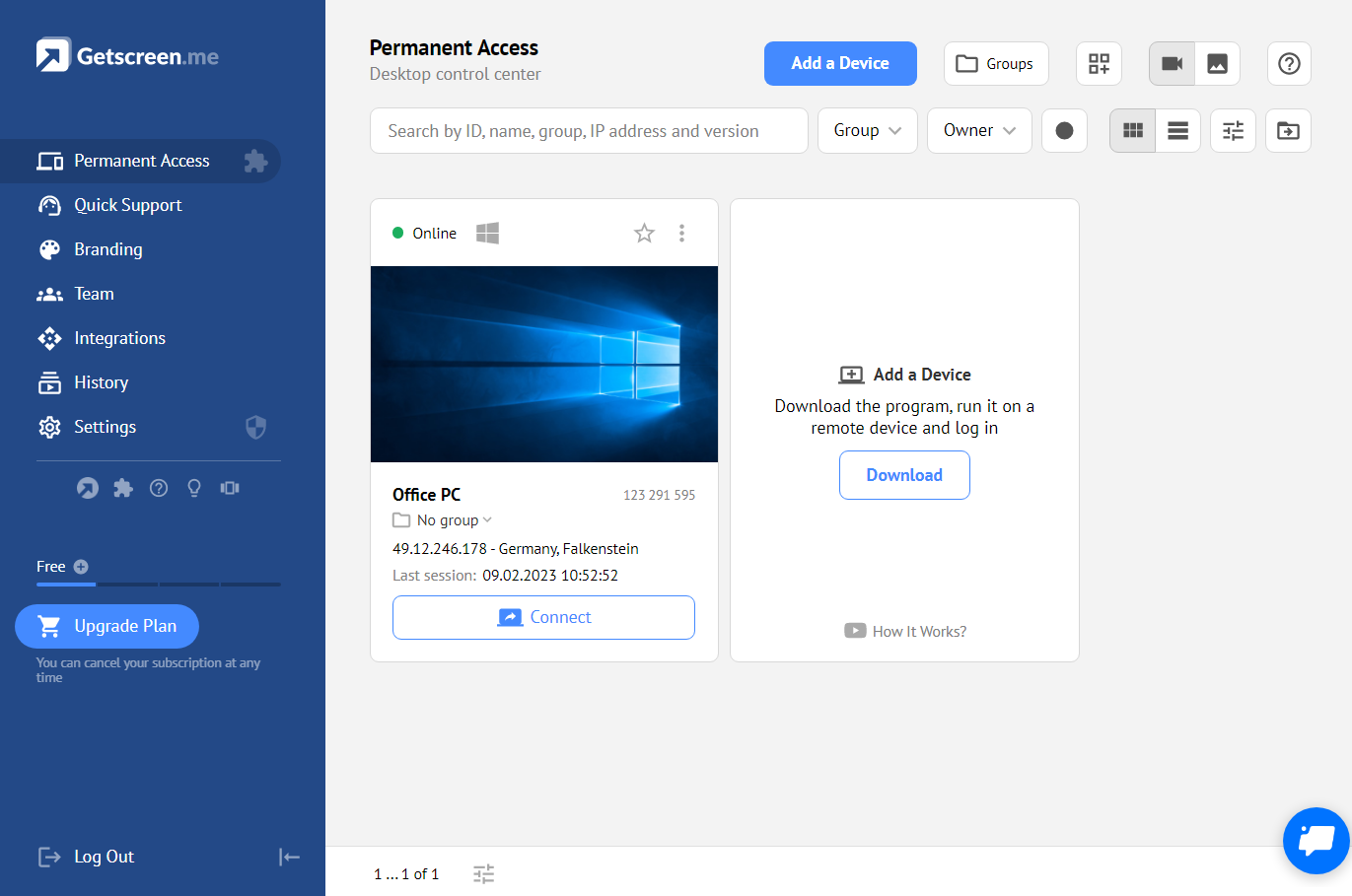
Getscreen.me is a cloud-based software for administration, technical support and remote work. Service provides remote desktop access from a browser, without any installation. It has permanent access and boasts quick support and instantaneous connection, with computers in the user's personal cabinet. The service works over the HTTPS protocol, which includes AES encryption.
$0
LogMeIn Rescue
Score 8.7 out of 10
N/A
LogMeIn Rescue is a remote
support solution for PCs, Macs, and mobile devices. LogMeIn Rescue is designed to help IT teams to
offer fast technical support and ensure a secure remote
support session for both the IT professional and the end user. From small
teams of IT helpdesk technicians to enterprise-level organizations, LogMeIn Rescue…
N/A
Pricing
Getscreen.me
LogMeIn Rescue
Editions & Modules
Free
$0
Standard
$5
per month per user, per device
Advanced
$8
per month per user, per device
Enterprise
$10
per month per user, per device
No answers on this topic
Offerings
Pricing Offerings
Getscreen.me
LogMeIn Rescue
Free Trial
Yes
Yes
Free/Freemium Version
Yes
No
Premium Consulting/Integration Services
No
No
Entry-level Setup Fee
No setup fee
No setup fee
Additional Details
16% discount with an annual subscription
—
More Pricing Information
Community Pulse
Getscreen.me
LogMeIn Rescue
Considered Both Products
Getscreen.me
Verified User
Anonymous
Chose Getscreen.me
I've never used another tool for this purpose in the past so I can't compare it to anything else. I know that there are plenty of other tools out there that have this kind of functionality, but it's just not something I'm able to compare as I haven't had the occasion to use …
While TeamViewer is a more mature/developed product. TeamViewer has more features and the interface is very similar but TeamViewer feels better. While TeamViewer currently takes the lead by a small margin for us, Getscreen.me is a very capable application for our needs. For …
In my experience, Getscreen.me stacks up very well against other remote desktop software like TeamViewer and AnyDesk. One of the things I appreciate most about Getscreen.me is its competitive pricing. Compared to other remote control services like TeamViewer or AnyDesk, I find …
Occasionally I have to supply aid to friends or family members, or I desire to discuss how I want to share the television screen over the call in GetScreen.me. One click can create a key and share it; the sessions begin when it arrives. I'm keeping an eye on specific computers …
Getscreen.me is easier to use as a support agent and on the client end. Remote access works much better than both Zoom or Teams. Those programs often to not work well for remote access when sharing screens
First of all, I do not need to install anything, I can basically work everywhere even in-network where the internet is restricted like company networks. Cheaper than TeamViewer and more options were added frequently due to the high demand of features requested and the dev team …
Teamviewer is more complicated than Getscreen.me. Plus I'm not sure it does the automatic IP resolution. More importantly, you can have permanent access to the computer without having the user to re-authorize anything. Once they've downloaded the software and run it, you have …
Getscreen.me works very well. The current feature set works well and I look forward to them adding more features. For ad-hoc support sessions, GSM works as well as anyone out there.
As said before LogMeIn Rescue is much more intuitive and easy to use than the competition, I much prefer to use LogMeIn Rescue because it is much better in terms of settings and design choices, thank you for the work LogMeIn Rescue you are the professionals you think you are, …
Truth be told, Rescue is the first and so far only solution from LogMeIn I started to use. However since it offers a wide range of tools specifically designed for remote support, it is highly effective for resolving technical issues. Additionally, Rescue provides various …
Inferior in most regards. Bomgar does the turning off of font smoothing by default, but it is trivially easy to disable, and the session quality is outstanding after doing so. ConnectWise Control doesn't do it at all. Google Remote Desktop is also great (except for not …
LogMeIn Rescue in was faster and much more user friendly than netop as well as netop was more complex setup and even complex for users as they needed to provided full ip address. UI was not clear at all for user or technicians making the learning curve steeper in Netop case.
I have never used any other mirroring system. I would not know how they compete but I do know LogMeIn Rescue is great but needs some fixing on bugs and capabilities with how fast the system moves especially because the whole point is to fix and help fastly and in a timely manner.
Being in Product Support in the company, I require to get access to customer's screenshare and help resolve the issues that they face. So LogMeIn Rescue offers such a user-friendly application with minimal efforts to get those access with all the permissions and help resolve …
It wasn't fully my decision to change from AnyDesk to LogMeIn Rescue - If it was up to me, I would have stuck to AnyDesk due to the cost (LogMeIn Rescue is much more expensive) and the ability to save login information and have multiple technicians connect at the same time …
Prior to LogMeIn Rescue we used Go To Assist. However, Go To Assist did not offer everything we needed in order to be able to support our clients. Since the switch to LogMeIn Rescue, we have many more options that allow us to not only better assist our clients, but to do so …
LogMeIn Rescue by GoTo options are better positioned from others. Also the option to share files, is better to be run in another window, but reflected on main screen. The chat option is my favorite, as it is run by the side of the remote window, not like Anydesk, which is not …
Bomgar does a better job with Mac machines. When a remote connection freezes on LMi, we will switch to bomgar. Bomgar also allows monitoring of customer support systems where LMI does not.
My primary tool for remote connections is via GFI preinstalled on client PCs. So I primarily use Logmein Rescue for ad-hoc situations. I do also use Microsoft Quick Assist but I find some end users have trouble with that as it sometimes requires them to sign in. Not all end …
LogMeIn Rescue by GoTo is by far superior feature wise when it comes to other solutions we've trialed. The cost of rescue is the only part that makes you have to stop and think before procurement, we had to significantly justify our reasons for this product over some of the …
It's well suited for IT employees who want to have an easy way to connect to other empoyees or customers. the quck conenct functionallity is easy to use and setup. Unfortunitly in germany some customers got slow internet and the performance from getscreen.me is not so great compaired to other remote desktop software.
Most of the time it is great. Sometimes with iPads it is not great or too expensive for orgs to pay for an option to allow iPads to be logged into along with computers and windows computer tablets. When needing to view something a client is talking about. It is great to use login to understand the issue and possibly fix any issues we need.
The rescue lens feature has come in handy to save us plenty of times. being able to have eyes on the end users' side to see how things are actually physically connected.
Having the ability to collaborate with other technicians is a feature that I have not seen in other applications. normally the other person has to connect as well which results in lowered connection speed on the end user's side since 2 connections are running.
The tools to be able to locate and audit sessions are also very valuable for measuring the performance of my technicians.
We may continue using Logmein as it is the best remote support application in terms of connection latency and control. However, since several of our client sites have stricter security policies they block this application and we have to switch to other ways which is inconvenient
For what we need it to do, it just works. And I'm sure that we're not even using it to the full extent of what it's capable and designed to do. If we had the need, Getscreen.me has many more features that we could implement. If the need arises in the future, it's great knowing that we already have a tool to utilize.
For user i think it needs improvement as every remote session I need to download the app, find it, open it, and allow access. For Agent it is well suited to provide support and preform any task required on the user workstation
When I did reach out at the early days of using Getscreen.me I got a pretty prompt response, and all of my questions were answered. Since then, I have never needed to contact support. This is a GOOD thing!
I'd say support for LogMeIn is ideal because I haven't ever been in a situation where additional support was necessary. The program runs so efficiently and simply that nothing was needed beyond initial training that was provided by my company. I am saying this as a user that strictly uses the technician console
While TeamViewer is a more mature/developed product. TeamViewer has more features and the interface is very similar but TeamViewer feels better. While TeamViewer currently takes the lead by a small margin for us, Getscreen.me is a very capable application for our needs. For the price/performance we prefer Getscreen.me.
Truth be told, Rescue is the first and so far only solution from LogMeIn I started to use. However since it offers a wide range of tools specifically designed for remote support, it is highly effective for resolving technical issues. Additionally, Rescue provides various connection methods and customizable interfaces, allowing support teams like mine to tailor the experience to specific needs.
For businesses with small to midsize IT staff, the ability to remotely control devices that are not on-site and occasionally out of state is extremely cost-effective.
The speedy response time of LogMeIn Rescue has been very helpful in resolving issues for IT staff.
The administrative process has been made more efficient by the ability to remotely log into servers.