Chose Google Keep
Notion and Todoist

| Product | Rating | Most Used By | Product Summary | Starting Price |
|---|---|---|---|---|
 Google Keep | N/A | Google Keep is a note-taking app launched by Google in 2013 and available free, providing a tool to capture text, images, video, etc. | N/A | |
 HipChat (discontinued) | N/A | Hipchat was discontinued by Atlassian. Users are being migrated to Slack. | $0 per user |
| Google Keep | HipChat (discontinued) | |||||||||||||||
|---|---|---|---|---|---|---|---|---|---|---|---|---|---|---|---|---|
| Editions & Modules | No answers on this topic |
| ||||||||||||||
| Offerings |
| |||||||||||||||
| Entry-level Setup Fee | No setup fee | No setup fee | ||||||||||||||
| Additional Details | — | For Server pricing info please visit https://www.hipchat.com/server (Only $1.20/user/month at the highest user tier!) | ||||||||||||||
| More Pricing Information | ||||||||||||||||
| Google Keep | HipChat (discontinued) | |
|---|---|---|
| Considered Both Products |  Google Keep  Vinicius Andrade Designer Chose Google Keep The main differential of Google Keep is its simplicity and efficiency for quick notes. I can draw on the card, put a photo, record audio if I can't write at the moment, in short, for everyday tasks, simple things, it is superior.  Sasha Jacobsen Model Chose Google Keep I prefer Google Keep over every other simple note-taking app. I prefer the interface and ease of use. Live tiles make for a much neater and easier to use interface than anything else. Easier to see precisely what's there when I open the app, lists are easy to make and keep …  Vinny Hebert Owner Chose Google Keep As I've mentioned earlier, Google Keep is less feature-rich then the above two alternatives. OneNote is a paid app and Evernote, my biggest reason for leaving that program is the syncing between devices didn't work well at times and somehow I created two logins and didn't know … |  HipChat (discontinued)  Ajay Akunuri Sr application support engineer Chose HipChat (discontinued) Compared to skype creating groups is easy and fast. Also , file sharing is easy and loads instantly . Emoji and gifs are much more better in HipChat compared to skype .My company's management chose to use HipChat for our organization as they got the license of HipChat for …  Bob Cadieux Scrum Master/Agile Coach Chose HipChat (discontinued) Slack and Google Hangouts have more features and offer meeting functionality. My choice would be Google Hangouts for ceremonies and Slack for messaging.  Himanshu Singh Product Manager Chose HipChat (discontinued) HipChat offers a good advantage for organizations looking for a low cost communication tool. The integration is easy and widely supported by many forums. Though, the technical issues are less reliable. Due to technical failures, Slack and Skype take the cake. Slack offers many …  Eric Broz System Administrator Chose HipChat (discontinued) We tried a lot of chat clients before choosing HipChat. The Skype for Business UI on the Mac side was 5 years old and terrible. Mac users hated the app including our CTO. Cisco Jabber was expensive to license and maintain; Skype was open to the public which took time away due …  Charlie Chauvin Lead Designer Chose HipChat (discontinued) HipChat stacks up really well against Slack. Many of the same features, look and feel and performance. Although we have about half of us on Mac and half on PC and several times we hear complaints of the desktop app not connecting soon after updates are released. Slack also …  Brandon Cluff Web Developer Chose HipChat (discontinued) I haven't evaluated any similar products. HipChat is really just perfect for the Atlassian user. Before my company used HipChat we were using Google Hangouts.  Nitin Behrani Sr. Web Services Engineer | Automation Tester | SOA Web Services Chose HipChat (discontinued) Adium and Cisco Jabber  Manuel Darío Escobar Ramírez Technical Lead Datastore, Site Reliability Engineer Chose HipChat (discontinued) Hipchat behaves equally good among several other platforms used at my company (OSX, Windows, Linux). It brings us the possibility to integrate with most of our used tools, and the cost is lower than other options. Chat history and encryption makes it easier to find previous … |
| Google Keep | HipChat (discontinued) | |||||||||||||||||||||||||||
|---|---|---|---|---|---|---|---|---|---|---|---|---|---|---|---|---|---|---|---|---|---|---|---|---|---|---|---|---|
| Project Management |
| |||||||||||||||||||||||||||
| Communication |
| |||||||||||||||||||||||||||
| File Sharing & Management |
|
| Google Keep | HipChat (discontinued) | |
|---|---|---|
| Small Businesses |  Stackby Score 9.0 out of 10 | Stackby Score 9.0 out of 10 |
| Medium-sized Companies |  Troop Messenger Score 9.8 out of 10 | Troop Messenger Score 9.8 out of 10 |
| Enterprises |  HCL Connections Score 9.0 out of 10 | HCL Connections Score 9.0 out of 10 |
| All Alternatives | View all alternatives | View all alternatives |
| Google Keep | HipChat (discontinued) | |
|---|---|---|
| Likelihood to Recommend | 10.0 (0 ratings) | 6.8 (0 ratings) |
| Likelihood to Renew | 10.0 (0 ratings) | 9.8 (0 ratings) |
| Usability | 9.0 (0 ratings) | 7.2 (0 ratings) |
| Support Rating | 7.9 (0 ratings) | 7.1 (0 ratings) |
| Implementation Rating | - (0 ratings) | 8.4 (0 ratings) |
| Ease of integration | - (0 ratings) | 7.6 (0 ratings) |
| Product Scalability | - (0 ratings) | 7.2 (0 ratings) |
| Google Keep | HipChat (discontinued) | |
|---|---|---|
| Likelihood to Recommend |
|
|
| Pros |
 Rachel Blankenship CX Trainer |
|
| Cons |
|
|
| Likelihood to Renew |
|
|
| Usability |
|
Ajay Akunuri Sr application support engineer |
| Support Rating |
|
|
| Implementation Rating | No answers on this topic |
|
| Alternatives Considered |
|
|
| Scalability | No answers on this topic |
 Vladimir Salnikov Programmer Analyst, Product Manager |
| Return on Investment |
|
 Christina Wofford Senior Technical Account Manager |
| ScreenShots | HipChat (discontinued) Screenshots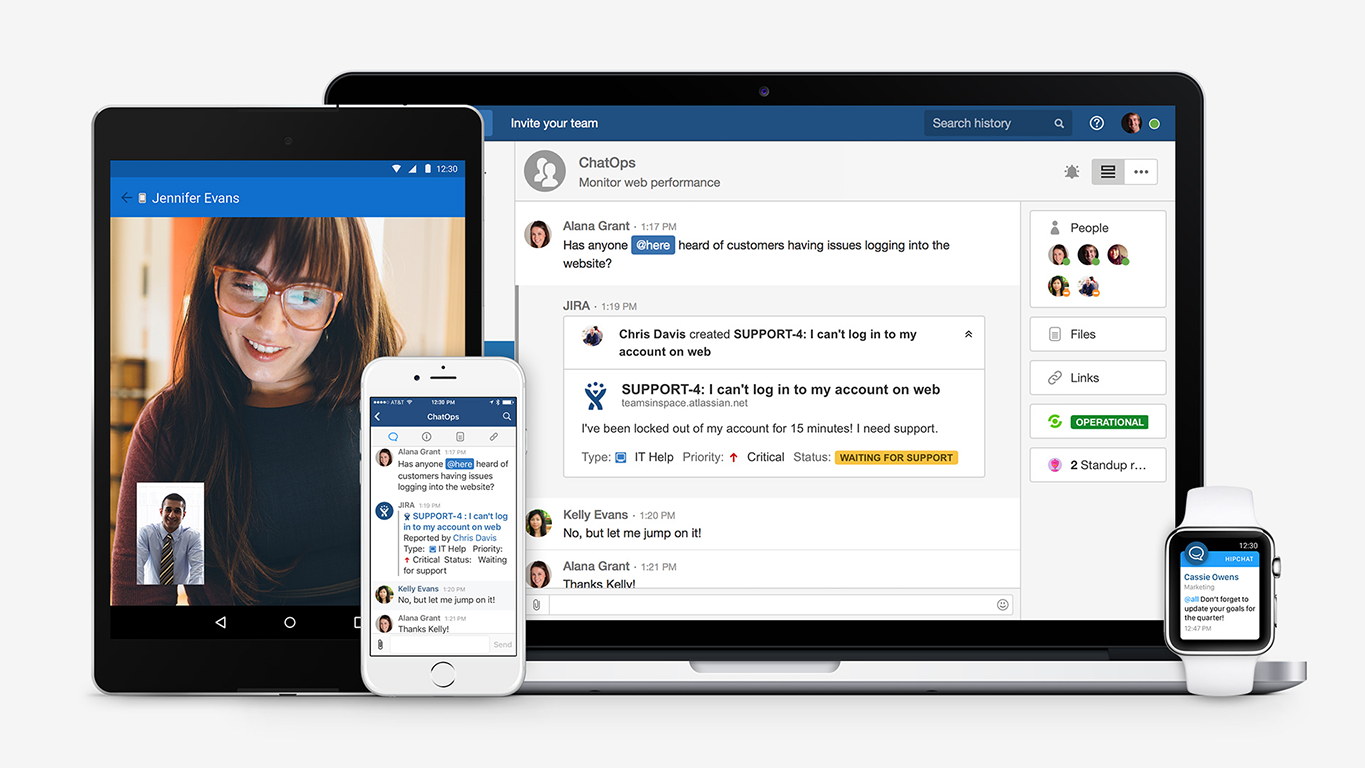 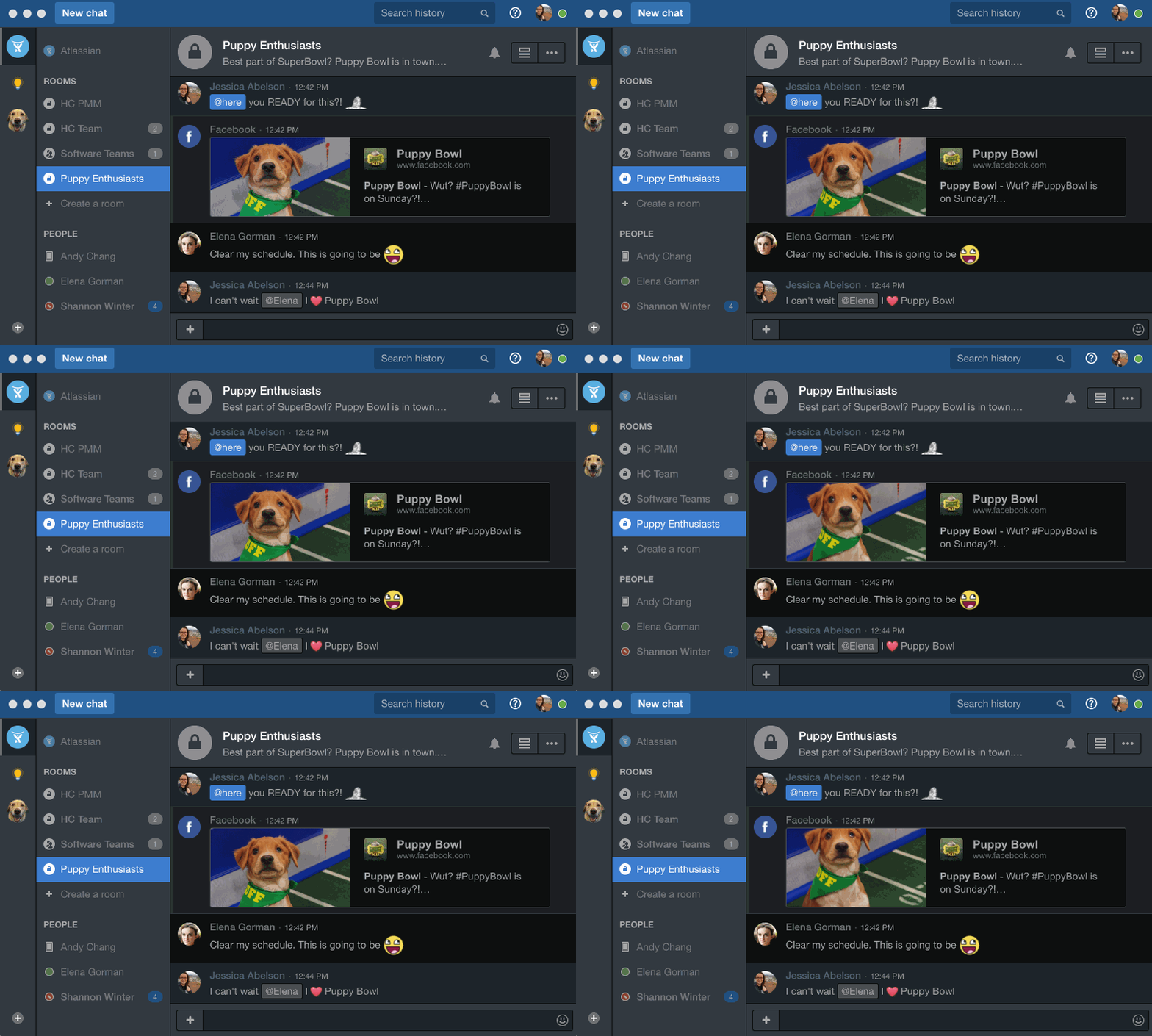  |