Grammarly in San Francisco provides its grammar improvement and AI driven writing assistance platform, available on free or paid premium and business plans.
$30
per month per member
TapRecruit
Score 0.0 out of 10
N/A
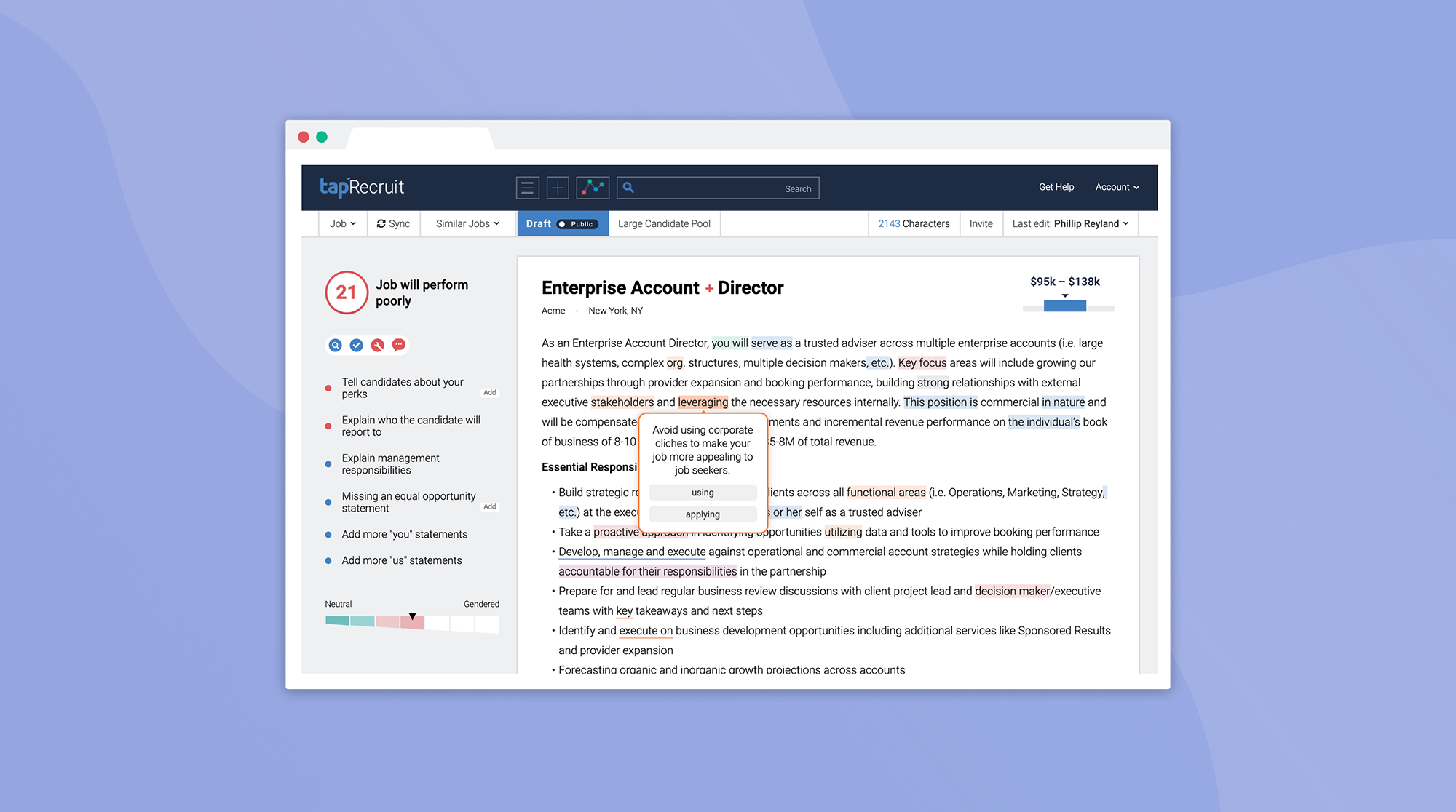
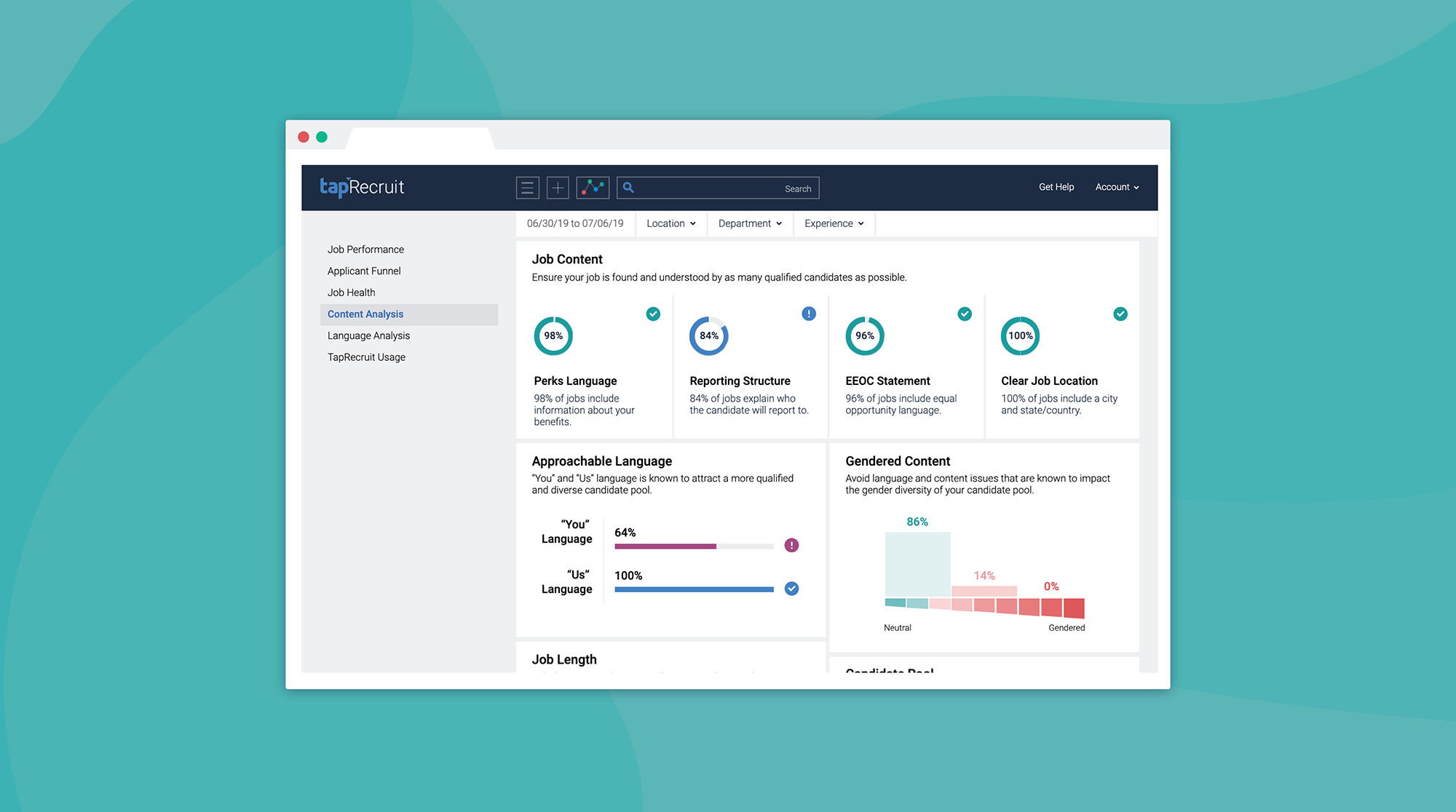
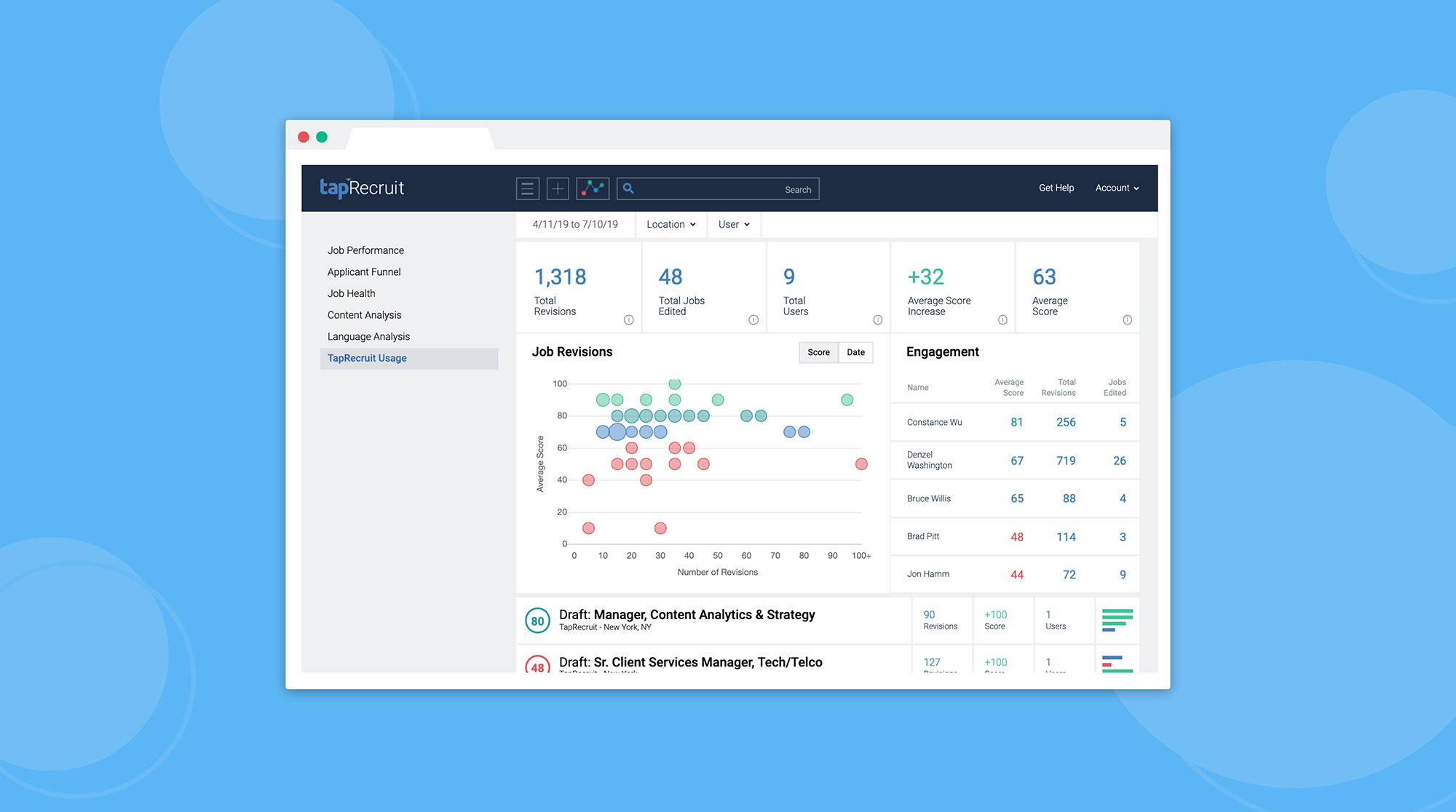
The vendor states that TapRecruit's Job Description Software with Augmented Writing goes beyond gendered language to help hiring teams write job descriptions that are thoughtful, concise, and welcoming to candidates from every background. They further state that TapRecruit integrates with all major ATS, and that it includes reporting designed for recruiting teams. It is free to try.
N/A
Pricing
Grammarly
TapRecruit
Editions & Modules
Pro
$30
per month per member
Enterprise
Contact Sales
No answers on this topic
Offerings
Pricing Offerings
Grammarly
TapRecruit
Free Trial
Yes
Yes
Free/Freemium Version
Yes
No
Premium Consulting/Integration Services
No
No
Entry-level Setup Fee
No setup fee
No setup fee
Additional Details
Discount available on Pro plan for annual pricing.
Grammarly is a great tool that would work well for writers, business professionals, students, and more. The app is incredibly useful in helping to improve writing and offers tons of tools like idea generation, outline drafting, using a specific voice to reach your audience and checking for plagiarism, to name a few.
Integration with existing tools - Grammarly works in practically all text areas across your browser, including email and things like Google Docs, etc.
Quality control - the meat of Grammarly is checking your text and writing in real-time, directly as you type. Most of the time, Grammarly provides very accurate recommendations and quality checks on your text.
Analytics and reporting - Grammarly sends regular updates via email about your usage statistics and other detailed info. This type of reporting can be very helpful in tracking your progress over time.
Either I'm as dumb as a bag of nails, or Grammarly has been an invaluable tool in our communication arsenal since we've been users since 2017. I don't recall which podcast we heard it on, but it may have been when Jordan Harbinger was on Art of Charm. I listen to about 8 podcasts a day, so it was probably on something I listened to, demo'd it, and then ponied up for a paid subscription.
It was very easy. I have it applied to all of my browsers as an extension so that I know I have entirely accurate grammar in anything I write for my company. I appreciate having something that will always be applied to anything on my computer. I wish I didn't need to use the Grammarly keyboard on mobile; I want it to read my text boxes like my computer does.
I have not really used customer support. I used the FAQ page to see how to re-install Grammarly because it wasn't functioning properly in longer documents. It seems to be working better now, but it still does not always underline all of the issues in the actual text. Thus, it is sometimes difficult to know where the errors are located.
Perhaps if you have a team that is not overly computer savvy, which in that case, I'd challenge your hiring decision, there's not much involved. I'm sure there are YouTube videos that go in-depth about implementation but it's really quite simple.
While DeepSeek (or similar tools) is effective for specific use cases like sentence rephrasing or creative localization, Grammarly offers a more comprehensive and versatile solution for businesses. Its advanced features, integrations, and focus on professionalism make it the preferred choice for organizations seeking to improve communication quality and consistency across teams.
It's allowing us to communicate more effectively and more confidently.
Presenting our staff and agents to the customers in the best way possible, and helps shine us up and everyone will know we pay attention to detail.
Our objective is to help our customers and be the bridge that connects the customers with the engineers and technical teams in the software vendors side, and having a like Grammarly is a game changer because it knows all the correct marketing and technical terms.