
Vibha Ravi
Salesforce Administrator
Chose GridBuddy Connect
We have not used or evaluated any other products. We used list view updates which is not as easy to update as GridBuddy.

| Product | Rating | Most Used By | Product Summary | Starting Price |
|---|---|---|---|---|
 GridBuddy Connect | N/A | GridBuddy Connect, from Validity, is a data productivity platform that keeps teams more focused on growing the business rather than updating data. GridBuddy Connect combines data from separate systems into an editable, spreadsheet-simple view. Users finally have all insights they need in one place, and they can engage confidently using the right data. | N/A | |
 HubSpot CRM | N/A | HubSpot’s CRM enables growth-minded businesses to optimize their relationships with leads and customers. Through harnessing the power of carefully crafted sales, marketing, customer service, content management, and operations tools, the software aims to make it easy to unify team strategy and drive conversion. Additionally, the software allows users to connect with over 875 integration apps, APIs, and solutions partners to create a customizable user experience that suits the way teams work.… | $0 Per Month [Unlimited Users] |
| GridBuddy Connect | HubSpot CRM | |||||||||||||||
|---|---|---|---|---|---|---|---|---|---|---|---|---|---|---|---|---|
| Editions & Modules | No answers on this topic |
| ||||||||||||||
| Offerings |
| |||||||||||||||
| Entry-level Setup Fee | No setup fee | No setup fee | ||||||||||||||
| Additional Details | — | — | ||||||||||||||
| More Pricing Information | ||||||||||||||||
| GridBuddy Connect | HubSpot CRM | |
|---|---|---|
| Considered Both Products |  GridBuddy Connect Vibha Ravi Salesforce Administrator Chose GridBuddy Connect We have not used or evaluated any other products. We used list view updates which is not as easy to update as GridBuddy. |  HubSpot CRM  Mantra Manan Saraswat Product Manager Chose HubSpot CRM We use Apollo.io, but that's just for some sales automation. Mostly, HubSpot CRM has everything that a not-so-power user of a particular stream would ask for. You cannot go wrong with HubSpot CRM, and a very easy decision unless somebody has very specific requirements. As a …  Adam Montgomery Director of Sales Chose HubSpot CRM We've been using Hubspot for years and don't foresee making any changes away from it. It has been fully integrated into how our business operates. We ultimately selected HubSpot CRM because it had all the features and functions that our marketing, sales, and operations teams …  Malena Giménez Enterprise Business Development Manager Chose HubSpot CRM I used Salesforce in a previous company. It was way more complex, especially because we would receive bugs and error messages that would prevent us from fixing the issue when it was urgent, as it would cause a contract not to be sent, for example. We had a customized version …  Tobi Davis CX Manager Chose HubSpot CRM Better in almost every way for a small business - more straightforward, more functionality out of the box, really easy to understand, and get support too.  JR Austin Customer Success Operations Manager Chose HubSpot CRM I think SFDC does some things better than HS but overall comparable. ChurnZero literally serves a different purpose, but I will say that Company/ Contact management and reporting are much easier in CZ.  Larissa Bravim Furlan Head of Operations Chose HubSpot CRM In our company, we previously used various CRMs that often had shortcomings and failed us at critical moments. Since adopting HubSpot CRM, we've noticed significant improvements, as it allows us to segment our databases, properly qualify leads, and generate reports and insights …  Bob Leonard President Chose HubSpot CRM Salesforce got overly complicated and expensive. Some basic needs like sequencing were an added expense (although this was a number of years ago)  Dirk Emminger General Manager Chose HubSpot CRM Microsoft Dynamics is not very flexible in connecting with other apps or with other ideas and processes. Salesforce is definitely too costly and also the customer service is not working well. HubSpot is doing much better on that, and overall, it's the solution that has from our … |
| GridBuddy Connect | HubSpot CRM | ||||||||||||||||||||||||||||||
|---|---|---|---|---|---|---|---|---|---|---|---|---|---|---|---|---|---|---|---|---|---|---|---|---|---|---|---|---|---|---|---|
| Sales Force Automation |
| ||||||||||||||||||||||||||||||
| Customer Service & Support |
| ||||||||||||||||||||||||||||||
| Marketing Automation |
| ||||||||||||||||||||||||||||||
| CRM Project Management |
| ||||||||||||||||||||||||||||||
| CRM Reporting & Analytics |
| ||||||||||||||||||||||||||||||
| Customization |
| ||||||||||||||||||||||||||||||
| Security |
| ||||||||||||||||||||||||||||||
| Social CRM |
| ||||||||||||||||||||||||||||||
| Integrations with 3rd-party Software |
| ||||||||||||||||||||||||||||||
| Platform |
|
| GridBuddy Connect | HubSpot CRM | |
|---|---|---|
| Small Businesses |  Cloze Score 9.9 out of 10 |  Salesmate Score 10.0 out of 10 |
| Medium-sized Companies |  Shared Contacts for Gmail Score 8.1 out of 10 |  Creatio Score 9.7 out of 10 |
| Enterprises | Shared Contacts for Gmail Score 8.1 out of 10 | Creatio Score 9.7 out of 10 |
| All Alternatives | View all alternatives | View all alternatives |
| GridBuddy Connect | HubSpot CRM | |
|---|---|---|
| Likelihood to Recommend | 7.9 (0 ratings) | 7.6 (0 ratings) |
| Likelihood to Renew | 9.1 (0 ratings) | 9.3 (0 ratings) |
| Usability | 9.1 (0 ratings) | 7.2 (0 ratings) |
| Support Rating | - (0 ratings) | 7.1 (0 ratings) |
| Implementation Rating | 9.1 (0 ratings) | 8.1 (0 ratings) |
| GridBuddy Connect | HubSpot CRM | |
|---|---|---|
| Likelihood to Recommend |
|
|
| Pros |
|
 Jeff Keeney Sales and Customer Success at Cross-Sell |
| Cons |
|
Adam Montgomery Director of Sales |
| Likelihood to Renew |
|
 Usman Rehman Business Analyst |
| Usability |
|
|
| Support Rating | No answers on this topic |
|
| Implementation Rating |
|
 Greg Linnemanstons President |
| Alternatives Considered |
|
 Avesh Kumar Lead Engineer |
| Return on Investment |
 Bilal Comertpay Business Development Manager |
Mantra Manan Saraswat Product Manager |
| ScreenShots | GridBuddy Connect Screenshots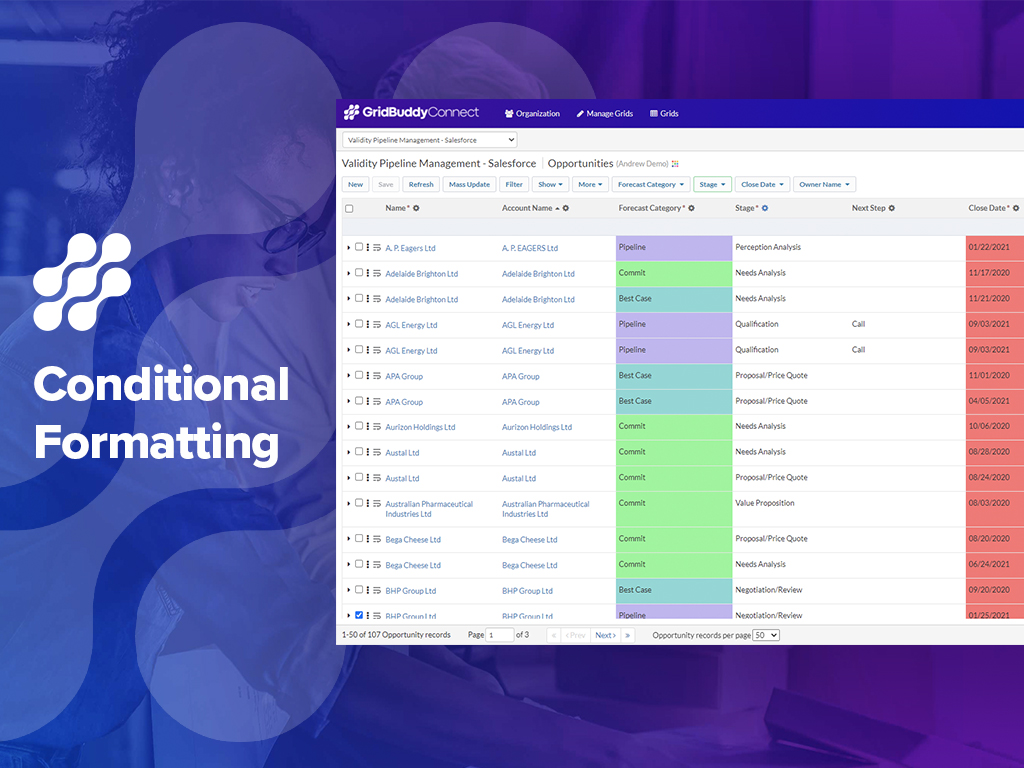 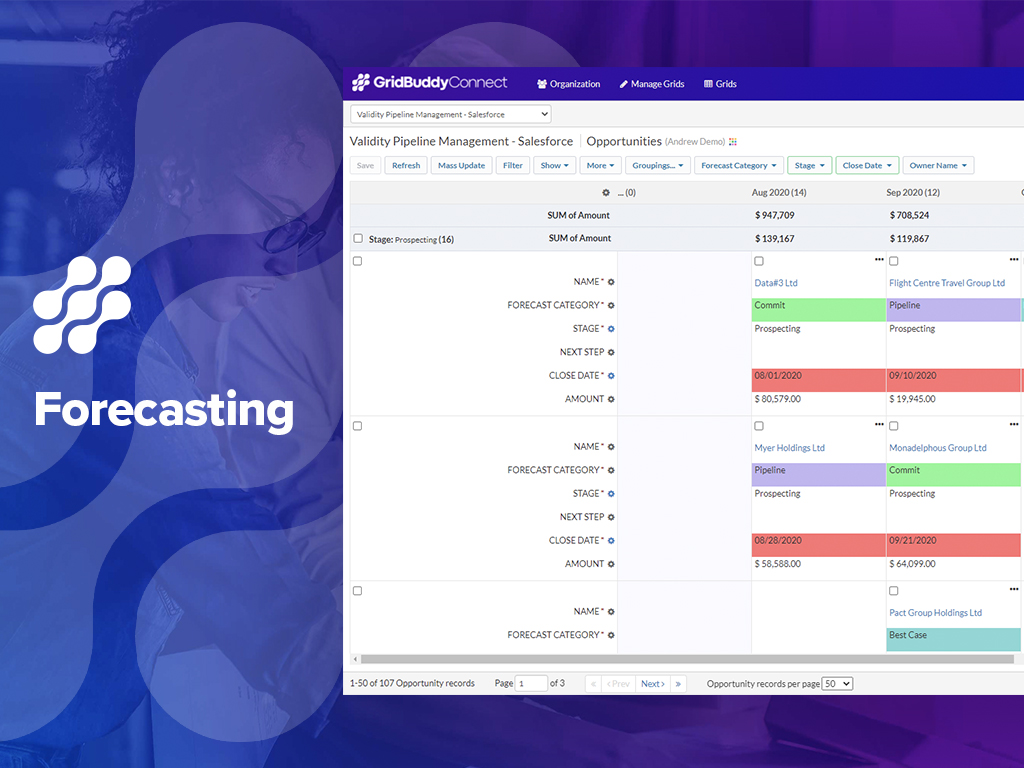  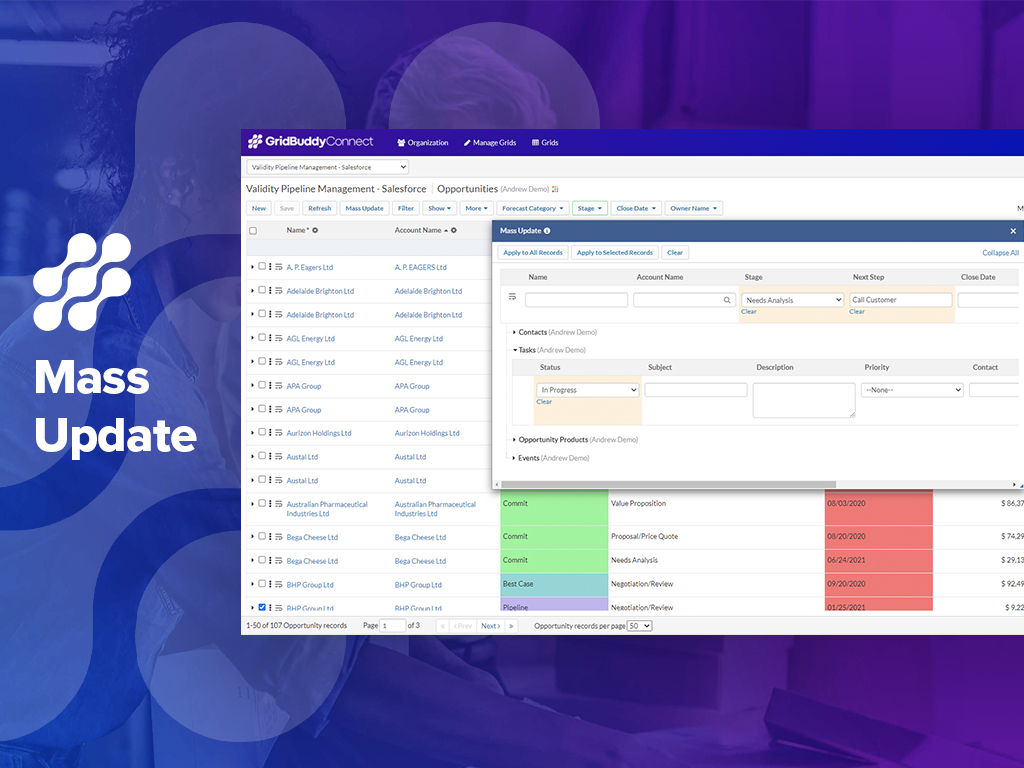  | HubSpot CRM Screenshots   |