Homebase in San Francisco offers restaurants, hotels, hospitals, and retailers their employee scheduling and time tracking tools with scheduling optimization and team messaging for coordinating shifts; service includes a free time tracking app.
$14
per month
Workday Workforce Management
Score 8.9 out of 10
N/A
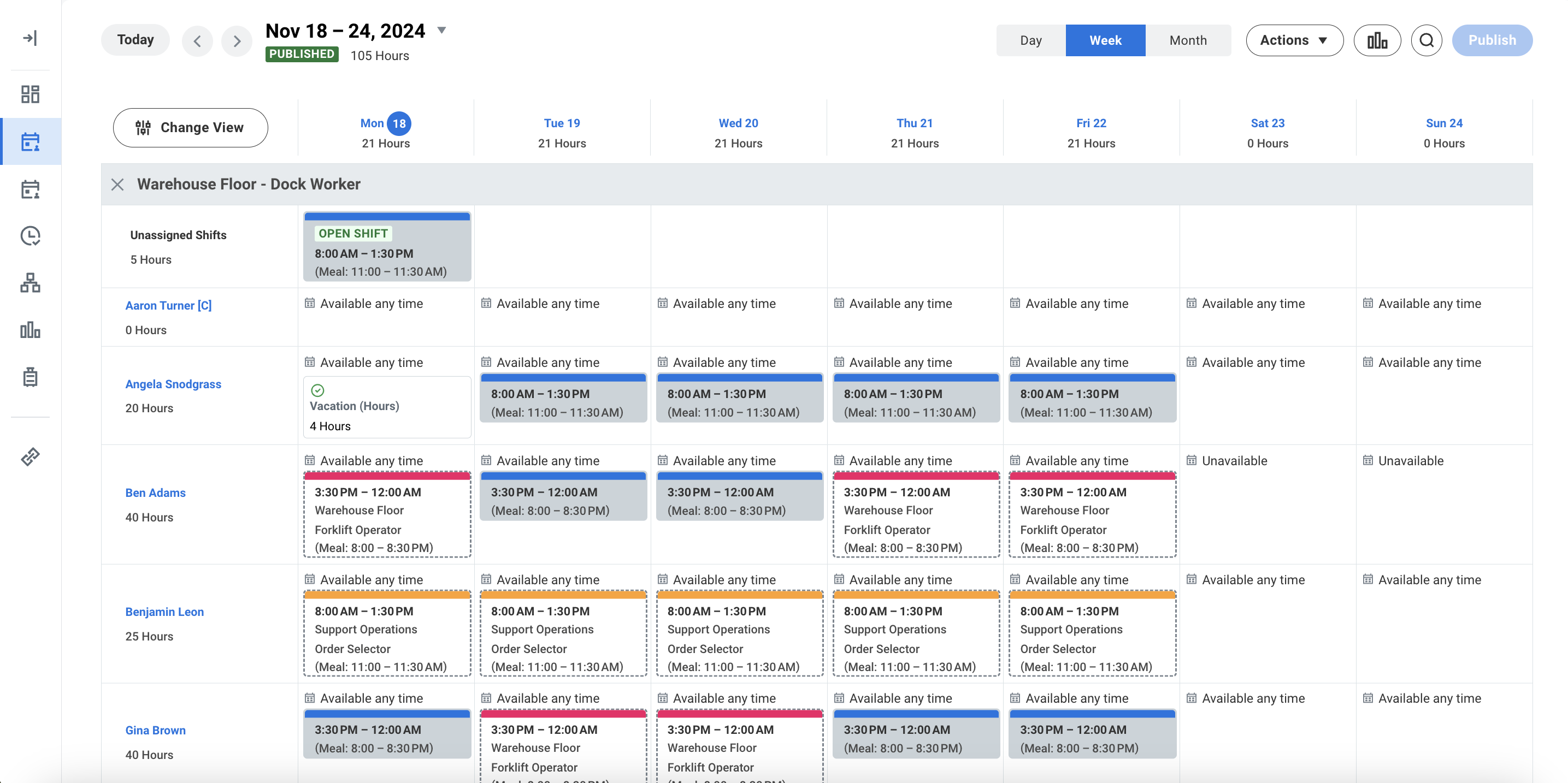
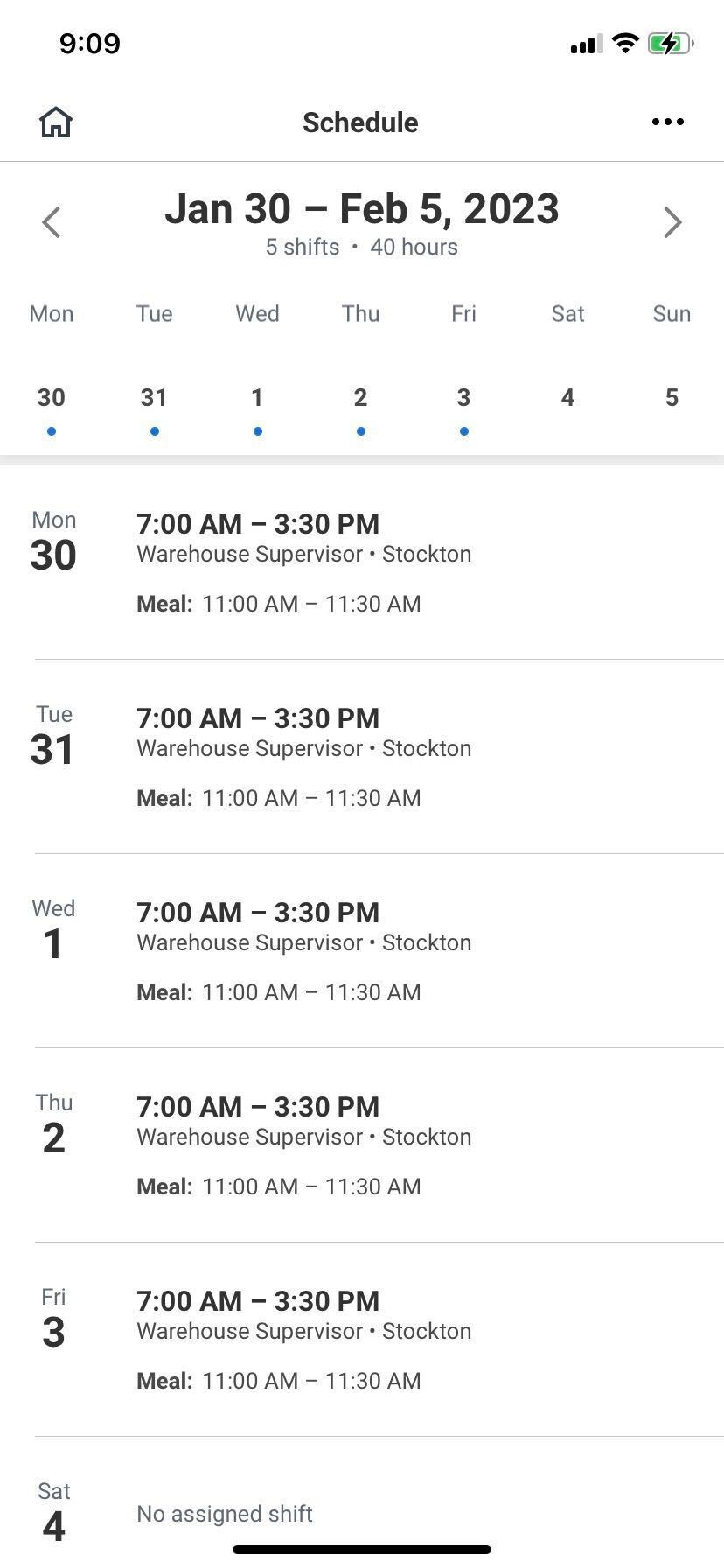
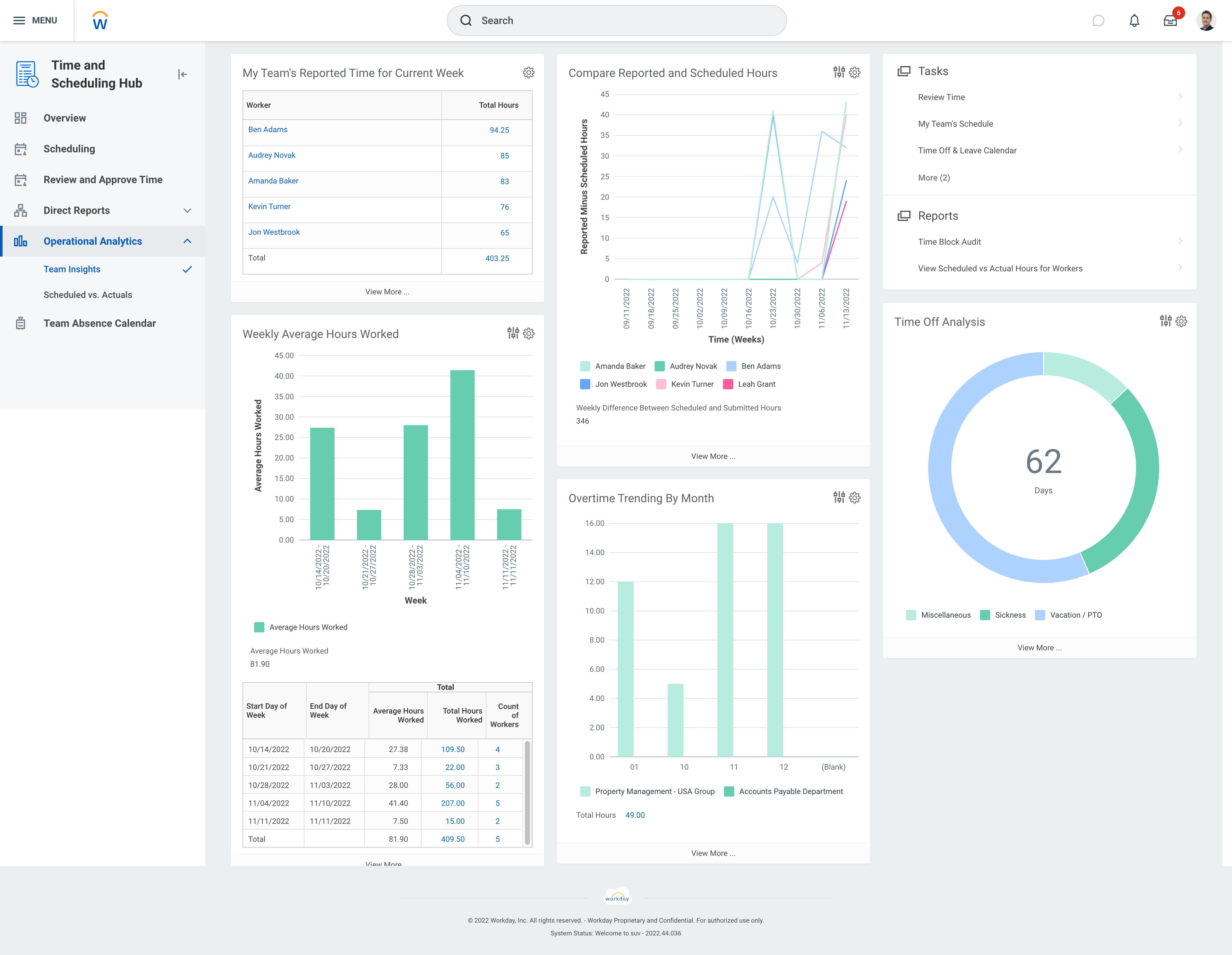
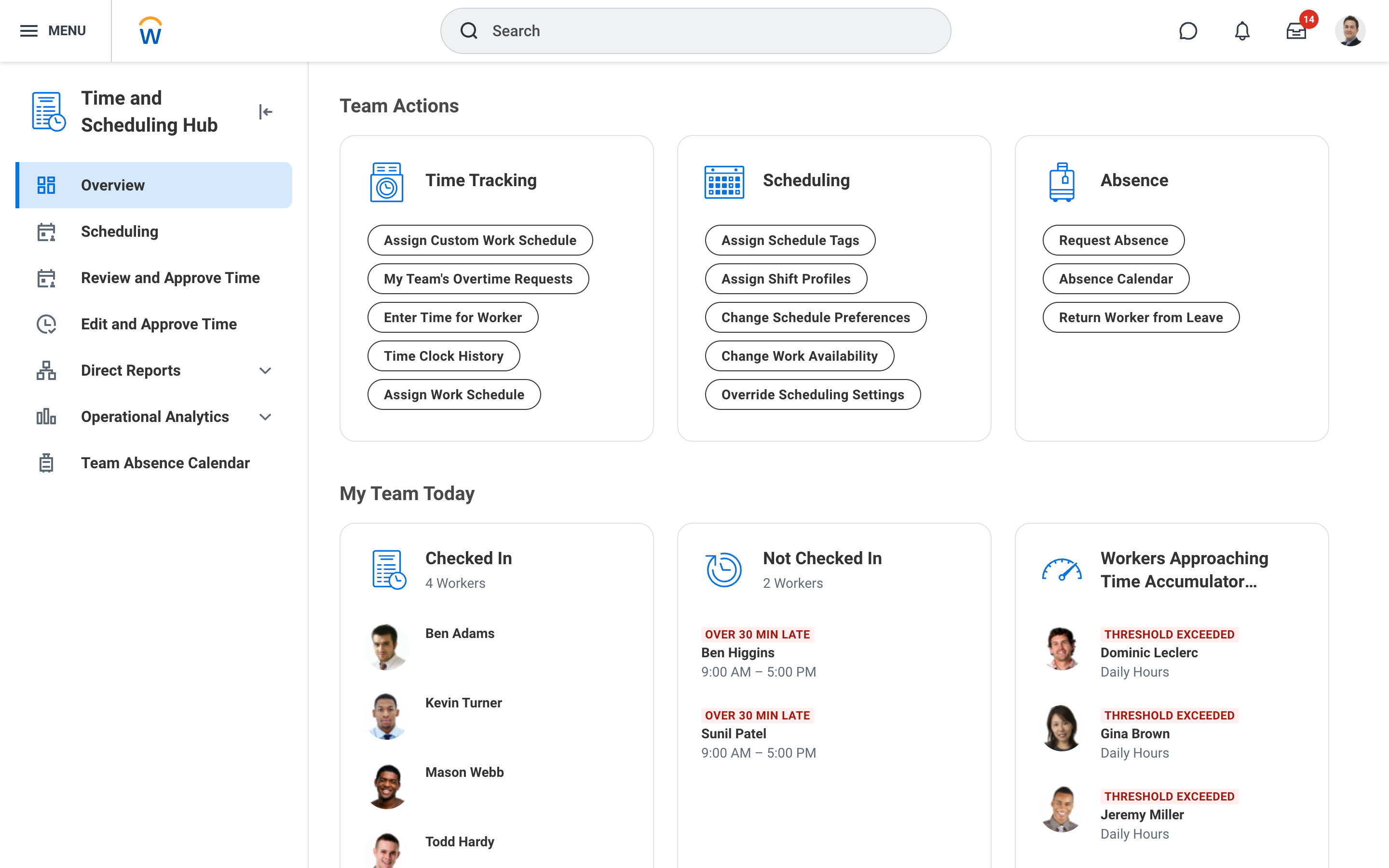
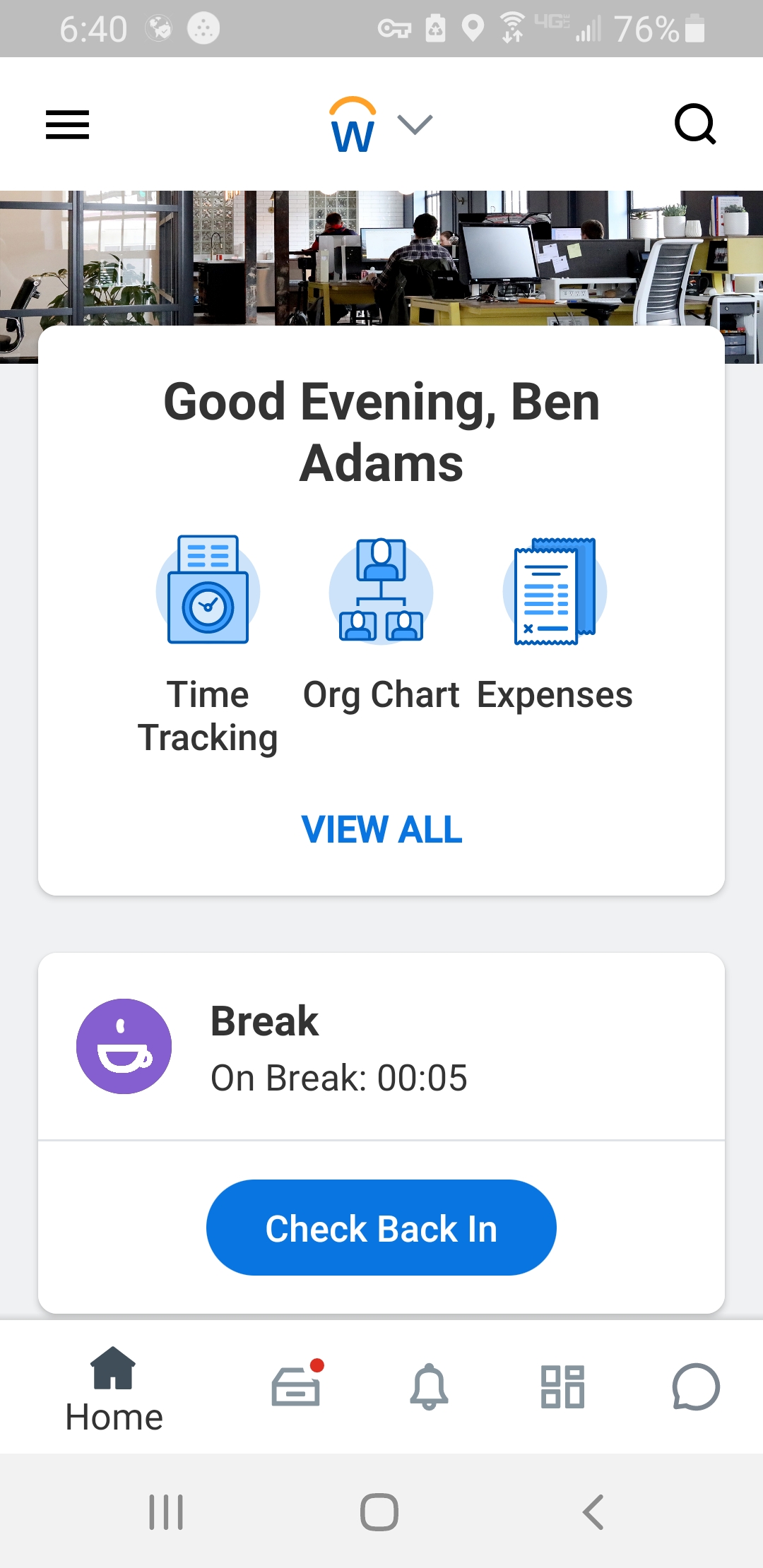
Workday Workforce Management is a workforce operations software that integrates HR, time, and scheduling data, to eliminate disjointed processes that halt day-to-day operations. Consistent with a worker-first approach, Workday provides mobile-first access to personalized pay, time, and schedules, giving workers frictionless on-the-go access. This helps overcome difficulties in retaining workers and keeps them engaged in a competitive labor…
N/A
Pricing
Homebase
Workday Workforce Management
Editions & Modules
Essentials
$14
per month
Plus
$35
per month
All-in-one
$70
per month
Basic
Free
No answers on this topic
Offerings
Pricing Offerings
Homebase
Workday Workforce Management
Free Trial
Yes
No
Free/Freemium Version
Yes
No
Premium Consulting/Integration Services
No
No
Entry-level Setup Fee
No setup fee
No setup fee
Additional Details
—
—
More Pricing Information
Community Pulse
Homebase
Workday Workforce Management
Considered Both Products
Homebase
Verified User
Anonymous
Chose Homebase
Homebase is simpler to use. Easier to navigate and is much cheaper than other alternatives! We had trouble when I worked as they were harder to reach our ROI. Deputy was too expensive and it was the reason we decided on Homebase! Employees also find it easy to use on their end!
Workday Payroll and Workforce Management in my opinion does as great job of letting staff know beforehand what they are going to get paid on a weekly or bi-weekly basis. I found that Gusto does not provide that insight. It would be nice though to have a feature in those …
Homebase is well suited for small business owners and startups who need to track employee hours more efficiently, and who desire for their employees to be able to directly compliment each other, or have more control over the ability to trade shifts. It is less appropriate for larger businesses that have multiple departments, or businesses with few departments and employees who may be scheduled in more than one department.
Workday is well suited as am employee because it allows me to easily access pay and goal-setting information at a large org. It also made the process of getting hired and initially onboarded simple. I imagine it could be less helpful at a smaller organization where people have more direct access to folks in payroll
Homebase provides an easy way to schedule employees. Their scheduling platform is extremely user-friendly and easy to edit once the schedule is made.
Homebase makes it easy for employees to switch schedules on their own, a manager just simply has to approve rather than physically rescheduling both employees, this is great for any small retail business or restaurant with many hourly employees.
Homebase makes it easy to adjust hours that have been incorrectly clocked or clockouts that have been missed.
Workday Payroll and Workforce Management hasn't given me any issues. I love that you can customize your profile with icons, the color scheme, and etc. It makes it feel more personable. In addition, you can customize which icons that you use frequently to complete tasks. I would recommend it to anyone who wants a platform that has high usability and versatility.
Homebase is simpler to use. Easier to navigate and is much cheaper than other alternatives! We had trouble when I worked as they were harder to reach our ROI. Deputy was too expensive and it was the reason we decided on Homebase! Employees also find it easy to use on their end!
Workday Payroll and Workforce Management in my opinion does as great job of letting staff know beforehand what they are going to get paid on a weekly or bi-weekly basis. I found that Gusto does not provide that insight. It would be nice though to have a feature in those platforms where you could do a "what if" feature to determine how much you could make if you were single, married, or made a higher salary or lower. This is a feature that I have used in webBASIS, and it was extremely helpful.