Hubstaff is a workforce analytics software tailored to boost productivity in remote, hybrid, and in-house teams while fostering a positive employee experience. Integrating with over 30 apps, Hubstaff's key features include time tracking, screenshots, activity tracking, URL and app monitoring, workforce analytics, automatic payroll and invoicing, scheduling, GPS and location monitoring, and timesheets. Hubstaff is compatible with Mac, Windows, Linux, Chrome, iOS, and…
$7
per month per user (2 seat minimum)
UKG Workforce Central (discontinued)
Score 5.1 out of 10
N/A
UKG Workforce Central (formerly Kronos Workforce Central) was a suite of HR Management offerings targeted mainly at enterprise customers with larger-scale and more complex HR and workforce management issues. The product is discontinued.
It enables you to monitor workers' time on every project. It monitors productivity even if an internet connection is not available. It provides a customizable interface. Every task is customizable to suit project requirements. It allows you to track time from anywhere in the world. In this way, it provides powerful insights to determine how many hours are required to do a project.
We use Kronos Workforce Central only for it's timekeeping and scheduling/forecasting capabilities. It absolutely meets our needs for these areas. The reporting functionality also serves us well; exporting reports in excel covers the needs for most teams that use the system. Finally, business leaders and local HR crews are able to run reports on the teams they support.
It has all the features that need to have while managing the project like screen capturing, sending invoices, create and view reports, pay and quick insights.
It also gives me the reports of my team effectiveness.
It tracks all the project progress along with team effectiveness and productivity at the workplace, gives me all the insights into team performance, and also helps me to track team productivity easily.
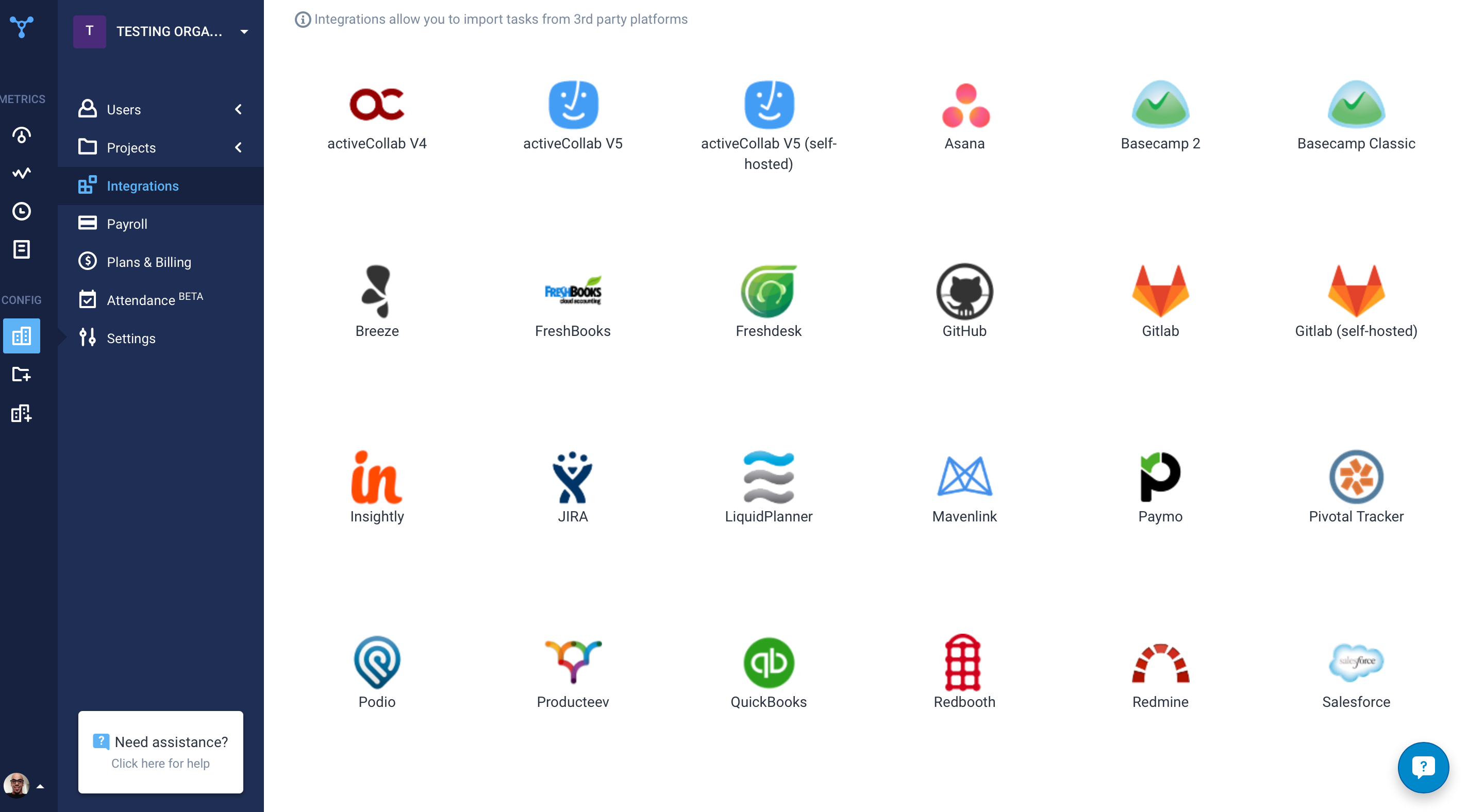
Another great feature that Hubstaff has which is its integration module.
As a full service hospital there can be demands of staff to respond to high census or staffing shortages. Kronos has offered great utilization in floating hours between units and departments, identifying direct or indirect patient care hours, and ultimately offering analytics to clinical and operational leaders. This ability to specifically move hours while at work is exceptional for reporting and planning purposes across the organization.
The self-managed and leader managed options of an employee’s time card is of huge benefit. As a 24/7 hour operation it is critical that each individual is accountable for their own timekeeping. Kronos allows each employee to manage and submit adjustment, updates, and changes while at work without having to have their manager do it for them. The proceeding approval/acceptance process with these changes is well established and easy to authenticate.
The ability to access and navigate the user interface is very friendly and forgiving. Other systems can be quite cumbersome and hard to navigate, update, and easily change, but Kronos is pretty straight forward both for users and administrators. This ability to easily orient new team members and managers has been a great benefit to the organization.
[Hubstaff] is limited to integrations, while working on the projects I face difficulty to drag the drop because sometimes the plan requires to be discussed and it becomes a necessity to insert various attachments on the spot so that we could achieve the maximum.
Training required to use the product effectively, not simple at first
Dependent on Java, frequent updates to Java necessary to continue using the Kronos platform
Reporting tools are extensive and solid, though some reports can only be extracted in PDF, not in the more usable Excel format. How Kronos determines which can be extracted in Excel vs. PDF, I can't tell.
Now that the system is installed and operational, the "pain is gone"...therefore we see no reason to change to a different application. There is no functionality that is missing from the system that would drive us to consider another solution at this time. Maintenance support from Kronos is sufficient and updates occur regularly.
I give it 9 because it is really good for time tracking and managing remote teams. It helps me to manage my team very efficiently. Still, prices are high, so don't give 10. I need more discounts to add more team. Also need more accuracy as users are now fooling the tools with various cheats. Overall it is good and helfull
I've never had any issues and always received proper support. They let you know in advance when they'll be in maintenance and it's always in odd hours, so it's good. You still can use it when they are maintaining it.
Hubstaff has always responded to support requests in a timely manner and has kept me in the loop of changes. When contacting them about future changes/features they've always been upfront on whether that is a change they are looking to make and when that change may occur. Finally, if the person I have communicated with was unable to resolve, they always escalated to the next best person who can answer/resolve.
Kronos Workforce Central's support is amazing! From the support the software alone gives our department to the customer service team, we have never been more thorough as we are now. There are plenty of trainings provided and assistance is always there when you need it. The launching process was very detailed.
Hubstaff is a better tool than Hubstaff. There are certain details which if present can enhance the overall user experience and I must mention that Hubstaff has carefully taken into account and has given attention to detail by even making easy to understand training videos available for beginners that can further help and aid them in training.
We looked this product first and actually started the conversion process before we realized it could not do some essential functions we needed. One of the simple ones was allowing for employees to select to clock in or out and not just assume the direction based on their schedule or last punch. With bus drivers working multiple routes or shifts this was imperative that they be able to select this as while they may forget one punch being able to select the direction helps identify where the missing punches are. I'm hoping this has since been corrected because it absolutely floored me that such a relatively simple thing was not an option.
The availability of the recording feature is the biggest plus of this software so that I can easily record things that can be proved helpful to me further.
It has replaced timesheets with spreadsheets and this is how it makes my work easier and interesting for me.
Kronos is much more expensive than the previous systems we were using, so at this point the ROI is negative. The idea is that it will allow us to scale and grow the company more easily so time will tell if that is the case.