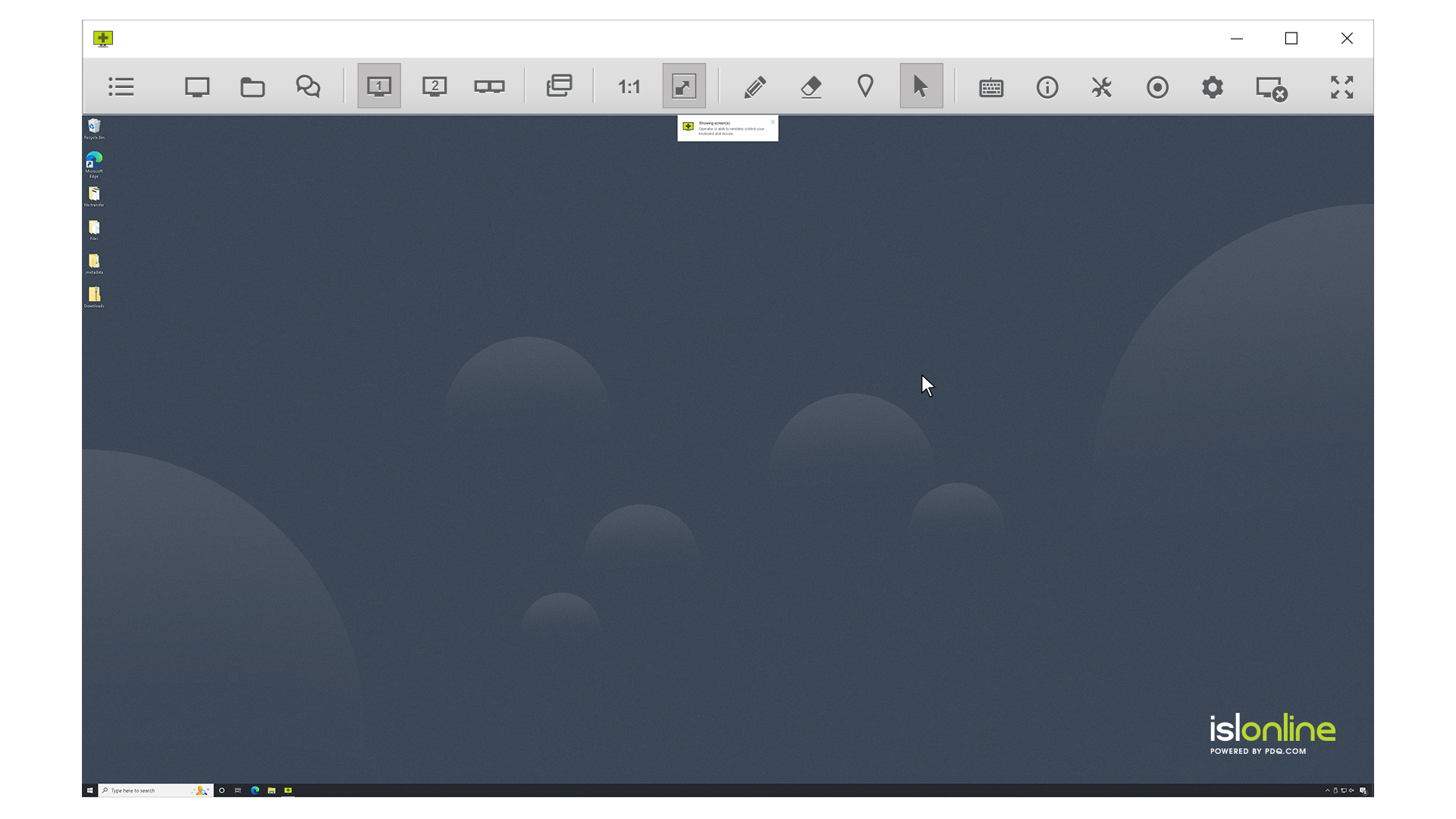
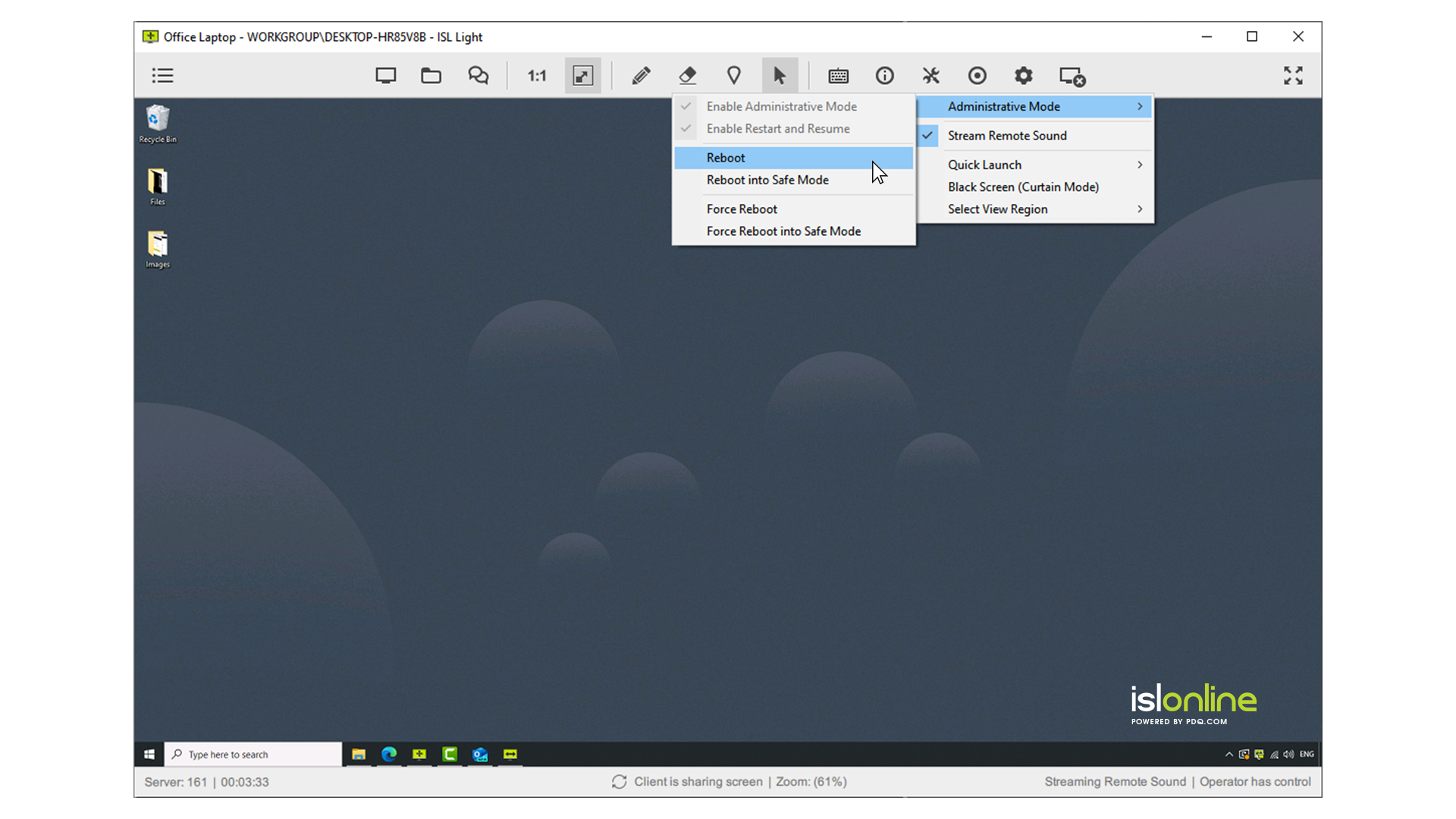
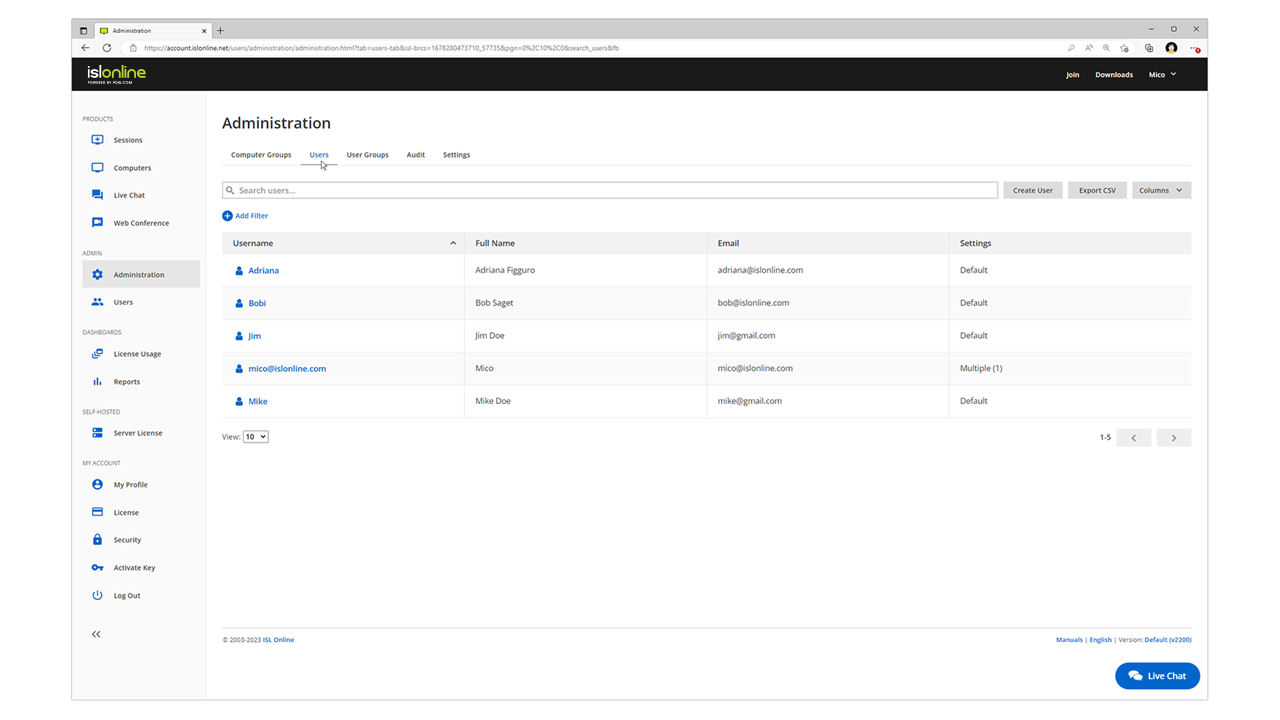
ISL Light is remote support and remote access software that enables SMBs and large enterprises to offer fast and efficient support and maintenance for Windows, Mac and Linux computers as well as mobile device support for Android and iOS.
$34.90
per month (billed annually) per concurrent user
UltraVNC
Score 8.7 out of 10
N/A
N/A
N/A
Pricing
ISL Light
UltraVNC
Editions & Modules
Standard
$34.90
per month (billed annually) per concurrent user
Self-Hosted
$44.90
per month (billed annually) per concurrent user
Premium
$54.90
per month (billed annually) per concurrent user
Enterprise (Managed Private Cloud)
$23,976
per year 20 concurrent users
No answers on this topic
Offerings
Pricing Offerings
ISL Light
UltraVNC
Free Trial
Yes
No
Free/Freemium Version
No
No
Premium Consulting/Integration Services
No
No
Entry-level Setup Fee
No setup fee
No setup fee
Additional Details
ISL Online's pricing model considers the number of licenses purchased, which determines the maximum number of concurrent users within the organization. A concurrent user is defined as anyone running one or more sessions simultaneously from any device. There are no restrictions on the number of ISL Light users within a company or the remote devices managed.
For example, with three licenses, an unlimited number of people in a company can use ISL Light and can access an unlimited number of remote devices, but only three users can use it concurrently. When one of these three users ends their session, a fourth user can begin their session, and so on.
—
More Pricing Information
Community Pulse
ISL Light
UltraVNC
Considered Both Products
ISL Light
Verified User
Anonymous
Chose ISL Light
Fast, quick, nonsense free, can downgrade picture quality for clients on mobile broadband
The three above mentioned softwares like CWA, Splashtop and Teamviewer can require you to lookup information on how to use the software, in-comparison to ISL where it's easy graphically.
Much more intuitive when compared to remote desktop and as no changes are required on the firewall on the server side, it's a much more secure connection.
Support is always quick and responsive, although I only had to contact support for license renewals over the past few years, so in essence, once a year. We made use of ISL Online at other companies too, at that time there was no real contender in the market according to my …
ISL Light is easy to use and covers all our permanant access devices but is also easy to manage our ad-hoc clients, the only negative over some is you can't automate remote tasks
I used LogMeIn Rescue for several years, and it has more features rich but is horrifically expensive compared to ISL Light, which was the main reason I changed. Chrome Remote Desktop must be viewed as a threat in the remote desktop application sphere. The features and usability …
Functionality is similar but that where it end for us. If you prefer value for money, no surprising price increases (or any increase!), instant support from UK based team who can resolve any product related query then I think ISL Light is product for you.
Multi-monitor handling is super easy with ISL Light. The licensing model of ISL Light's self-hosted version is unbeatable. Great technical support, which often used before I purchased. The unbelievable price increase during and after the covid time of remote tools, has ended, …
ISL Light has support. At AnyDesk, I've paid for 6 years, but after four years, they wanted more money, as they had a new license with only one concurrent session. ISL Light has support, but AnyDesk Support almost does not exist. The ISL address book works fine, but AnyDesk has …
More user-friendly. More affordable. A Slovenian product (which means it supports the Slovene language). User support is very satisfactory and responsive. Simple installation and does not require additional knowledge from colleagues.
Price fit our needs, and it had all the functions we needed. The others all had issues that were preventing me from using it as we do on a day to day basis. Teamviewer especially has declined to a horrible state, and they trap you in with forced renewals which is seriously …
At first we were impressed by how easy it is to get help from a remote partner. Later we found out that ISL Light is also a local product and we are happy to support local businesses.
While these are all good products and provide a solution in other use cases, at the time we were searching, ISL Light fit our use case best. It is a completely self-contained and privately hosted solution with a tool for each step, user contact, information gathering, remote …
We chose ISL Light because of ease of use for our customers and end users, as it's the fastest way of getting a connection to the mentioned user or PC. A big role also plays the reliability of secure connection.
Perfect for remotely accessing user machines. Better than any of the competitors such as Anydesk etc. Feels a lot safer and the auto rollout makes it perfect for large organisations and small Cannot think of a case when it's less appropriate!
Need a control toggle at least on AlwaysOn. User moves the mouse and you lose all control instantly.
Clipboard features are a bit wonky still, and your clipboard seems to get emptied a lot. So if you're trying to copy and paste you might lose something
Passwords for the systems are saved per machine, so if you work from multiple devices it can be tricky if you have complex passwords
It is very easy to use. You hardly need any computer knowledge to learn how to use it, as everything is displayed in easily recognizable icons. Although its appearance does not look cutting-edge, it could have a more modern look, but it must be said that everything is understandable, and with just a couple of taps on each icon that appears, you already know what each thing is for, and it allows you to use it skillfully and fluidly. Everything is perfect in this regard.
We had issues with mouse skipping on mobile devices. Support is immediatly availabe, they examined our case and in one of the new versions of the app this problem was gone.
In our specific case user console simplicity in ISL light is a major positive for ISL light. ISL always on agent for unattended access is vastly superior to TeamViewer's solution. TeamViewer has become bloated in recent years, changing things for the sake of changing them, rather than improving their offering. One advantage TeamViewer has is a copy-paste file function that does not require the use of cumbersome file transfer tool.