Chose Jotform
Jotform works better for our small business with the excellent free features

| Product | Rating | Most Used By | Product Summary | Starting Price |
|---|---|---|---|---|
 Jotform | N/A | Jotform Enterprise is a digital workspace productivity tool that provides a platform for organizations. The aim of Jotform Enterprise is to give companies an easy-to-navigate tool that makes reaching out to customers, collaborating with coworkers, and collecting e-signatures and data a more seamless process. Jotform Enterprise strives to enable companies to make data-driven decisions without compromising when it comes to quality and security. It doesn’t matter what type of… | $0 | |
 Qvidian RFP & Proposal Automation | Enterprise companies (1,001+ employees) | Proposal management and RFP response software | N/A |
| Jotform | Qvidian RFP & Proposal Automation | |||||||||||||||
|---|---|---|---|---|---|---|---|---|---|---|---|---|---|---|---|---|
| Editions & Modules |
| No answers on this topic | ||||||||||||||
| Offerings |
| |||||||||||||||
| Entry-level Setup Fee | No setup fee | Optional | ||||||||||||||
| Additional Details | — | — | ||||||||||||||
| More Pricing Information | ||||||||||||||||
| Jotform | Qvidian RFP & Proposal Automation | |
|---|---|---|
| Considered Both Products |  Jotform  Elizabeth (Liz) Blashock Apprenticeship Program Manager Chose Jotform Jotform is so much more versatile that Google Forms, which we originally used. Google Forms was blocked by some of our users, where we have not had that problem with Jotform.  Mark Whelan Company owner Chose Jotform I think it's better than mailchimp. Similar to Zapier in that it's just very sleak and user friendly but Jotform even more so. Wix is awesome too to be fair but yeah I'd say Jotform is up there with all of these. Better than mailchimp which can be really frustrating for me. …  Murilo Ramos IT Assistant Chose Jotform We just cannot compare. Jotform is way ahead of the others: much more customization, options, logic... Jotform is just way better.  Brittany Killian Administrative Assistant Chose Jotform Jotform has so many more features to choose from when creating a form or survey and the way you get your data is unbeatable as far as it collecting it and putting it together to have and discuss the submissions. The basic free option is also better. You get way more submissions …  Lee Romi Founder Chose Jotform Although Calendly excels in appointment scheduling, Jotform surpasses it by providing a comprehensive suite of features at an affordable rate, making it an ideal choice for emerging businesses looking to maximize value. |  Qvidian RFP & Proposal Automation  Nancy Bergantzel CF APMP Sales Support Tech Analyst Chose Qvidian RFP & Proposal Automation I was not part of the selection process. But I think it measures up to others that I have seen demoed. I feel like they listen to their customers/partners and always bring new tools out each year that have proven valuable. It integrates with Salesforce as well for document …  Laura Zaremba Proposal Writer Chose Qvidian RFP & Proposal Automation I liked how support was included in Qvidian's total price.  Stephanie Valentine Senior Proposal Strategist Chose Qvidian RFP & Proposal Automation We did evaluate other systems. The names currently escape me. We thought for the money and product, Qvidian was the best choice.  Jane Burgess Associate Proposal Writer Chose Qvidian RFP & Proposal Automation Qvidian's customer service versus that of AccountEdge is like night and day. I was on the phone for hours with AccountEdge only to have my issue left unresolved and me disgruntled. Qvidian has always promptly responded to any issues I may have throughout the day and stayed with …  Brian Kravitz Marketing Database Analyst Chose Qvidian RFP & Proposal Automation Back in 2012 when we were evaluating new software, the only other choice we looked at was PMAPS. At the time, it had a very dated user interface and its functionality was far behind what Qvidian was currently offering. I can't speak for how PMAPS has evolved today, because I've …  Amy Scott, MBA Proposal Manager Chose Qvidian RFP & Proposal Automation I have only used Qvidian.  Lila Logue Business Services Consultant Chose Qvidian RFP & Proposal Automation The choice was made at corporate and pushed to the divisions  Jeannette Lindsay Business Systems Analyst II Chose Qvidian RFP & Proposal Automation We have not used other products. Previous products we used were bought out and replaced by Qvidian.  Susan Madden Content Manager & Technical Writer Chose Qvidian RFP & Proposal Automation We have been using Qvidian for years, when Compass was introduced in our company. Having spent over a year using Compass, I would not recommend it for writing proposals. In all fairness, that is not Compass' strength. Compass is ok for general document sharing for informational …  Mary Collins Treacy Sr. RFP Specialist Chose Qvidian RFP & Proposal Automation It's harder to get content into Qvidian, but it's much, much easier to retrieve content.  Iesha Mullins Proposal Specialist Chose Qvidian RFP & Proposal Automation n/a  Peter Whittam Project/ Proposal Manager Chose Qvidian RFP & Proposal Automation Qvidian was the most cost effective and easy to use automation software we came across while looking to purchase a proposal automation software package. The support team and training also was head and shoulders above the competition.  Glenda Nunez RFP Engagement Analyst Chose Qvidian RFP & Proposal Automation Proposal Software.com (PMAPS) - slightly high in prce than qvidian. It is virtually the same concept of Qvidian, just had more knowledge of Qvidian RFP Monkey - this software has only library capabilities and limited customer support, no document production, no user and/or role …  Megan Jennings Sr. Client Service Associate Chose Qvidian RFP & Proposal Automation N/A. As mentioned before, I was not included in the selection process so I cannot speak to this.  Amy Stiver, CF.APMP Client Services Specialist Chose Qvidian RFP & Proposal Automation In the past, we have utilized our internal server and Qvidian's predecessor, Kadient. The server stores information, but does not allow automated project building, so no time is saved. Additionally, merge codes are none existent, thereby increasing time spent on documents in …  Lisa Stokoe Sales Operations Manager Chose Qvidian RFP & Proposal Automation None  Sally Stewart-McKinnie Proposal Manager Chose Qvidian RFP & Proposal Automation The 'Q' has been in place since I joined the company and this is the only proposal automation software I have used. While I have not used any of the competitions products I would assume that they need to be at the very least close to the services that the 'Q' provides. Other …  Robert DeMichele Sr. Proposal Manager/Specialist Chose Qvidian RFP & Proposal Automation Qvidian is actually a combination of both SANT and Pragmatech, which were the leaders in the industry - now you have the best of both.  Mark Bushee Senior Manager, Consultant Databases Chose Qvidian RFP & Proposal Automation While the market for proposal automation tools has changed greatly over the last five years, Qvidian has been at the forefront of innovation and responding to customer needs. Part of this has been through acquisitions, which enables them to feature the best functionalities of …  Anders Engdahl Proposal writer Chose Qvidian RFP & Proposal Automation Qvidian is a more elegant software solution. PMAPS offers almost too much functionality and is extremely expensive. |
| Jotform | Qvidian RFP & Proposal Automation | ||||||||||||||||||
|---|---|---|---|---|---|---|---|---|---|---|---|---|---|---|---|---|---|---|---|
| Survey Format & Appearance |
| ||||||||||||||||||
| Survey Content |
| ||||||||||||||||||
| Survey Logic |
| ||||||||||||||||||
| Survey Reporting & Analytics |
| ||||||||||||||||||
| Survey Administration & Security |
| ||||||||||||||||||
| Survey Distribution |
| ||||||||||||||||||
| Proposal Creation & Organization |
| ||||||||||||||||||
| Proposal Collaboration & Workflow |
|
| Jotform | Qvidian RFP & Proposal Automation | |
|---|---|---|
| Small Businesses |  Square 9 Softworks Score 9.1 out of 10 |  QuoteWerks Score 9.4 out of 10 |
| Medium-sized Companies |  Qualaroo Score 6.1 out of 10 | QuoteWerks Score 9.4 out of 10 |
| Enterprises |  Verint Voice of the Customer Score 10.0 out of 10 |  Conga CPQ Score 8.5 out of 10 |
| All Alternatives | View all alternatives | View all alternatives |
| Jotform | Qvidian RFP & Proposal Automation | |
|---|---|---|
| Likelihood to Recommend | 8.8 (0 ratings) | 7.9 (0 ratings) |
| Likelihood to Renew | 9.4 (0 ratings) | 8.0 (0 ratings) |
| Usability | 9.4 (0 ratings) | 9.0 (0 ratings) |
| Availability | - (0 ratings) | 10.0 (0 ratings) |
| Support Rating | 7.4 (0 ratings) | 10.0 (0 ratings) |
| In-Person Training | - (0 ratings) | 6.0 (0 ratings) |
| Online Training | - (0 ratings) | 9.0 (0 ratings) |
| Implementation Rating | 8.9 (0 ratings) | 10.0 (0 ratings) |
| Ease of integration | 9.1 (0 ratings) | - (0 ratings) |
| Jotform | Qvidian RFP & Proposal Automation | |
|---|---|---|
| Likelihood to Recommend |
 Gary Oversen Assistant Director |
Stephanie Valentine Senior Proposal Strategist |
| Pros |
|
 Michelle Palasek, CF APMP Manager, Proposal Services |
| Cons |
|
Sally Stewart-McKinnie Proposal Manager |
| Likelihood to Renew |
 Paige Jack CEO |
Brian Kravitz Marketing Database Analyst |
| Usability |
 Edwin Mathew Special Events Coordinator |
|
| Reliability and Availability | No answers on this topic |
|
| Performance | No answers on this topic |
|
| Support Rating |
 William Schroeder Co-Owner and Counselor |
Nancy Bergantzel CF APMP Sales Support Tech Analyst |
| In-Person Training | No answers on this topic |
|
| Online Training | No answers on this topic |
|
| Implementation Rating |
|
Nancy Bergantzel CF APMP Sales Support Tech Analyst |
| Alternatives Considered |
|
|
| Return on Investment |
|
 Lauren Whiteaker Sales Documentation Specialist |
| ScreenShots | Jotform Screenshots      | Qvidian RFP & Proposal Automation Screenshots   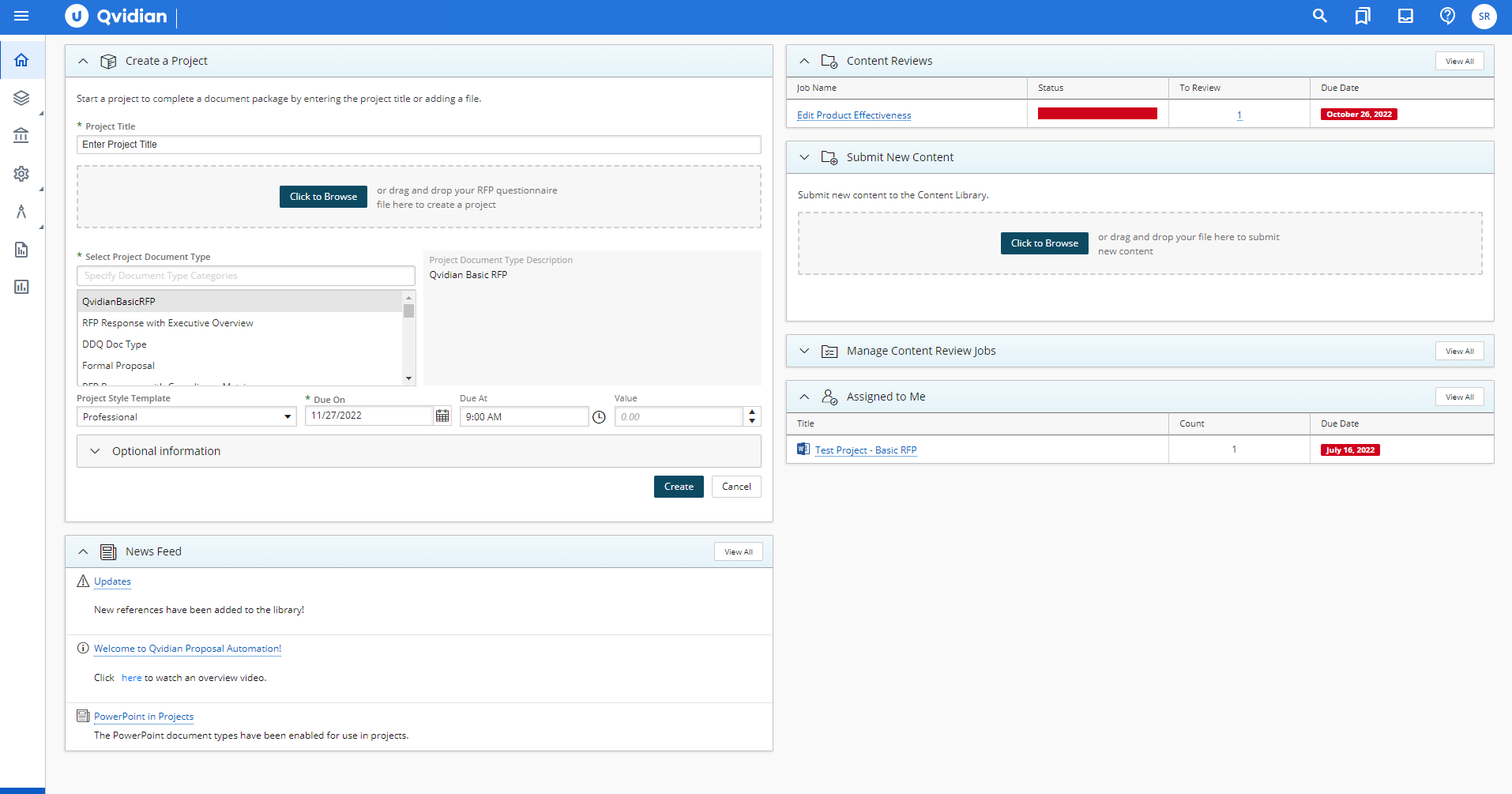 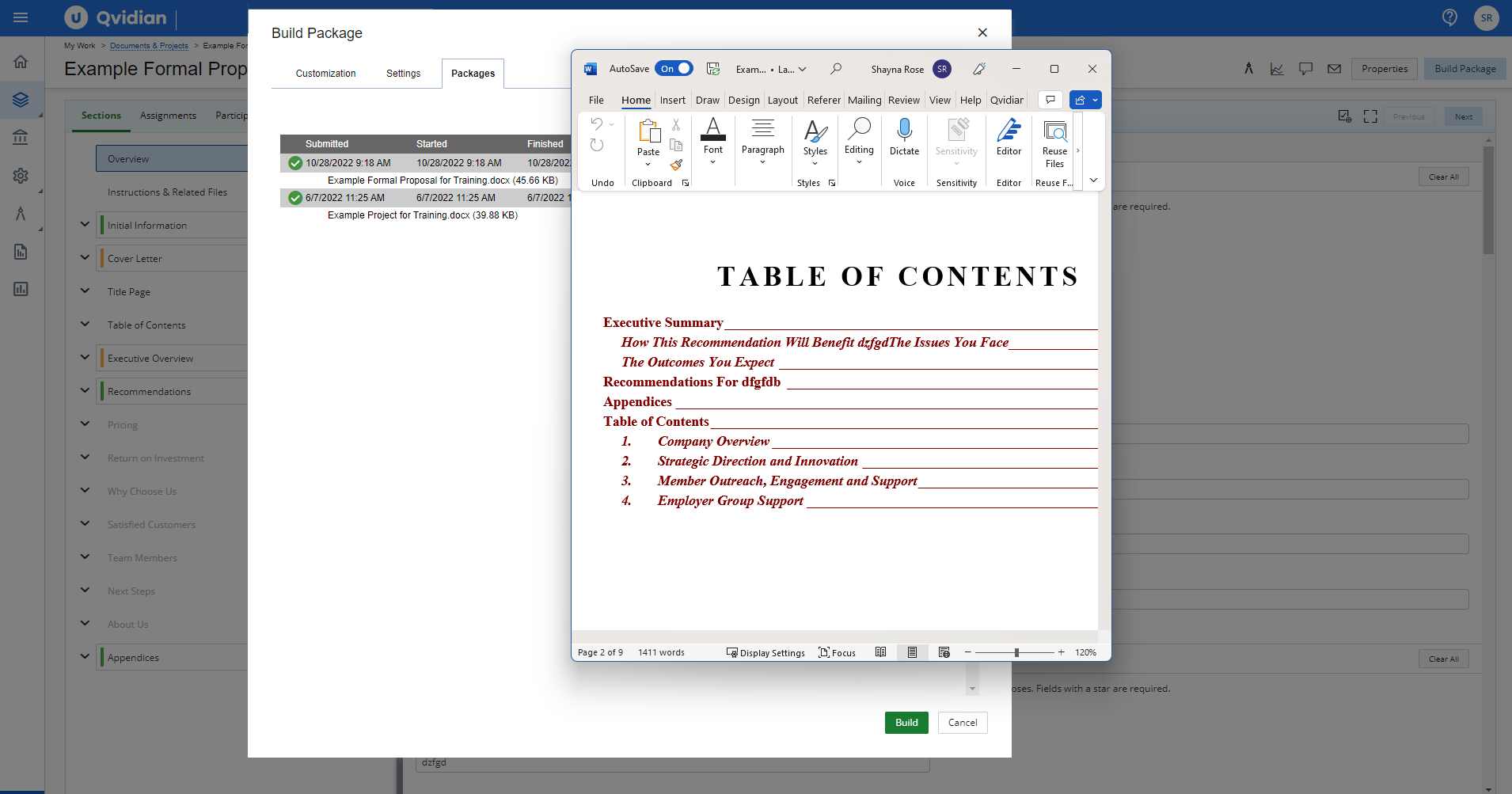  |