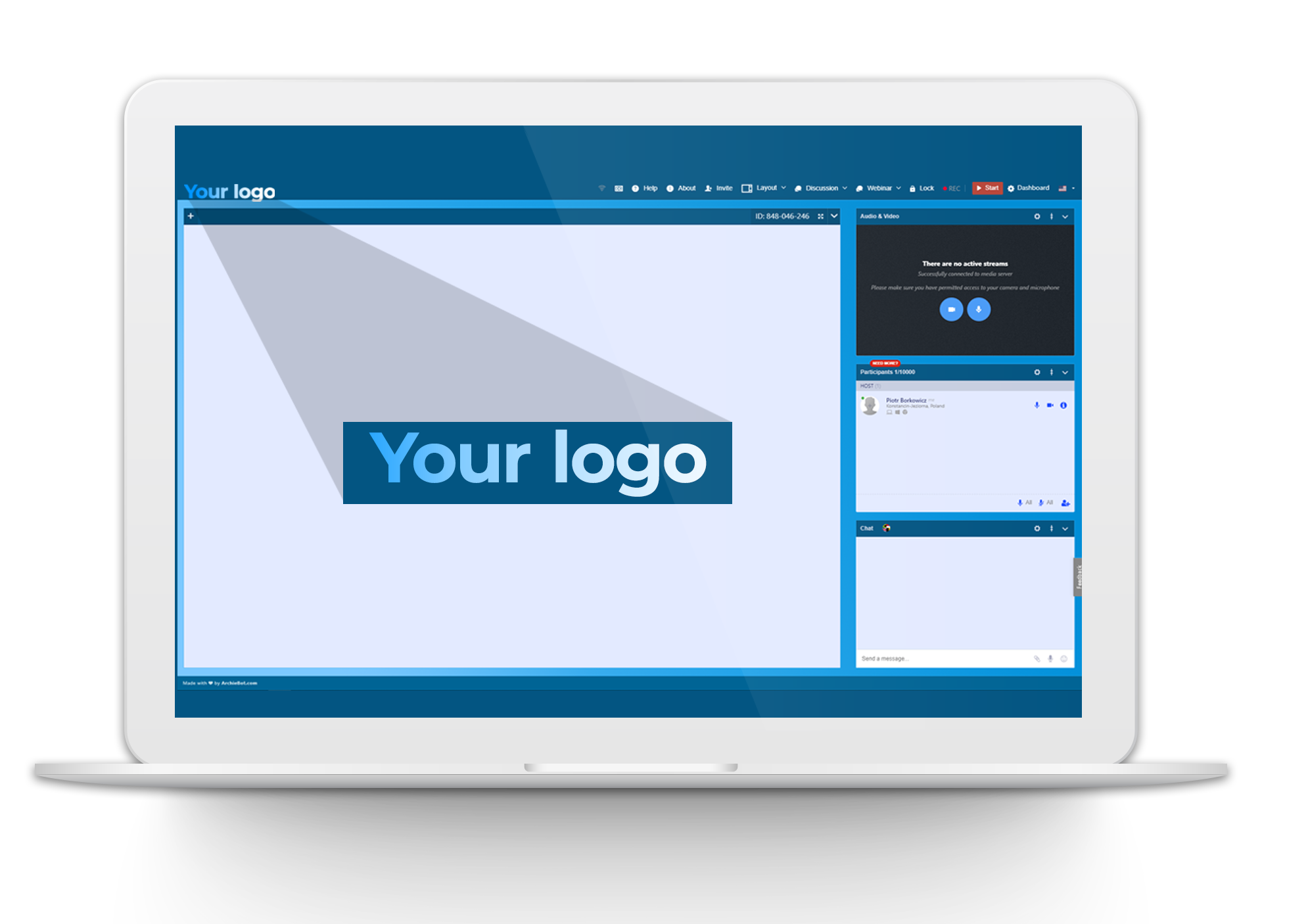
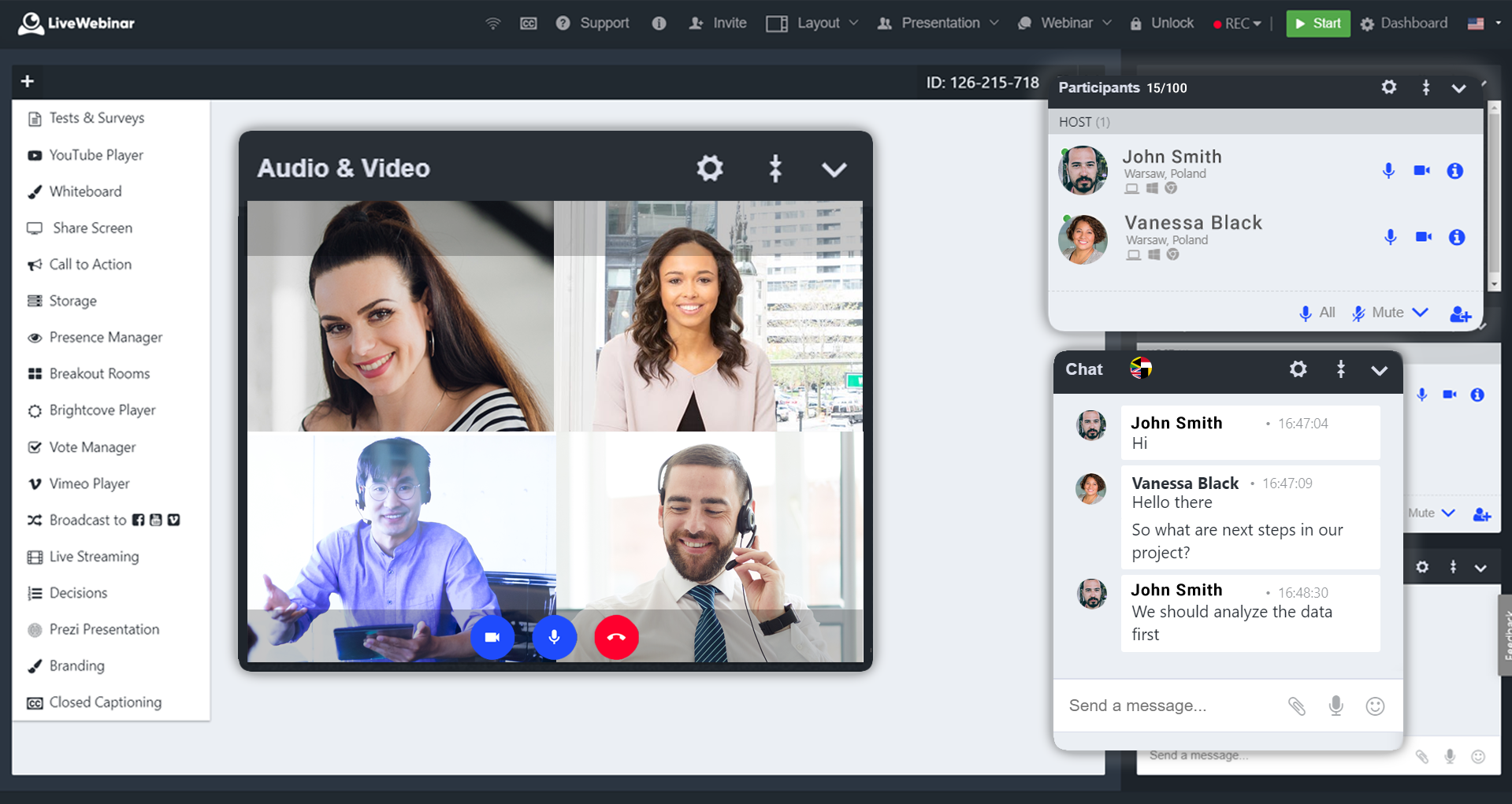
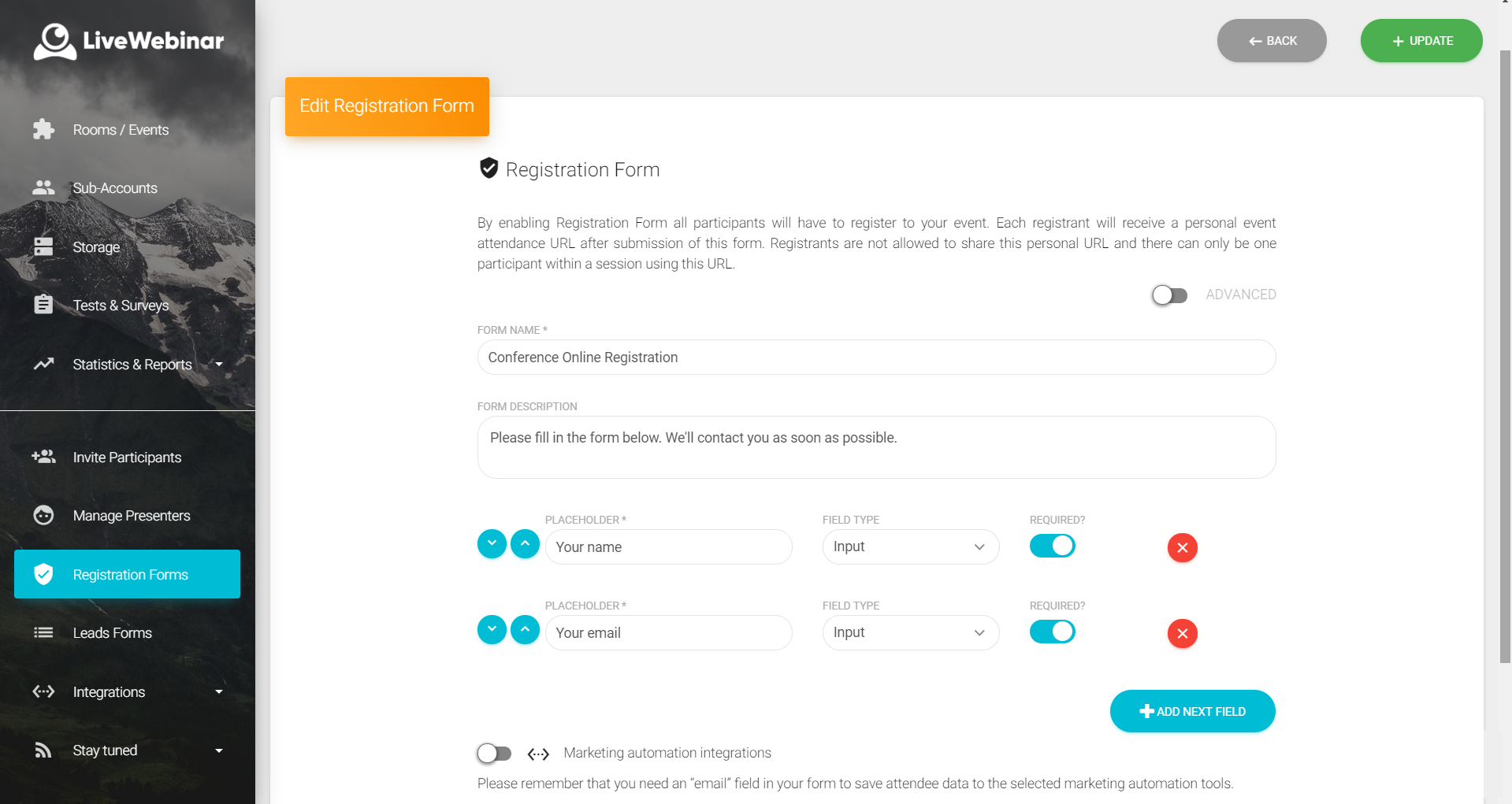
LiveWebinar is a cloud-based tool that helps users manage online webinars, meetings, training, live streaming, chats, screen sharing, social media broadcasting and high definition (HD) recording via web browsers. It is a customizable solution that allows users to change logos, room colors, and design layouts, as well as create personalized registration forms to match their business's brand identity, and control email delivery and report designs. LiveWebinar allows users to broadcast…
N/A
Zoom Events & Webinars
Score 8.5 out of 10
N/A
Zoom Events and Webinars are part of Zoom’s event solutions that uses existing Zoom products to produce interactive and engaging virtual experiences. It combines Zoom Meetings, Chat, and Video Webinars in one solution that enables event organizers to produce ticketed, live events for internal or external audiences of any size.
A lot of advantages for LiveWebinar over Zoom as there is no need to install an app on every device that needs to connect to the meeting. Moreover, there's built in tests, surveys, and polling tools inside the platform that I don't see in the basic plan of Zoom. Further, …
LiveWebinar doesn't require participants to download software and can easily run from computers or mobile devices. Webex and Adobe Connect also have challenges with staying connected, these are probably equal and may be somewhat related to the internet service more than the …
I prefer Zoom Workplace for the UI. Teams is buggy and there's a lot more lag moving around the platform and call options. It has a better messaging system for sure but calling aspect is less than desirable.
Better analytics, better for large numbers of people and hosting events like webinars. The quality of the video, in my opinion, is better on platforms like Teams. Maybe this is because of the volume of people that are logged in at once.
The combination of superior ease of use, relative affordability of a license, high participant volume, rich feature set, custom branding capabilities, excellent audio/video codecs, lean resource usage, and studio production features.
We moved away from MS Teams due to several factors: 1)The ability to have a calendar reminder pop up for the upcoming webinar. 2)The ability to have Zoom automatically send a customized one hour reminder email to everyone who registered.
Zoom Webinars provides a platform to address a larger audience with ease. It provides clear audio and video. Features are better for conferences and lectures when compared to Skype.
I've had limited contact with Whova and Hopin, but I've got clients who have looked at them in detail for events. After hearing my guidance on proper licensing of Zoom Events and training on Zoom Events editing and configuration, they've all been very pleased with going the …
I started using Zoom after COVID-19 and was a great experience in comparison to Skype. It helps a user to easily add any prospect client or team member anywhere around the globe through a single link from browser without a chat invite In comparison to Google meet you can record …
Zoom is much better than its peers. It has superior functionality, is much more intuitive to use on a daily basis, and is much more reliable than the previous products that we have used. Zoom has also been advocated for extensively by our students and faculty due to its …
Google Meet does not provide breakup rooms and does not have a user-friendly interface. Google Meet does not have the strict admin controls that Zoom Video Webinar provides. Zoom Video Webinar has been widely accepted and most of our clients use it. The price for the premium …
I have also used Video connect for doctors' appointments and although it has its pros as well, the Zoom seems much more user-friendly. I am not too familiar with whether or not the platform allows for as many users to all be part of the same conference or what kind of costs it …
Zoom Video Webinar is one of the simplest platforms for video conferencing. You do not require [an] account to join a meeting and you do not need to install the app as it can also be used on the web browser. The functions are clear and straightforward, one of the most …
Microsoft teams has some performance issues. It lags many times while working with it and also it doesn't have a optimized recording capabilities. But it performs well in collaboration with participants with feature like Quizzes, assignments, meeting notes etc. MS teams comes …
We used Adobe Connect for about a year. The caliber of the recordings was lower than that of Zoom Video Webinar. Also, managing a space was more complicated than with Zoom. Granted, that was 6 years ago now that we stopped using it, but that was our experience at the time.
I'm not familiar with any of Zoom's competitors, but this seems to be a popular program in the business world, and I haven't heard anyone have any serious problems with it. Overall, it's definitely helpful and worth the money.
LiveWebinar is well suited for training where the visual materials are easy to see and not overly detailed. LiveWebinar is not as easy when there is a lot of chatter going on, so if the material is complex, or likely to have numerous questions by the viewer, a different modality would be better
I had an issue with my calendar syncing to Zoom Workplace for a while, that was annoying, but it resolved itself someway. Maybe an update. The invite feature is week when in a call, my team never receives them, I manually always have to send a link. I also do not get Zoom call notifications so I am late to meetings often. Too much work to manually find that feature, wish it was a default setting like Teams. I prefer Zoom Workplace because I think it works faster, is smoother, and I prefer the video settings UI over other platforms. Everyone else makes it too complicated to change backgrounds or blur as necessary. The adjustment for low light is also a huge win.
I will we could add registration disclaimer language to the Webinar templates.
Some of the customization and setup features are difficult to find.
I would like to add someone to help me run webinars without paying for them to have their own webinar platform. We should be able to buy one platform and both of us log into it and setup and run webinars from it.
Absolutely love the features of Livewebinar and it's probably the most advanced Live webinar solution that I have used. Even with the absence of a native mobile app, the platform is useable on mobile or tablet screen sizes. There's no noticeable lags during the presentation and users find it easy to use and navigate during the presentations / webinars.
We will be renewing with Zoom as long as it continues to meet our needs for client and lead outreach needs in a robust manner. With little error and an easy to use interface, Zoom has met our needs and exceeded our expectations. The cost is right and with a short learning curve, Zoom has been an easy decision to make and maintain.
LiveWebinar is an all in one solution for daily meetings and events. I made it a 9 as it is almost perfect in its current form. However, there were some reported issues on mobile connectivity as there is no native app of LiveWebinar for both iOS and Android. Moreover, I'm hoping that LiveWebinar could connect to my Google, Outlook, or iCal calendar to synch events regularly. I'd love to see my calendar inside LiveWebinar which makes it to the top of the feature wishlist for this platform. Further, if LiveWebinar is able to handle multiple day events or meetings with just a few clicks, that would make this platform, a 11/10 rating!
Zoom [Video Webinar] is easy and secure to use. It has all those feature which can make a virtual meeting go smooth. Zoom [Video Webinar] provides one click join option and easy screen sharing. It also has strong tools to restrict meeting controls and is secure enough to let you start with it. Zoom [Video Webinar] in relation to other video webinar application is easy to use and lightweight, its mobile application is also easy to use.
Customer support of LiveWebinar is top notch. They are available almost 24x7x365. I rarely wait for the next response and given that people are not suppose to work on holidays or weekends, their support agents are always there to lend a helping hand. The responses are spot on. It's not that I need help with platform having some issues or anything, but for general account questions, they quickly respond to each and every query I raise over to support. Definitely one of the best things with LiveWebinar.
Zoom Video Webinar provides users with updates on their newest functions as part of an email subscribed list. They provide you with up-to-date information on all their latest changes and functions for ease [in] transition. Zoom Video Webinar can be contacted easily for any questions or concerns you may have with the platform and the response is timely.
Zoom is a good option compared to these other softwares as it is more universally accepted. The advantage of this is that most people use Zoom, making it easier to arrange a call with external stakeholders. Microsoft Teams is often very unreliable, and Zoom seems to work more consistently compared to the other options.
Our main need that Zoom Webinar meets is the need to have frequent company video webinars, and it's a need that Zoom meets far better than any other tool available.
The branding features available allow us to keep branding for internal and external webinars strong, unlike other tools which have minimal branding capabilities for webinars.
Zoom's new Events offering makes it easy to set up engaging and interactive hubs for multi-day webinars.