
ManageEngine Site24x7 vs. Open iT StorageAnalyzer
ManageEngine Site24x7 vs. Open iT StorageAnalyzer
| Product | Rating | Most Used By | Product Summary | Starting Price |
|---|---|---|---|---|
 ManageEngine Site24x7 | N/A | Site24x7 from ManageEngine is a full-stack application, website, server, cloud and network monitoring tool. Site24x7 offers code-level diagnostics and customizable error thresholds, end-to-end monitoring with topology visualization tools, and mobile accessibility. | $9 10 monitors | |
 Open iT StorageAnalyzer | N/A | StorageAnalyzer is an IT asset management tool that monitors files, file systems, disks and backups to enable accurate IT asset planning and efficient use of storage resources. It provides a centralized overview of storage resources, and improves performance through storage optimization, and drives accurate and flexible IT budgeting and chargeback. | N/A |
| ManageEngine Site24x7 | Open iT StorageAnalyzer | |||||||||||||||
|---|---|---|---|---|---|---|---|---|---|---|---|---|---|---|---|---|
| Editions & Modules |
| No answers on this topic | ||||||||||||||
| Offerings |
| |||||||||||||||
| Entry-level Setup Fee | $1 monitors | No setup fee | ||||||||||||||
| Additional Details | Each Pack will also support additional benefits such as Network interfaces, Applogs, Alert credits etc. You can also, purchase add-ons to create custom pricing options. Please visit the vendor's pricing page, for more information. | — | ||||||||||||||
| More Pricing Information | ||||||||||||||||
| ManageEngine Site24x7 | Open iT StorageAnalyzer |
|---|
| ManageEngine Site24x7 | Open iT StorageAnalyzer | ||||||||||||||||||
|---|---|---|---|---|---|---|---|---|---|---|---|---|---|---|---|---|---|---|---|
| Monitoring Tasks |
| ||||||||||||||||||
| Management Tasks |
| ||||||||||||||||||
| Reporting |
| ||||||||||||||||||
| Security |
|
| ManageEngine Site24x7 | Open iT StorageAnalyzer | |
|---|---|---|
| Small Businesses |  Panda Systems Management Score 9.8 out of 10 | Panda Systems Management Score 9.8 out of 10 |
| Medium-sized Companies |  ManageEngine ADAudit Plus Score 9.2 out of 10 | ManageEngine ADAudit Plus Score 9.2 out of 10 |
| Enterprises | ManageEngine ADAudit Plus Score 9.2 out of 10 | ManageEngine ADAudit Plus Score 9.2 out of 10 |
| All Alternatives | View all alternatives | View all alternatives |
| ManageEngine Site24x7 | Open iT StorageAnalyzer | |
|---|---|---|
| Likelihood to Recommend | 8.6 (0 ratings) | - (0 ratings) |
| Support Rating | 8.0 (0 ratings) | - (0 ratings) |
| ManageEngine Site24x7 | Open iT StorageAnalyzer | |
|---|---|---|
| Likelihood to Recommend | 
 Rob Domenico Senior Systems Administrator | No answers on this topic |
| Pros |
 Robert Paul Technical Administrator | No answers on this topic |
| Cons |
 Wes Dunaway Senior System Architect | No answers on this topic |
| Support Rating |
Wes Dunaway Senior System Architect | No answers on this topic |
| Alternatives Considered |
| No answers on this topic |
| Return on Investment |
 Rob Bates Public & Private Cloud Senior Engineer | No answers on this topic |
| ScreenShots | ManageEngine Site24x7 Screenshots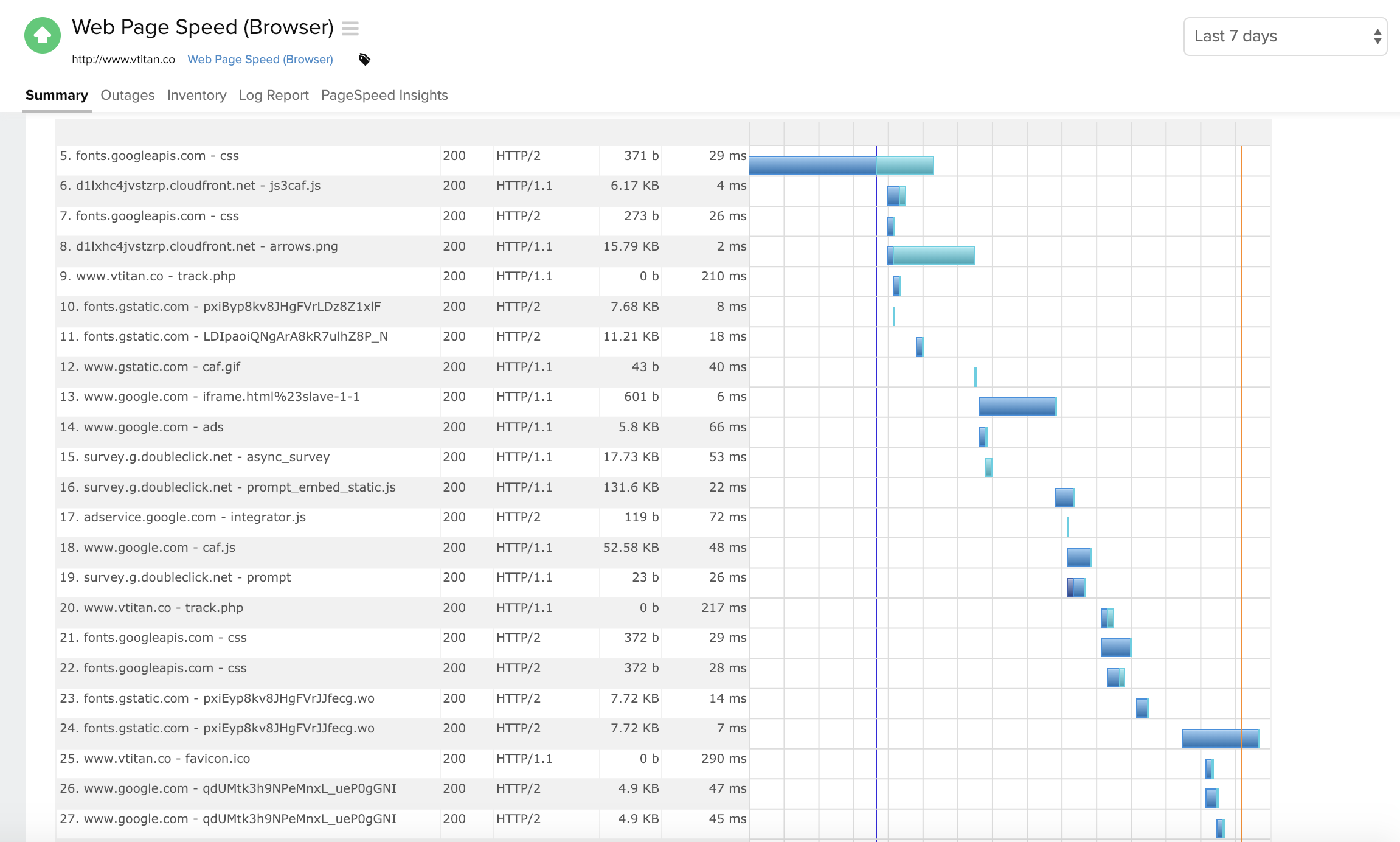      |