Microsoft Power BI is a visualization and data discovery tool from Microsoft. It allows users to convert data into visuals and graphics, visually explore and analyze data, collaborate on interactive dashboards and reports, and scale across their organization with built-in governance and security.
N/A
Rational BI
Score 7.7 out of 10
Enterprise companies (1,001+ employees)
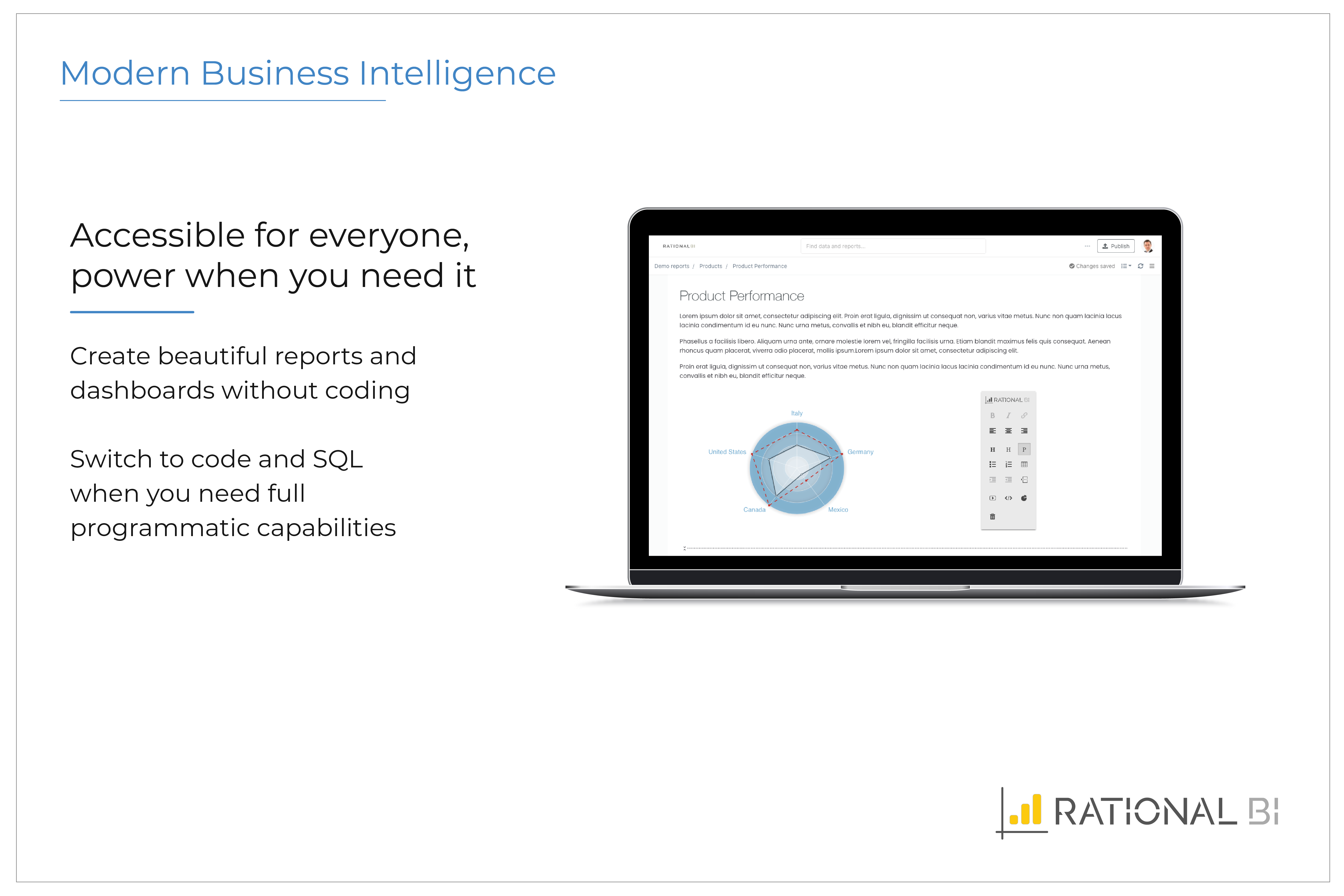
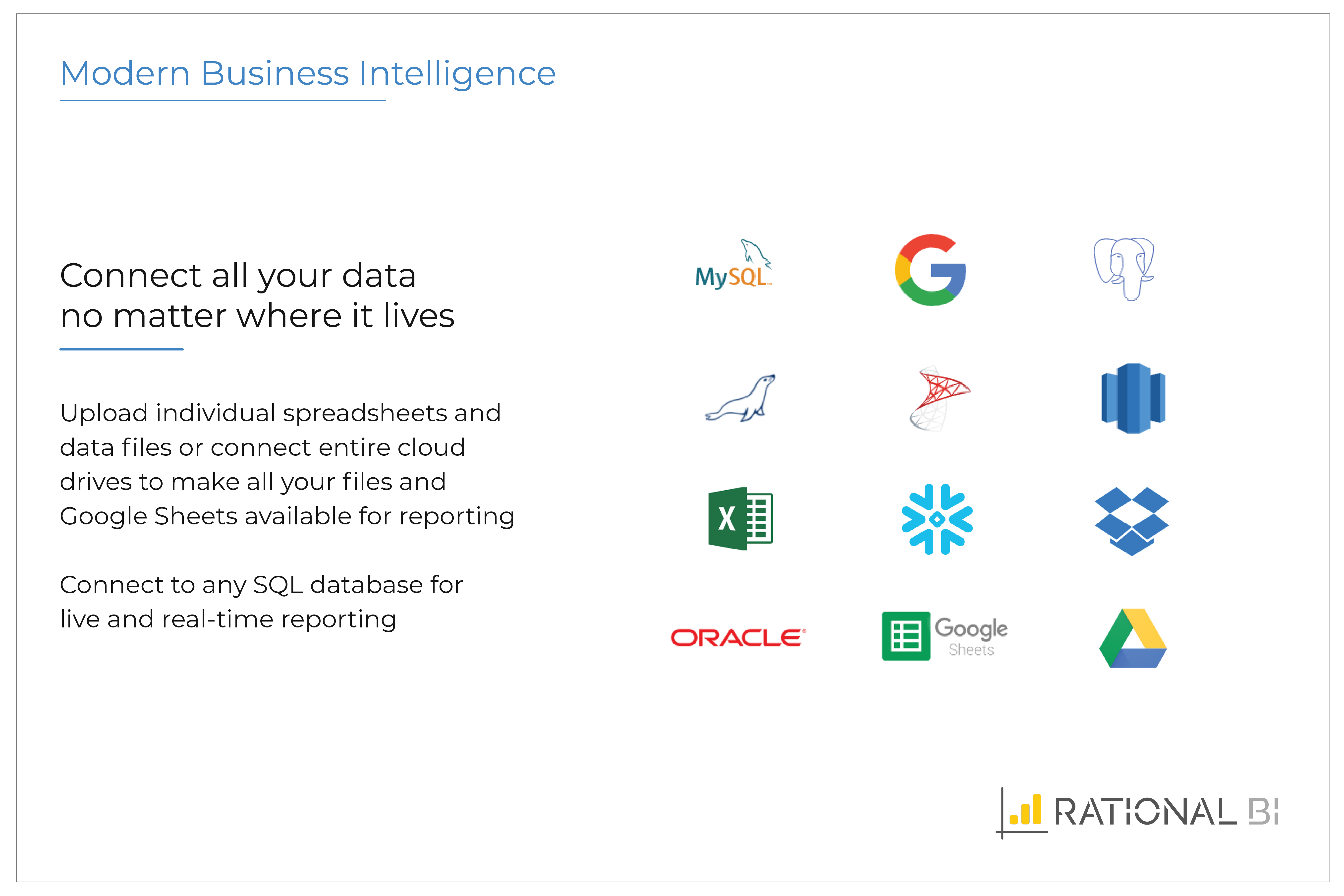
Rational BI provides analytics, data science and business intelligence in an analytical platform that connects to databases, data files and cloud drives including AWS and Azure data sources, enabling users to explore and visualize data. Users can build real-time notebook-style reports directly in a web browser with JavaScript and SQL with direct and live connections to data. Filter and query data with an SQL database embedded in the client, without network…
$0
single user
Pricing
Microsoft Power BI
Rational BI
Editions & Modules
No answers on this topic
Free
$0
single user
Professional
$129
single user
Enterprise
Varies
single user
Offerings
Pricing Offerings
Microsoft Power BI
Rational BI
Free Trial
Yes
Yes
Free/Freemium Version
Yes
Yes
Premium Consulting/Integration Services
No
No
Entry-level Setup Fee
No setup fee
Optional
Additional Details
—
Additional cost per extra user (varies by edition)
More Pricing Information
Community Pulse
Microsoft Power BI
Rational BI
Considered Both Products
Microsoft Power BI
No answer on this topic
Rational BI
Verified User
Anonymous
Chose Rational BI
Today there are many companies providing BI solutions, and generally, I think Microsoft Power BI is the easiest go-to solution as it is part of the Office365 software. However all software solutions have their limitations, advantages, and disadvantages, but sometimes you don't …
Microsoft Power BI is great for sales tracking, financial reporting, and real-time operations monitoring. It integrates data from multiple sources, creating interactive dashboards for better decision-making. However, it's less ideal for real-time big data processing, offline access, or when deep customization is needed. It works best for structured reporting but struggles with highly complex data models.
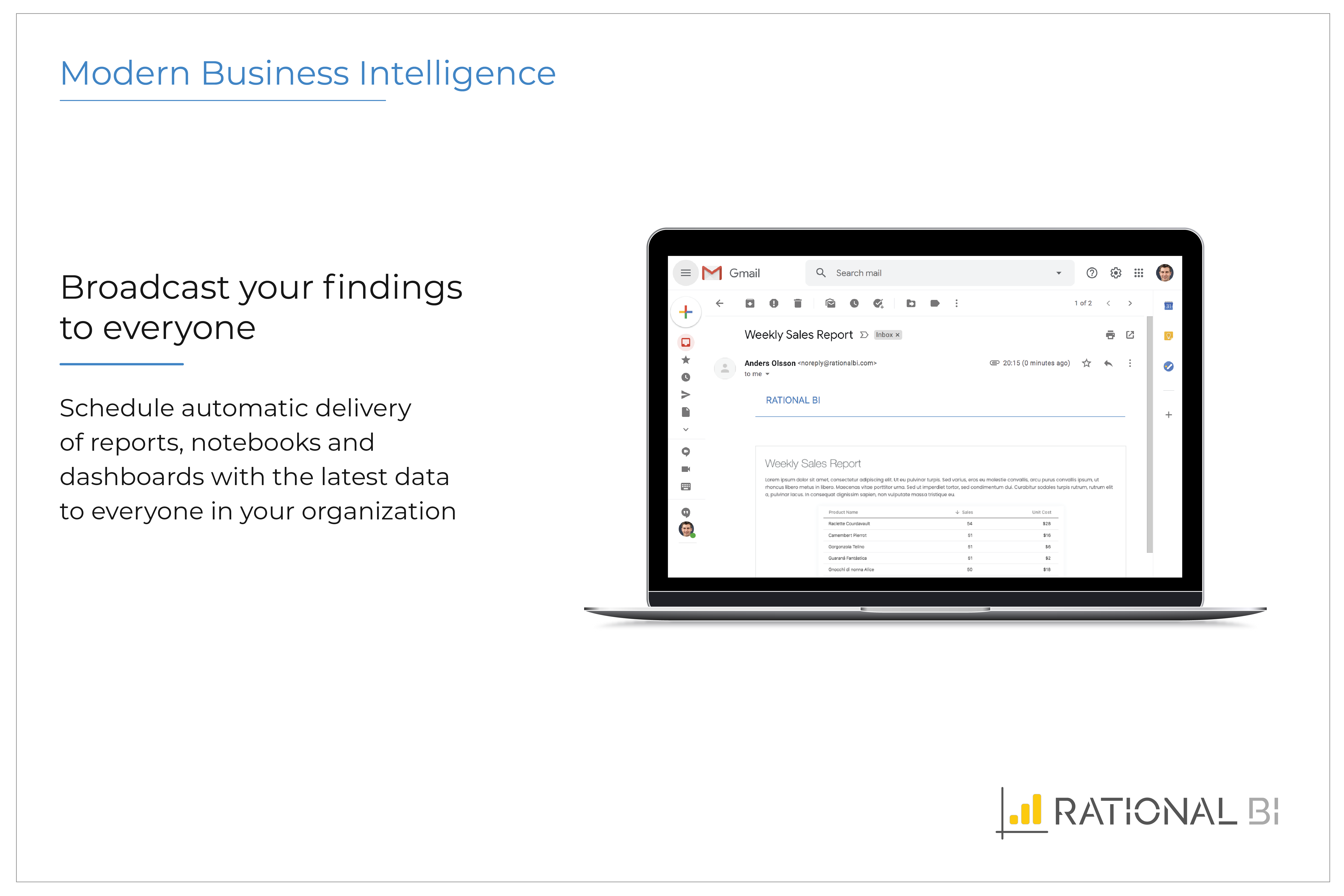
Rational BI allows managing data analysis coming from different projects in order to create useful reports and dashboards. I usually set up automatically scheduled reports. All the stakeholders can easily share a rational view with the possibility to filter between the interesting arguments. Sometimes different user profiles could be needed, optimize the view.
Documentation for new users could be better. Sometimes it's hard for my users that are not that skilled in IS/IT to set up data connectors are understand the dynamics of data sources.
I have used several other BI solutions as well, and their GUI is okay, but surely there is also room for improvement here. Not all things are made entirely logically.
Understanding their price structure. Generally, their website looks nice, but it's not very informative when it comes to pricing, and support options. I really miss some kind of transparency and overview.
Microsoft Power BI is an excellent and scalable tool. It has a learning curve, but once you get past that, the sky is the limit and you can build from the most simple to the most complex dashboards. I have built everything from simple reports with only a few data points to complex reports with many pages and advanced filtering.
Takes a little bit to get used to it. Not natively intuitive but fairly straight forward to pick up. Also docking it a few points because you can create a really clean, simple UI in Claude very quickly that's faster than building all of this yourself in Microsoft Power BI.
Rational BI allows managing data analysis coming from different projects. The outputs are one or more reports, that can be delivered automatically to the stakeholders or other communication media inside the organization. Nice dashboards help to describe and analyze data. Sometimes different user profiles could be needed, optimize the view.
It is a fantastic tool, you can do almost everything related with data and reports, it is a perfect substitutive of Power Point and Excel with a high evolution and flexibility, and also it is very friendly and easy to share. I think all companies should have Power BI (or other BI tool) in their software package and if they are in the MS Suite, for sure Power BI should be the one due to all the benefits of the MS ecosystem.
All others apps are enablers and Microsoft Power BI is the visual that end user sees which often adds more value to the end user to make strategic decisions from this. All are equally great but Microsoft Power BI is the end result
Today there are many companies providing BI solutions, and generally, I think Microsoft Power BI is the easiest go-to solution as it is part of the Office365 software. However all software solutions have their limitations, advantages, and disadvantages, but sometimes you don't need the perfect solution. You just need a solution that delivers 80-90 percent of the full potential to reach your goal and in this scope, we were really happy with Rational BI.
We're still early in the adoption process at this company, but we've illustrated how bad data keeps us from being more productive. ~25% of a team's work week was dedicated to effectively cleaning up entries, but it was always seen as a normal to them.