Mitel MiCollab is a collaboration and conferencing tool for enterprises, from Canadian company Mitel.
N/A
Zoho Mail
Score 9.3 out of 10
N/A
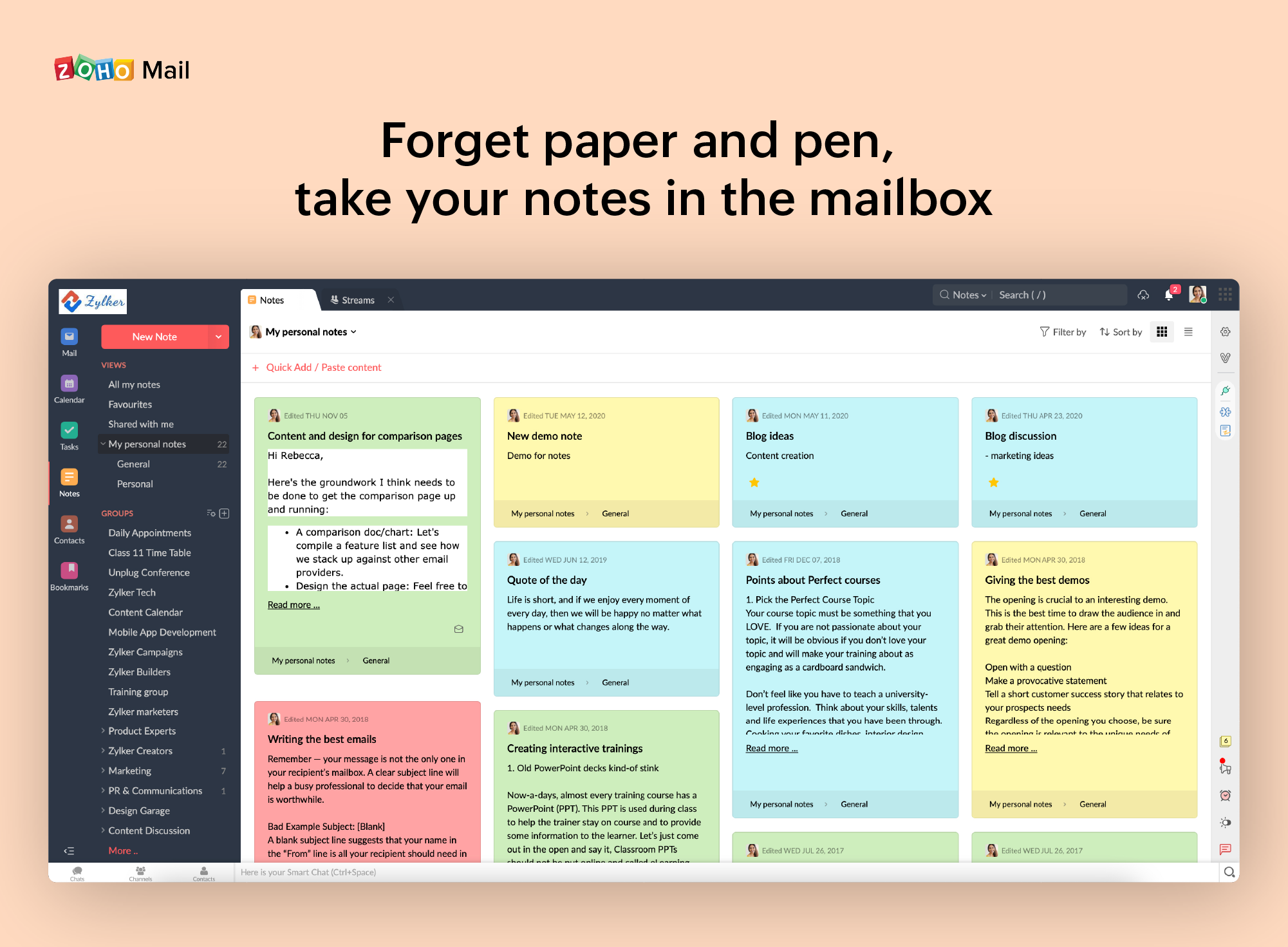
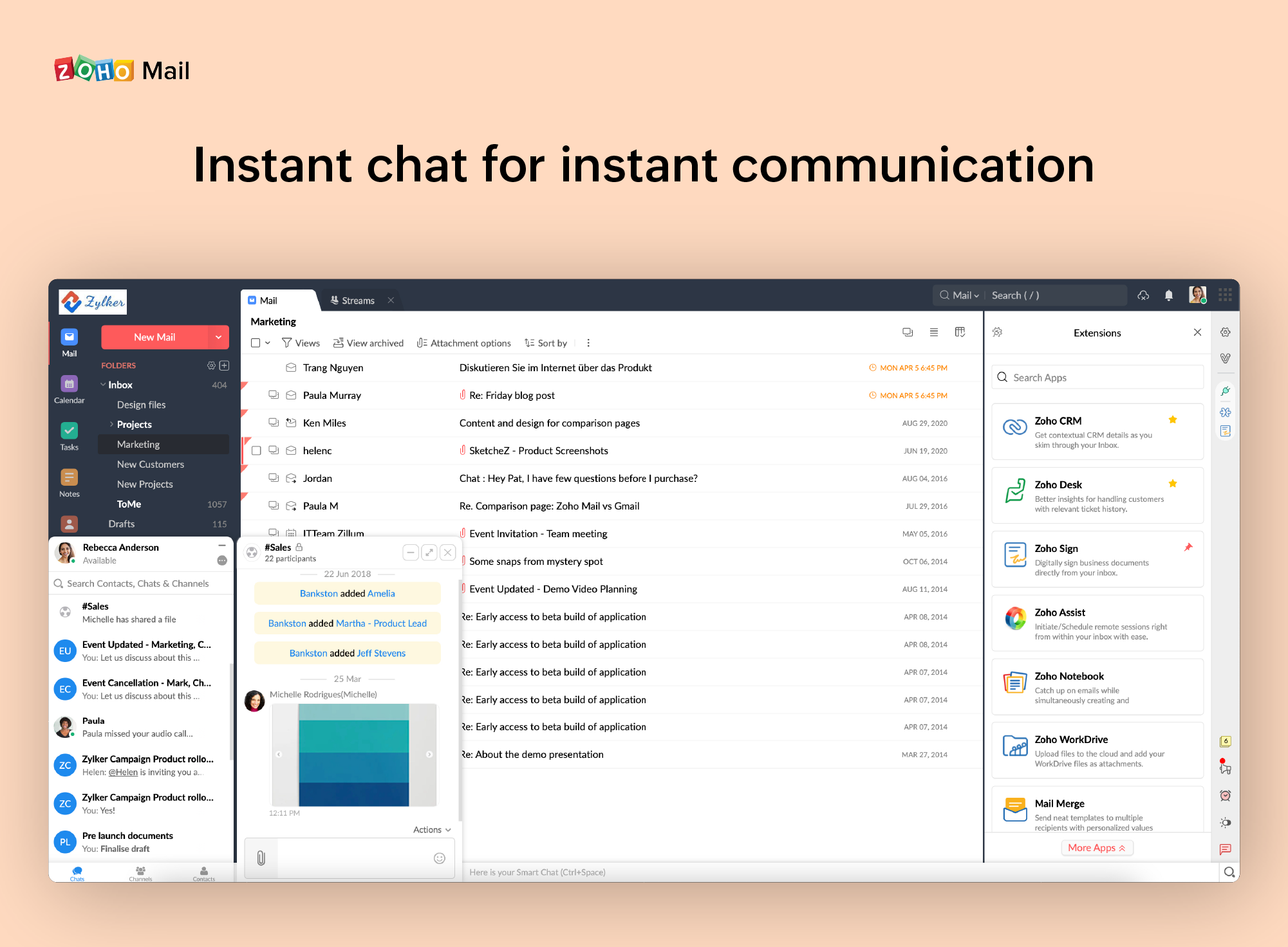
Zoho offers their business email suite, which includes Calendar, Tasks, Notes, and Contacts bundled with an inbox.
$1
per user/per month
Pricing
Mitel MiCollab
Zoho Mail
Editions & Modules
No answers on this topic
Mail Lite
$1
per user/per month
Workplace
$3
per user/per month
Mail Premium
$4
per user/per month
Offerings
Pricing Offerings
Mitel MiCollab
Zoho Mail
Free Trial
No
Yes
Free/Freemium Version
No
Yes
Premium Consulting/Integration Services
No
No
Entry-level Setup Fee
No setup fee
No setup fee
Additional Details
—
—
More Pricing Information
Community Pulse
Mitel MiCollab
Zoho Mail
Considered Both Products
Mitel MiCollab
Verified User
Anonymous
Chose Mitel MiCollab
Mitel MiCollab compares satisfactory to these other Collaboration solutions but as stated before for SMB customer's who have budget concerts and already have a Mitel environment for their unified communication infrastructure, this definatley will work and meet their collab …
The micollab just overall fits better with our company and users. It's easier for people to use if they have never used it and easier to train in a mass group setting than the other series. Documentation and training videos are easily retainable from the micollab website, …
Director Of Information Technology and HIPAA Privacy Officer
Chose Mitel MiCollab
[I believe] Mitel MiCollab's conferencing doesn't stack up in comparison with any of the bigger conferencing tools. For its internal purposes, as part of a Mitel phone system, it's great (the voicemail manager is excellent), but the minute you try and host a web conference with …
MiCollab was great as a VOIP solution and general team collaboration solution, but it lacked in some areas, such as the mobile app, complex configuration and set up as well as the lack of user customization. Overall, the system is serviceable, but seemed rather vanilla …
I believe that most of my colleages prefer Webex. That could just be that people like that with which they are familiar. But, I can't really say. Webex did seem to be easier to use from my perspective.
8x8 is a great solution, we have just been on the MiTel MiCollab and Mitel softwares for many years. Prior to joining this company I was responsible for the communications system. 8x8 at the time was the best choice, however, I would now pick MiTel and the MiCollab softwares …
This is good for syncing with your Mitel desk phone (we use cloud-based Mitel service). It is definitely a help with that system. As for a stand-alone product, I don't see that it would be useful (like Skype). Does not have video conferencing. It does have a chat feature, but …
Mitel is more well known within the IT world and had better ratings. That is why our IT department went with Mitel MiCollab. Plus it was compatible with all our devices and suited all our needs as an organization.
I feel like it's hard to compare them, as the Yealink system we just implemented is a modern VOIP system, whereas the Mitel MiCollab system we had (even though we upgraded it once over the 12-years of usage) still wasn't as user-friendly for us as Yealink now is to us. In our …
We found Googles offering to be a better fit for our company. Budget friendly, integrated quickly and easily with the CRM and far easier to sort and label emails when compared to Zoho Mail.
Zoho is free. Also, there is no need for a separate IT guy for creating mail, or if any issues come you don't have to find anyone anyone can check and fix all issues from their super admin panel. Zoho overview is much better than outlook and its appearance of getting mail popup …
Zoho mail is a more professional and corporate email client, it shows a better image to customers, in addition to allowing you to manage the users of your company. It has accessible and competitive prices.
• We were using MailsDaddy for little time since it does not have the adequate functionalities to address the business problems we have or improve the quality of collaborative work between departments.
• The main reason we decided to implement Zoho Mail. It is because this …
MiCollab is great for a large office to get users working from home and being able to use their home phone or cell phone like the desk phone at the office. This allows our live operators the ability to see if the end-user is on an active call before sending a new call to them. If you have a very small company of fewer than 10 people this might not be worth the investment as cell phones would work just as well.
If you don't have a huge budget and want something that works with minor quirks here and there then Zoho Mail is definitely something you should look into. For half the price of Google G Suite or Office account you get 5GB of storage per user and can send up to 25MB emails without restrictions. Great for small businesses in my opinion. I have had some issues with their spam filter, but we use SpamTitan and just shut off the one that comes with Zoho Mail. Zoho's spam filter isn't horrible but you should definitely use something in addition or instead of what comes with Zoho.
Easy deployment to end users, which assists with client deployment. Their email that provides access to download the software via multiple methods helps tremendously on the consulting side.
Easy interface for collaboration and voice. End users like the clean interface and ease of use.
An all-in-one solution for voice and collaboration. It delivers voicemail, chat, voice services, and mobility.
I really like that there is a free version in which a single user can be created. It is really useful because it allows you to evaluate each characteristic of the service without having to buy it.
I also really like the visual aspect of the inbox, which is partially customizable. Because you can make small changes such as changing the color, the language, and among other things.
When receiving an email with images that are not displayed automatically, you have to activate this function manually. It is a bit uncomfortable, I would prefer that it be activated automatically
The filter to search for information is not very accurate and unfriendly
The way to manage the storage capacity and to buy more space for the mail is not very friendly
It is easy to you for existig Mitel UC users, who are familiar with the Mitel way of things, but for green field enterprises, might be a ramp up period which in most cases would not be worth it as its competitor TEAMS is much easier and intuity to use.
It is very easy to use and does all you need. It sends newsletters to their own folder. A notification folder for more important things. The Spam folder collect the right amount of spam emails
Support is typically handled by a reseller. Buyers should evaluate the reseller as much as they evaluate Mitel for the product suite. The few times when the reseller was not able to handle the issue directly, Mitel did step up and quickly answer/address the question/issue.
I have spoken with Zoho several times and their support is always friendly and helpful. I have always been asked for security pins and codes when seeking assistance which helps me to feel my accounts are secure and I have never had to wait on hold to speak with someone for more than 5 minutes. They always seem to have someone available to help. If you call asking for instructions on how to do something they gladly walk you through the process and if you just need something done and don't have time to do it yourself they will happily customize whatever you need without you having to spend all day with it.
I feel like it's hard to compare them, as the Yealink system we just implemented is a modern VOIP system, whereas the Mitel MiCollab system we had (even though we upgraded it once over the 12-years of usage) still wasn't as user-friendly for us as Yealink now is to us. In our experience, our user support from MetroNet is also lightyears better than that of Integra/Frontier. So that also adds a lot to our Yealink experience.
Zoho is free. Also, there is no need for a separate IT guy for creating mail, or if any issues come you don't have to find anyone anyone can check and fix all issues from their super admin panel. Zoho overview is much better than outlook and its appearance of getting mail popup and functionality is better than outlook. My friend suggested for this and also after using I have referred my friend