Chose UpSafe (discontinued)
We use the shared cloud-based business drive, but the emails are not saved here—only the files the members share.

| Product | Rating | Most Used By | Product Summary | Starting Price |
|---|---|---|---|---|
 MSP360 Backup for M365/Google | Mid-Size Companies (51-1,000 employees) | MSP360 Backup for Microsoft 365 and Google Workspace offers cloud-to-cloud data protection and recovery. The solution boasts a simple setup and maintenance that supports all core M365/GW components. | $1.10 per month per user | |
 UpSafe (discontinued) | N/A | UpSafe was a solution for storing and backing up data stored in Gmail, Google Drive, Google Contacts, and Google Calendar, or Outlook. It has been discontinued. | N/A |
| MSP360 Backup for M365/Google | UpSafe (discontinued) | |||||||||||||||
|---|---|---|---|---|---|---|---|---|---|---|---|---|---|---|---|---|
| Editions & Modules |
| No answers on this topic | ||||||||||||||
| Offerings |
| |||||||||||||||
| Entry-level Setup Fee | No setup fee | No setup fee | ||||||||||||||
| Additional Details | There is "Cyber Starter Pack Offer" for new customers. | — | ||||||||||||||
| More Pricing Information | ||||||||||||||||
| MSP360 Backup for M365/Google | UpSafe (discontinued) | |
|---|---|---|
| Considered Both Products |  MSP360 Backup for M365/Google No answer on this topic |  UpSafe (discontinued)  Greg Roberts Broker/Associate Realtor Chose UpSafe (discontinued) A similar software that I have used is Apple iCloud. However, this seems to have even more limited storage and requires you to purchase more often. I struggle with backing my devices up as well.  Sarah Bandy Executive Director Chose UpSafe (discontinued) I prefer Upsafe Free Gmail Backup as it works to effectively save and protect our important brainstorms and conversations, as Google auto-saves in real-time. Cloud Backup for Office365 is slightly clumsier and harder to share as so many team members don’t pay for Microsoft …  Kristin Page Senior Recruiter Chose UpSafe (discontinued) Gmail backup is easier to use, I still can't figure out the apple icloud. |
| MSP360 Backup for M365/Google | UpSafe (discontinued) | |
|---|---|---|
| Small Businesses |  Cove Data Protection Score 9.9 out of 10 | Cove Data Protection Score 9.9 out of 10 |
| Medium-sized Companies |  Druva Security Cloud Score 9.7 out of 10 | Druva Security Cloud Score 9.7 out of 10 |
| Enterprises | Druva Security Cloud Score 9.7 out of 10 | Druva Security Cloud Score 9.7 out of 10 |
| All Alternatives | View all alternatives | View all alternatives |
| MSP360 Backup for M365/Google | UpSafe (discontinued) | |
|---|---|---|
| Likelihood to Recommend | - (0 ratings) | 8.5 (0 ratings) |
| Support Rating | - (0 ratings) | 8.3 (0 ratings) |
| MSP360 Backup for M365/Google | UpSafe (discontinued) | |
|---|---|---|
| Likelihood to Recommend | No answers on this topic |
|
| Pros | No answers on this topic |
|
| Cons | No answers on this topic |
|
| Support Rating | No answers on this topic |
Greg Roberts Broker/Associate Realtor |
| Alternatives Considered | No answers on this topic |
|
| Return on Investment | No answers on this topic |
Sarah Bandy Executive Director |
| ScreenShots | MSP360 Backup for M365/Google Screenshots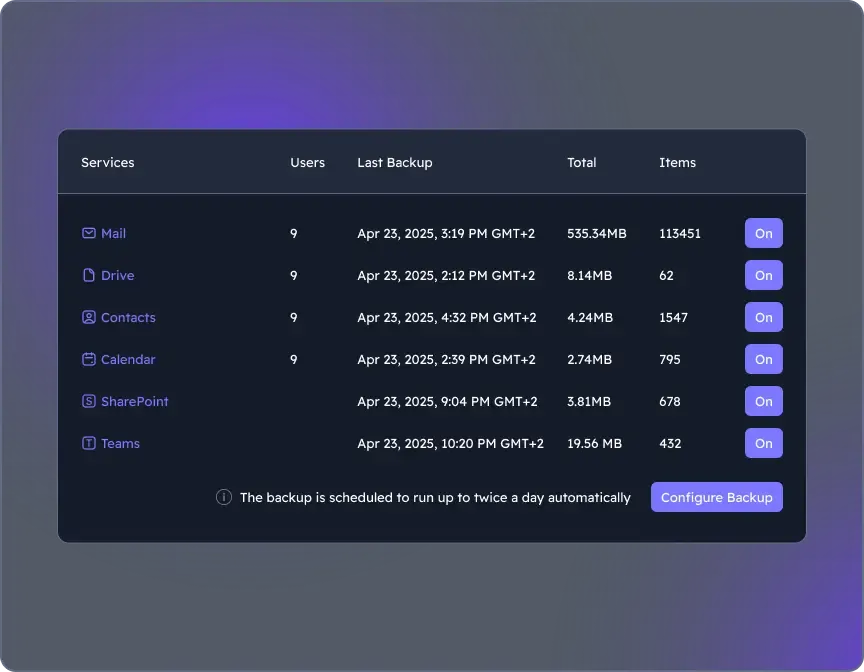 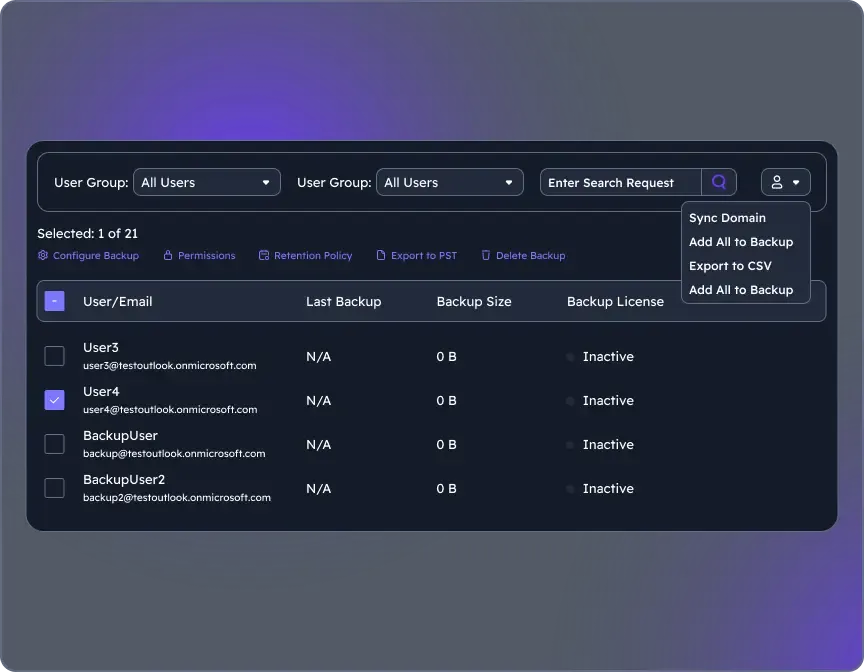 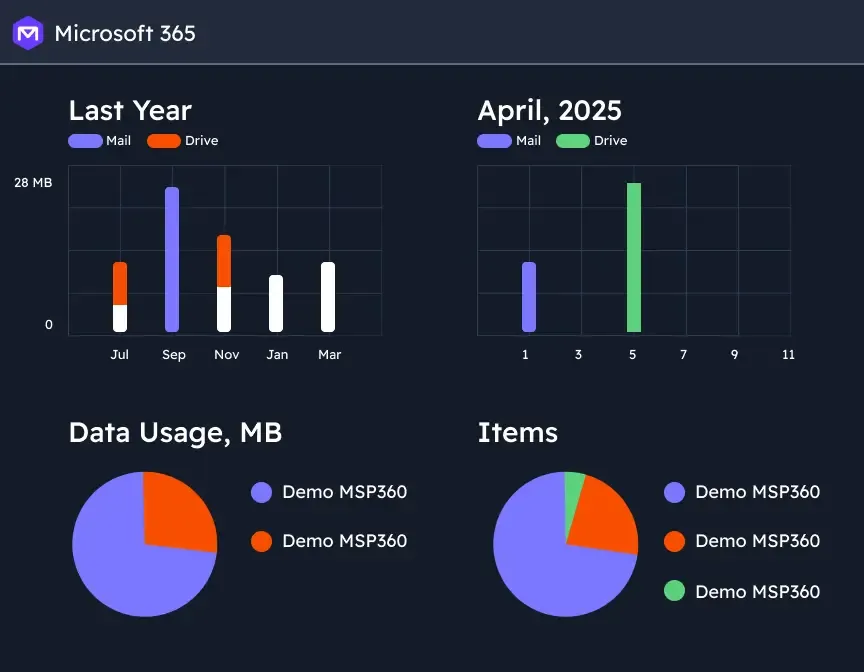 | UpSafe (discontinued) Screenshots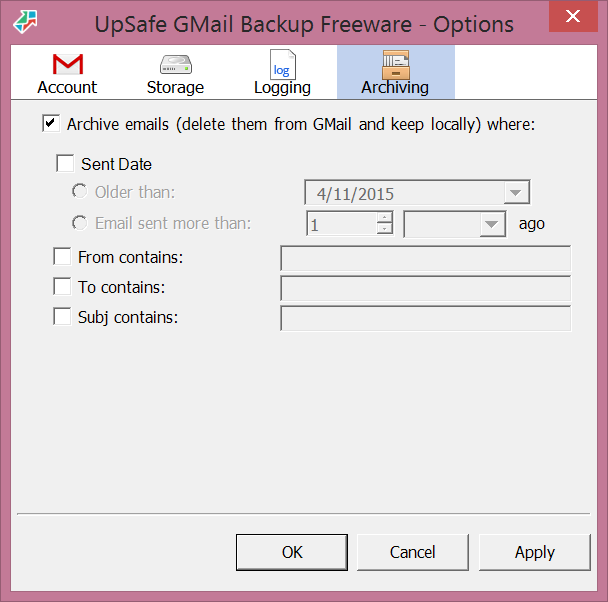    |