SolarWinds offers Mail Assure, a cloud-based email security solution designed to help customers stay in control and protect their inbound and outbound email using collective threat intelligence, 24/7 email continuity, and long-term email archiving.
N/A
Zoho Mail
Score 9.3 out of 10
N/A
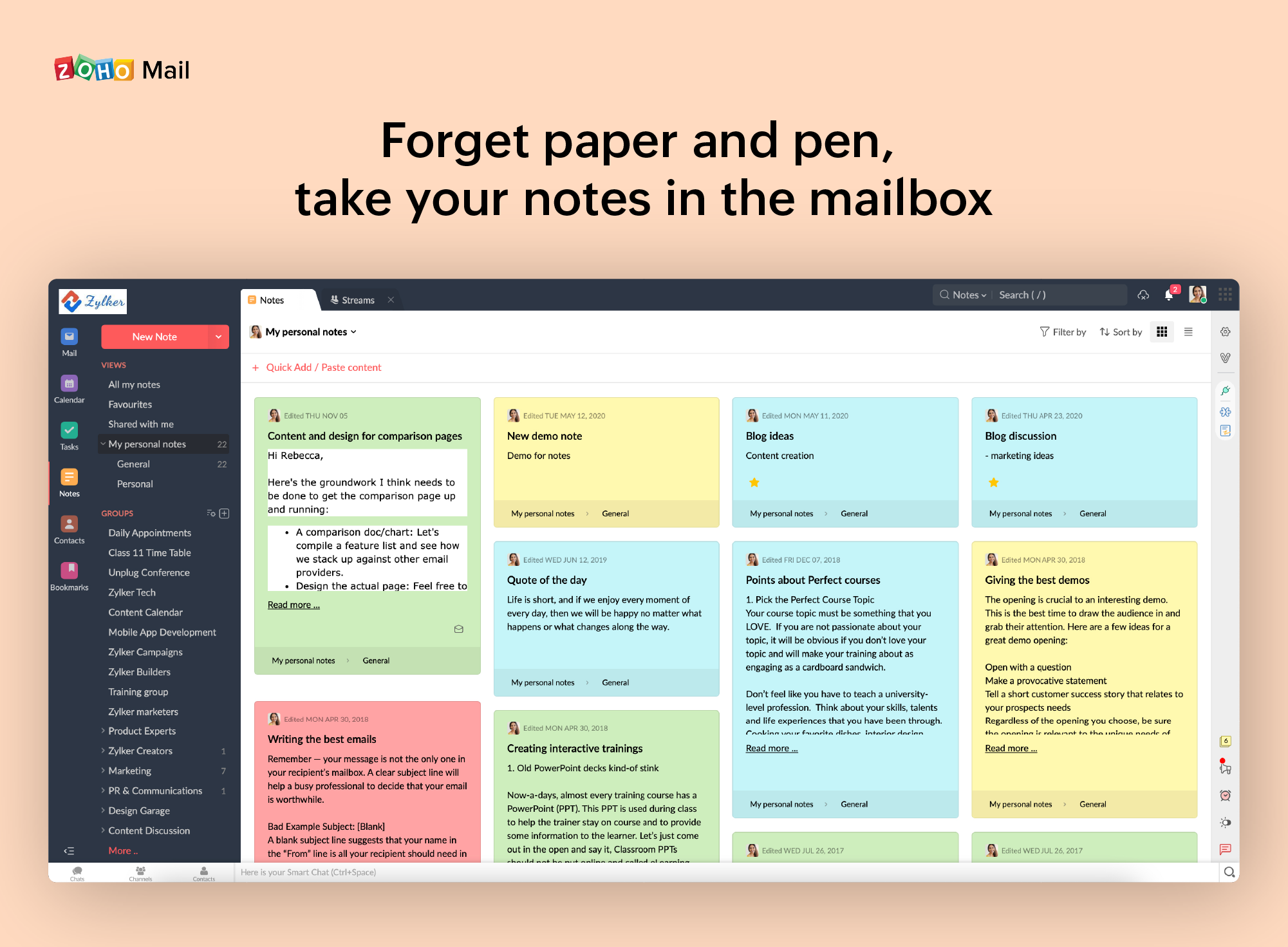
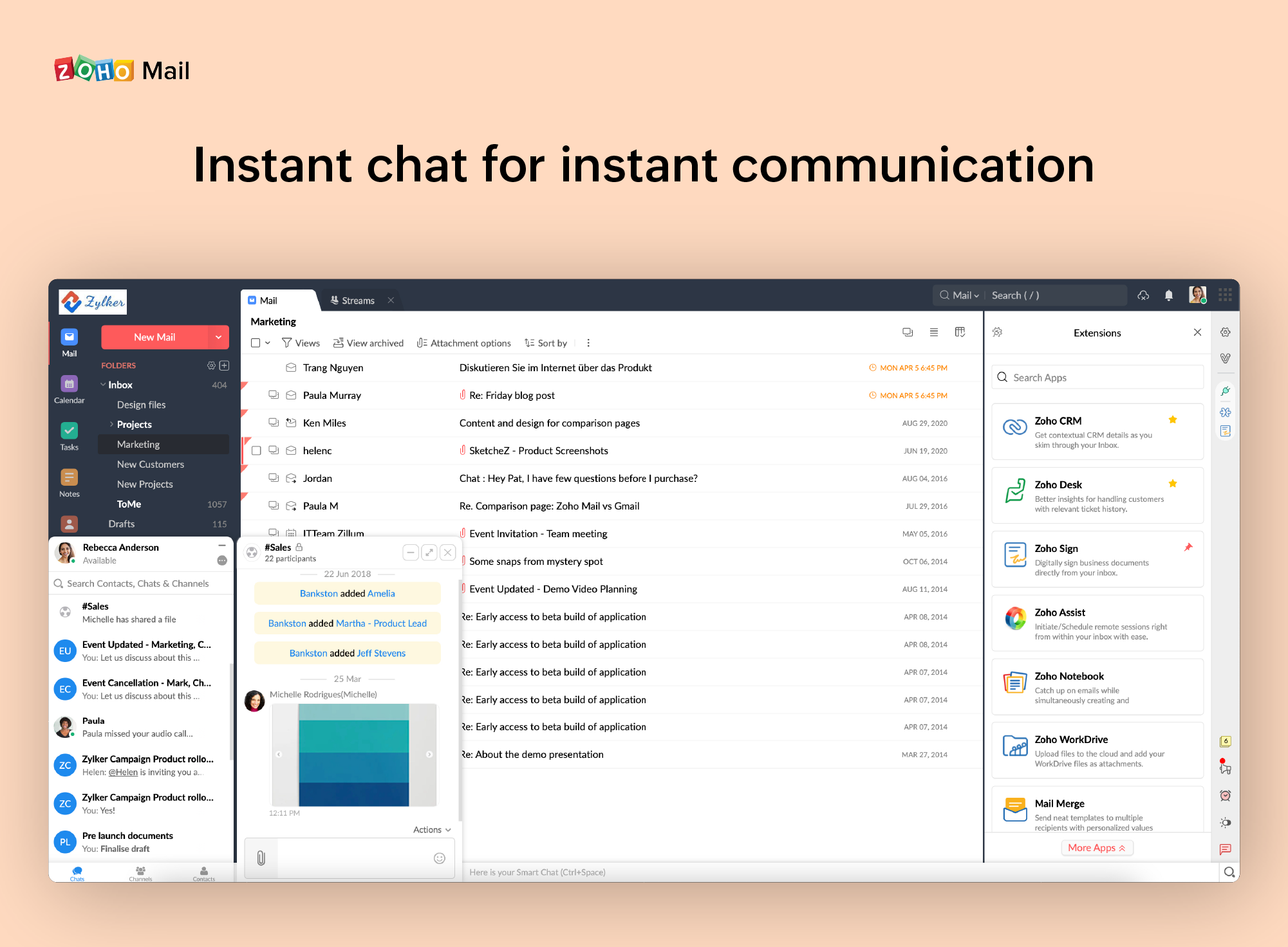
Zoho offers their business email suite, which includes Calendar, Tasks, Notes, and Contacts bundled with an inbox.
$1
per user/per month
Pricing
N-able Mail Assure
Zoho Mail
Editions & Modules
No answers on this topic
Mail Lite
$1
per user/per month
Workplace
$3
per user/per month
Mail Premium
$4
per user/per month
Offerings
Pricing Offerings
N-able Mail Assure
Zoho Mail
Free Trial
Yes
Yes
Free/Freemium Version
No
Yes
Premium Consulting/Integration Services
No
No
Entry-level Setup Fee
No setup fee
No setup fee
Additional Details
—
—
More Pricing Information
Community Pulse
N-able Mail Assure
Zoho Mail
Considered Both Products
N-able Mail Assure
Verified User
Anonymous
Chose N-able Mail Assure
AppRiver is very much a set and forget type of email filter with almost no configurability and no flexibility. I am sure AppRiver is good for those that don't want to have to configure it, and those that don't want to change the product (they just want to buy a service, and …
We have used a few mail security options, including SpamStopsHere. Mail Assure is easier to manage and adapts as it learns the email traffic and patterns that come into the company. We use most of the SolarWinds suite, including MSPManager, N-central, Passportal, and Endpoint …
Mail Assure was very close in all it's features, but lacked the secure email function. But the price difference between Mail Assure and Barracuda was significant enough to go this direction. Secure email is in development and will hopefully be available soon.
We found Googles offering to be a better fit for our company. Budget friendly, integrated quickly and easily with the CRM and far easier to sort and label emails when compared to Zoho Mail.
Zoho is free. Also, there is no need for a separate IT guy for creating mail, or if any issues come you don't have to find anyone anyone can check and fix all issues from their super admin panel. Zoho overview is much better than outlook and its appearance of getting mail popup …
Zoho mail is a more professional and corporate email client, it shows a better image to customers, in addition to allowing you to manage the users of your company. It has accessible and competitive prices.
• We were using MailsDaddy for little time since it does not have the adequate functionalities to address the business problems we have or improve the quality of collaborative work between departments.
• The main reason we decided to implement Zoho Mail. It is because this …
Works really well for spam filtering in emails for our clients. If you have a lot of employees you want to prevent phishing and spam from getting to them. We recently had a client that had their whole company blacklisted by Microsoft because a good number of their staff fell for phishing emails. We implemented Mail Assure and this has nearly eliminated the emails they had been getting.
If you don't have a huge budget and want something that works with minor quirks here and there then Zoho Mail is definitely something you should look into. For half the price of Google G Suite or Office account you get 5GB of storage per user and can send up to 25MB emails without restrictions. Great for small businesses in my opinion. I have had some issues with their spam filter, but we use SpamTitan and just shut off the one that comes with Zoho Mail. Zoho's spam filter isn't horrible but you should definitely use something in addition or instead of what comes with Zoho.
I really like that there is a free version in which a single user can be created. It is really useful because it allows you to evaluate each characteristic of the service without having to buy it.
I also really like the visual aspect of the inbox, which is partially customizable. Because you can make small changes such as changing the color, the language, and among other things.
When receiving an email with images that are not displayed automatically, you have to activate this function manually. It is a bit uncomfortable, I would prefer that it be activated automatically
The filter to search for information is not very accurate and unfriendly
The way to manage the storage capacity and to buy more space for the mail is not very friendly
It is very easy to use and does all you need. It sends newsletters to their own folder. A notification folder for more important things. The Spam folder collect the right amount of spam emails
I have spoken with Zoho several times and their support is always friendly and helpful. I have always been asked for security pins and codes when seeking assistance which helps me to feel my accounts are secure and I have never had to wait on hold to speak with someone for more than 5 minutes. They always seem to have someone available to help. If you call asking for instructions on how to do something they gladly walk you through the process and if you just need something done and don't have time to do it yourself they will happily customize whatever you need without you having to spend all day with it.
AppRiver is very much a set and forget type of email filter with almost no configurability and no flexibility. I am sure AppRiver is good for those that don't want to have to configure it, and those that don't want to change the product (they just want to buy a service, and have it run with no customization to fit their organization). SolarWinds Mail Assure gives us the flexibility of filtering that we want.
Zoho is free. Also, there is no need for a separate IT guy for creating mail, or if any issues come you don't have to find anyone anyone can check and fix all issues from their super admin panel. Zoho overview is much better than outlook and its appearance of getting mail popup and functionality is better than outlook. My friend suggested for this and also after using I have referred my friend