NAKIVO Backup & Replication now also supports Proxmox VE, alongside VMware, Hyper-V, Nutanix AHV, and AWS EC2. It offers replication, failover, cloud backup, backup copy, size reduction, screenshot verification, and site recovery.
$0.80
Billed yearly for up to 5 years. Includes 24/7 Support. Microsoft 365 User/Month
HPE Zerto Software
Score 8.7 out of 10
Enterprise companies (1,001+ employees)
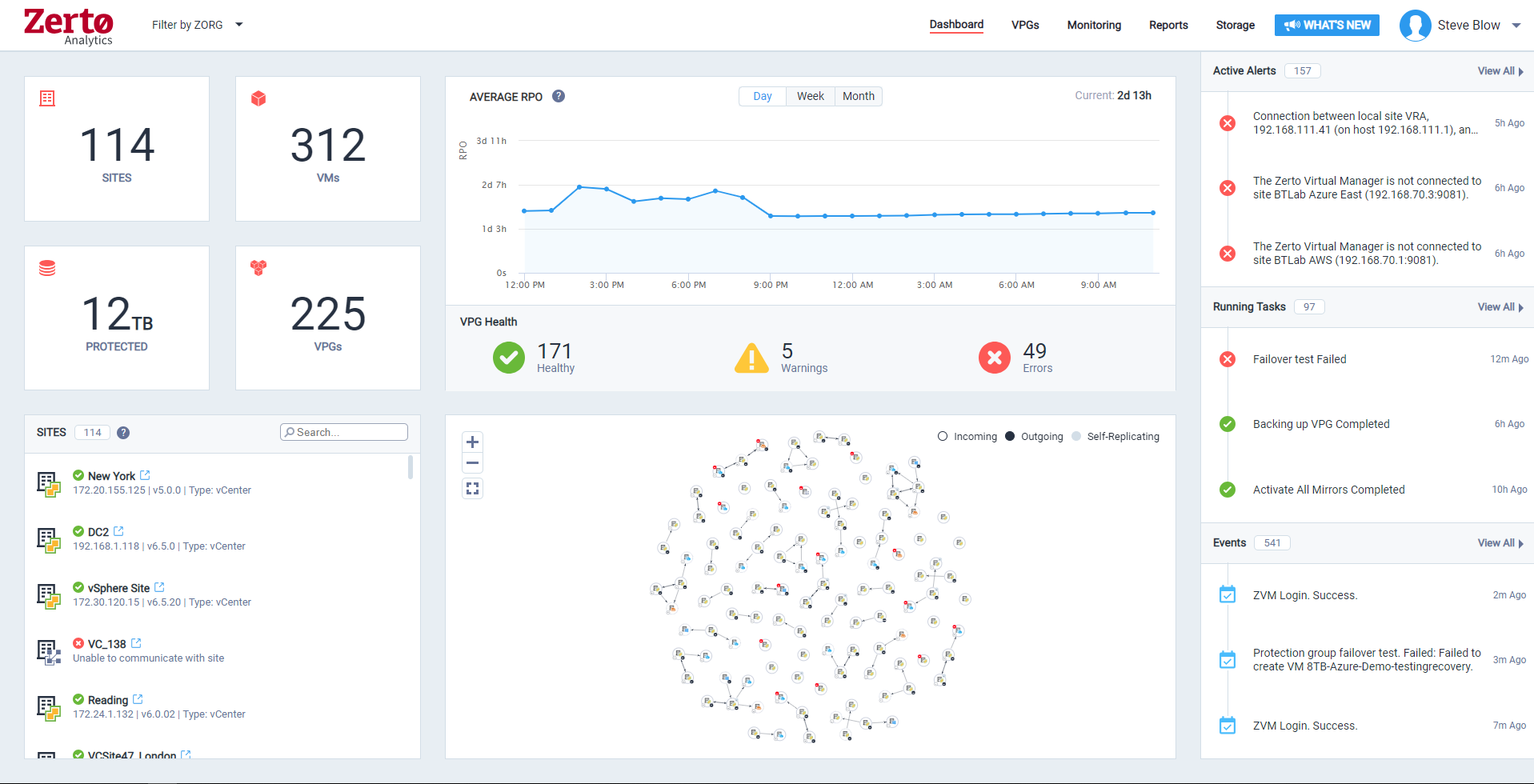
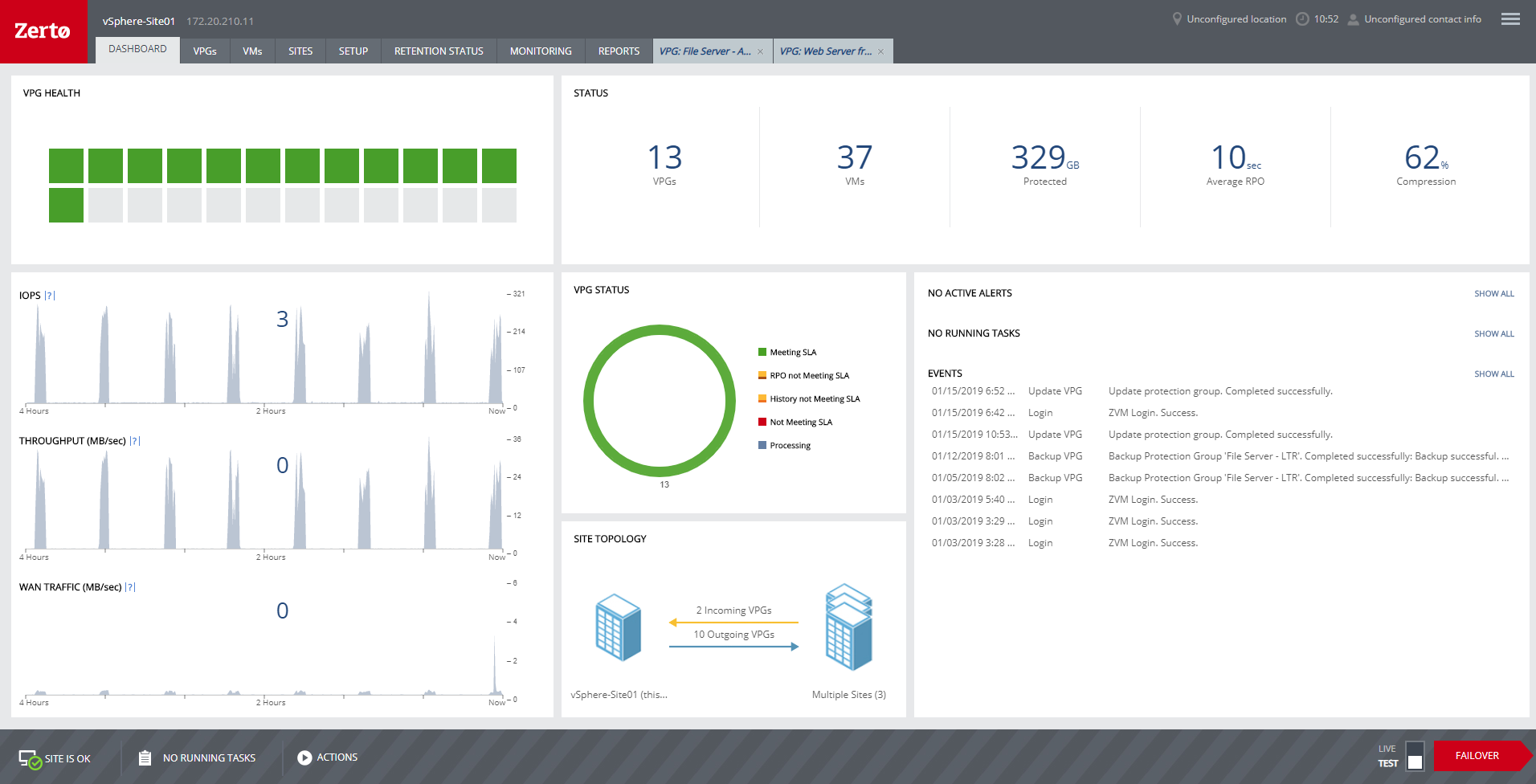
HPE Zerto Software aims to enable customers to run an always-on business by simplifying the protection, recovery, and mobility of on-premises and cloud applications.
N/A
Pricing
NAKIVO Backup & Replication
HPE Zerto Software
Editions & Modules
Enterprise Essentials/Enterprise (Perpetual)
Starting at $329 per CPU socket
Indefinite use. Includes technical support during business hours. CPU sockets
Enterprise Essentials/Enterprise
Starting $76 per server and $25 per workstation
Indefinite use. Includes technical support during business hours. Server Workstation
Enterprise Plus
Contact vendor
Enterprise Essentials/Enterprise (Subscription)
Starting at $3.5 per workload/month
Billed yearly for up to 5 years. Includes 24/7 Support. Workload/Month
Pro Essentials/Pro (Perpetual)
Starting at $239 per CPU socket
Indefinite use. Includes technical support during business hours. CPU Socket
Pro Essentials/Pro (Subscription)
Starting at $2.5 per workload/month
Billed yearly for up to 5 years. Includes 24/7 Support. Workload/Month
Pro Essentials/Pro
Starting at $58 per server and $19 per workstation
Indefinite use. Includes technical support during business hours. Server Workstation
NAKIVO Backup for Microsoft 365
Starting at $0.80 per user/month
Billed yearly for up to 5 years. Includes 24/7 Support. Microsoft 365 User/Month
No answers on this topic
Offerings
Pricing Offerings
NAKIVO Backup & Replication
HPE Zerto Software
Free Trial
Yes
Yes
Free/Freemium Version
Yes
No
Premium Consulting/Integration Services
No
No
Entry-level Setup Fee
No setup fee
Optional
Additional Details
A workload is a VMware vSphere VM, Microsoft Hyper-V VM, Nutanix AHV VM, a physical machine (01 server and 03 workstations), an Oracle database, or an Amazon EC2 instance.
NAKIVO Backup & Replication is way simpler and more flexible to deploy. It has a much more clearer user interface. The ability to deploy to a NAS to be backed up to and wide support for devices from different manufacturers.
We compared Nakivo with other solutions like Veeam. We have chosen Nakivo even if Veeam has more documentation mostly from the final users , because the product looks easier, cleaner and above all it has a really good price for perpetual licences. For a lower price we prefer to …
It's been a while since I've used Veeam. Originally I found NAKIVO when I felt Veeam's pricing was starting to feel out of reach for our small business.
It's good in its UI, easy to configure, and offers very good performance. NAKIVO Backup & Replication stands on top with its UI, or we call it, Administration Console, and provides great performance of its core and modules. Awesome Backup App and a worthy one for its UI!
NAKIVO Backup & Replication is a the best option for backup and replication of virtual machines on Nas like Synology while Veeam agent is best for backup of windows servers on disk, or Nas
Nakivo is an effective-cost solution that allows progressive use according to the needs of our company, in other companies, the cost vs. features are not comparable.
NAKIVO Backup & Replication Virtual Appliance on VMware vSphere is a great option for first steps in a Backup Solution and it no need some Windows Licenses, like others.
The positives of NAKIVO outweigh the negatives in comparison to the other solutions. As an MSP we need the multi-tenant console, which NAKIVO does perfect for us.
I've tried Veeam and Vembu. I personally liked NAKIVO better because you can do a one time license purchase, which I see as a big advantage over subscription based. Their customer support was also better. I personally found the user interface to be easier to use as well. It …
NAKIVO Backup & Replication provides a cost-effective solution without compromising on features and functionality. I selected NAKIVO Backup & Replication to benefit from its cost-effectiveness, user-friendly interface, versatile platform support, performance optimization, …
we had Veeam before purchasing NAKIVO Backup & Replication back in 2019. Veeam was too complicated for us and needed agents to operate. Also the price was higher than that of NAKIVO Backup & Replication. Meanwhile NAKIVO Backup & Replication is agentless. It uses SSH to …
NAKIVO Backup & Replication stands out as a more cost-effective and robust solution compared to Veeam One. With competitive pricing and a comprehensive feature set including incremental backups, global deduplication, LAN-free data transfer, and built-in WAN acceleration, NAKIVO …
I think Rubrik, VEEAM and Zerto are great products, really depends on the use case. Zerto is probably the best real time replication technology available for VMs to a single or multiple DR datacenter. They claim they have backup capabilities but they are not in the ballpark of …
Migrations from Hyper-V to VMWare. This something VMware cloud availiblity not can do. Whit migrations from several platforms to VMWare, this is realy a missing part in VMware Cloud availity and a real + in Zerto. The RPO en RTO are almost the same, butnif you realy want 'the …
We initially purchased RecoverPoint and after stumbling through the installation with the consultant and realizing how clumsy and nonautomated it was we began looking elsewhere. We really disliked the amount of setup and manual configuration needed to get basic things …
Zerto was far and away from a much better product than RecoverPoint. EMC was unable to perform near as fast and as good as Zerto and required a lot more setup and infrastructure to run.
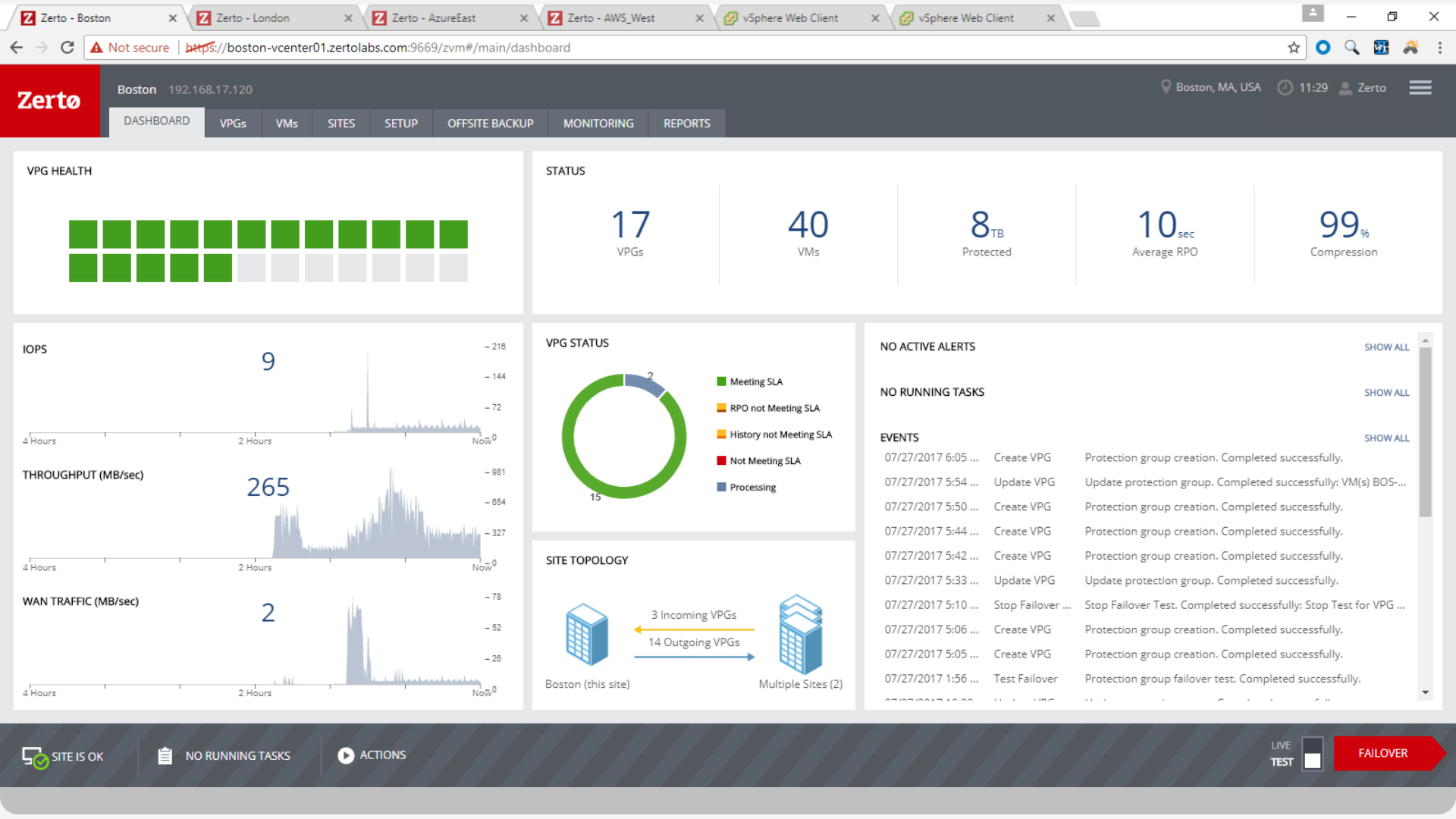
Hands down Zerto blows VMWare SRM out of the water. The configuration is easy to setup. Managing replications are just a few short key strokes and there is an easy-to-navigate web dashboard.
Veeam is an impressive solution, however, Zerto has a better feature set, customizable journal, and RPO timing. The price with Zerto was more competitive.
We use VMware vSphere Replication as our disaster recovery tool for our Tier 2/3 systems. This was chosen as it saves us costs for our less critical, but still needed systems that keep our company running. Putting everything on Zerto would be great, but with this combination, …
Zerto replication is a lot cheaper than any of the completion, it’s simple to set up and use, requires minimal training for users, and its simple interface and groups using VPG enables a granular setup.
It just does what it says and is simple, reliable, and relatively cheap
Zerto solves issues with snapshot-based backups and provides continuous data protection up to 14 days with an astonishing granularity. Zerto's One-2-Many can provide local and offsite backups with near real-time and fast restore of a VM
While more expensive, Zerto does a better job of protecting our servers and keeping the RPO low. It was also supported by our financial core which was a huge factor in our adoption. However, one it was put into our system, we wanted to adopt it company wide. As long as you …
We looked at both CommVault and NetBackup, which are similar platforms to that of the Zerto Replication Software stack. We thought the Zerto solution best met our specification needs, as well as our cost needs. The CommVault licensing was complicated, and we just have had a bad …
We started out using Backup Exec which was in service until we virtualized our environment where it didn't perform as well at the time. Then we switched to Veeam which worked well, but then as we started needing to do migrations and off-site DR, we found ourselves relying on …
The speed of WAN replication is great. It is faster compared to RecoverPoint and 20 VMs replicating over a 20Mbps VPN, which has a RPO less than one minute. Of course, your mileage will vary.
We used to use Veeam for our replication solution but due to the snapshot issues that we used to experience with our larger virtual machines, i.e we would encounter some lost of connectivity. We were told by two of our partners that Zerto would solve our needs and we did our …
Zerto is easy to install and maintain. Most importantly, the replication feature with a journal that provides recovery point every few seconds cannot be found in any other software we evaluated.
Physical recoverpoint and virtual Recovperpoint for VMware are still very basic in their feature set. Physical recoverpoint requires months of planning, installation, configuration, before systems are replicated and then protected. There is no backup feature such as Zerto, …
Zerto replicates at the hypervisor level, not the VM level like VMware Site Recovery Manager (SRM). SRM replicates vms within or across vSphere clusters, but not between different hypervisors. While I only replicate from vcenter to vcenter, if we needed to replicate to a …
NAKIVO covers all features that we expect and demand from a backup software while keeping the management interface intuitive and straightforward. We can bet on its reliability and, in case we need to prove, there is an easy-to-use mock recovery option that allows VMs to be run directly from the backup (saves space on the virtualization datastore) and connected to dedicated recovery-test network.
Zerto is well suited for disaster recovery and virtual machine replication between multiple data centers. DR testing for audit or regulations is much easier with Zerto, great reporting, dashboard etc. It is not well suited for physical server replication for disaster recovery or as a primary backup solution.
Can be installed natively on nas appliances leveraging the use of underutilized appliances. No need to install the software on Windows or Linux Servers.
Backup natively Vmware Virtual Machines and File Shares (you need to buy the right license modules).
Destination storage for backups (or of the backup copies) can be Microsoft shares, Amazon S3, Wasabi, Backblaze and remotely to other sites using their transporter vm.
To not overload the system with overlapping jobs, they can be chained one after the other.
Rapid add/remove/reorder priority of vm to backup and their backup archive. Jobs can be easily changed or chained.
It is simple to set up and use. In my opinion, one of the most important functions of a tool is its interface. If you have the best product in the world but it takes an arm and a leg to configure and a doctorate degree to use, then the product isn't worth very much.
The continuous replication is done very well. The failover and failback process runs smoothly.
This has less to do with the product than the company, but Zerto as a company really listens to their customer base. We've always had a very good interpersonal experience with their support and sales teams. Having great people behind their product is definitely one of Zerto's strengths.
Backups have the option of "screenshot verification". Screenshot verification doesn't always work for us when our vmtools is out of date. If we are on an older version of VMware and that version of vmtools is up to date, NAKIVO still thinks it is out of date.
It is a product that contains most of the features of its big competitors but at an affordable price for small businesses. In addition, the support is very good even if they only have support in English. Another important factor is its compatibility with NAS devices, which greatly simplifies deployment. The implementation is simple and in a matter of minutes you can define the first copy Jobs
We really like the easy setup of this replication solution, as well as the ease of management. Not to mention, our internal IT Economist determined that the Zerto solution would provide the best ROI out of the competing solutions we analyzed. So far, his calculations have been spot on, and we have saved substantially
NAKIVO Backup & Replication is very easy to set up. I did it by myself, and it went perfectly. Online documents are very well written, and also the tech support asked to help me set it up. I want to do it by myself and the setup process is very easy to do. The connection to your VM and servers is very easy to do.
Zerto is very easy to implement and support. Uses are broad, only issues are once something doesn't sync it is difficult to get assistance until your reach tier 2 or tier 3 support. Basic file and folder recovery is great. Live and test fail overs are also easy to implement without issue.
The support is fast and perfect. If u have any questions, you can contact the support team via mail or chat and you always get a fast answer. You can also find a lot of help in the FAQ in the help center to resolve your problems. Anytime I had to contact the support, they helped me and solved my problem.
Very responsive, very capable. Overall, the product is very easy to set up and configure. Problems usually encroach when lower-level components are updated for changed, for instance, vSphere. Support usually can help us work through any issues that pop up from upgrades to other software, but their own updates can lag behind a little.
It is very easy to do in all the formats in which it is implemented, whether as an appliance, in a windows machine, or an implementation in NAS. I only use the appliance one, but I have tried all of them in trial mode to know which one interested me more.
NAKIVO Backup & Replication provides a cost-effective solution without compromising on features and functionality. I selected NAKIVO Backup & Replication to benefit from its cost-effectiveness, user-friendly interface, versatile platform support, performance optimization, advanced features, and storage efficiency.
Zerto solves issues with snapshot-based backups and provides continuous data protection up to 14 days with an astonishing granularity. Zerto's One-2-Many can provide local and offsite backups with near real-time and fast restore of a VM
Zerto does not backup physical machines or VMs that are turned off, but there are other products to do that.
Other backup products are stepping up with ease of deployment and small organizations would find them a little easier to use as there are fewer configuration options.
One of our contributors has permanently deleted worksheets from our file server. From Nakivo, we were able to recover all the data in less than 10 minutes.
An authentication server was encrypted by ransomware, through NAKIVO Backup & Replication, we recover the entire server within 1 hour.