Chose OnceHub
Calendly is definitely the bootstrapped option. ScheduleOnce is for serious businesses looking to automate & build a sales team.

| Product | Rating | Most Used By | Product Summary | Starting Price |
|---|---|---|---|---|
 OnceHub | N/A | OnceHub is an online appointment scheduling and digital engagement platform developed by the company of the same name headquartered in Claymont, Delaware. | $0 per month per seat | |
 Zoho Calendar | N/A | Zoho Calendar is an online business calendar designed to make scheduling easy. It can be used to stay on top of a schedule, or to share scheduled events with peers. | N/A |
| OnceHub | Zoho Calendar | |||||||||||||||
|---|---|---|---|---|---|---|---|---|---|---|---|---|---|---|---|---|
| Editions & Modules |
| No answers on this topic | ||||||||||||||
| Offerings |
| |||||||||||||||
| Entry-level Setup Fee | Optional | No setup fee | ||||||||||||||
| Additional Details | — | — | ||||||||||||||
| More Pricing Information | ||||||||||||||||
| OnceHub | Zoho Calendar | |
|---|---|---|
| Considered Both Products |  OnceHub  Jonathan Avalos Owner Chose OnceHub Acuity is great. I really liked it but once I started using Zoom for sales consultations. I felt that ScheduleOnce did a much better job of sending a link, reminding them of their call, and following up with missed calls. Nothing against Acuity, I just felt that ScheduleOnce …  Mindy Belcher Owner Chose OnceHub Acuity Scheduling was easy to set up, and WAY cheaper.  Nicola (Nicki) Morris CEO | Management Consultant | Speaker Chose OnceHub ScheduleOnce user interface and set up was easier than in Calendly. Also ScheduleOnce was able to connect to my iCloud calendar - most other similar applications could not do this (also better pricing for my needs).  Austin Schmidt Founder + Chief Solution Builder Chose OnceHub I thought Calendly looked solid as well. Both are easy to use and are attractive visually, I found ScheduleOnce to be a bit more robust and had more features. ScheduleOnce is better for a multi-person business in my view, but I can see why a solopreneur would go with … |  Zoho Calendar  Rajarshi Maitra, PMI™- ASM®, ACP® and CAPM® Director/Client Engagement Leader- P&C Insurance (Digital Transformation) Chose Zoho Calendar It's almost the same. Both are wonderful applications. I have been using Zoho for quite a long time that's why much familiar with the features and functionalities. I find it a bit easy to use and sync up.  MUKUL SHUKLA Information Technology Trainee Chose Zoho Calendar Zoho Calendar has easy-to-use interface. It can be used by anybody and everybody for event scheduling, event tracking, sending/receiving invitations and setting reminders. Zoho Calendar can easily integrate with Google Calendar, outlook, and Zoho Apps, which CloudApp can't. …  Andru Barreto Banking Ops Specialist I Chose Zoho Calendar The other software I used when Zoho Calendar was having issues was by far a much better option. The business I was working for at the time chose Zoho Calendar because it was a cheaper alternative and served basic functions that were useful to my superiors. After using the …  Samira Islam Resmi Assistant Professor Chose Zoho Calendar Zoho Calendar is a free online calendar that allows me to keep track of my appointments and meetings, send invitations and track RSVPs, and share and advertise our calendars. I can also use my phone to access the Zoho Calendar. With Zoho Calendar, it's simple to send and accept … |
| OnceHub | Zoho Calendar | |
|---|---|---|
| Small Businesses |  vCita Score 8.5 out of 10 |  CoSchedule Marketing Suite Score 10.0 out of 10 |
| Medium-sized Companies |  LeanData Score 10.0 out of 10 | CoSchedule Marketing Suite Score 10.0 out of 10 |
| Enterprises |  Zoom Workplace Score 8.4 out of 10 |  Google Calendar Score 9.5 out of 10 |
| All Alternatives | View all alternatives | View all alternatives |
| OnceHub | Zoho Calendar | |
|---|---|---|
| Likelihood to Recommend | 9.0 (0 ratings) | 8.3 (0 ratings) |
| Support Rating | 6.3 (0 ratings) | - (0 ratings) |
| OnceHub | Zoho Calendar | |
|---|---|---|
| Likelihood to Recommend |
|
Rajarshi Maitra Director/Client Engagement Leader- P&C Insurance (Digital Transformation) |
| Pros |
Nicola (Nicki) Morris CEO | Management Consultant | Speaker |
|
| Cons |
Austin Schmidt Founder + Chief Solution Builder |
Andru Barreto Banking Ops Specialist I |
| Likelihood to Renew | No answers on this topic |
|
| Usability | No answers on this topic |
|
| Support Rating |
Mindy Belcher Owner |
|
| Alternatives Considered |
|
|
| Return on Investment |
Jonathan Avalos Owner |
|
| ScreenShots | Zoho Calendar Screenshots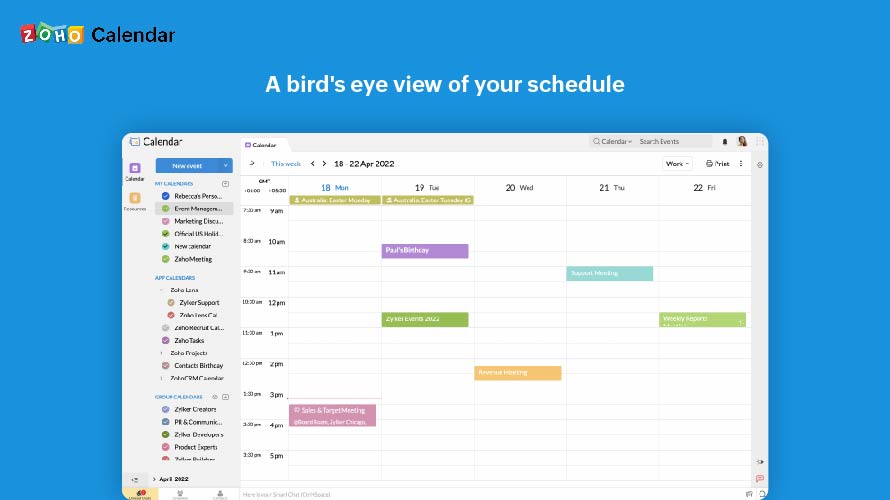 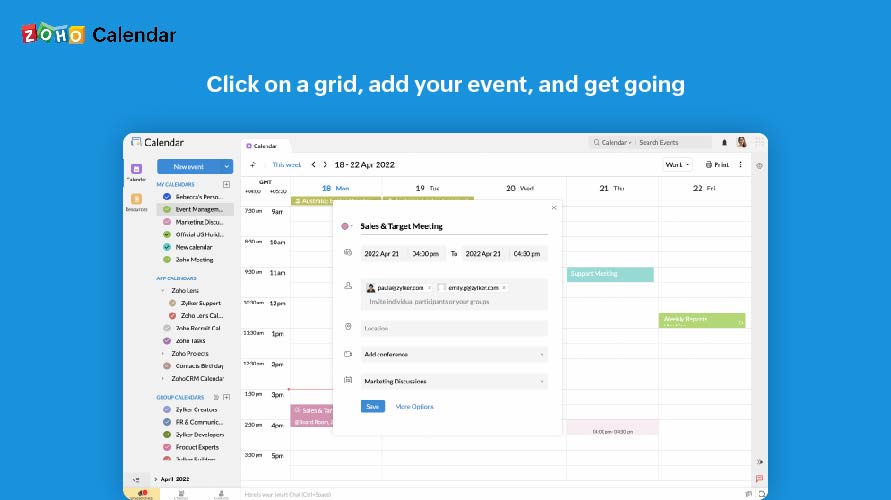  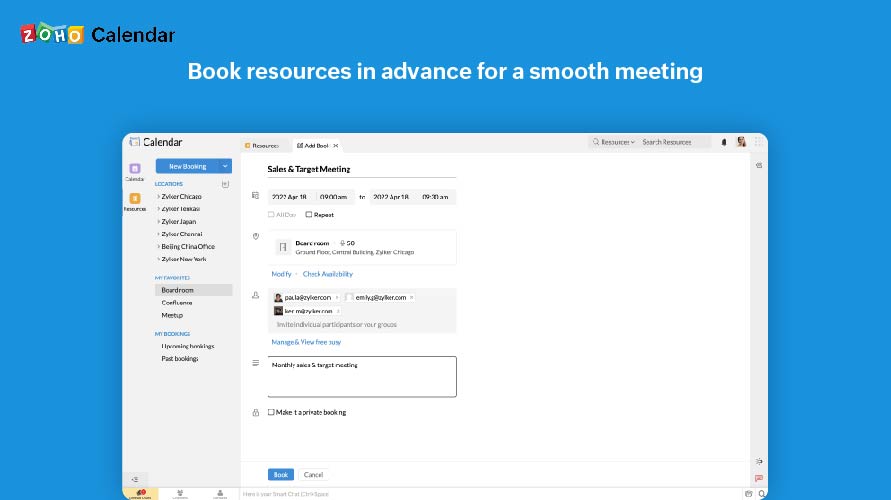  |
