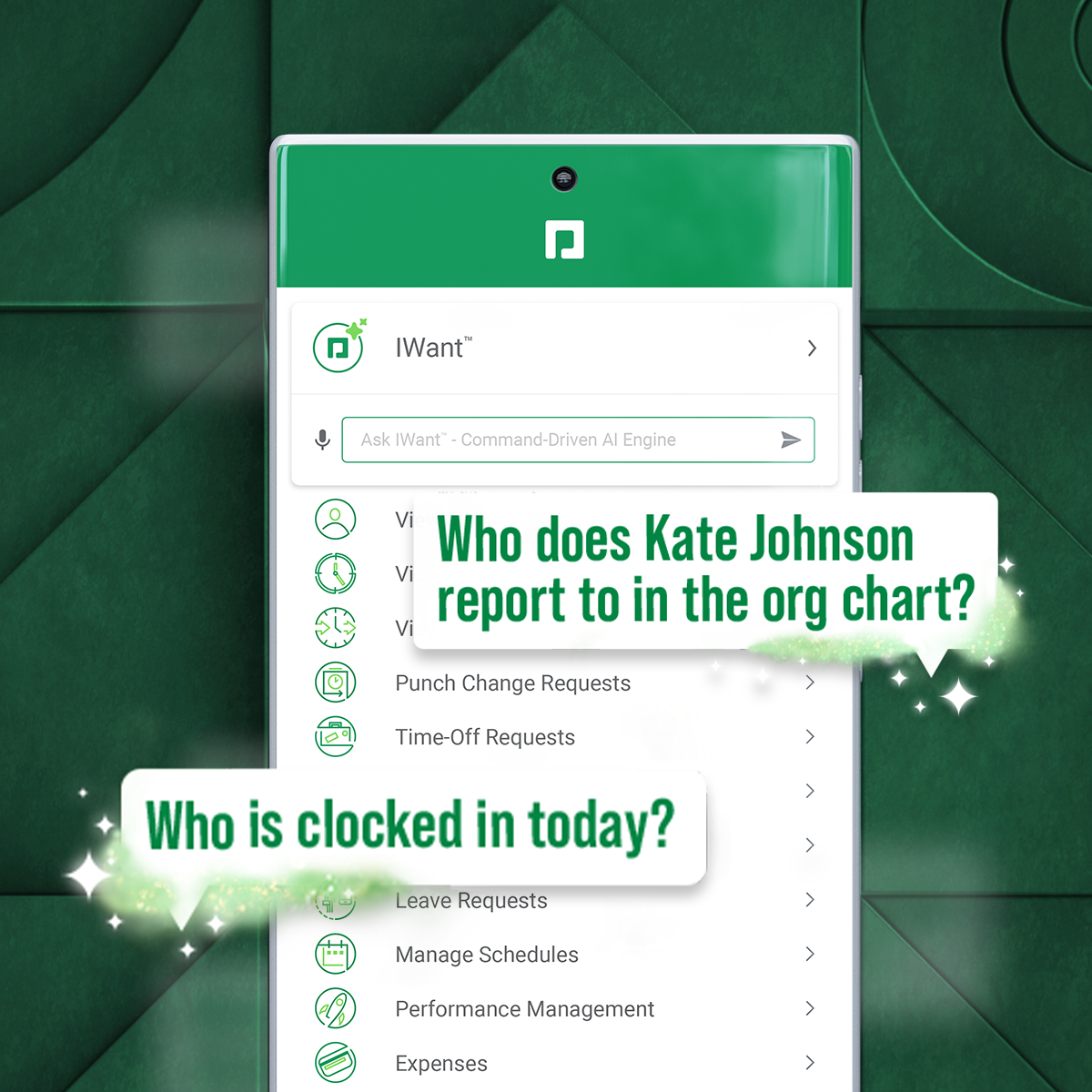
Paycom supports HR and payroll with automated, employee-first technology that supports every stage of employment. Its single database enables seamless data management, to reduce errors, endless data entry and time-consuming administrative tasks.
N/A
UZIO
Score 1.4 out of 10
Small Businesses (1-50 employees)
UZIO is a cloud-based HR, payroll and benefits management software and services purpose-built for these small and mid-sized businesses. UZIO aspires to eliminate losses because of manual entries. With a few clicks, users get access to delineated payroll reporting to stay-on-the-top of compliance needs. UZIO's platform currently includes native AI Agent Services and AI Copilot, Payroll, Tax Admin, HR + HR Compliance, Time + Scheduling, AI Expense Management, and Benefits…
$30
per month $13 / employee / month
Pricing
Paycom
UZIO
Editions & Modules
No answers on this topic
UZIO Core
$30
per month $13 / employee / month
UZIO Essential
$50
per month $22 / employee / month
UZIO Premium
$80
per month $27 / employee / month
Offerings
Pricing Offerings
Paycom
UZIO
Free Trial
No
No
Free/Freemium Version
No
No
Premium Consulting/Integration Services
No
No
Entry-level Setup Fee
No setup fee
No setup fee
Additional Details
—
Addons Include: Time Management $4.50 PEPM
Expenses $3.00 PEPM
Benefits Administration $4.50 PEPM
401k $2.00 PEPM
AI Agent Services $12.00 PEPM UZIO AI Agents available and working 24/7
1099 Contractors$6.50(no tax and no HRIS)
It's very mobile friendly, especially for people that aren't tech savvy. We have an aged workforce where we were really concerned about how they would adapt, going from the comfort of using paper to a mobile and online application. But the training was really easy and the adaptation has been simple for us as a company.
Finding a reliable payroll service in cannabis has been difficult. I've used a number of payroll options throughout the past few years and the biggest problem encountered is that all previous payroll services evolve away from cannabis clients. UZIO was a great choice for us from the beginning of our search
I think that it's just really user friendly on both sides, the employer and the employee side. I think from the employer side, once you get a niche of it and how it works, it's really easy to troubleshoot on your own. At least from my experience, you rarely have to call your contact because it's just so easy to try to figure out on your own. And on the employee side, I feel like the fact that we get to see what employees see, but before we put anything out really helps us help them if they are running into any issues. But typically when we do send something out, we just did our performance reviews, no issues whatsoever. It kind of takes you step by step. I feel like it just does a really good job of seamlessly taking people step by step in every process throughout whatever they're doing in Paycom.
We wish that Paycom would offer more hands-on help. A lot of our specialist is great in helping us to resolve whatever issues that we have. However, it's just a list of steps to get there. It's not necessarily like, "hey, here you go, here's the resolution to your problem." So if we don't already understand how to do something, providing steps doesn't necessarily clear that understanding up or provide any clarification.
Additionally, I find that for our organization in particular, we have specific niches within it that Paycom doesn't really address or has any solution on how to address it. It just remains unresolved to this day and we continue to have errors in that area.
We have a shift that crosses midnight and the system resets OT calculation when it becomes a new day, but in CA OT is calculated on hours worked and doesn’t split a shift at midnight for OT purposes. So far they have been unable to address this as it's not an issue in other states.
Holiday Pay has been an issue because of our policy - too many changing variables to create a process. Unfortunately, you cannot adjust holiday pay on the employee's timesheet. That would be the simplest solution but so far that hasn't happened.
Non-US Citizen beneficiary. This is not an option when electing benefits. Not a big deal unless you have employees with families abroad. We had one and we created a work around.
Everything has to be downloaded. You cannot click on an employee's pay stub (for example) and view it within UZIO. It must be downloaded to your computer. Not a big deal - just takes more time and more files to delete on your computer.
Because it has everything that we need and as we grow, we are learning how robust Paycom can actually be but we need to be willing to spend the money. It's not expensive but we, as a company, are not used to spending that much on a system for HR and payroll.
The interface is very intuitive, you can navigate it pretty well. Everything's pretty much spelled out and the features just flow really well. They make it easy for you to go back and forth with the UX/UI type of interface. So I think it was built pretty well.
Has some blips that have been stated throughout this review that can be fixed, I do not want to fully repeat myself however a more intuitive interface, interface that does not lag, and then glitches with service would be ideal. That's about all I can say on the matter, pertaining to what I have access to in my org.
Our TSR has been wonderful to work with. Every step of the way he was quick to respond and answer any questions we had. I knew I could reach him at any time (day or night) and he would be available to assist. Implementing a new HRIS system is obviously a huge task and I contribute all our success to our rep Kurt! Of course, with any implementation, there were bumps along the way and issues. But I always knew we would work as a team to get those issues figured out. Working in the Paycom system has been smooth and easy to learn and I enjoy the employee self-service interface. Our managers have had positive things to say and are all excited about the changes we have been able to make to our organization due to Paycom being implemented.
It was good, but hard to know what questions you need to ask until you actually get in there and start working with a live product. But Paycom is also very helpful every time I call and can't figure something out. Nathan has been very friendly and helpful no matter what I call him about. He is always eager to help out.
Not at all satisfied it was a nightmare we spent over 8 months with the implementation team having issues after issues all related to the Puerto Rico regulations (half my employees are in Puerto Rico) and at the end we were moved over from the implementation team to the production team without all the issues being resolved
We really only had Paychecks and that was our biggest problem is that with several different companies, it was very hard If you had a salary employee and didn't terminate them in the prior company, they get paid twice, so this has really been definitely a big help for us.
Compared to QuickBooks Online (QBO), UZIO has been a game changer. QBO refused to process our payroll due to our industry (cannabis), and even their accounting platform often takes ages to load. UZIO, on the other hand, runs quickly, has had no significant downtime from bugs or maintenance, and is far more affordable. The interface is clean, intuitive, and easy for both our HR staff and employees to use.
I would think the most time would come from applicant tracking and I don't think that's a Paycom issue necessarily. I think it was a training issue during implementation. I would say that that has improved now that we had onsite training. But initially the applicant tracking piece can be difficult when you're used to just using an ATS. That's specifically for talent acquisition because there's a lot of nuances that goes into the system that Paycom bills.