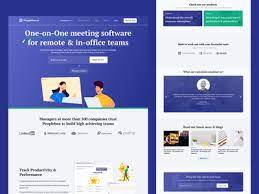
Peoplebox is an OKR, employee engagement, and performance management platform that helps HR & Strategy leaders like the Chief of Staff drive business results and build high-performing teams. Peoplebox enables team leaders to personalized talking points, collaborate on agenda and notes, record Meeting Notes, make it action-oriented, set Reminders, organize ideas, provide calendar Integration and 1: 1 culture tracking.
$5
per month per user
Weekdone
Score 9.9 out of 10
N/A
Weekdone is software built around the best practices of the OKR goal-setting methodology and with an aim to speed up teams’ OKR learning curve, by providing high-quality educational materials and team-tailored OKR coaching throughout the implementation process. Weekdone is headquartered in Tartu, Estonia.
$0
Pricing
Peoplebox
Weekdone
Editions & Modules
Engagement
$5
per month per user
OKR + Performance
$7
per month per user
All in One
$10
per month per user
Custom
custom pricing
Up to 3 users
$0
Up to 10 users
$108
per month
Up to 15 users
$162
per month
Up to 20 users
$192
per month
Up to 30 users
$288
per month
Up to 40 users
$336
per month
Up to 50 users
$420
per month
Up to 60 users
$432
per month
Up to 70 users
$504
per month
Up to 500 users
$2,100
per month
Offerings
Pricing Offerings
Peoplebox
Weekdone
Free Trial
Yes
Yes
Free/Freemium Version
No
Yes
Premium Consulting/Integration Services
No
No
Entry-level Setup Fee
No setup fee
No setup fee
Additional Details
—
—
More Pricing Information
Community Pulse
Peoplebox
Weekdone
Considered Both Products
Peoplebox
Verified User
Anonymous
Chose Peoplebox
Ally and Peoplebox are very similar in nature. Both are fairly intuitive and easy to use, and both offer to create goals and objectives, assigning key results and tracking progress easily. Both tools also offer integrations with other tools like Google sheets, asana, etc but …
Although both tasks allow monitoring team members' task progress and activity reporting, they are a bit different. It's hard to comp [are these two tools, although People soft was much easier for me to use (more intuitive) while I was a team member of a small team.
Weekdone started as a pilot within a single team so we didn't have a formal evaluation and selection process. When the pilot was over, we had developed a skill and affinity for the tool with no clear objections, so no other tools were considered. Our process for regular …
I guess it is a good tool for smaller teams, that work from multiple locations at the same time - it helps to collaborate, and monitors common tasks progress and goals (to be) achieved so far. I guess it is not suited for global corporations yet, as it would require some more detailed features (like bonus calculation based on each team member's performance.
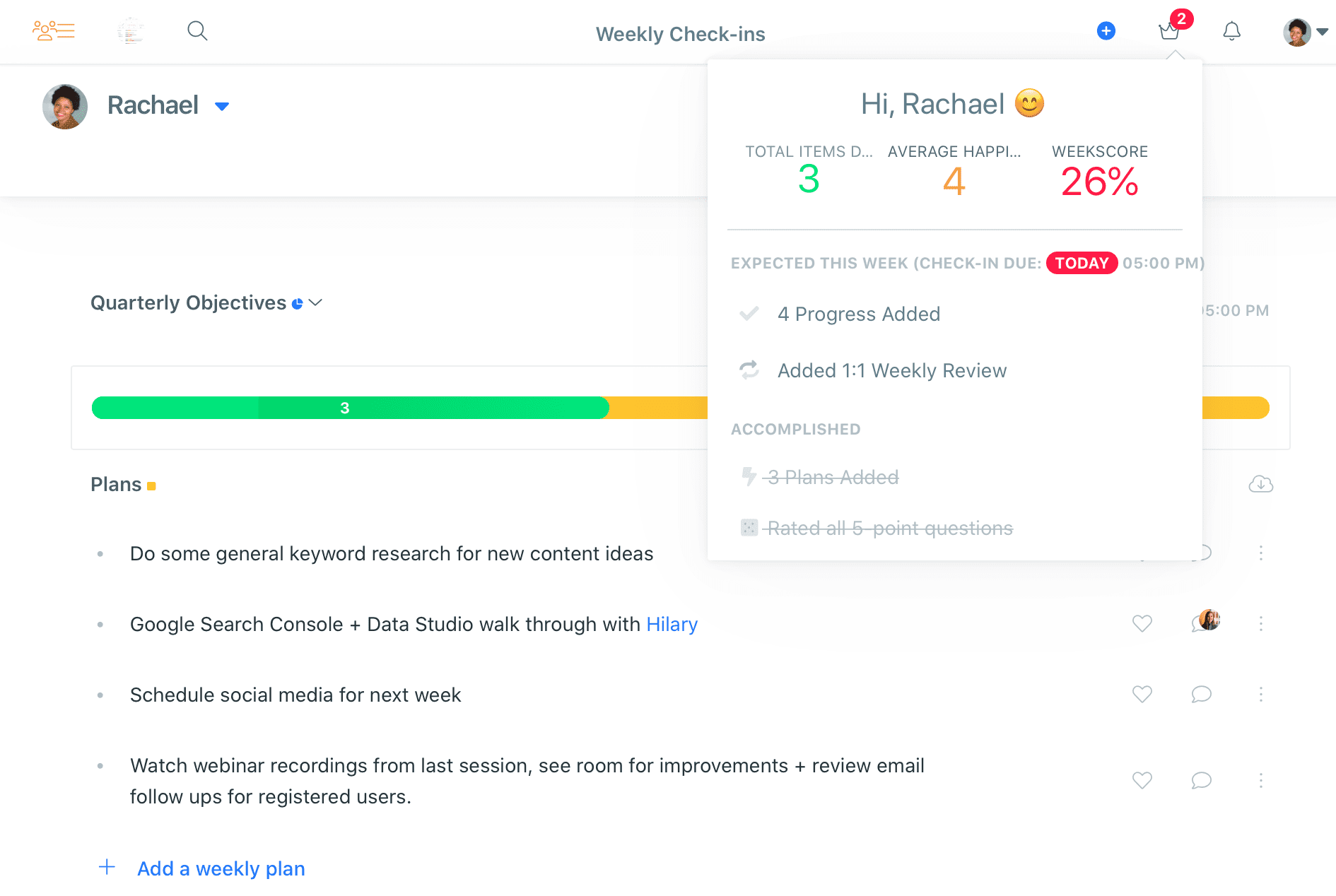
Weekdone is an incredible tool for helping teams see what their future plans are and the progress that has been made to get accomplish those plans. We use the platform for a way to track things we're working on during the quarter by breaking them down into weekly tasks. It is helpful that we can link each task to our quarterly objectives and set a due date. We can also tag colleagues in our plans and add comments and/or attachments for easy sharing throughout the organization.
User setup and management and team/department creation is not a trivial effort. Requires some deliberate planning.
The deadlines for plans don't connect to the due dates for tasks in systems of record. That can get confusing when Asana says a task is due next week but Weekdone still has a due date of tomorrow.
I'd love to see more contextual support for sections like employee feedback. Maybe a sentence or two suggesting feedback based on the report's weekly entry. If a person had three Problems and only one Progress, Weekdone could suggest some corrective action to make it easier for the management to mitigate problems before they get ugly.
We have a lunch and learn session with Weekdone next week so they can share their tips and tricks for making the most out of the platform. Since we have been using the platform for a while already, this will be helpful so we can ensure we are making the most of the tool.
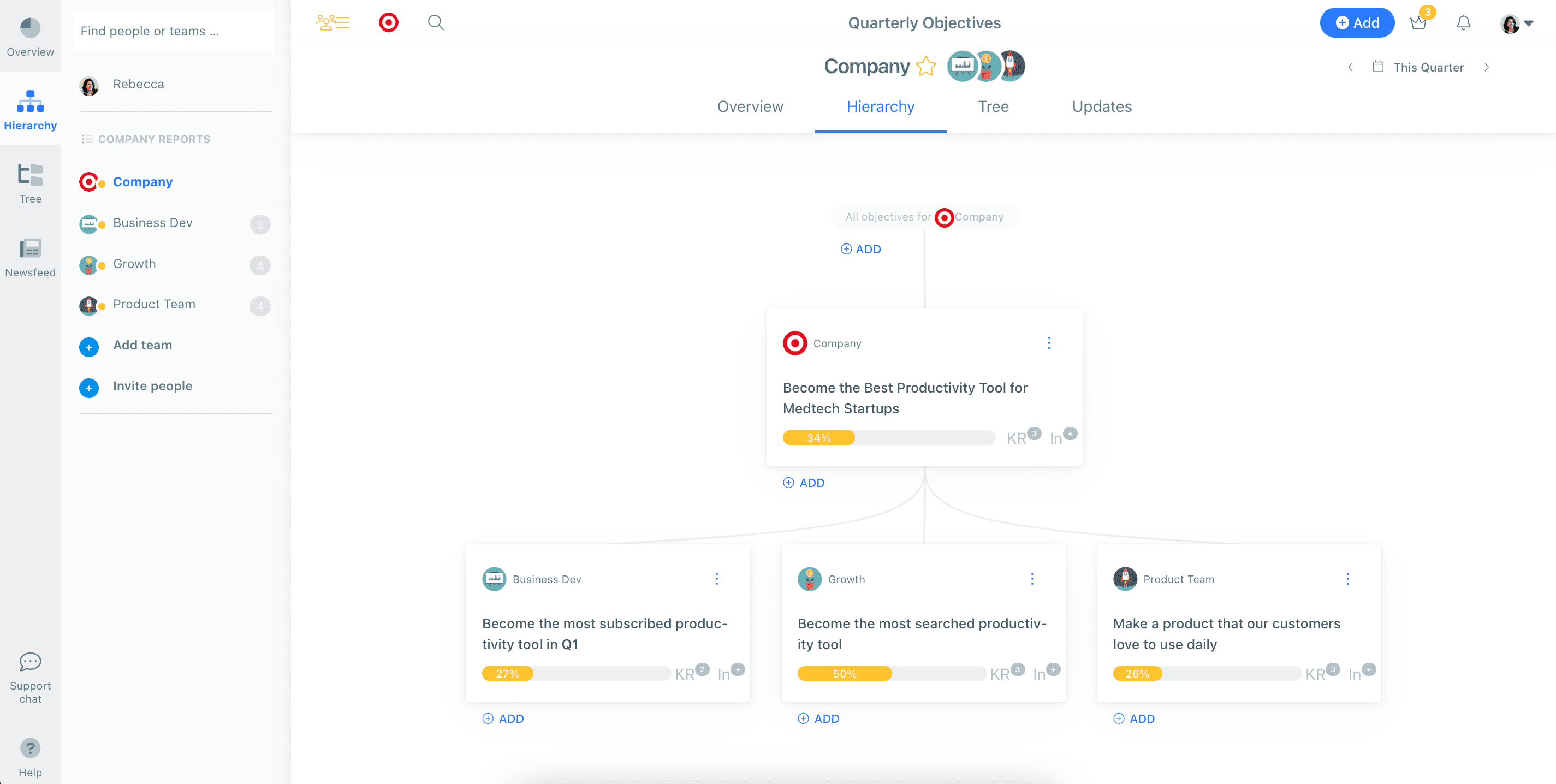
Ally and Peoplebox are very similar in nature. Both are fairly intuitive and easy to use, and both offer to create goals and objectives, assigning key results and tracking progress easily. Both tools also offer integrations with other tools like Google sheets, asana, etc but Ally integrations work much better in my experience.
Weekdone started as a pilot within a single team so we didn't have a formal evaluation and selection process. When the pilot was over, we had developed a skill and affinity for the tool with no clear objections, so no other tools were considered. Our process for regular evaluation of incumbent technology at renewal time asks us to consider the cost to value ratio and user adoption/satisfaction. I don't anticipate there being any reason to consider alternatives, other than the long term viability of small software companies.