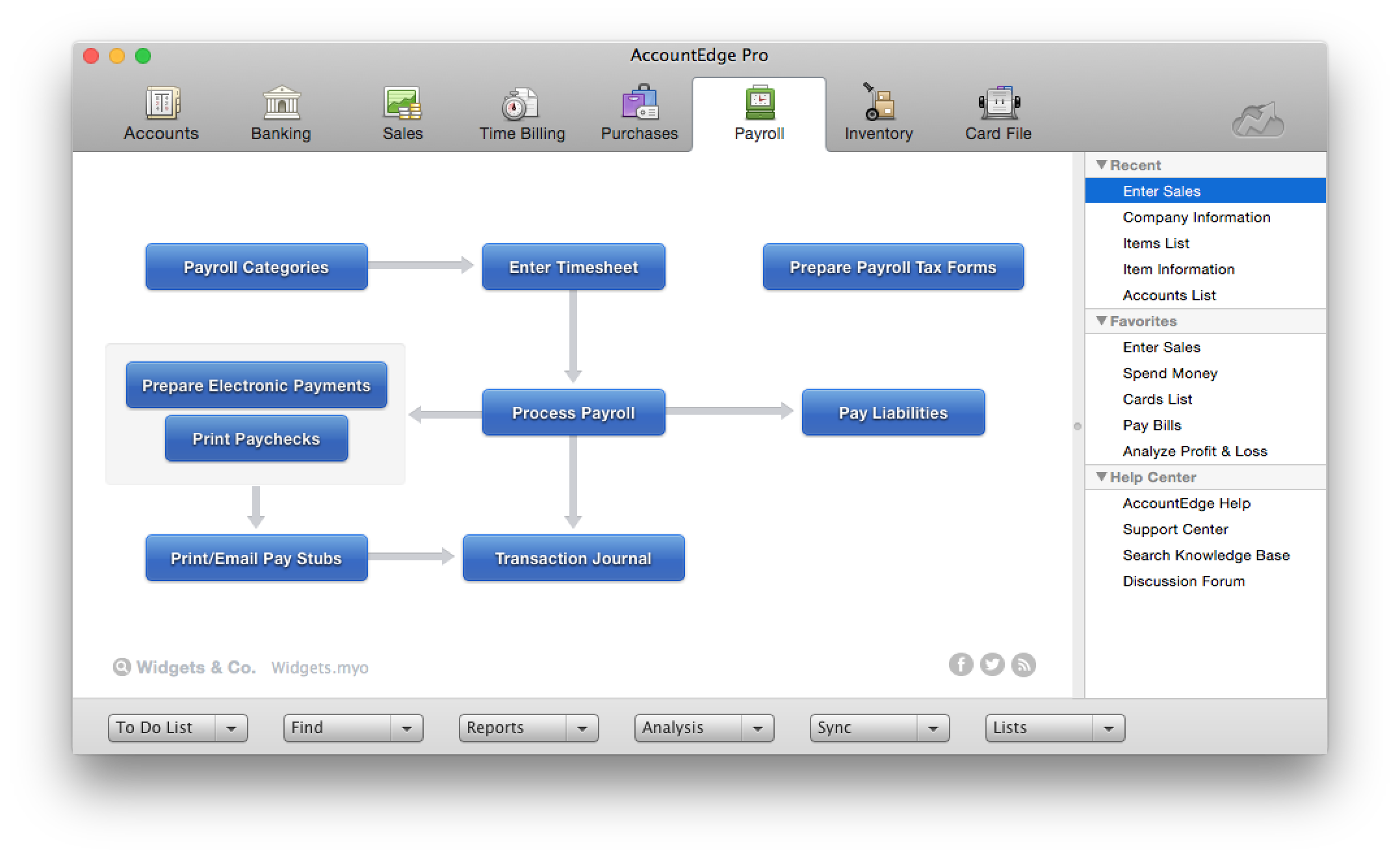
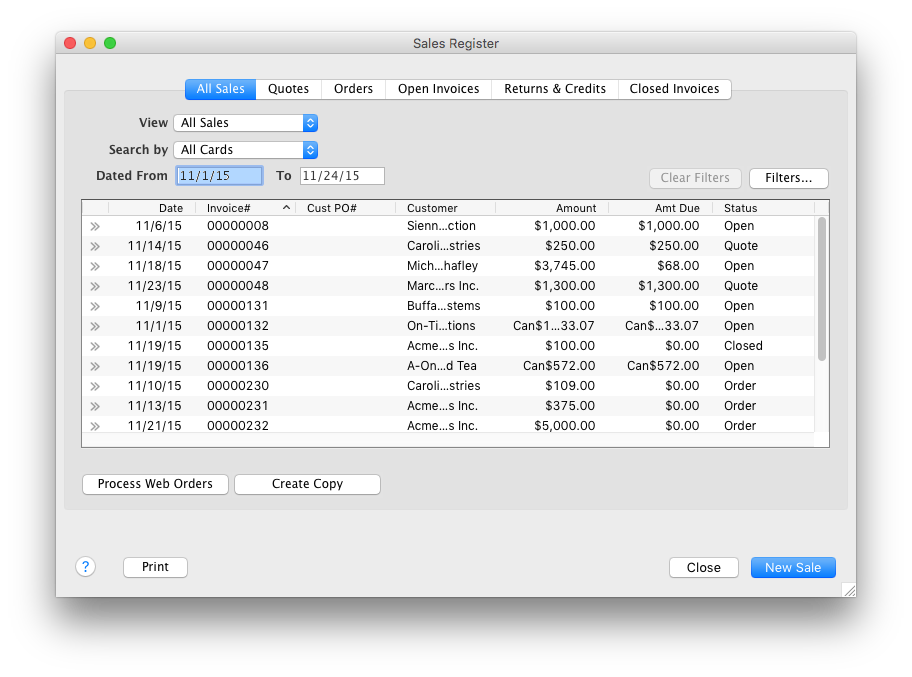
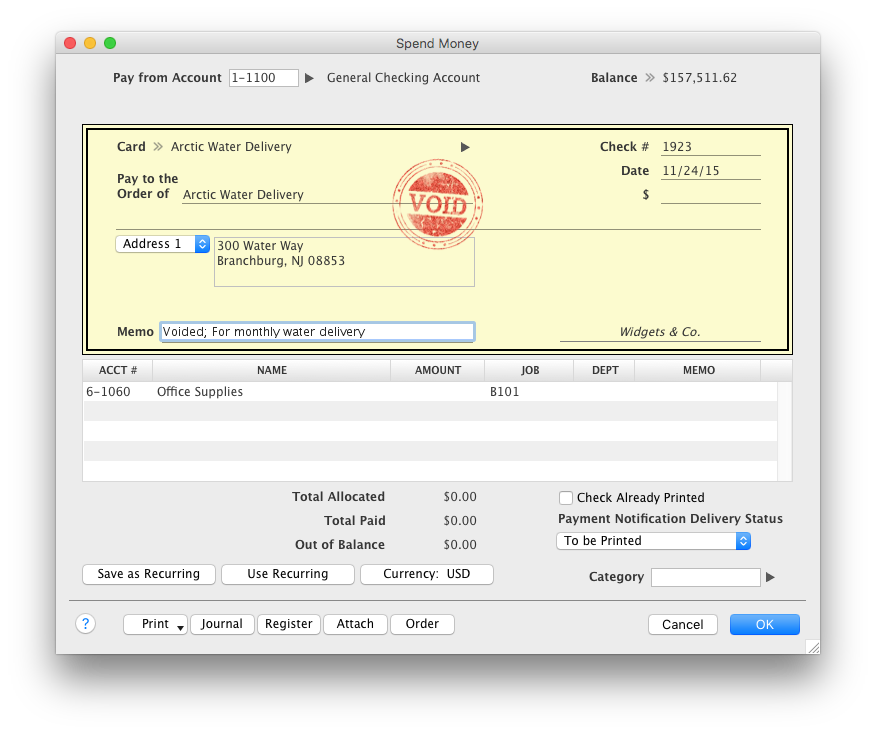
AccountEdge is a small business accounting software for Mac and Windows users. AccountEdge allows business owners to organize, process, and report on their financial information. Its features include accounting, integrated payroll, sales and purchases, contact management, inventory, and time billing. It was acquired by Priority Software in January 2018 to expand that company's small business portfolio.
$20
per month
QuickBooks Online Advanced
Score 8.6 out of 10
N/A
QuickBooks Online Advanced is a SaaS-based accounting software designed to scale with growing businesses. It includes the functionalities of QuickBooks Online, as well as more robust business analytics, customization, and resource management.
N/A
Pricing
AccountEdge
QuickBooks Online Advanced
Editions & Modules
AccountEdge Pro
$20
per month
AccountEdge Network Edition
$30
per month
AccountEdge Hosted
$50
per month
No answers on this topic
Offerings
Pricing Offerings
AccountEdge
QuickBooks Online Advanced
Free Trial
Yes
Yes
Free/Freemium Version
No
No
Premium Consulting/Integration Services
No
No
Entry-level Setup Fee
No setup fee
No setup fee
Additional Details
—
—
More Pricing Information
Community Pulse
AccountEdge
QuickBooks Online Advanced
Features
AccountEdge
QuickBooks Online Advanced
Payroll Management
Comparison of Payroll Management features of Product A and Product B
AccountEdge
6.6
Ratings
16% below category average
QuickBooks Online Advanced
-
Ratings
Pay calculation
10.00 Ratings
00 Ratings
Benefit plan administration
8.00 Ratings
00 Ratings
Direct deposit files
5.00 Ratings
00 Ratings
Salary revision and increment management
6.00 Ratings
00 Ratings
Reimbursement management
4.00 Ratings
00 Ratings
Security
Comparison of Security features of Product A and Product B
AccountEdge
9.0
Ratings
8% above category average
QuickBooks Online Advanced
9.1
Ratings
9% above category average
Role-based user permissions
9.00 Ratings
9.00 Ratings
Single sign-on capability
00 Ratings
9.20 Ratings
Reporting & Analytics
Comparison of Reporting & Analytics features of Product A and Product B
AccountEdge
9.0
Ratings
13% above category average
QuickBooks Online Advanced
8.5
Ratings
7% above category average
Dashboards
9.00 Ratings
8.90 Ratings
Standard reports
9.00 Ratings
8.80 Ratings
Custom reports
9.00 Ratings
7.70 Ratings
General Ledger and Configurable Accounting
Comparison of General Ledger and Configurable Accounting features of Product A and Product B
AccountEdge
7.2
Ratings
8% below category average
QuickBooks Online Advanced
9.2
Ratings
17% above category average
Accounts payable
9.00 Ratings
9.30 Ratings
Accounts receivable
9.00 Ratings
9.70 Ratings
Cash management
8.10 Ratings
9.10 Ratings
Bank reconciliation
6.00 Ratings
9.50 Ratings
Expense management
6.00 Ratings
9.70 Ratings
Time tracking
6.00 Ratings
9.70 Ratings
Multi-currency support
9.00 Ratings
9.60 Ratings
Multi-division support
9.00 Ratings
7.60 Ratings
Regulations compliance
7.00 Ratings
9.20 Ratings
Electronic tax filing
7.00 Ratings
9.50 Ratings
Self-service portal
2.70 Ratings
9.70 Ratings
Primary and Secondary Ledgers
00 Ratings
9.90 Ratings
Intercompany Accounting
00 Ratings
7.40 Ratings
Journals and Reconciliations
00 Ratings
9.50 Ratings
Enterprise Accounting
00 Ratings
8.50 Ratings
Configurable Accounting
00 Ratings
9.80 Ratings
Centralized Rules Framework
00 Ratings
9.40 Ratings
Standardized Processes
00 Ratings
9.00 Ratings
Inventory Management
Comparison of Inventory Management features of Product A and Product B
AccountEdge
8.0
Ratings
9% above category average
QuickBooks Online Advanced
9.6
Ratings
27% above category average
Inventory tracking
8.00 Ratings
9.60 Ratings
Automatic reordering
8.00 Ratings
00 Ratings
Location management
8.00 Ratings
00 Ratings
Manufacturing module
8.00 Ratings
00 Ratings
Order Management
Comparison of Order Management features of Product A and Product B
AccountEdge
8.0
Ratings
3% above category average
QuickBooks Online Advanced
9.5
Ratings
21% above category average
Pricing
8.00 Ratings
9.80 Ratings
Order entry
9.00 Ratings
9.90 Ratings
Credit card processing
6.00 Ratings
8.80 Ratings
Cost of goods sold
9.00 Ratings
00 Ratings
Customization
Comparison of Customization features of Product A and Product B
If you are handling a large client list, and are selling services, it is dead easy. If you are managing/selling a physical inventory, it seems like it has great options to do that quite well (disclaimer, I do not use those functions, but I have paid attention as that functionality was built into the software). If you want to link your bank account to a bookkeeping platform, this is not the software for you (at least so far).
QuickBooks Online Advanced is best suited for small businesses who don’t have any consolidation considerations. Additionally, the software tends to struggle when there are a large number of projects. The report screens will struggle to load at times and it will be difficult to view reports. However, it does really well at creating an all-in-one solution for companies who need payroll, accounting, and tax compliance in a relatively inexpensive bundle.
It allows us to link to bank accounts in order to get up-to-date, real-time information, which is so important in today's lightning speed work world.
The "canned" reports are excellent and allow for extreme customization also. This makes them very helpful to both me and my clients.
The user interface for QuickBooks Online Advanced is easy to navigate and is intuitive for novices. The screens are well laid out and have cohesiveness on each screen to match tasks with others that match up well.
Probably our biggest beef is the sales pitch a while back to incorporate their POS system Checkout that was supposed to integrate hand in glove with AccountEdge (it never really did.) Now the company has abandoned the POS program (even the website is now a 404 error page). Checkout is glitchy, and rather than improving it, they just dropped it and left users like us who bought into it unsupported. That doesn't reflect well on the company's customer service in our view. We've been AccountEdge users from back when it was MYOB, but our confidence in their future dependability has been strongly impacted by this move, and if something else came along, our hard-earned loyalty might not be as firm as it has been in the past.
Some tasks in AccountEdge take a long time to complete (go get a coffee while the spinning beachball turns).
Don't know the feasibility, but it would be nice to have access to older transactions, maybe even in some kind of read-only format.
Without a doubt, when you need to do accounting use the program that will get the job done in the least amount of time with the least amount of errors. Once you are using a program that works you stay with it year after year and you will find yourself even excited about the updates
QuickBooks Online Advanced is very easy to use and the data is very transparent. The reporting shortfalls (not being able to report the current month and YTD results on the same report) as well as the issues with the limitations with the management reports.
The intuitive interface does all the tasks we need our accounting software to do. Some tasks are slower to process than I would like but overall very usable. Customizable forms let us choose to either go with the easy ready-made out-of-the-box options or retool them to better fit our specific needs.
One of the finer advantages of desktop software, it's always available. AccountEdge doesn't suffer from outages or sluggish internet like web based applications do. It's always there when you power on your device!
On the few occasions we have needed tech support over the years, they were responsive and worked to get to the root of the issues. However, even though Checkout POS is a separate application, it was pitched to us as a natural extension of the functionality of our AE software that would integrate seamlessly. The company's support for Checkout has been minimal at best, and now totally abandoned. That colors our view of Priority's support unfortunately. And to be honest, that's why it's a 9 instead of a 10. So to be fair, AccountEdge's support itself has been very good over the years.
My hands down preference is to keep my accounting off of the cloud but that is not always the case with my clients. So, to make this comparison somewhat fair I will consider only the items containing parity in cloud vs desktop. AccountEdge vs Xero. AccountEdge has superior interface and key response because an internet connection is generally not as responsive as localized software. Period. I also feel that AccountEdge is far more robust in features as well as how my data is presented (visually). I require uniform naming/wording conventions so I can better assimilate data. While this is possible in Xero, it's not as easy to accomplish because of screen response and keyboard workflow. Mouse oriented vs. keyboard oriented. AccountEdge vs QuickBooks for Mac. Succinctly put: cross-platform. AccountEdge data files do not require "saving as" Windows copies or any other such nonsense conversion. They just work equally well on either platform. So for users whose platforms do not match their accountant's, there is simply no issue. Additionally, Acclivity will give a user's accountant a copy of the software for free.
QuickBooks Desktop is no longer being sold in the US, so we had to switch to the online version of the program. It is not a fully fleshed-out all-in-one solution offering everything the desktop version did. That being said, the desktop enterprise was overkill for many people.
If I didn't have AccountEdge, I would have to make do with Excel spreadsheets, or go back to paper, as I did before 1995, and I wouldn't be able to access client information as easily as I can here.
It allows me to manage cash easily, so if clients are slow-paying, I can borrow funds to meet expenses, without incurring overdraft fees, until they come through.