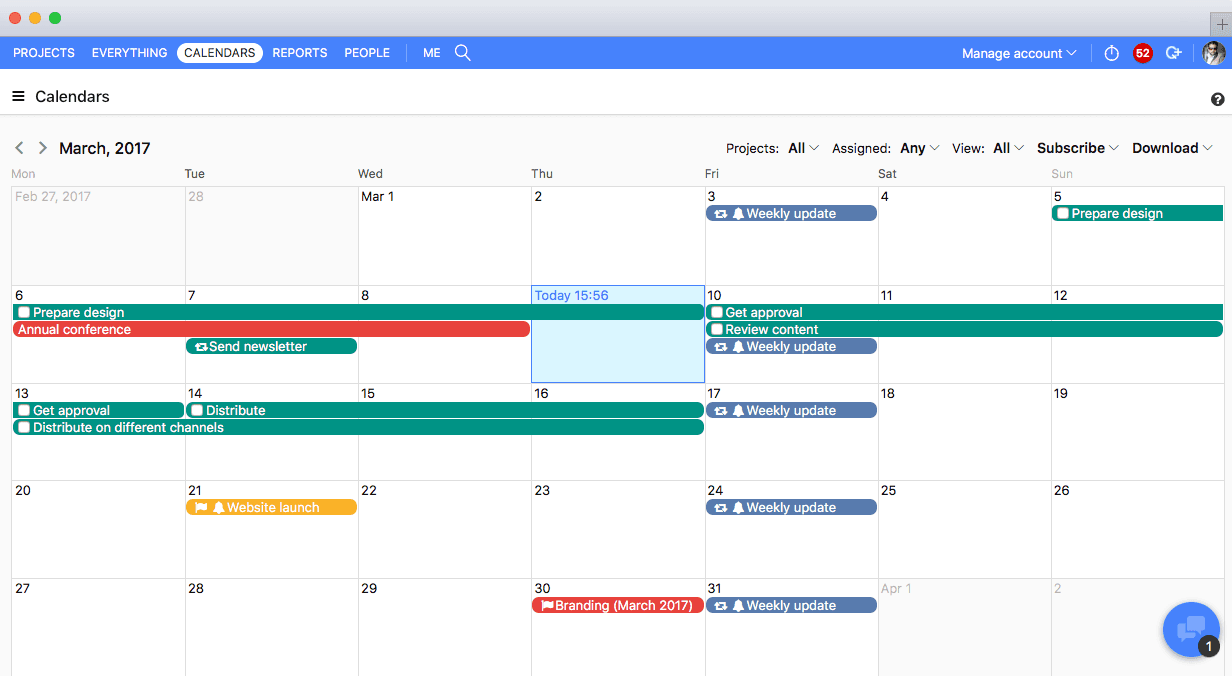
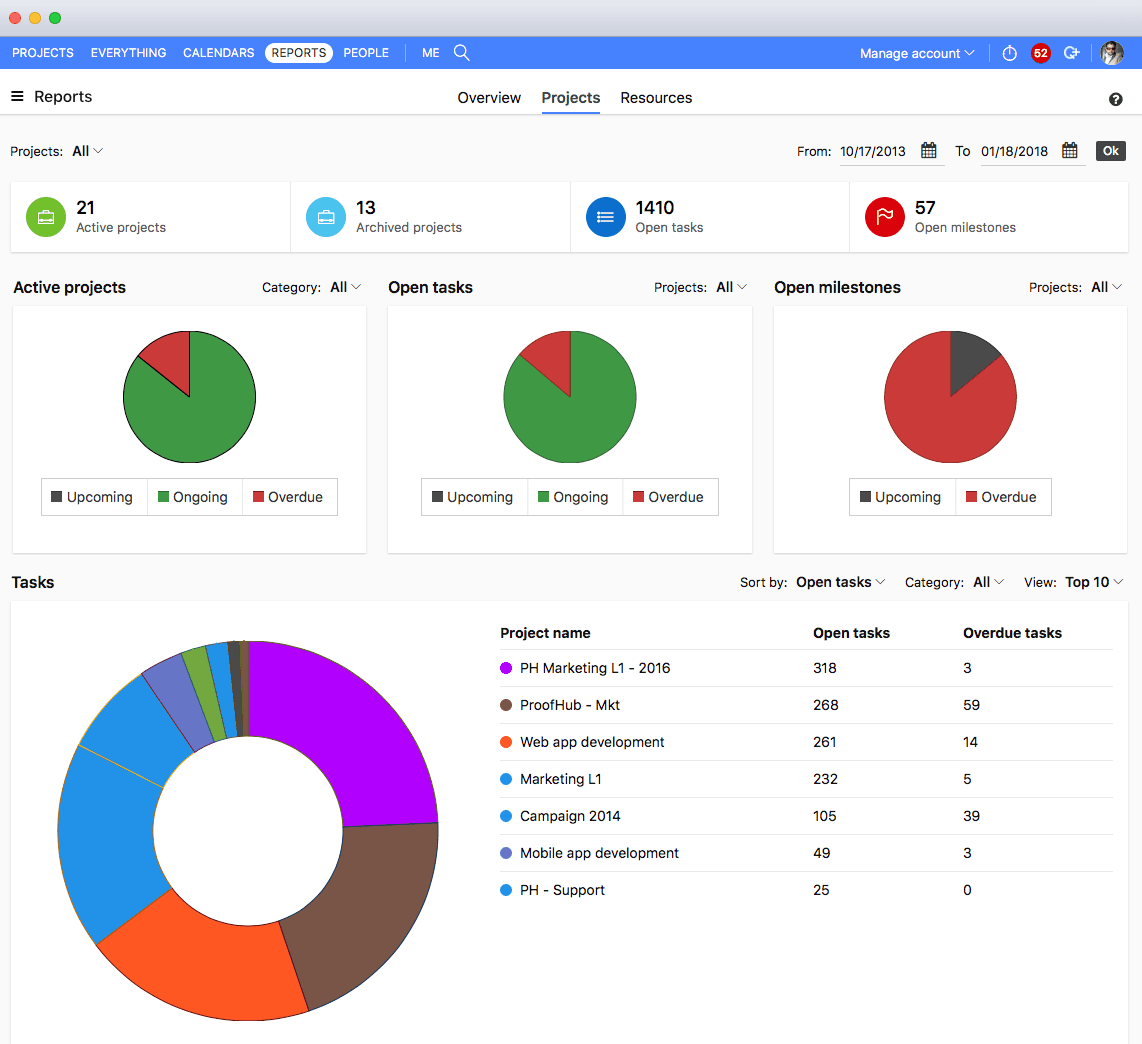
ProofHub is a SaaS based project management software from ProofHub LLC in Walnut, CA. It is an online project management and collaboration tool that comes with integrated Group chat, quick Discussions on projects, Workflows and boards, Project reports, among other features. Document (e.g. Excel, Powerpoint) uploading and sharing is supported, along with an integrated an Online proofing tool to aid in image and document review. ProofHub aims to enable teams to collaborate and…
$45
per month (billed annually) unlimited users
Zoho Projects
Score 8.8 out of 10
N/A
Zoho Project is online project management and planning software that provides project teams with a web-based collaborative environment. Zoho Projects can also include a bug tracking module specifically design to support software development project. It is integrated with other Zoho products including Zoho CRM.
$0
Pricing
ProofHub
Zoho Projects
Editions & Modules
Essential
$45
per month (billed annually) unlimited users
Ultimate Control
$89
per month (billed annually) unlimited users
Large Team
$279
per month (billed annually) unlimited users
Free
$0
Premium
$5
per month per user
Enterprise
$10
per month per user
Project Plus
Contact Sales
Offerings
Pricing Offerings
ProofHub
Zoho Projects
Free Trial
Yes
Yes
Free/Freemium Version
No
Yes
Premium Consulting/Integration Services
No
No
Entry-level Setup Fee
No setup fee
Optional
Additional Details
—
Discount offered for annual billing.
More Pricing Information
Community Pulse
ProofHub
Zoho Projects
Considered Both Products
ProofHub
Verified User
Anonymous
Chose ProofHub
Unfortunately ProofHub did not compare very well. The pricing model is fantastic and I think the approach the software takes to creative project management isn't necessarily bad, it's just others do it better. For example, Wrike has very powerful and easy-to-manage form …
ProofHub helps me in collaborating easily with my clients. Everybody is so well connected to each other, that you just don’t have to spend extra bucks on one more tool or application to make things happen.
We used Basecamp in the past, but we did encounter some problems while working with it. But these concerns have been better addressed in ProofHub. It has a simple interface which is so easy to operate and this was not the case in Basecamp. ProofHub lets us quickly chat with our …
Zoho Projects
Verified User
Anonymous
Chose Zoho Projects
I won't say that Zoho Projects is the best in comparison to its competitors, however, it does exactly what we need it to do and we are saving on the monthly fees we are paying for its competitors. The pros outweigh the cons. I would say that it's also not the fastest in terms …
We decided on Zoho Projects since the integration with Google Workspace is easier to perform. Also, the way to create our project templates was faster to perform, and we could integrate our final customers on all of their tasks that need focus. Finally, the principal point is …
We use other project management tools in other departments, I personally like Zoho Projects best because of the customization in terms of automation and customized reports in Zoho Analytics. The dashboards and data that can be used for decision making, tracking and management …
I would choose Hubspot & Asana over Zoho because of their intuitive UIs and functionality. I would choose Zoho over Basecamp only when you are managing hundreds of projects.
I found it easier to work with Zoho Projects. While working with WorkZone, my system got stuck between my work, and it cost us time to restart all of it. I couldn't switch between my work on WorkZone and my teammate; we're also having the same problem as I did. So we switch to …
MSP - Windows based. Not collaborative. Complex UI. Cannot be shared with people outside the organization easily. Cannot set security levels for users to access projects based on the rights granted to them. Trello and Asana - Expensive subscription plan. Limited …
Zoho Projects is far superior as a project management tool compared to the simple ones we investigated. The pricing was very competitive to the market and the free trial helped out with our proof of concept. Compared to Workfront, you get similar functionality but at a …
We were testing out ASANA at the time we moved on to Zoho. Zoho seemed to have more features that met our needs. Asana was not quite developed to the point of our liking. Zoho has an awesome calendar function that I loved, which Asana did not.
Zoho Projects provides a more limited set of functionality and customization options than other task/bug trackers on the market, but what it lacks in functionality it makes up for in ease of use. It probably has 80-90% of the features of its competitors but takes about a third …
I used Zoho projects initially because it was easy to setup and gets going for FREE. The best thing you can get out of Zoho projects is that it needs zero setup time. It is also a great tool for manage projects, however not that suitable for product management, I believe. Jira …
I have tried other task management products before I signed up for Zoho. The primary difference is Zoho projects goes beyond tasking. And the second factor is the operational mechanism you have behind it. If your operational framework is right, Zoho project will be the single …
We haven't used any other PM type projects so I can't say how Zoho Projects is vs some others but we've always had lists of things to do on ruled pads and white boards and while it functioned, using Zoho Projects significantly made a huge difference to our entire team. Plus, if …
SmartSheet is less user-friendly and more like a spreadsheet tool. Community Building (in the case of SmartSheet) is not encouraged within a millennial staffed company.
The interface of Zoho Projects is so clean and modern compared to the others. The functions and abilities of this product outshone it competitors and the price is very reasonable and competitive. Finding and adding information in Zoho Projects is very easy even for a novice. …
Verified User
Anonymous
Chose Zoho Projects
We have also evaluated Clarizen and although it's a good product, we are not quite ready to scale up to this yet.
Features
ProofHub
Zoho Projects
Project Management
Comparison of Project Management features of Product A and Product B
ProofHub
10.0
Ratings
27% above category average
Zoho Projects
6.6
Ratings
15% below category average
Task Management
10.00 Ratings
7.50 Ratings
Resource Management
10.00 Ratings
7.00 Ratings
Gantt Charts
10.00 Ratings
6.50 Ratings
Scheduling
10.00 Ratings
5.50 Ratings
Workflow Automation
10.00 Ratings
6.00 Ratings
Team Collaboration
10.00 Ratings
7.50 Ratings
Support for Agile Methodology
10.00 Ratings
6.30 Ratings
Document Management
10.00 Ratings
6.00 Ratings
Email integration
10.00 Ratings
6.00 Ratings
Mobile Access
10.00 Ratings
5.00 Ratings
Timesheet Tracking
10.00 Ratings
7.50 Ratings
Support for Waterfall Methodology
00 Ratings
8.00 Ratings
Change request and Case Management
00 Ratings
6.90 Ratings
Budget and Expense Management
00 Ratings
6.00 Ratings
Professional Services Automation
Comparison of Professional Services Automation features of Product A and Product B
For small teams or a freelancer needing to receive work via forms and submit assets for simple yes/no approvals, it may be a great fit. It was just too lacking in the forms and proofing department for what we needed. There was also a lot of workarounds we were going to have to implement to try and achieve our desired workflow.
My work involves projects of 5-15 people with numerous projects running simultaneously. Prior to Zoho, I did not have a central location from which to view all project statuses at once. Zoho looks to provide this and also looks like it will deliver. I am anxious to see how our organization's use of it develops. At this time, I feel I am likely to recommend Zoho Projects because my organization has made great software decisions in the past so I have a level of trust already that the research has been done that Zoho is the best solution for our line of work.
There are times when we have to make a website for a particular client. And this would involve not only the design, but also the content that would be reflected on the website. For this there has to be complete sync between the design and copywriting department. Earlier, this lead to a lot of goofups due to non-availability of one central medium for collaboration. But now with Proofhub, there’s one place for all people, files, docs and designs related to any active project.
Swiss Army Knife: The suite of Zoho projects can be tailored to fit the needs of any business. It's great to have a bunch of different software offerings that will work together seamlessly.
Task Customization: Zoho allows you to customize your tasks more than other platforms (add start dates, due dates, dependencies, subtasks...)
Well, we are insatiable users, and keep wanting more and more. However, the team at Proofhub itself is always up on breaking the norms and bringing something new every now and then. So, that goes without saying that they would keep re-inventing and improving things with time.
More flexibility on making the user interface more compact (like Excel or MSP). Current interface is well spaced, but some users may like a more compact view.
More simplified Gantt Charts that help us understand progress and dependencies.
Ability to export projects to Excel for sharing with others we can't/don't want to bring on to Zoho projects
I would surely renew it, as with Proofhub work has become much simpler and easier. Tasks are done faster, files, docs and designs are shared easily and feedback is received as and when required, directly on the file itself
Zoho has been able to fit the needs of our Engineering organization. The employees and management that are using it have not found a 'catastrophic' reason to discontinue use. Although certain features and better support mechanisms would be much better, it has been able to keep with both basic needs and more advanced ones. A majority of the company has enjoyed the basic interface it offers, the apps it has for iPhone and Blackberry, the mobility of updating a project without needing to be connected to any type of server. There are still improvements that can be made in future releases but as the person who originally purchased the solution for our company, I have found it to be an excellently priced solution in the functionality it offers.
Zoho Projects is an easy project management tool to use. It provides all the functionality that we required for handling projects. We can easily create personal forms for projects and tasks, allowing us to add and report on our own desire. Apart from this we can create and edit documents in real time which saves our time. This allows us to share text docs, presentations, tables with the whole team and we can work on them together
Great support website and had reps follow up multiple times in our trial process. Getting started was very straightforward and adding people is easy too.
Although it might lack intuitiveness, once you get a hang of how Zoho Projects works, you can do a LOT. The impact good project management has on profitability is huge, and it has helped not only improve communication and coordination when working on a project, but more importantly have adequate tracking of time, due dates and potential bottle necks
We used Basecamp in the past, but we did encounter some problems while working with it. But these concerns have been better addressed in ProofHub. It has a simple interface which is so easy to operate and this was not the case in Basecamp. ProofHub lets us quickly chat with our team members over various work matters through its inbuilt chat feature and resolve them fast while Basecamp provides this feature through a third-party tool which added to our expenses and it was not a very convenient affair. ProofHub has got an inbuilt proofing tool which allows us to get quality feedback over designs instantly saving our time and costs, whereas Basecamp enables proofing through a third party tool which again was not convenient for us. ProofHub’s casper mode feature helps us to protect privacy and secrecy over confidential issues but Basecamp lacks such an important feature. So ProofHub has more to offer and better too in comparison to Basecamp. (answer to Describe how ProofHub stacks up against them and why you selected ProofHub.
Zoho Projects provides a more limited set of functionality and customization options than other task/bug trackers on the market, but what it lacks in functionality it makes up for in ease of use. It probably has 80-90% of the features of its competitors but takes about a third of the time to get up and running and realizing value.
Proofing: We have everything from press releases, social media posts, brochures, ads, etc. that have to be proofed. It has saved us tons of time!
Project Management: Our team has to schedule fewer meetings about project progress and "where are we at" discussions. Everyone can see it and everyone is accountable. It makes the days more productive by not getting trapped in those meetings.
Unfortunately, prior to creating Project Task Templates we'd occasionally miss a step and something that was necessary would be overlooked.
The creation of the Project Templates was a team collaborative effort to make sure that everyone had some input as different people was integral to specific projects.
It took a little while to learn some of the more tricked out features like task dependency but even starting out with the most basic of features was very significant.