Ramp is a corporate card and spend management solution that helps companies of all sizes to accelerate growth without compromising on their finances. With a direct integration with the user's accounting solutions, Ramp helps finance teams save time tracking expenses, following up with employees, and closing their books. Ramp offers companies real time visibility into spending, automated expense reporting, and advanced insights into ways to cut spend.
N/A
Rydoo
Score 6.9 out of 10
Mid-Size Companies (51-1,000 employees)
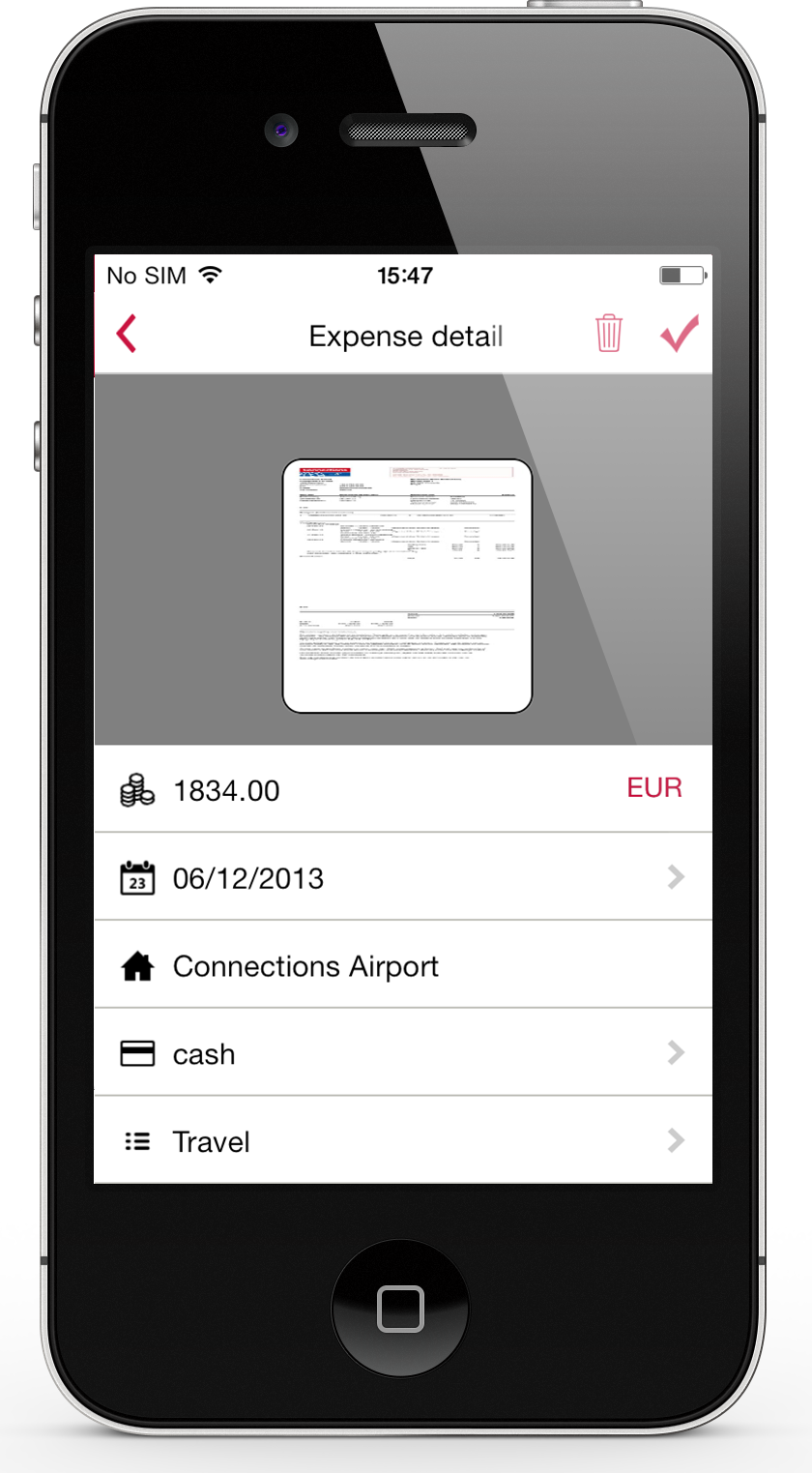
Rydoo (formerly Xpenditure) is a cloud based travel management solution that also handles the expense management process from receipt to accounting. After taking a picture of a receipt, Rydoo will extract all relevant data, and make it ready to be exported to the accounting software of your choice.
$10
per month per user (starting at 5 users)
Pricing
Ramp
Rydoo
Editions & Modules
No answers on this topic
Essentials
€10
per month per user (starting at 5 users)
Pro
€12
per month per user (starting at 5 users)
Business
Custom Pricing
Starting at 30 active users.
Enterprise
Custom Pricing
Starting at 30 active users
Offerings
Pricing Offerings
Ramp
Rydoo
Free Trial
No
Yes
Free/Freemium Version
Yes
No
Premium Consulting/Integration Services
No
No
Entry-level Setup Fee
No setup fee
No setup fee
Additional Details
Ramp provides a free tier for smaller teams who want to simplify finances. A step-up to our free tier is Ramp Plus, starting at $15/month/user along with platform fees based on team size. Then, for large businesses, the Enterprise plan requires a custom quote.
Discount available for annual pricing.
More Pricing Information
Community Pulse
Ramp
Rydoo
Considered Both Products
Ramp
Verified User
Anonymous
Chose Ramp
We prefer Bill for AP, and are exploring Bill's spend & expense. Ramp has been helpful, but we believe Bill might offer better features where we are current users of their AP & AR, including premium features that are paid in Ramp at no cost from Bill. Mostly Ramp has been a …
Ramp is in the sweet spot for high functionality with reasonable costs. It has incredible functionality and automates a great deal of formerly manual processes. Additionally, the cash-back bonuses on credit card use defray the cost of the Sage Intacct integration to the point …
Ramp allows for spontaneous payments to be made at any time and can be delivered same day if necessary. TriNet allows up to pay our employees but there are a lot more restrictions
These solutions were all great in their own ways. The two main reasons we chose Ramp was because of their innovation around AI. They have implemented AI Agents in their tool to help enforce the company expense policy and help managers be more efficient in reviewing and …
Ramp is simple and easy to use. Expensify has a lot more features making it better in terms of features for users who are tech savvy. But Ramp is simple to use and can be used by anyone making it easier to use an be one of user favorites. So Ramp is easy to use and expensify is …
We have only tried one other program and it was NOT free. They also required us to provide a SSN for one person which is against our policies. Ramp is the ONLY product we have found that will work with a church/non-profit and not require you to provide and individuals SSN.
Much easier to use than BILL, in my experience. The mobile app lacks some of the features of BILL, but every other aspect of administration and day to day use is simpler and faster with Ramp.
We had TravelBank for a while, but this was mostly for expense tracking. TravelBank was more limited in its feature for future and forward expenses and spending - not having as much versatility with credit cards and limits as Ramp does. Ramp had more options and flexibilities. …
The additional features of Ramp easily trumped our Chase for Business account. While both provided 1.5% rewards, the features of Ramp helped us to more easily manage our business.
Ramp has a much better UI and easier workflow compared to Ramp. I was able to ramp up with Ramp in less than a month and become very proficient within 3.
We have GREATLY preferred Ramp to Expensify. Expensify was a monthly (sometimes weekly) hassle of expense reporting. Ramp has simplified and streamlined credit, expense tracking, and syncing with Quickbooks.
Ramp is by far the best platform from an expense side. It has overall ease of use and takes minutes to process and expense versus hours like it has taken me with Concur.
We moved to Ramp from Expensify at our accountant's advice. We went with her advice due to ease of use, ease of Quickbooks sync, ability to send reminders with one click, and more. We are very happy with the decision to switch to Ramp.
Rydoo is very different in terms of how it approaches expense management thematically. It is entirely line-item based, and a lot of users had to take some time to adjust to this, but once we'd gotten past that, things have gone quite smoothly.
I prefer Expensify over Rydoo. It is easier to work with both corporate cards and reimbursed expenses in Expensify, and it is much easier to reimburse the expenses directly through expensify than having to work with a 3rd party outside of Rydoo. I have not used Expensify with …
Expensify was easy to use too but I feel like Rydoo does a better job of capturing receipt info with less work on the users end. Also with Rydoo you don't have to create a report, you can just submit expenses as you go. With Expensify you had to create a report first which …
I have never used any other expense software, and I was not part of the team that selected or implemented Rydoo. (It was already well established by the time I was hired and onboarded.) Unfortunately, I don’t think I can comment on this question as a result.
Ramp is well suited for managing everyday spending. We have been able to set standard permissions across the board for our team, monitor spending easily, and adjust "allowances" accordingly and quickly. The instant funding once a request is approved makes it so much faster to make a purchase, if outside of the set parameters. Ramp travel offerings are sometimes unattractive, and we have found many flights, hotels, and car rentals by going to other platforms or the suppliers directly. Pricing is comparable, but many times it is cheaper to book outside of Ramp.
Very good tools that are easy to use, but the tools do require a bit of an adjustment period for many users who are used to submitting expenses in packets as opposed to individual line items.
Ramp syncs to Sage Intacct smoothly, pulling dimensions in directly from the ERP.
Coding rules within Ramp are easy to customize, allowing for logic-based options following the path of the GL. This use of smartlists for dimensions dramatically lowers the instances of human data entry error.
Approval routing rules are easy to create and change as the business changes. Approvals can be based on either the user or the coding of an individual transaction depending on your business needs.
The out-of-office delegation function allows the approval process to continue without delays when key personnel are away on vacation.
Even more integration to have us spend less time on reporting expenses for grant reports
This does not happen often, but if you make a purchase and then cancel it with the vendor, for some reason, Ramp does not immediately recognize that purchase cancellation and will continue to remind you to submit a receipt or tag it as an accidental charge, but there is no option to tag it as a canceled purchase.
For the most part, Ramp has been a massive benefit to our organization. It has an easy user experience, looks good on the screen, has intuitive workflows in most applications, and other than issues with accounting, coding & syncing I receive very little feedback (which is positive for us) on using Ramp.
When Rydoo is responsive, support is just fine, but there have been times when our requests for support have gone unanswered for more than a day when their queue has indicated response times much shorter than that.
These solutions were all great in their own ways. The two main reasons we chose Ramp was because of their innovation around AI. They have implemented AI Agents in their tool to help enforce the company expense policy and help managers be more efficient in reviewing and approving their direct report expenses. Also, we are able to manage all of our company's international entities on one platform
I prefer Expensify over Rydoo. It is easier to work with both corporate cards and reimbursed expenses in Expensify, and it is much easier to reimburse the expenses directly through Expensify than having to work with a 3rd party outside of Rydoo. I have not used Expensify with multiple currencies, so I don't know how well it would handle that.
Ramp has definitely helped us save hundreds of dollars in just the first year of using it. Expenses can easily get lost in the shuffle that is fraudulent or placed on the wrong credit card, but with Ramp, the admin team can see everyone's spend and make call-outs to charges that don't look to be the accurate way in advance of it possibly getting lost and forgotten down the line.