Salesforce Platform is designed for building and deploying scalable cloud applications with managed hardware provisioning and app stacks. It provides out-of-the-box tools and services to automate business processes, integrate with external apps, and provide responsive layouts and more.
$25
Per User Per Month
SAP Integration Suite
Score 8.5 out of 10
N/A
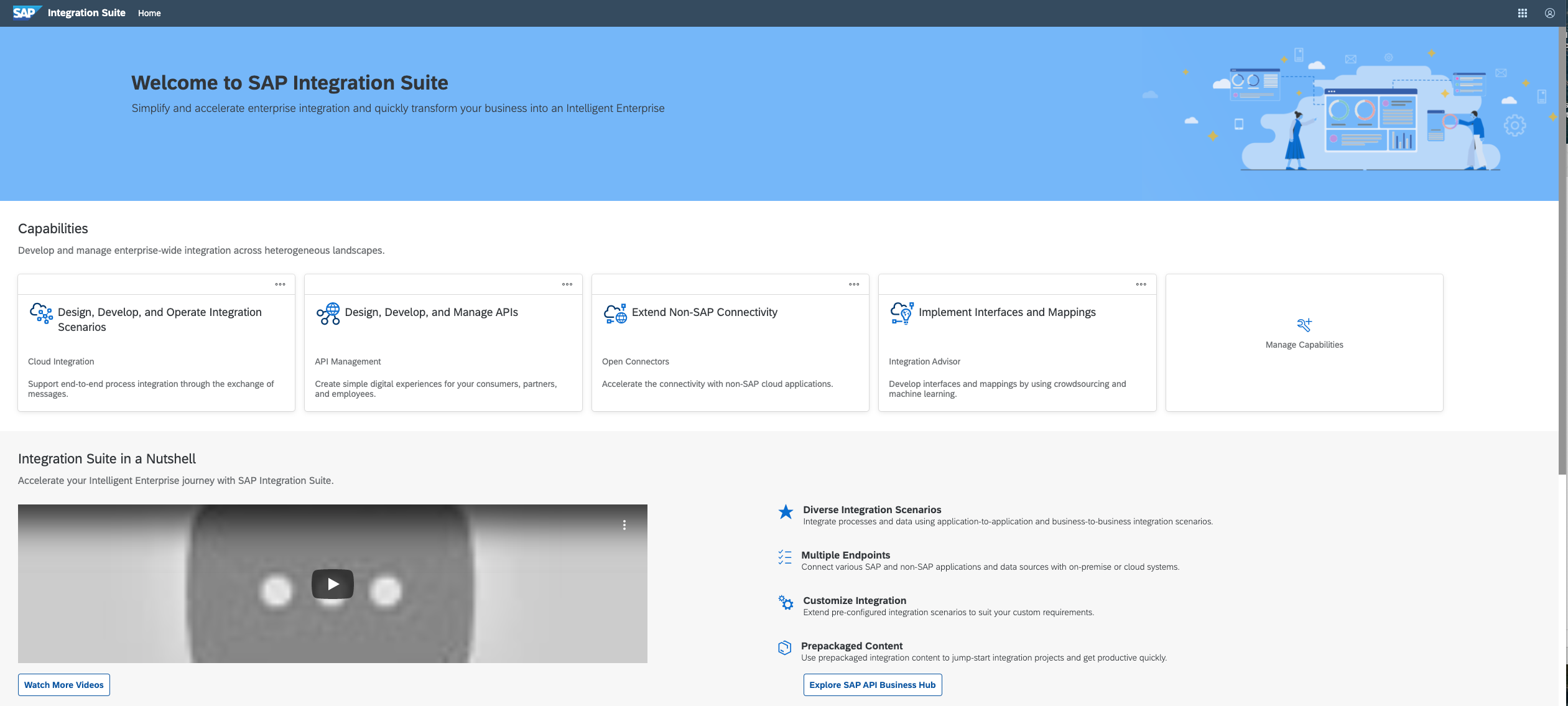
SAP Integration Suite is an integration platform-as-a-service (iPaaS) that helps quickly integrate on-premises and cloud-based processes, services, applications, events, and data. It is used to accelerate innovation, automate more processes, and realize a faster time to value.
N/A
Pricing
Salesforce Lightning Platform
SAP Integration Suite
Editions & Modules
Starter
$25.00
Per User Per Month
Plus
$100.00
Per User Per Month
No answers on this topic
Offerings
Pricing Offerings
Salesforce Lightning Platform
SAP Integration Suite
Free Trial
No
Yes
Free/Freemium Version
No
No
Premium Consulting/Integration Services
No
No
Entry-level Setup Fee
No setup fee
No setup fee
Additional Details
—
Access to free tier services does not expire while there is an active Pay-As-You-Go or CPEA account with SAP. Once a free tier service limit has been reached users have the option to update from a free to a paid service plan in the same account.
More Pricing Information
Community Pulse
Salesforce Lightning Platform
SAP Integration Suite
Features
Salesforce Lightning Platform
SAP Integration Suite
Platform-as-a-Service
Comparison of Platform-as-a-Service features of Product A and Product B
Salesforce Lightning Platform
7.5
Ratings
6% below category average
SAP Integration Suite
-
Ratings
Ease of building user interfaces
5.80 Ratings
00 Ratings
Scalability
8.80 Ratings
00 Ratings
Platform management overhead
7.20 Ratings
00 Ratings
Workflow engine capability
7.00 Ratings
00 Ratings
Platform access control
8.80 Ratings
00 Ratings
Services-enabled integration
9.00 Ratings
00 Ratings
Development environment creation
7.30 Ratings
00 Ratings
Development environment replication
7.40 Ratings
00 Ratings
Issue monitoring and notification
7.20 Ratings
00 Ratings
Issue recovery
6.30 Ratings
00 Ratings
Upgrades and platform fixes
7.80 Ratings
00 Ratings
Cloud Data Integration
Comparison of Cloud Data Integration features of Product A and Product B
We use Salesforce Lightning Platform in everyday business as sales coordinators. By using this tool, we are able to send new requests to clients and communicate regarding pending proposals in real-time. This also tool holds many of our client accounts where we are able to monitor their sales and revenue.
The case of the SAP Integration Suite shows outstanding capability in handling huge data, and especially when handling corporate portfolio data with multiple owners. But we have noticed that in the cases of moving data from the older banking system, it is necessary to further refine the system. It does an excellent job of the current credit scoring.
Reporting and Dashboards are thorough and can show a wealth of important data to inform and scale processes. It's helpful in a high volume sales cycle to be able to quickly identify weak points in performance and productivity so that adjustments can be made.
Highly customizable. We are able to customize just about everything which allows us to track very specific things and in theory create better efficiency.
Parent/Child account hierarchy exists which is helpful.
Contact records can be associated with multiple accounts and opportunities. This, in theory, should minimize duplicates and mismanagement of contacts.
Console helps a lot with data nesting. Having a fairly comprehensive look at an account without searching through various tabs and sections speeds up an otherwise cumbersome platform.
Broad Connectivity: SAP Integration Suite excels in connecting diverse systems, including SAP and non-SAP applications, databases, and third-party services.
Pre-built Integrations and Templates:The suite provides a library of pre-built integrations and templates for common business scenarios.
SAP Integration Suite is very helpful to us in many ways to manage purchase procedures, stocks, and data of vendors and suppliers. Also, it helps to manage data for service providers. SAP Integration Suite has the tool to conduct training and evaluation. Unique features like the cloud can provide access from any place and by any device is very helpful.
UI can be quite complex, but the more that is required will bring more complexity. Can handle complexity and variety very well, but makes ground-level views harder when not knowing full extent of functionality. Finding new functionalities can be difficult to pinpoint on some pages
Salesforce's support is top-notch. They have subject-matter experts that are accessible at all times to address needs as they come up. They let you know in advance when there are system updates and enhancements so that you are prepared for upcoming changes. I've never had an issue that wasn't addressed immediately when reaching out for support.
We were previously using an older version prior to it becoming Salesforce Lightning Platform so we were well adverse on the advantages of using a CRM, to begin with. It made sense to convert to Salesforce Lightning Platform after we were given a free trial of the platform. Certain reps were chosen to experiment with it and from there a decision was made to move forward. We've been customers ever since.
We used to have a in house application in Camel and Karaf as a middleware, and after we migrate to S4HANNA we decide to give a try and move to the cloud with SAP Integration Suite, knowing the capabilities and the needs that we have in the company and the projects that were running on premise in our middleware.