SignEasy is a simple and fast way to sign or get documents signed from a phone, tablet or computer. SignEasy is used by businesses and individuals across industries such as real estate, legal, accounting, banking, HR, sales, and logistics from over 150 countries. The vendor says the benefits of using SignEasy include being able to close deals faster, cut costs and delight customers by eliminating the need to print, scan or fax documents. Notable clients include…
$20
per month/for 1 user
Zoho Sign
Score 9.3 out of 10
Small Businesses (1-50 employees)
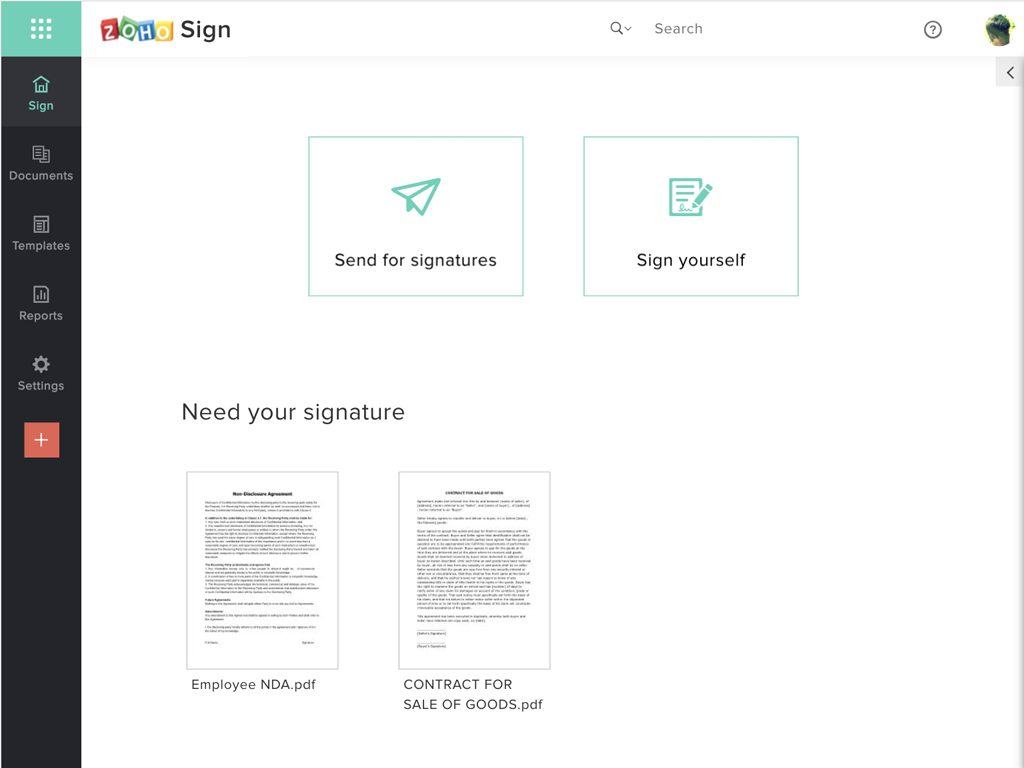
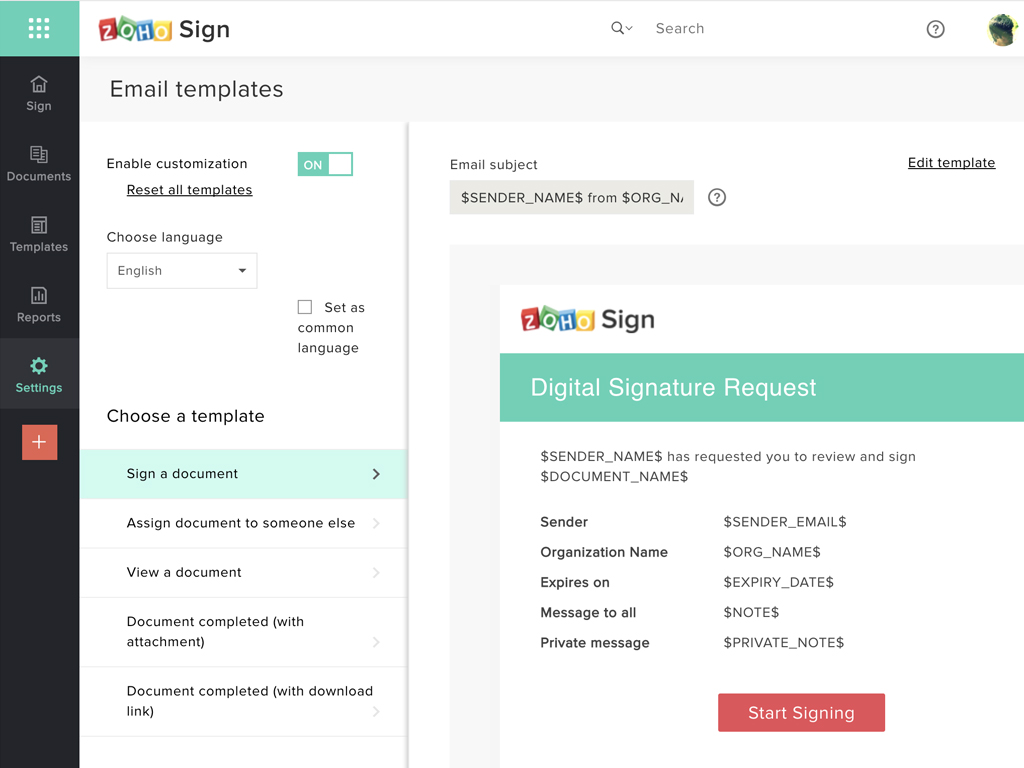
Zoho Sign is a digital signing service that lets you execute contracts quickly without the hassles of transporting paper documents while ensuring security and legality. It works completely on cloud and integrates readily with your everyday apps. According to the vendor, Zoho Sign is perfect for anyone who needs to sign business documents but widely used for HR, legal, finance, HR, and sales functions. Documents that can be signed include:…
$0
per user
Pricing
SignEasy
Zoho Sign
Editions & Modules
Plus
$20
per month/for 1 user
Professional
$25
per month/for 1 user
Premium
$25
per user/per month
Free
$0.00
per user
Standard
$10.00
per user/ month
Professional
$15.00
per user/ month
Offerings
Pricing Offerings
SignEasy
Zoho Sign
Free Trial
Yes
No
Free/Freemium Version
No
Yes
Premium Consulting/Integration Services
No
No
Entry-level Setup Fee
Required
$10 per user
Additional Details
—
—
More Pricing Information
Community Pulse
SignEasy
Zoho Sign
Considered Both Products
SignEasy
Verified User
Anonymous
Chose SignEasy
At the time of implementation we did not have many options other than a couple that fit our needs and language. The strong point that made us decide was the support in the sales service, which was by far the most suitable for us. Their agents were supportive and flexible …
The template creation is why we selected SignEasy. We had to have a backup option for completing this form and SignEasy was the only product we found that could do it and have a good UI. There may be one or two other products on the market that can but they are way too …
We felt that all of these products had similar functionality. They all allowed you to send documents out and gather signatures. SignEasy was the most affordable so we went with it. We've not had any reason to reevaluate our decision.
Price is important but it has all the same features as some of the main brand names on the market which makes this package ideal for small businesses and larger ones looking at costs. The advantage we find is that we can edit forms with drop-down boxes and preset answers for …
Before using Zoho Sign, we simply send out PDFs and had our partners and clients sign them and send them back. Obviously, Zoho Sign stacks pretty high against that because of how professional it is, how much simpler it is for us to use, and how much time it saves us.
I was a paid subscriber to Adobe prior to using Zoho, and found their solution expensive and inflexible. DocuSign may be the market leader, but Zoho fits better into our overall needs, especially since it integrates well with our other Zoho products.
Simple, Easy to use to sign and respond on digitally signed documents. Quick implementation and ready to use on your iPhone or iPad with a single app download.
If your business needs an electronic signing software, then I recommend Zoho Sign because it has all the great features. It ensures fast and secure document signing and, most importantly, it is legally binding.
The email me several times a year to check in and see that we are doing well or if we have any questions. They have also flown to us from their HQ to Dallas, TX to come tour our facility and see how we use their product first hand.
At the time of implementation we did not have many options other than a couple that fit our needs and language. The strong point that made us decide was the support in the sales service, which was by far the most suitable for us. Their agents were supportive and flexible throughout the entire process and helped us with the implementation in a valuable way.
Price is important but it has all the same features as some of the main brand names on the market which makes this package ideal for small businesses and larger ones looking at costs. The advantage we find is that we can edit forms with drop-down boxes and preset answers for the forms. Each entry field can be customized by data type and length or allow the client to enter their own answers.