
Chose TidyCal
Way better and cheaper than calendy

| Product | Rating | Most Used By | Product Summary | Starting Price |
|---|---|---|---|---|
 TidyCal | N/A | A tool to make scheduling the next meeting easier with calendar integrations, booking pages, and customization. Trying to schedule a meeting can lead to the hassle of back-and-forth emailing to find a time that works. (“Next month is a no-go, too. Should we try for 3 p.m. CT after the next solar eclipse?”) Also coordinating between time zones and tracking availability across personal and work calendars can be a challenge. TidyCal is presented as an… | $39 one-time fee per user | |
 Zoho Bookings | N/A | Zoho Bookings is an appointment scheduling software that helps individuals and teams across industries book meetings and services. | $8 per month per user |
| TidyCal | Zoho Bookings | |||||||||||||||
|---|---|---|---|---|---|---|---|---|---|---|---|---|---|---|---|---|
| Editions & Modules |
|
| ||||||||||||||
| Offerings |
| |||||||||||||||
| Entry-level Setup Fee | No setup fee | No setup fee | ||||||||||||||
| Additional Details | — | Up to a 25% discount available for annual billing. | ||||||||||||||
| More Pricing Information | ||||||||||||||||
| TidyCal | Zoho Bookings | |
|---|---|---|
| Considered Both Products |  TidyCal Chose TidyCal Way better and cheaper than calendy  Celeste Ribbins, MA, CDP Founder & Principal Chose TidyCal The functionality is similar. I chose TidyCal for the cost savings.  Jaime Maña Business Developer / Advisor Chose TidyCal Tidycal have the 90% of the features of Calendly but for 29$ it is the best relation price-performance. Tidycal is very simple to set up and use.Very easy integration with zoom/365/google calendar If you need to integrate with PayPal it is easy and no extra cost (We do not use)  Samira Islam Resmi Assistant Professor Chose TidyCal I can use the free plan, which includes
unlimited monthly meetings and appointments. However, I can only link one
calendar. The free plan calendar supports Google Calendar and Office 365 |  Zoho Bookings |
| TidyCal | Zoho Bookings | |
|---|---|---|
| Small Businesses |  CoSchedule Marketing Suite Score 10.0 out of 10 |  vCita Score 8.5 out of 10 |
| Medium-sized Companies | CoSchedule Marketing Suite Score 10.0 out of 10 |  LeanData Score 10.0 out of 10 |
| Enterprises |  Google Calendar Score 9.5 out of 10 |  Zoom Workplace Score 8.4 out of 10 |
| All Alternatives | View all alternatives | View all alternatives |
| TidyCal | Zoho Bookings | |
|---|---|---|
| Likelihood to Recommend | 9.8 (0 ratings) | 10.0 (0 ratings) |
| Likelihood to Renew | - (0 ratings) | 9.0 (0 ratings) |
| Support Rating | - (0 ratings) | 6.0 (0 ratings) |
| TidyCal | Zoho Bookings | |
|---|---|---|
| Likelihood to Recommend |
|
 Isabelle Carnel Director |
| Pros |
Celeste Ribbins, MA, CDP Founder & Principal |
 Stephen Lalla World Ruler |
| Cons |
|
Isabelle Carnel Director |
| Likelihood to Renew | No answers on this topic |
 María Fernanda Cruz Coordinator |
| Usability |
|
|
| Support Rating | No answers on this topic |
María Fernanda Cruz Coordinator |
| Alternatives Considered |
Samira Islam Resmi Assistant Professor |
Stephen Lalla World Ruler |
| Return on Investment |
 Tammy Schaefer Owner |
|
| ScreenShots | TidyCal Screenshots | Zoho Bookings Screenshots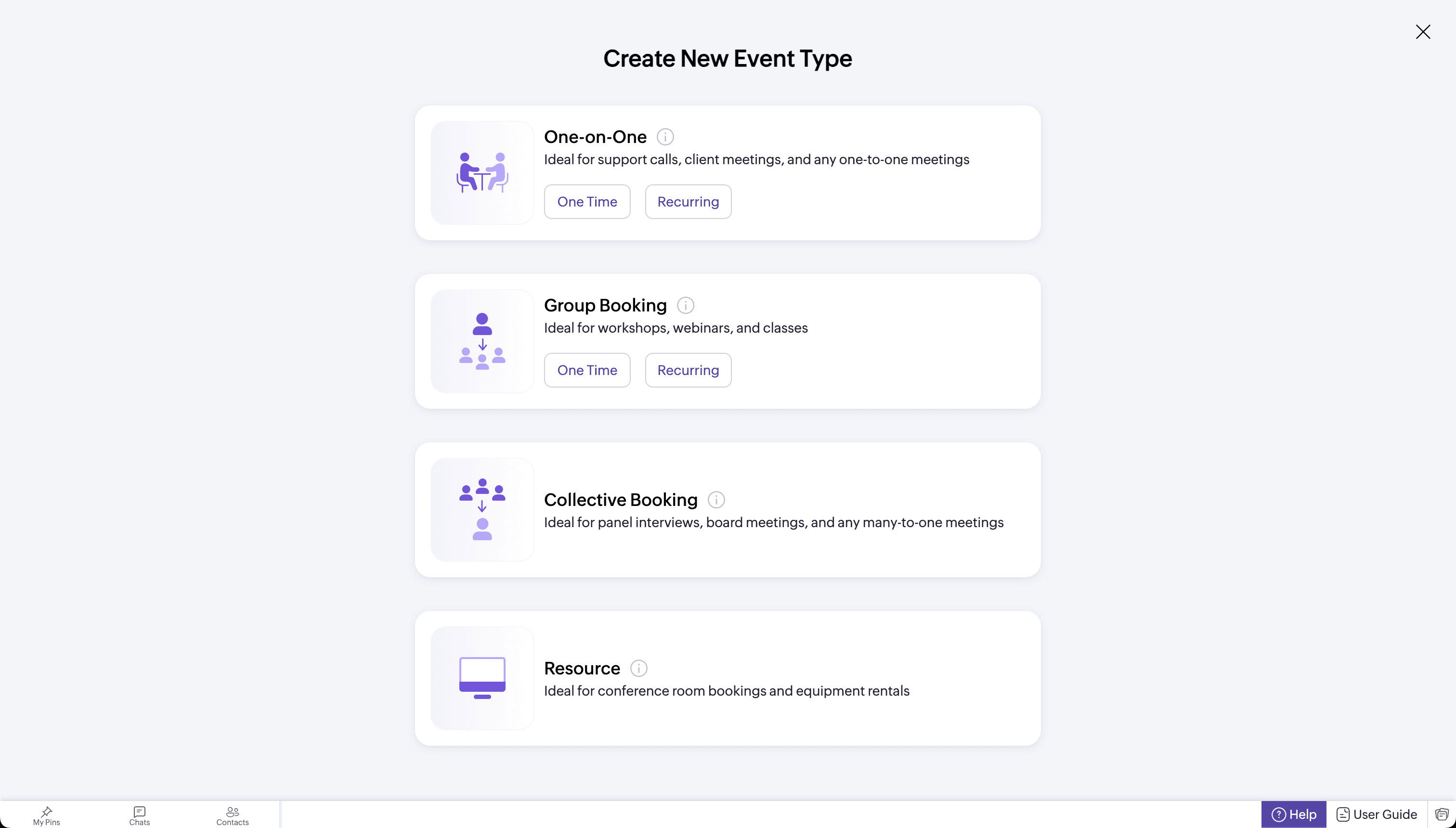 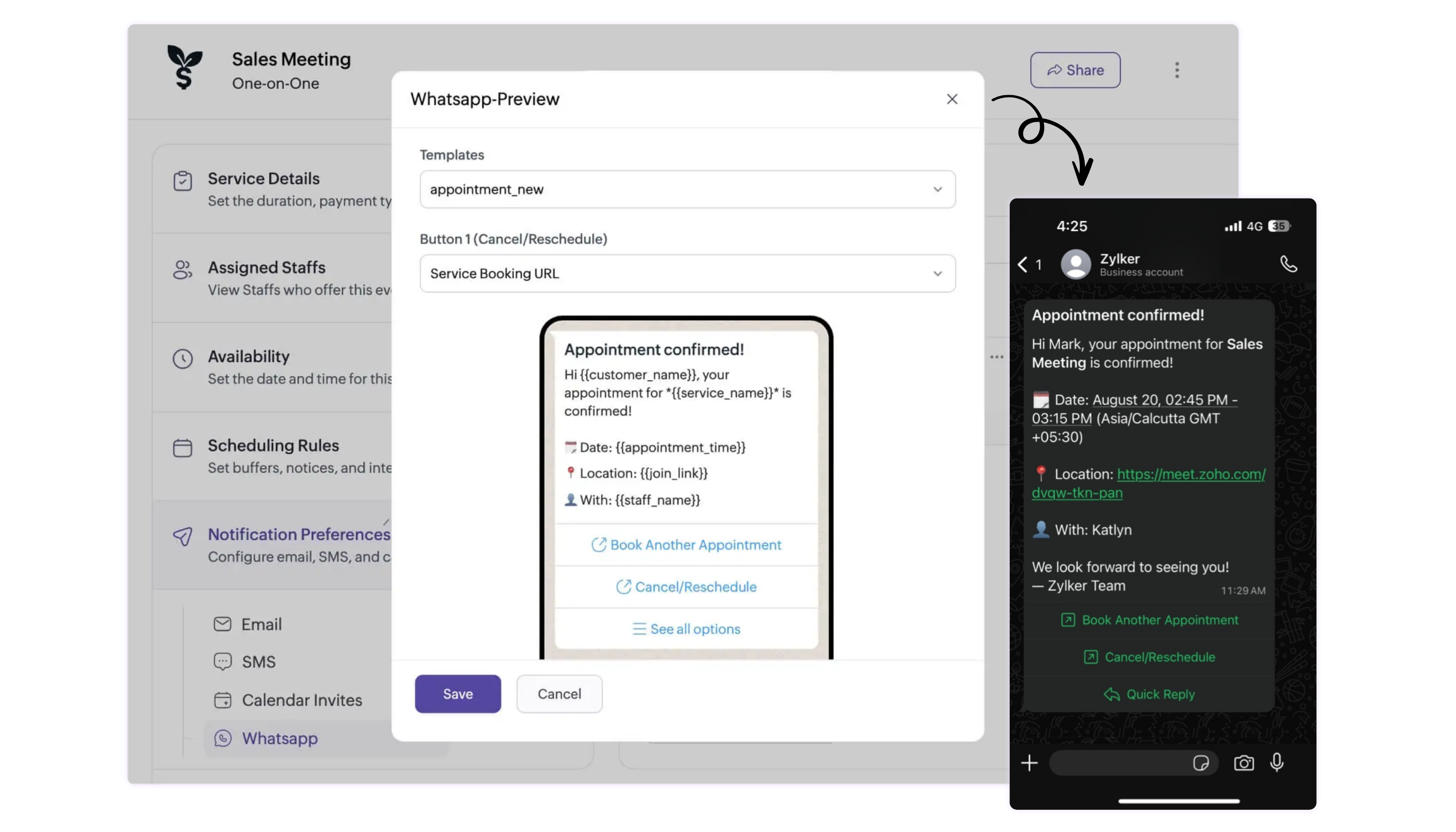 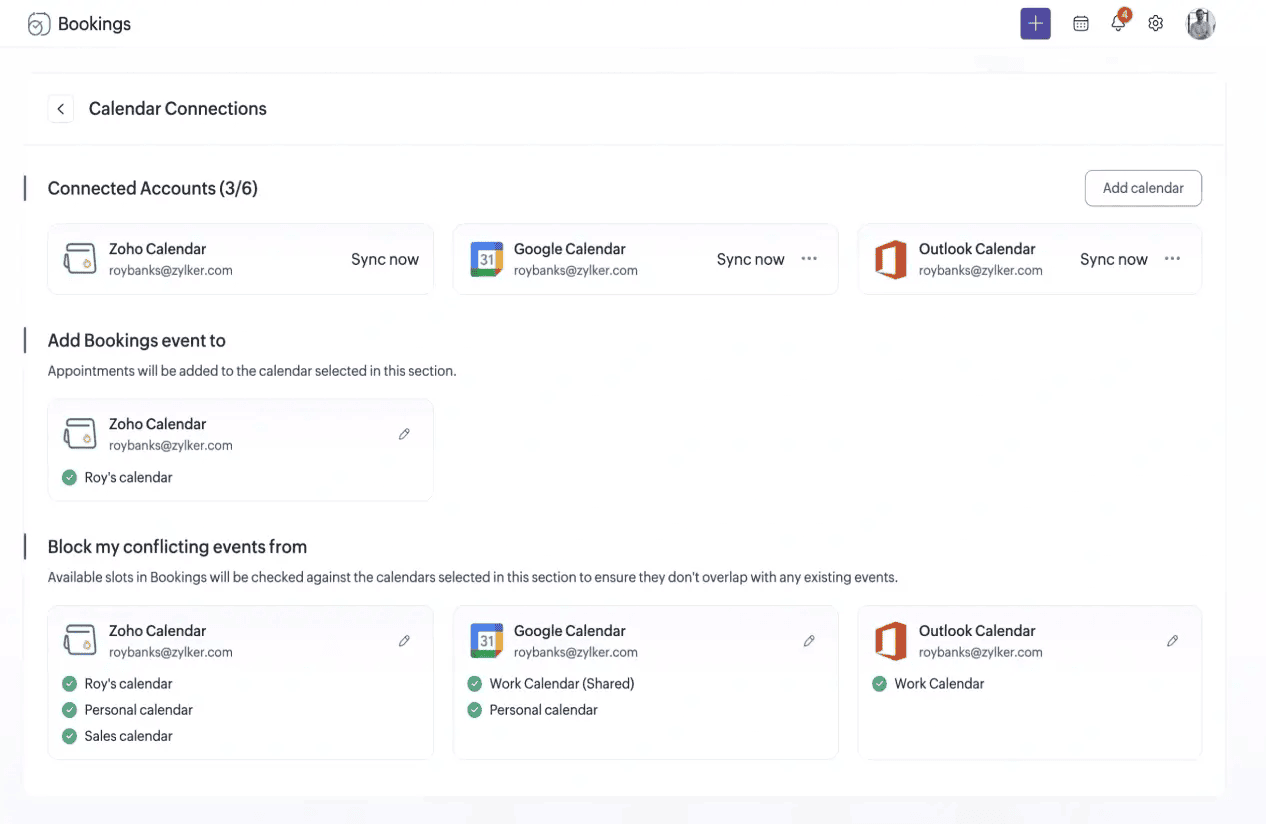 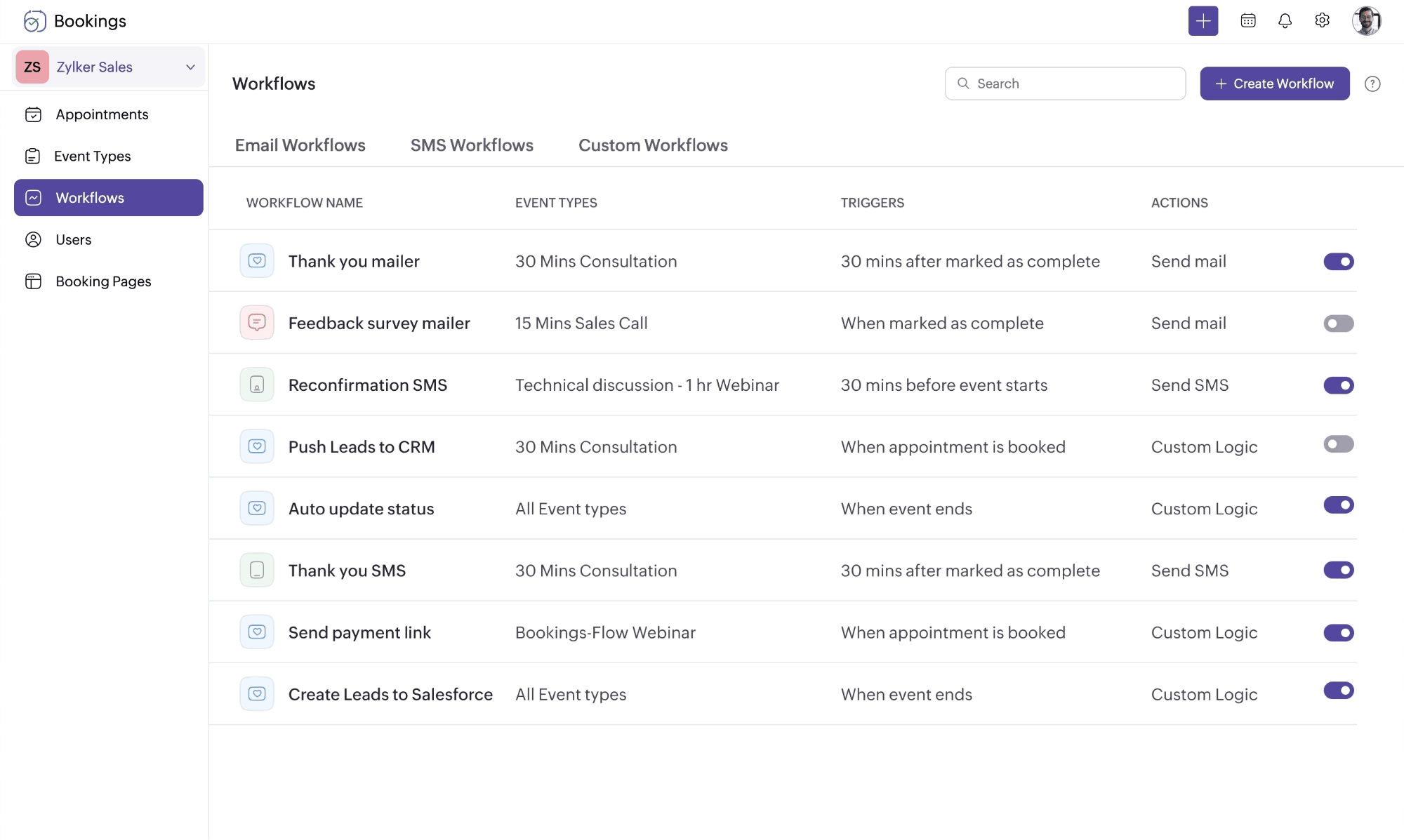 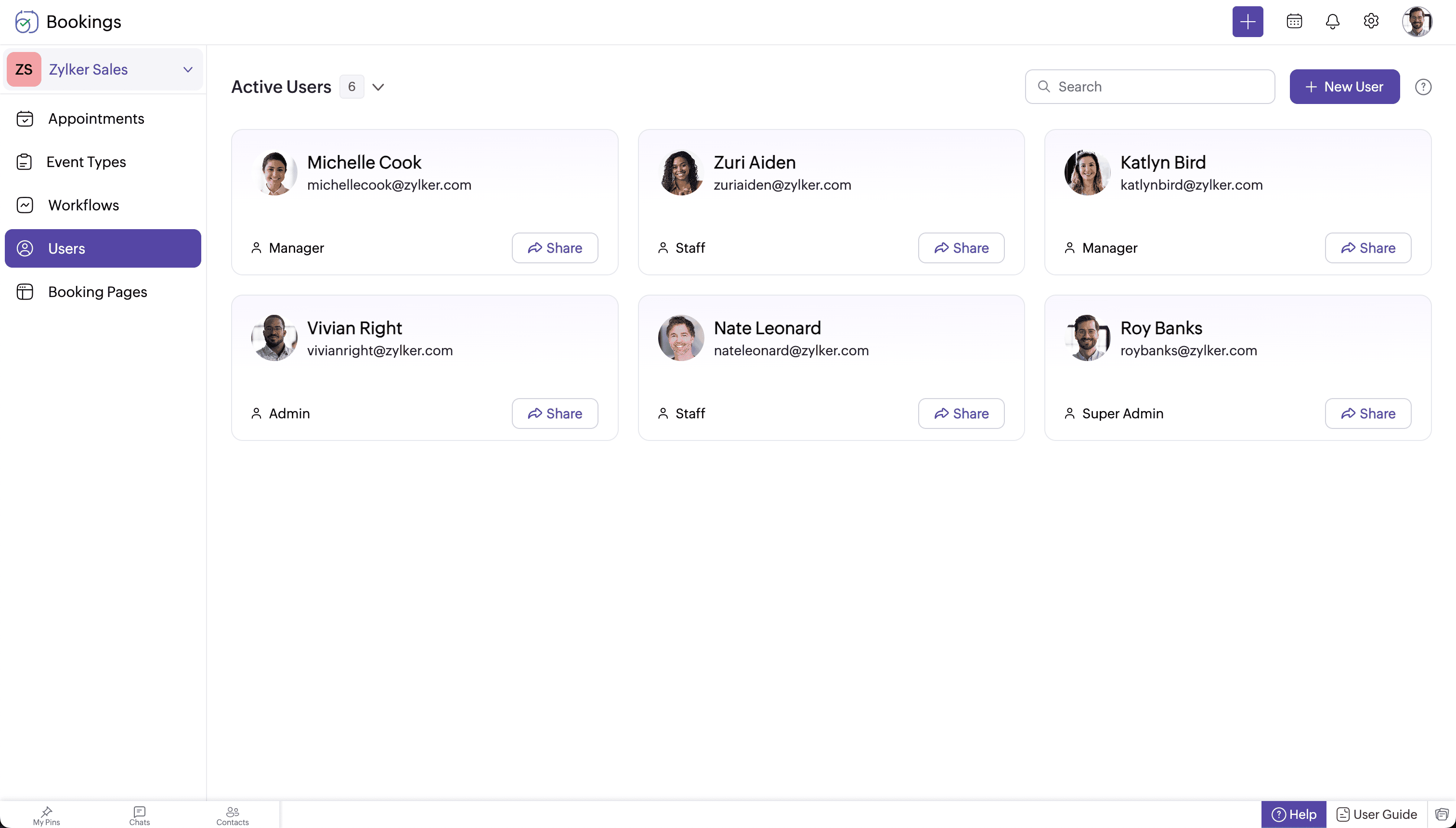 |