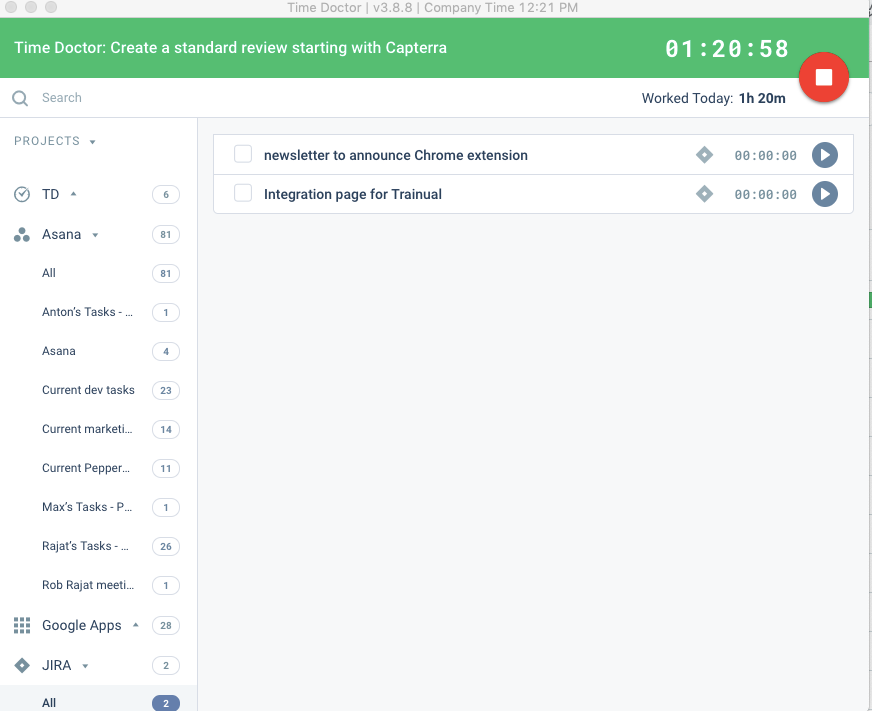
Time Doctor offers in-depth productivity analytics, giving business owners insight on how to improve performance and scale. Going beyond tracking and monitoring, Time Doctor’s suite of tools put data-driven improvement front and center, helping to ensure that teams of all sizes are actively working on the right things while also offering actionable insights to maximize performance and efficiency. Time Doctor tracks the collective hours a team puts in. But it also provides a…
$7
per month per user
WorkTime
Score 9.0 out of 10
N/A
WorkTime is an employee monitoring software designed to analyze employee behavior and help companies boost productivity and performance. The software is compatible with Windows OS and Mac OS and operates both on-premise and in cloud. After installation, the WorkTime agent collects information, analyzes it and provides employers with personalized reports to help them better understand the working habits of their office workers and remote teams. WorkTime analyzes the general trends in attendance…
$4.99
per employee per month
Pricing
Time Doctor
WorkTime
Editions & Modules
Basic
$7
per month per user
Basic
$7
per month per user
Standard
$14
per month
Standard
$14
per month per user
Premium
$20
per month
Premium
$20
per month per user
WorkTime Corporate
from $13.99
per employee
WorkTime Cloud
from $4.99
per employee per month
Offerings
Pricing Offerings
Time Doctor
WorkTime
Free Trial
Yes
Yes
Free/Freemium Version
No
Yes
Premium Consulting/Integration Services
No
No
Entry-level Setup Fee
$9.99 per user
No setup fee
Additional Details
—
WorkTime is free for up to 3 employees.
Annual discounts – two months free.
30 days FREE fully-featured evaluation.
More Pricing Information
Community Pulse
Time Doctor
WorkTime
Considered Both Products
Time Doctor
Verified User
Anonymous
Chose Time Doctor
Time Doctor provide the clear mind set for the progress and the remaining task for the assigned to the team member. It helps us to track the timing on the assigned task and to complete it within the timeline. It works well for the large team to track the productivity of the team.
I haven't used other productivity tools before. Time Doctor is my first productivity tool experience and so far I like it, its features, and its functions.
I had used TimeTracker against this but there is no features like Time Doctor to track productivity, unrated hours, screenshot and starts, stops, break hours features, & best thing is reports.
I've never used another time tracking tool. We have suffered from this tool for a while. And now we are in the process of creating our own tool so we don't have to deal with time doctor ever again. I am not sure what else is out there, but I'd be surprised if you couldn't find …
I like time doctor because I get these really nice and easy to comprehend emails every day where I can see which person worked how much and can easily see if there might be issues or missed time usage.
I have not used RescueTime much, but for time doctor I can say it's a good one. I suggest to every client to use time doctor because of the pricing and ease of use.
Although Hubstaff has a much newer and cooler design interface for their website and tracker. I found Time Doctor to be more intuitive and easier to use.
It was intuitive, not too complicated. I liked the free trial period and I got one person for free to use it. I haven't tried any other software, but making research explanations of usage of time doctor was the clearest one.
Time Doctor recorded screens which was helpful at the time but Toggl is easier to start and leave notes. Google timer is better because it gives a count down instead of just running a clock. Overall tracking time was better using Time Doctor.
This is our first employee monitoring tool. We chose it because it does not violate anyone's privacy and we would prefer not to have a screenshot or keystroke recording tool.
Time Doctor is great if you need to time how long you spend on different projects throughout the day. I am editing multiple books at once and I need to keep track of how long I spend on each one. It is not worth it if you don't need to keep track of how long you spend on a large project. I find it too cumbersome to time individual tasks and not useful enough to time just one project.
If you're not doing all your work on your computer, you'll find this software pretty useless unless you can login and then logout when you start and end your day. However, I will definitely recommend it to anyone who does an hourly paid job. It's much easier to calculate wages with timely reporting. Great support team software and flexible working hours.
One click to choose projects and tasks you've already created so that you can quickly choose what you're working on and basically set it and forget it.
Automatic screenshots so that I can always reference back to what I was working on.
The reports! There are reports for every project and time use. Helps me see exactly where my time is going and how I can better maximize it.
When checking/viewing Web and App Usage, I wish there's an option on this page to update or change the app's rating without going to settings page. It will be a lot easier for us to update the ratings on the Web and App Usage.
The support was terrible! They never responded in sufficient time and their assistance was always super vague. I never felt like they had an actual solution to my concerns. They were nice, but I don't feel like they were trained in their own system. It felt like I was talking to a wall.
WorkTime has very helpful employees. Even the CEO is welcoming and easy to reach. They provide full support via chat and email. Their tech department even created special script to help me fulfill needs of my team. You can also reach then on the phone via their business hours. The downside is the absence of 24/7 support or at least an Irish subsidiary for local users support.
We previously used the time tracking component within Kanbanflow.com. However, it was confined to a specific task and we needed something more holistic. Enter Time Doctor! The difference between the two was night and day. I know there are other similar time tracking apps that exist that we could have investigated. We started with Time Doctor Lite and that gave us enough of a taste to upgrade to Pro.
For a small amount each month I believe I get a huge return on investment in form of traceability of my hours spent. The major factor that made me choose Time Doctor was the price and the value. I don't think I would still be interested if it was more expensive.