Trymata vs. Usabilla (discontinued)

Overview
ProductRatingMost Used ByProduct SummaryStarting Price
Trymata
Score 3.4 out of 10
N/A
Trymata (formerly TryMyUI) is a remote usability testing platform that offers cross-platform services for testing and improving the user experience. The product allows the user to watch videos of real people using a website or app to see where (and why) users get frustrated, lost, or confused.
$299
10 test credits/2 seats
Usabilla (discontinued)
Score 5.6 out of 10
N/A
Usabilla was a web and app survey tool, developed by the Amsterdam company of the same name, and acquired by SurveyMonkey in March of 2019. The product is no longer available.N/A
Pricing
TrymataUsabilla (discontinued)
Editions & Modules
Team Plan
$299.00
10 test credits/2 seats
Enterprise Plan
$1,200.00+
30 credits/5 seats
No answers on this topic
Offerings
Pricing Offerings
TrymataUsabilla (discontinued)
Free Trial
YesYes
Free/Freemium Version
NoNo
Premium Consulting/Integration Services
NoNo
Entry-level Setup FeeNo setup feeNo setup fee
Additional Details
More Pricing Information
Community Pulse
TrymataUsabilla (discontinued)
Considered Both Products
Trymata

No answer on this topic

Usabilla (discontinued)
Chose Usabilla (discontinued)
I have Hotjar, Sprig, and Usabilla in my workplace. Usabilla unfortunately has the most limited feature set of the 3 options. The difficulty of administering a Usabilla survey on mobile is a big blocker for my projects. Sprig and Hotjar both allow mobile and allow video …
Features
TrymataUsabilla (discontinued)
Survey Format & Appearance
Comparison of Survey Format & Appearance features of Product A and Product B
Trymata
-
Ratings
Usabilla (discontinued)
8.0
Ratings
0% above category average
Survey templates00 Ratings10.00 Ratings
Themes00 Ratings6.00 Ratings
Custom logo/branding00 Ratings7.90 Ratings
Survey Content
Comparison of Survey Content features of Product A and Product B
Trymata
-
Ratings
Usabilla (discontinued)
8.6
Ratings
1% above category average
Changes to live survey00 Ratings7.90 Ratings
Question design help00 Ratings10.00 Ratings
Multiple question types00 Ratings7.90 Ratings
Survey Logic
Comparison of Survey Logic features of Product A and Product B
Trymata
-
Ratings
Usabilla (discontinued)
6.9
Ratings
18% below category average
Survey logic flexibility00 Ratings6.90 Ratings
Survey Reporting & Analytics
Comparison of Survey Reporting & Analytics features of Product A and Product B
Trymata
-
Ratings
Usabilla (discontinued)
5.8
Ratings
34% below category average
Response tracking00 Ratings7.00 Ratings
Data export00 Ratings5.50 Ratings
Standard reports00 Ratings5.50 Ratings
Custom reports00 Ratings5.50 Ratings
Analytics00 Ratings5.50 Ratings
Survey Administration & Security
Comparison of Survey Administration & Security features of Product A and Product B
Trymata
-
Ratings
Usabilla (discontinued)
7.4
Ratings
16% below category average
Access controls00 Ratings7.40 Ratings
Compliance00 Ratings7.40 Ratings
Survey Distribution
Comparison of Survey Distribution features of Product A and Product B
Trymata
-
Ratings
Usabilla (discontinued)
8.4
Ratings
2% above category average
Vendor-offered crowdsourcing00 Ratings10.00 Ratings
Respondent restrictions00 Ratings6.90 Ratings
Best Alternatives
TrymataUsabilla (discontinued)
Small Businesses
Smartlook
Smartlook
Score 8.2 out of 10
Square 9 Softworks
Square 9 Softworks
Score 9.1 out of 10
Medium-sized Companies
Optimal
Optimal
Score 9.0 out of 10
Qualaroo
Qualaroo
Score 6.1 out of 10
Enterprises
Optimal
Optimal
Score 9.0 out of 10
Verint Voice of the Customer
Score 10.0 out of 10
All AlternativesView all alternativesView all alternatives
User Ratings
TrymataUsabilla (discontinued)
Likelihood to Recommend
-
(0 ratings)
2.1
(0 ratings)
Usability
-
(0 ratings)
2.1
(0 ratings)
Support Rating
-
(0 ratings)
1.9
(0 ratings)
User Testimonials
TrymataUsabilla (discontinued)
Likelihood to Recommend
No answers on this topic
If we could select 0/10 we would... We would not recommend anyone using this product as it excludes a very important user group, disabled users. If you use this product you will be failing ADA and WCAG 2.1 (EU Directive for public sector websites and mobile apps). In my opinion, you will be vulnerable to lawsuits.
Read full review
Pros
No answers on this topic
  • Reporting - well designed, clear to all users regardless of level of knowledge.
  • Two options for feedback - passive and active (pop-ups).
  • Clean UI & easy to use platform.
Read full review
Cons
No answers on this topic
  • It doesn't gather users from all user groups, it's exclusive to non-disabled users - users with disabilities using assistive technology are not able to access or use the platform
  • There are extensive colour contrast issues with the platform, making it difficult to use by users with low vision
  • Usabilla is not accessible to keyboard users (as well as users on other assistive technology) - when the modal is expanded, the background is still focusable
  • The touch target sizes of the links and buttons are not accessible - it's very difficult to close out of the modal when on mobile, or if a user had a mobility disability and was using a mouse
Read full review
Usability
No answers on this topic
The interface to configure the questionary is quite easy to use. It helps to give autonomy to marketing teams. Once the initial setup is made (integrating a basic javascript code on your website), you can easily deploy any questionary on any page of your website. Usabilla is a very flexible tool overall.
Read full review
Support Rating
No answers on this topic
I haven't contacted support yet to solve a particular issue. I do have an account manager at Usabilla that I talk to in order to introduce the software to my team but this is just to run over the basic functionality in a live demo setting. The ability to talk to a real person over video call is a benefit though.
Read full review
Alternatives Considered
No answers on this topic
I have Hotjar, Sprig, and Usabilla in my workplace. Usabilla unfortunately has the most limited feature set of the 3 options. The difficulty of administering a Usabilla survey on mobile is a big blocker for my projects. Sprig and Hotjar both allow mobile and allow video recordings (either of a user's screen or a user's webcam for impromptu interviews).
Read full review
Return on Investment
No answers on this topic
  • The positive impact of Usabilla has been being able to measure and respond quickly to our customers' feedback so that we can resolve issues quicker or make enhancements faster.
  • We have also been able to manage and track our NPS scores and correlate these scores to our overall business performance to make sure that our customers' views of our products and processes and in line with our internal understanding and success of the business.
  • Additionally, the Usabilla team has been willing to provide us with training and ideas on how to use the tool better which has helped our team think more strategically and be more connected to the experiences our customers are having on our web properties.

Read full review
ScreenShots

Trymata Screenshots

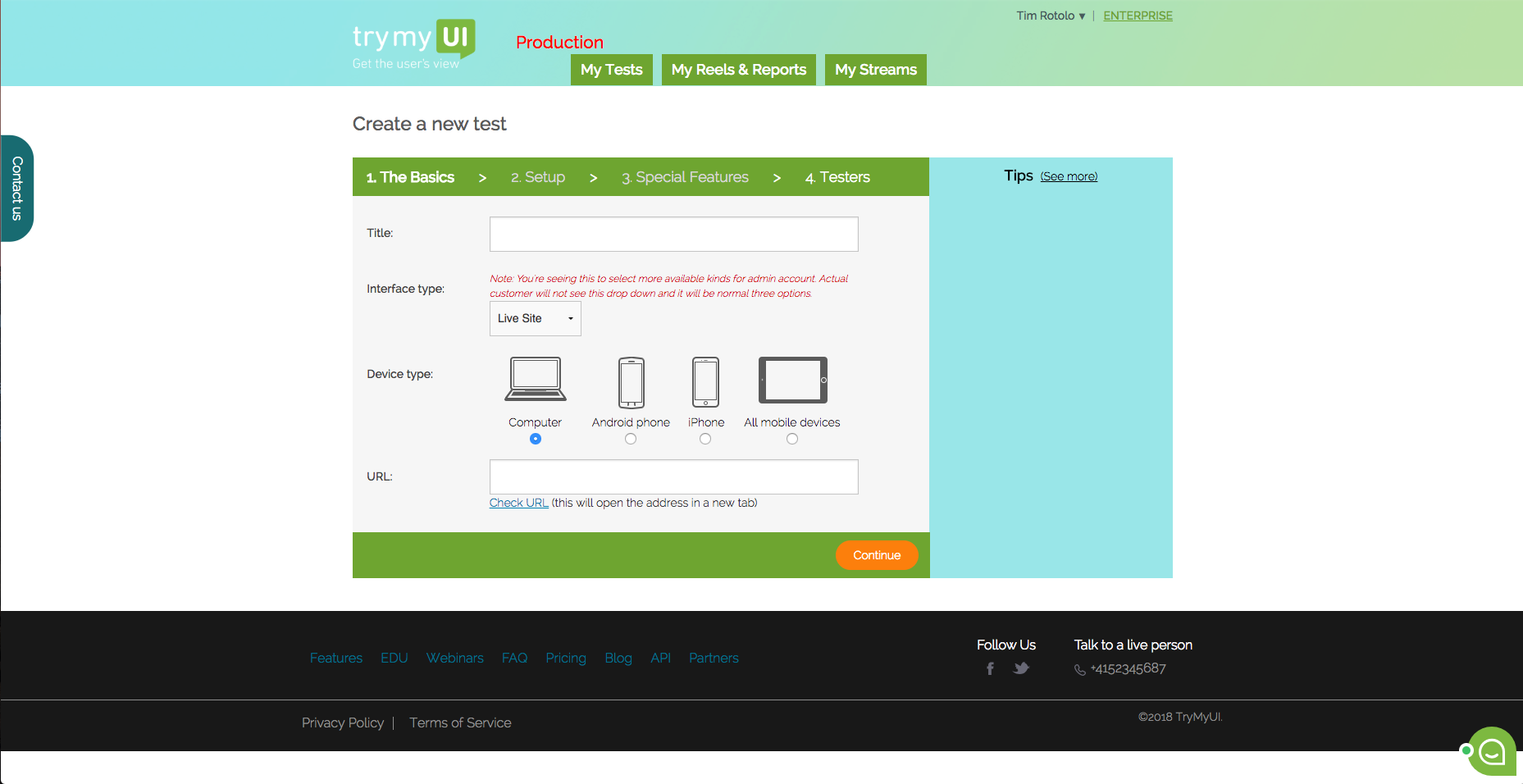
Screenshot of This is the dashboard where you can see your current and past test. You can also create a new test from here.Screenshot of TryMyUI’s quantitative UX Diagnostics measures your product’s overall usability with psychometrics, and map usability fluctuations along the user’s journey with task usability scores, task completion rates, and task duration data.Screenshot of The UXCrowd is a crowdsourced solution that helps you plan and prioritize your usability fixes with scaled-up insights from large tester pools. Using a weighted voting system, testers indicate their opinions on the best and worst parts of the product, creating a sorted diagnosis list that clarifies at a glance what your next steps should be.Screenshot of This is the first step in creating your test. You can test live websites, prototypes/wireframes, mobile apps on both Andriod and iOS.