
Samar Chopra, PMP, SCPM, ITIL
Program Manager
Chose Yurbi
Yurbi was overall a better product, highly customizable, more user friendly, and lower priced.

| Product | Rating | Most Used By | Product Summary | Starting Price |
|---|---|---|---|---|
 Yurbi | N/A | Yurbi is a business intelligence solution that is designed to bridge the gap between business users and intelligent data. It provides the business user with the ability to connect, secure, and collaborate with data to make better business decisions. According to the vendor, Yurbi brings the powerful reporting and analytical capabilities of traditional BI, but takes out the coding jargon – so that people can actually use it themselves. As a 100% HTML5 application, Yurbi gives users and… | $24,000 per year | |
 Zendesk Explore | N/A | Zendesk offers Explore, a business intelligence and customer analytics tool which integrates with the Zendesk suite featuring ticket analytics, custom fields, dashboards, and other features. Zendesk is migrating customers of the BIME analytics product, which is approaching end of support, to Zendesk Explore in 2019. | N/A |
| Yurbi | Zendesk Explore | |||||||||||||||
|---|---|---|---|---|---|---|---|---|---|---|---|---|---|---|---|---|
| Editions & Modules |
| No answers on this topic | ||||||||||||||
| Offerings |
| |||||||||||||||
| Entry-level Setup Fee | No setup fee | No setup fee | ||||||||||||||
| Additional Details | Yurbi's pricing model is simple and predictable. User licenses start at just $495 per year and that includes all the powerful features of our platform. We offer named users, concurrent users, and public view or anonymous report licensing options. We also offer custom/hybrid pricing for vendors looking to OEM Yurbi. | — | ||||||||||||||
| More Pricing Information | ||||||||||||||||
| Yurbi | Zendesk Explore | |
|---|---|---|
| Considered Both Products |  Yurbi Samar Chopra, PMP, SCPM, ITIL Program Manager Chose Yurbi Yurbi was overall a better product, highly customizable, more user friendly, and lower priced. | Zendesk Explore  Max César Director of Global Support Operations Chose Zendesk Explore I selected Zendesk Explore only to provide an easy and quick access for my managers and supervisors regading metrics and volume trends. Is not the most flexible nor complete data visualization tool, but works well for day-to-day follow ups. You need to use another tool if you …  Julie Pinto Support Manager Chose Zendesk Explore For support data, we have only used Explore because it came with our ZenDesk membership. So I can't speak to other solutions! That said, it's awesome to have Knowledge Base and support data in one place. |
| Yurbi | Zendesk Explore | |||||||||||||||||||||
|---|---|---|---|---|---|---|---|---|---|---|---|---|---|---|---|---|---|---|---|---|---|---|
| BI Standard Reporting |
| |||||||||||||||||||||
| Ad-hoc Reporting |
| |||||||||||||||||||||
| Report Output and Scheduling |
| |||||||||||||||||||||
| Data Discovery and Visualization |
| |||||||||||||||||||||
| Access Control and Security |
| |||||||||||||||||||||
| Mobile Capabilities |
| |||||||||||||||||||||
| Application Program Interfaces (APIs) / Embedding |
|
| Yurbi | Zendesk Explore | |
|---|---|---|
| Small Businesses |  BrightGauge Score 9.1 out of 10 | BrightGauge Score 9.1 out of 10 |
| Medium-sized Companies |  Reveal Score 10.0 out of 10 | Reveal Score 10.0 out of 10 |
| Enterprises |  Kyvos Semantic Intelligence Layer Score 9.9 out of 10 | Kyvos Semantic Intelligence Layer Score 9.9 out of 10 |
| All Alternatives | View all alternatives | View all alternatives |
| Yurbi | Zendesk Explore | |
|---|---|---|
| Likelihood to Recommend | 10.0 (0 ratings) | 9.5 (0 ratings) |
| Likelihood to Renew | 10.0 (0 ratings) | - (0 ratings) |
| Usability | 10.0 (0 ratings) | 10.0 (0 ratings) |
| Availability | 10.0 (0 ratings) | - (0 ratings) |
| Performance | 10.0 (0 ratings) | - (0 ratings) |
| Support Rating | - (0 ratings) | 10.0 (0 ratings) |
| Implementation Rating | 10.0 (0 ratings) | - (0 ratings) |
| Product Scalability | 10.0 (0 ratings) | - (0 ratings) |
| Yurbi | Zendesk Explore | |
|---|---|---|
| Likelihood to Recommend |
Samar Chopra, PMP, SCPM, ITIL Program Manager |
|
| Pros |
Samar Chopra, PMP, SCPM, ITIL Program Manager |
|
| Cons |
Samar Chopra, PMP, SCPM, ITIL Program Manager |
|
| Likelihood to Renew |
Samar Chopra, PMP, SCPM, ITIL Program Manager | No answers on this topic |
| Usability |
Samar Chopra, PMP, SCPM, ITIL Program Manager |
|
| Support Rating | No answers on this topic |
|
| Implementation Rating |
Samar Chopra, PMP, SCPM, ITIL Program Manager | No answers on this topic |
| Alternatives Considered |
Samar Chopra, PMP, SCPM, ITIL Program Manager |
|
| Return on Investment | No answers on this topic |
Max César Director of Global Support Operations |
| ScreenShots | Yurbi Screenshots   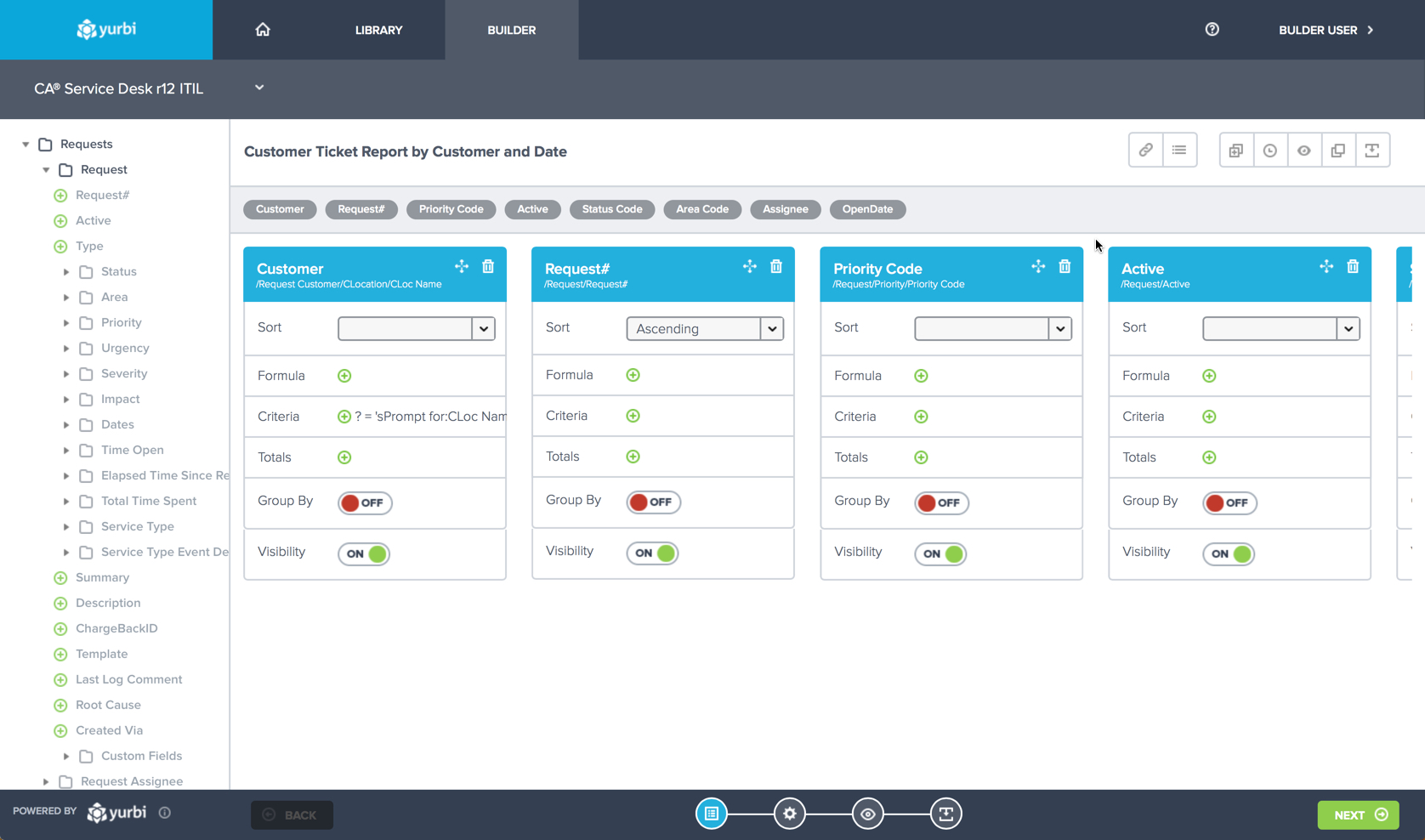  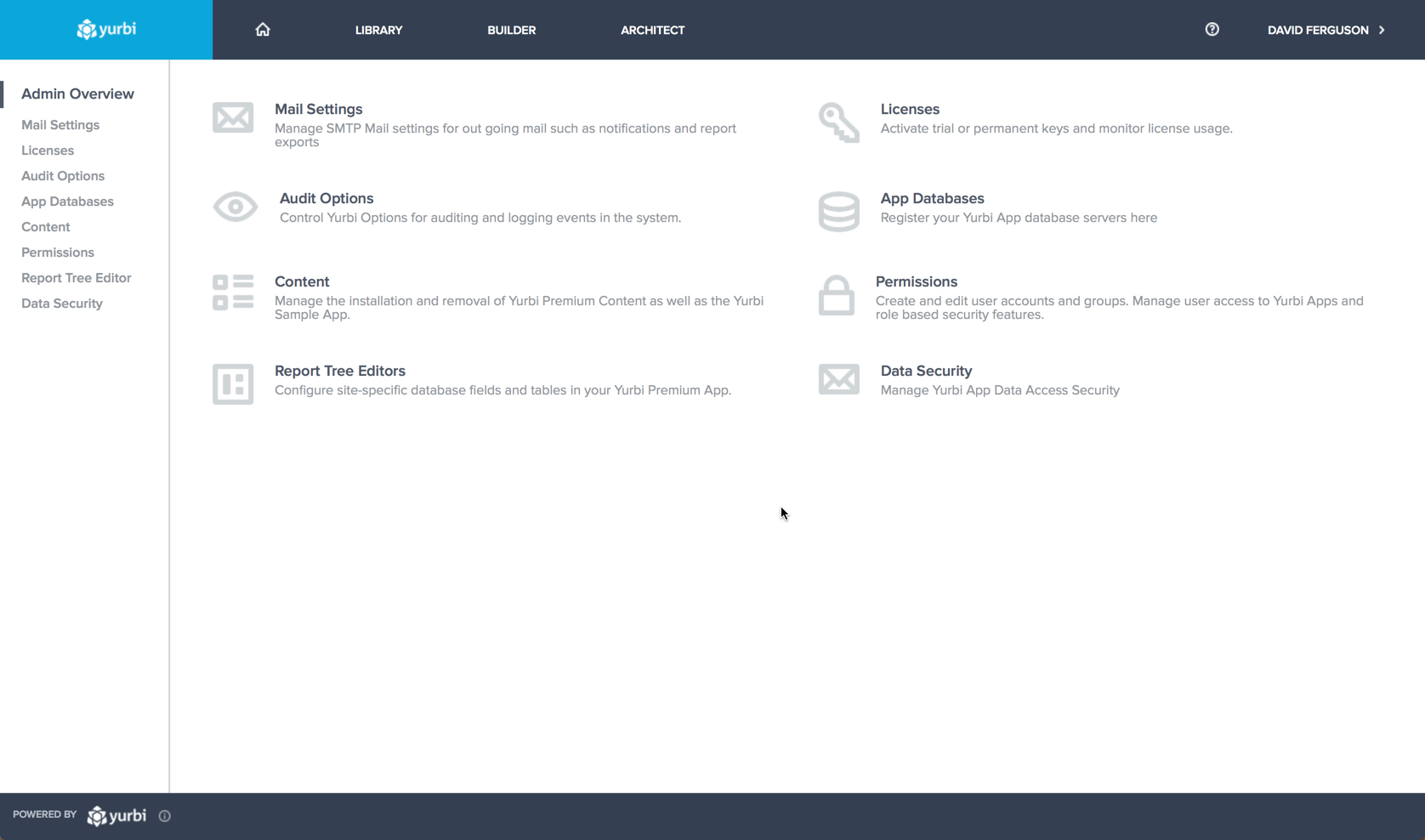 |