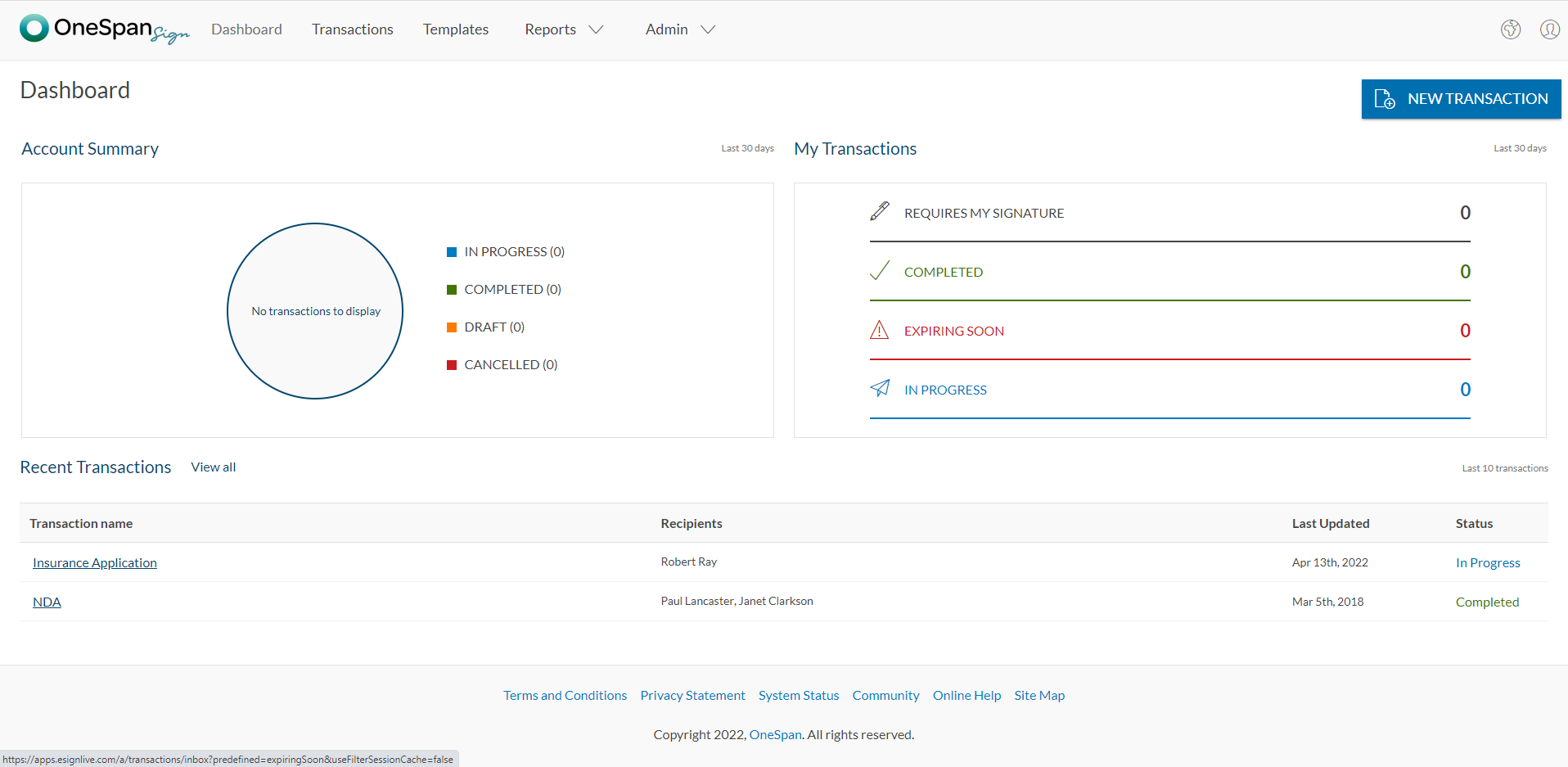
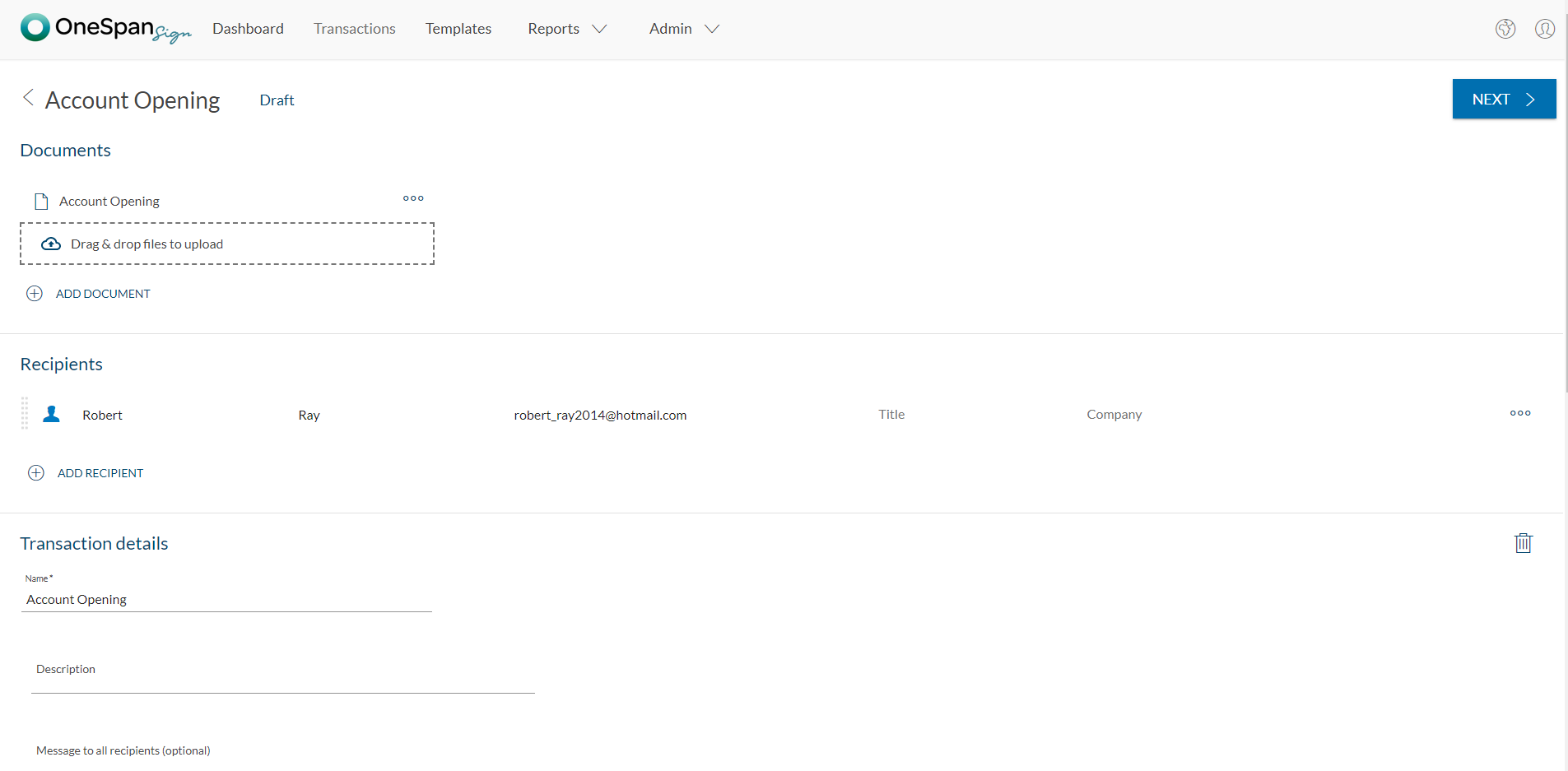
OneSpan Sign (formerly eSignLive) is an e-signature solution for secure document signing processes that enables organizations to digitize business processes and eliminate costly paper and inconvenient “wet” signatures.
$0
Free for 30 Days
Zoho Sign
Score 9.3 out of 10
Small Businesses (1-50 employees)
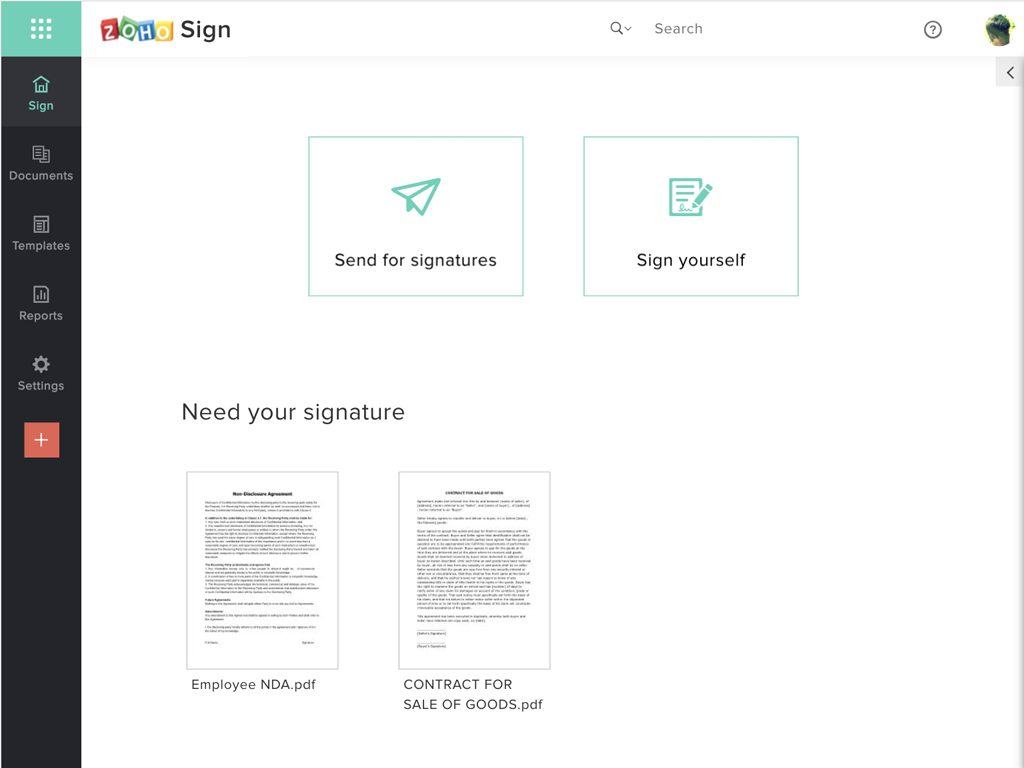
Zoho Sign is a digital signing service that lets you execute contracts quickly without the hassles of transporting paper documents while ensuring security and legality. It works completely on cloud and integrates readily with your everyday apps. According to the vendor, Zoho Sign is perfect for anyone who needs to sign business documents but widely used for HR, legal, finance, HR, and sales functions. Documents that can be signed include:…
$0
per user
Pricing
OneSpan Sign
Zoho Sign
Editions & Modules
Free Trial
$0
Free for 30 Days
Professionnal
$20
Per User per Month
Enterprise
Call for Pricing
Enterprise
Call for pricing
Contract
Free
$0.00
per user
Standard
$10.00
per user/ month
Professional
$15.00
per user/ month
Offerings
Pricing Offerings
OneSpan Sign
Zoho Sign
Free Trial
Yes
No
Free/Freemium Version
No
Yes
Premium Consulting/Integration Services
No
No
Entry-level Setup Fee
No setup fee
$10 per user
Additional Details
—
—
More Pricing Information
Community Pulse
OneSpan Sign
Zoho Sign
Considered Both Products
OneSpan Sign
Verified User
Anonymous
Chose OneSpan Sign
Both products had similar functions, but I found that OneSpan Sign just had the edge when it came to use ability and user experience. It is very clear how to use the system and it integrates very well into our business. Are use it on a regular basis, and even though I’ve tried …
we realized some insurance companies are using OneSpan and also our admin office uses the same program. Therefore, it is more friendly in terms of everyone knowing software.
My experience with OneSpan in the customer service has been very positive. However, since my experience with OneSpan is much more recent, most of my technical experience with OneSpan includes technical areas that were not available in other products at the time I was working …
All other evaluated tools allowed for changes within the document after the first signature. Within OneSpan this action kicked off a completely new signing process. This along with the security compliance was our main factor for approval.
We are being introduced to similar products; I'm loyal, but any improvement with the unlocking of documents, and yearly subscription cost would make me more loyal!
DocuSign was probably one of the alternatives but to be honest we just did not evaluate alternatives at all. We were simply happy to integrate easily with an approved (by our financial institution) eSign product. We just moved from the POC to a "That's a go" decision given the …
I was told that the other services may have a better API but for our needs, the cheaper the better and eSign Live's prices could not be beat. I believe that DocuSign's similar product was roughly four times as much as what we are currently spending on eSign Live.
Our primary market is the enterprise. We reviewed other tools at the outset but these are small to medium scale tools trying to move into the enterprise, mostly with public cloud only offerings. We needed a platform with a proven record in the enterprise with options like …
We've used a few other programs for sponsorships, and looked into using them for scholarships but the cost was in the thousands to create an additional form. eSignLive was much more cost-effective for our department as our organization was already using it for other forms (I …
It all comes down to workflow and UX. e-SignLive is the superior choice when it comes to these factors. The product lays out the signing process in an easy-to-follow format that is easy to understand both from the client side and the customer side. As a SaaS user, security was …
Verified User
Anonymous
Chose OneSpan Sign
We were also considering Docusign but with the similarity of product and functional offering, it boiled down to price and possibly a better support system.
Verified User
Anonymous
Chose OneSpan Sign
e-SignLive provided us with more cost control options around implementing and using the service than competitors. e-SignLive seems to offer stronger legal and audit attention to details around electronic signature processing.
Price is important but it has all the same features as some of the main brand names on the market which makes this package ideal for small businesses and larger ones looking at costs. The advantage we find is that we can edit forms with drop-down boxes and preset answers for …
Before using Zoho Sign, we simply send out PDFs and had our partners and clients sign them and send them back. Obviously, Zoho Sign stacks pretty high against that because of how professional it is, how much simpler it is for us to use, and how much time it saves us.
I was a paid subscriber to Adobe prior to using Zoho, and found their solution expensive and inflexible. DocuSign may be the market leader, but Zoho fits better into our overall needs, especially since it integrates well with our other Zoho products.
It is well suited for financial professional field. At the moment, i cannot think of area that will be less appropriate. It all comes down to if the admin office or head office can accept OneSpan as authorized software. Often enough, program can be very good but not recognized by head office due to its compliance issue. For example, in the Canadian regulatory rules for investments, sometimes it requires companies to process/store documents in the same country. If there is a cross border issue, it will be a big compliance issue.
If your business needs an electronic signing software, then I recommend Zoho Sign because it has all the great features. It ensures fast and secure document signing and, most importantly, it is legally binding.
I don't see any reasons to change as their solution covers all my need for now. I could make even more integrations but that might be something that I will do down the road. I'm used to working with the interface and my data is all there as well.
The product is so well designed and built that we rarely need to reach out to customer service. But we have reached out to them in case of downtime, and we have always gotten a satisfactory response. We never had to follow up, as customer service executives were very responsible.
My experience with OneSpan in the customer service has been very positive. However, since my experience with OneSpan is much more recent, most of my technical experience with OneSpan includes technical areas that were not available in other products at the time I was working with other products.
Price is important but it has all the same features as some of the main brand names on the market which makes this package ideal for small businesses and larger ones looking at costs. The advantage we find is that we can edit forms with drop-down boxes and preset answers for the forms. Each entry field can be customized by data type and length or allow the client to enter their own answers.