Google Gemini (formerly Bard) is an AI assistant, presented as a creative and helpful collaborator. Gemini for Workspace is available via two plans: a Gemini Enterprise add-on, and a Gemini Business add-on.
N/A
Zoom AI Companion
Score 0.0 out of 10
N/A
Zoom Custom AI Companion gives admins the ability to customize AI Companion outputs by accessing an organization’s internal data sources, as well as third-party applications within Zoom AI Studio for expanded knowledge, helping users drive decisions, actions, and complete tasks.
N/A
Pricing
Google Gemini
Zoom AI Companion
Editions & Modules
No answers on this topic
No answers on this topic
Offerings
Pricing Offerings
Google Gemini
Zoom AI Companion
Free Trial
No
No
Free/Freemium Version
No
No
Premium Consulting/Integration Services
No
No
Entry-level Setup Fee
No setup fee
No setup fee
Additional Details
—
—
More Pricing Information
Community Pulse
Google Gemini
Zoom AI Companion
Considered Both Products
Google Gemini
Verified User
Anonymous
Chose Google Gemini
I like the fact that Gemini gives you 3 options of possible answers, and if they don't fit your needs, you are able to have other 3, until you get the best result. I have seen that the results that Gemini provides are more accurate than others. It also evolving frequently and …
Gemini seems very simple to use, veyr similar to ChatGPT, I wish they did have a capability such as ChatGPT projects one, so one can separate topics easily, it's very customizable, where I believe it defeats the others is that, is already very simple to use all of Google …
Google Gemini, when compared to other AI Tools, can be rated as follows. - Creativity: Best - Product Research: Best - User Interface: Best - Features: Very Good - Code Generation: Very Good - Documentation: Very Good - Accuracy: Good - Speed: Good Considering the above …
Google is free and included in my workspace subscription. Claude has no image generation. Google Gemini is also a Google product, so I assume it will be able to have a better understanding of the areas on Google I am trying to market. Overall, I think it's better than Claude, …
Hootsuite's OwlyGPT is great for social listening data, but Gemini is far ahead in terms of caption writing and other writing needs. Even for content creation ideas, I'd rather take the social listening insights then feed that to Gemini.
Gemini can fix its hallucination and generic output problem to get at part with Perplexity. Additionally, to beat in web search, it can produce citation after every information given. By this it can gain users trust. Sometimes, it doesn't give output only. such instances can be …
Google Gemini has the best context window in the market, the parameters are incredible and the speed is fantastic. It will lose for ChatGPT by seniority. It has the same tools now and the integration with the Google environment makes adding AI to any project, seamless. It is …
I like the UI of Google Gemini way more, and I also love the inbuilt integrations it has with open google docs and sheets. ChatGPT does not have (AFAIK) a Deep research section. Google Gemini Gems is also an awesome addition which helps to automate mundane/repetitive tasks. I …
Best at productivity based tasks that I encounter in the workplace. I spend about 20% of my time developing, and a majority of it doing overhead or operational tasks. Google Gemini is the best for analyzing spreadsheets, performing forecasting tasks, etc. If I was more …
Google Gemini stands tall in this league of AI chat tools. It has a good clean interface and good ability to answer questions quickly on questions related to research and development. However, It lacks integration with IDE tools such as Chat GPT's integration with Microsoft …
Google Gemini does pretty well against ChatGPT in regards to the information sourced and accuracy. Gemini's user interface is about the same, however I find it a bit cleaner, especially the way information is outputted. We use a lot of the Google Suite products, so access to …
Google Gemini has the advantage of being integrated with the Google family of products, very well know and used world abroad. Like, using workspace, Gemini can read my email and make a daily summary, search for urgent and important stuff, etc. Also, Gemini allows me to do …
I think Zoom AI Companion works really well with ChatGPT, our teams use both and we need both - Zoom AI for the Zoom Meetings and ChatGPT for searching the web. Azure isn't as smart as Zoom AI, at least in the use cases that we used them for in construction.
Teams seems to provide better quality overall when it comes to video or calls. Teams being a Microsoft product integrates well with Office 365 as well. We ended up switching from Zoom Workplace to Microsoft Teams due to more features and overall better experience for our …
Zoom has better compatibility compared to Teams at our institution. It also supports a wider array of codecs. We like using Zoom despite the fact that both Teams and Zoom are supported at an enterprise level at our academic institution. Zoom also seems to have better video and …
Zoom Workplace was a great choice to host grand meeting; we were having quarterly grand meeting more than 500 staff in the meeting with the owner of the company. Zoom was able to host these grand meeting perfectly with high quality and stable call all while sharing screen and …
Compared to Microsoft Teams, Zoom AI Companion is a clear pioneer in this remote and virtual collaboration platform, leading the way. It is possible to have a remote meeting on both Microsoft Teams and Zoom AI Companion. But Zoom AI Companion provides
more productivity and time …
As a videoconferencing tool, Zoom stacks up similarly. There are AI Companion tools we haven't seen with Teams yet, but they may be there now or coming soon with Co-Pilot in play on the Microsoft side. I do like having Teams and Sharepoint connections with being able to share …
My current workplace uses Google Chat, which is sometimes blocked by certain institutions for whatever reason. Zoom Workplace is available and a great solution.
Both Google and Teams have issues with video playback on my current Surface Laptop. Zoom has no issues and the video …
We chose Zoom Workplace over Slack due to its integrated video conferencing, enhanced collaboration tools, and robust meeting capabilities. Zoom Workplace excels in video-centric communication, virtual events, and room scheduling. Slack is ideal for real-time messaging and file …
Zoom Workplace has the most reliable video and audio connectivity, especially for large audiences. No dropped calls or meetings, hi def video streaming, intuitive controls for showing or hiding video, mute/unmute, gestures, a marketplace of apps that are seamlessly integrated. …
You couldn't pay me enough money to use Microsoft Teams on a regular basis. In my opinion, Zoom Workplace is in a class of its own as compared to Teams. I think the Teams experience is clunky, cumbersome and includes too many features. I was glad to see the one feature that I …
Google Gemini AI features a Deep Research feature that helped us conduct thorough product research. We wanted to minimize the costs incurred by using SSL certificates in our organization, but we lacked knowledge on the subject. Google Gemini Deep Research did a thorough analysis and suggested ways to cut costs by switching vendors and using DV-type and/or wildcard SSL certificates. We also use Google Gemini for assistance during software development. However, Google Gemini seems to have limitations when suggesting code snippets for the Microsoft ecosystem.
I think Zoom Workplace is great for work calls. One bug or thing that I don't like about Zoom is I can't actually share the software application while screen sharing. For example, I can't show a whiteboard when I'm screen sharing when I'm using it from the desktop application, so it forces me to have to use the browser, which I don't love
Deep research for getting first business research draft from Gemini, post which i use series of prompts to improve it and use my understanding to refine it further
Canvas to produce structured business topic research and newsletter. Direct edits to the sections and making client ready reports
Learning mode to get help on step by step automation of AI workflows
Large meeting rooms that our marcomms team is able to navigate and problem solve with quickly and easily.
Ability to schedule meetings with internal and external team members for workshops. Provides us with several tools to communicate and share ideas without having to even turn your mic on.
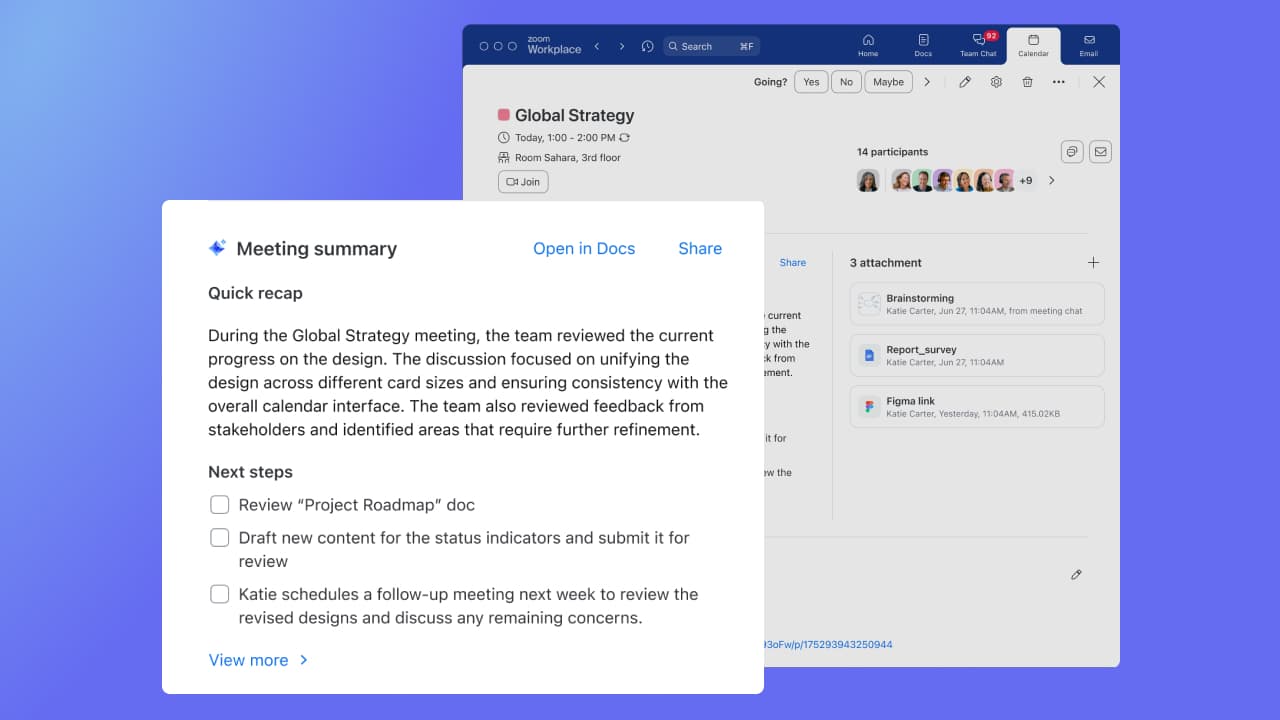
AI companion to remember points that were made and provide a summary to those who were unable to attend after the meeting.
Currently the document database caps out at 10, requiring us to condense some of our policies
It's large context window is a blessing and a curse. Sometimes it stops generating half way through a very ambitious request as it delivers page after page of content
There is no way to share Gems currently, so we have to publish guides to our employees on how to best configure them
It is simple, has the same standard industry format, all the tools are accessible and recognizable. Whenever we are in the browser we can switch from one request to another while the first is still running. Little hallucination and the context window has no competitor on the market right now. The pricing is also the biggest advantage.
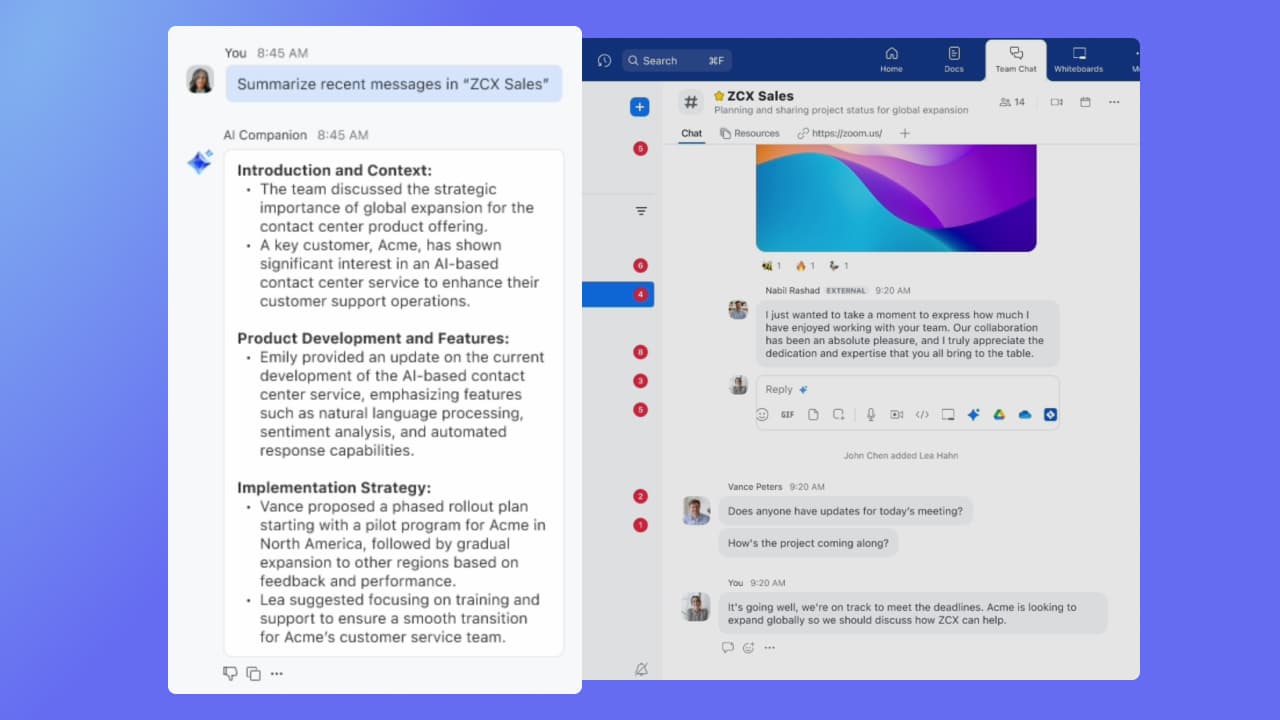
It's really easy to use - the AI icon is everywhere all over the place in the Zoom client so it's easy to be able to leverage AI whenever you need it, and similarly in the meeting it's easy to find and to use. I don't have complaints here that I can think of
Gemini seems very simple to use, veyr similar to ChatGPT, I wish they did have a capability such as ChatGPT projects one, so one can separate topics easily, it's very customizable, where I believe it defeats the others is that, is already very simple to use all of Google ecosystem, such as Drive, docs, sheets and else
Compared to Microsoft Teams, Zoom AI Companion is a clear pioneer in this remote and virtual collaboration platform, leading the way. It is possible to have a remote meeting on both Microsoft Teams and Zoom AI Companion. But Zoom AI Companion provides more productivity and time savings to users. Zoom AI Companion continues to enhance its features to provide value to the product.