
On-Screen Takeoff® vs. zzTakeoff
On-Screen Takeoff® vs. zzTakeoff
| Product | Rating | Most Used By | Product Summary | Starting Price |
|---|---|---|---|---|
 On-Screen Takeoff® | N/A | On-Screen Takeoff is a construction takeoff and estimating solution. It is intended to streamline takeoff, RFI, and bidding processes. | N/A | |
 zzTakeoff | N/A | zzTakeoff is an online takeoff software for construction, redefining how teams approach project estimation, with features that help to make takeoffs faster, smarter, and more efficient. Multi-user real-time collaboration keeps everyone connected and on the same page, to ensure takeoff processes run smoothly without delays. The software’s AI-driven features, like automatic page renaming and scale setting, eliminate tedious tasks, allowing users to focus on critical decisions. zzTakeoff boasts… | N/A |
| On-Screen Takeoff® | zzTakeoff | |||||||||||||||
|---|---|---|---|---|---|---|---|---|---|---|---|---|---|---|---|---|
| Editions & Modules | No answers on this topic | No answers on this topic | ||||||||||||||
| Offerings |
| |||||||||||||||
| Entry-level Setup Fee | No setup fee | No setup fee | ||||||||||||||
| Additional Details | On-Screen Takeoff® pricing varies based on licensing options and specific business needs. The annual subscription plans are designed to scale with project and team size. Available Subscription Options: •On-Screen Takeoff •On-Screen Takeoff with Takeoff Boost™ •On-Screen Takeoff and Quick Bid® •On-Screen Takeoff with Takeoff Boost and Quick Bid Each subscription is customized to match the subscriber's workflow requirements. A 14-day free trial is available. | — | ||||||||||||||
| More Pricing Information | ||||||||||||||||
| On-Screen Takeoff® | zzTakeoff |
|---|
| On-Screen Takeoff® | zzTakeoff | |
|---|---|---|
| Small Businesses |  Bluebeam Score 9.1 out of 10 | Bluebeam Score 9.1 out of 10 |
| Medium-sized Companies |  InEight Score 8.3 out of 10 | InEight Score 8.3 out of 10 |
| Enterprises | InEight Score 8.3 out of 10 | InEight Score 8.3 out of 10 |
| All Alternatives | View all alternatives | View all alternatives |
| On-Screen Takeoff® | zzTakeoff | |
|---|---|---|
| Likelihood to Recommend | 9.0 (0 ratings) | - (0 ratings) |
| Likelihood to Renew | 10.0 (0 ratings) | - (0 ratings) |
| Usability | 6.0 (0 ratings) | - (0 ratings) |
| Support Rating | 8.2 (0 ratings) | - (0 ratings) |
| Implementation Rating | 7.0 (0 ratings) | - (0 ratings) |
| On-Screen Takeoff® | zzTakeoff | |
|---|---|---|
| Likelihood to Recommend | 
|  No answers on this topic |
| Pros |
| No answers on this topic |
| Cons |
| No answers on this topic |
| Likelihood to Renew |
| No answers on this topic |
| Usability |
| No answers on this topic |
| Support Rating |
 christian Maxwell Project Engineer | No answers on this topic |
| Implementation Rating |
| No answers on this topic |
| Alternatives Considered |
| No answers on this topic |
| Return on Investment |
christian Maxwell Project Engineer | No answers on this topic |
| ScreenShots | On-Screen Takeoff® Screenshots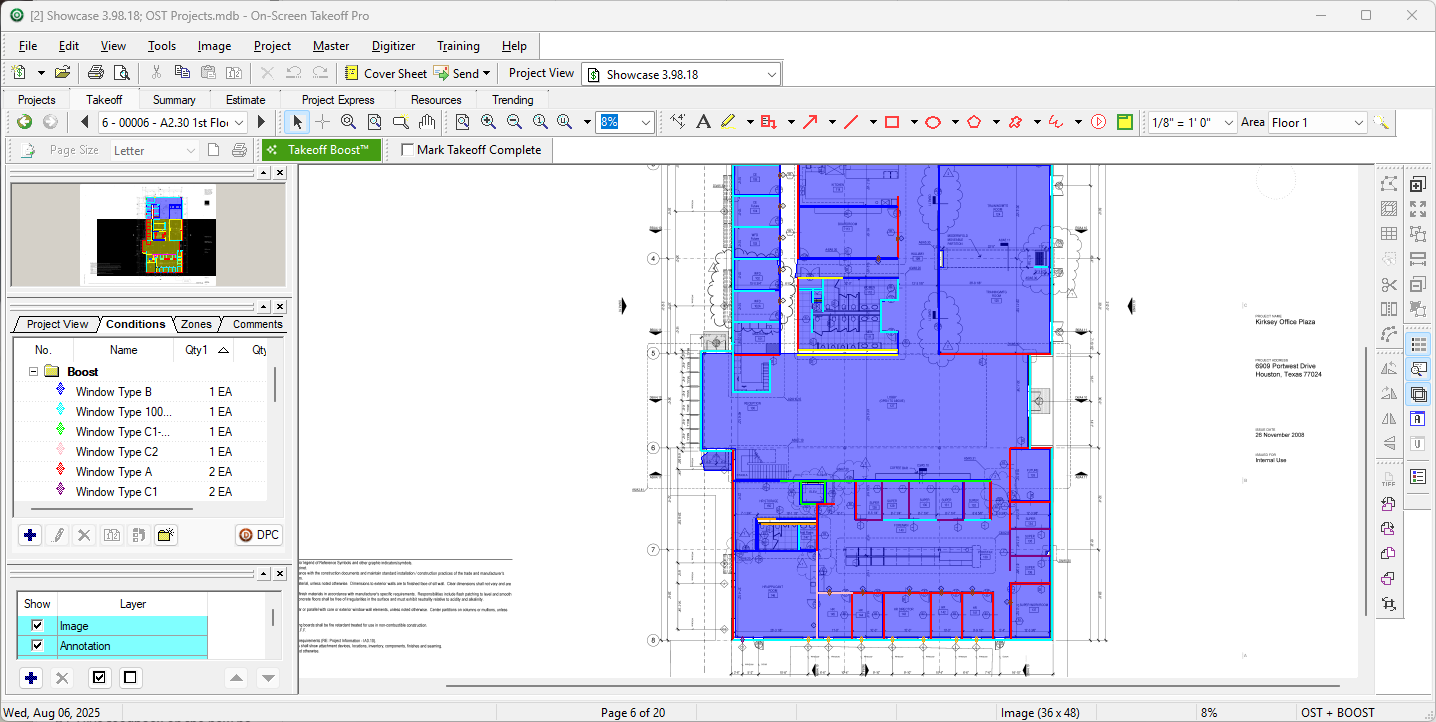 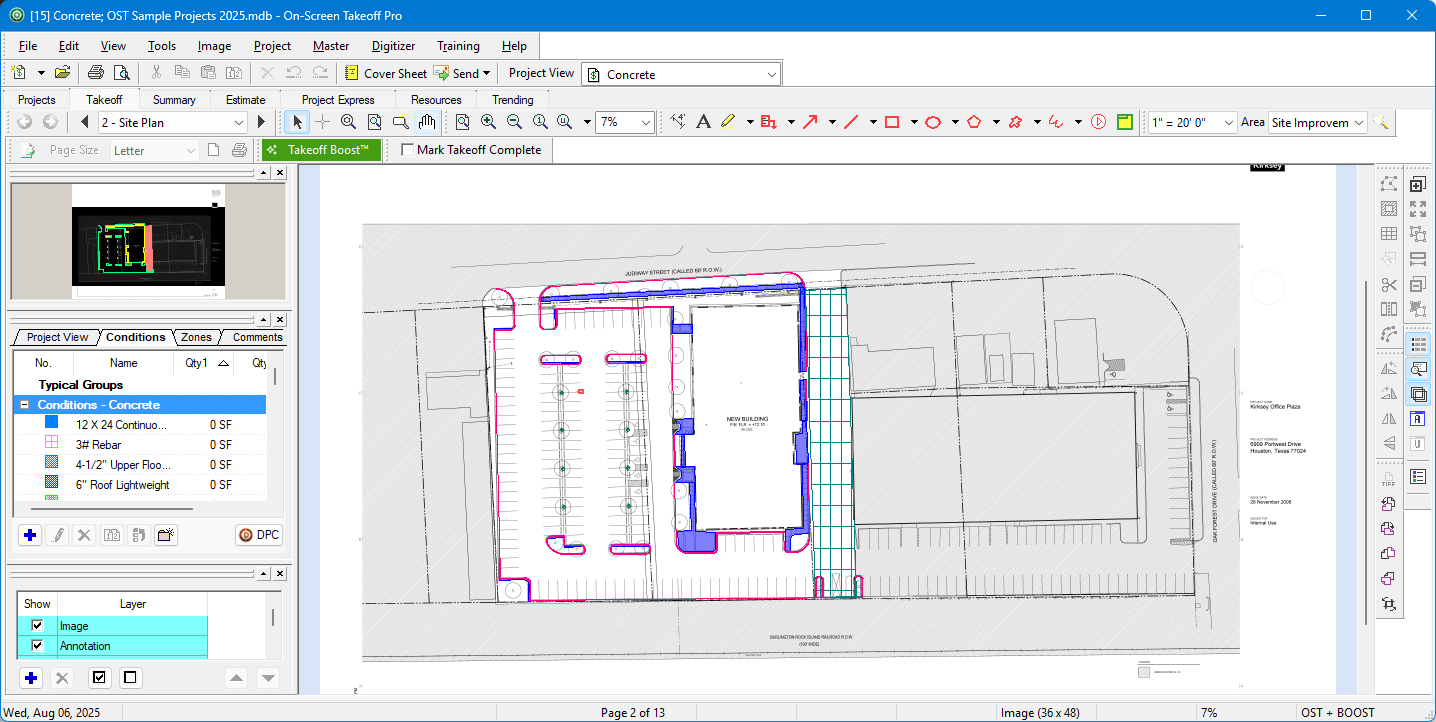 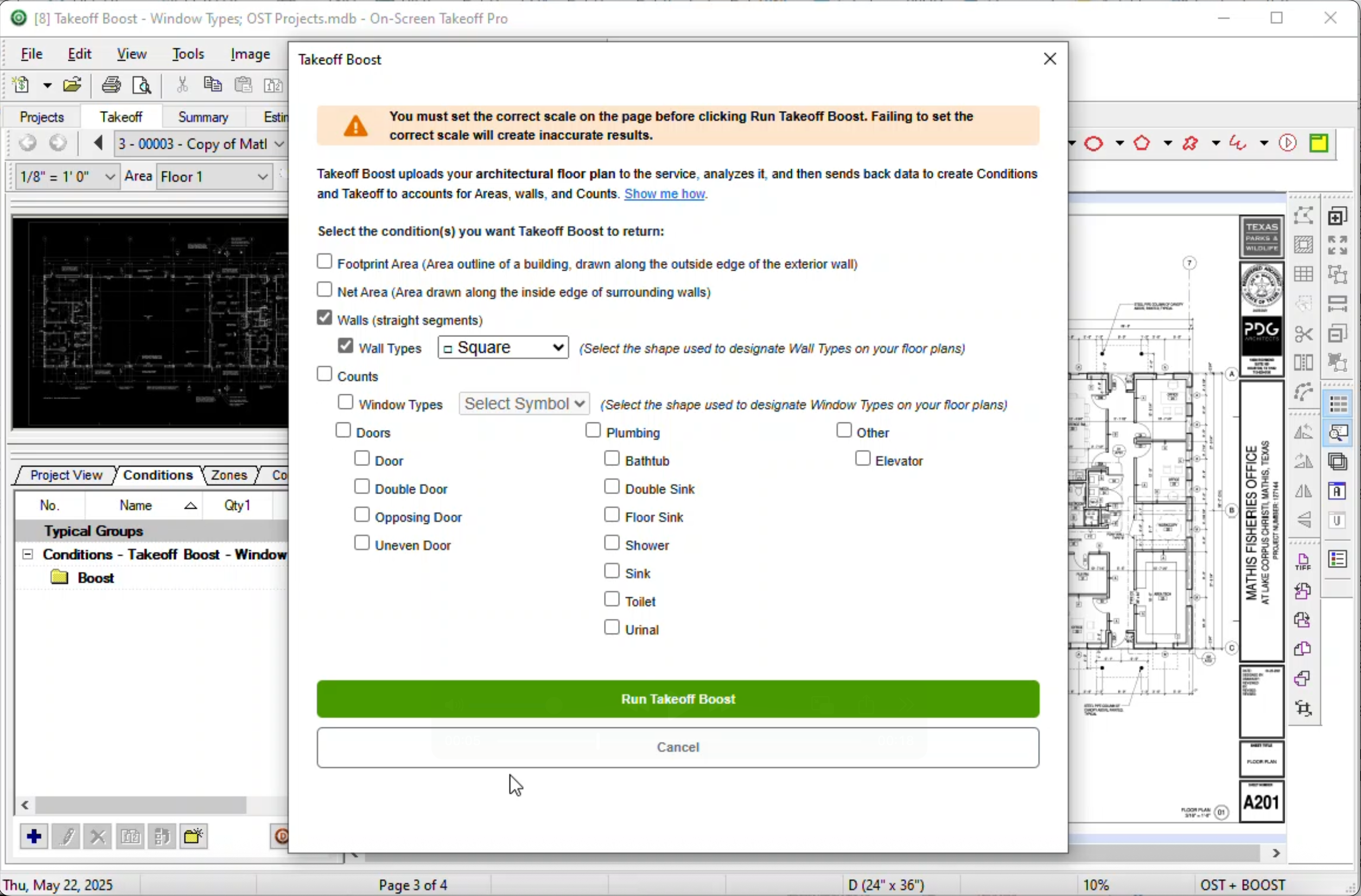 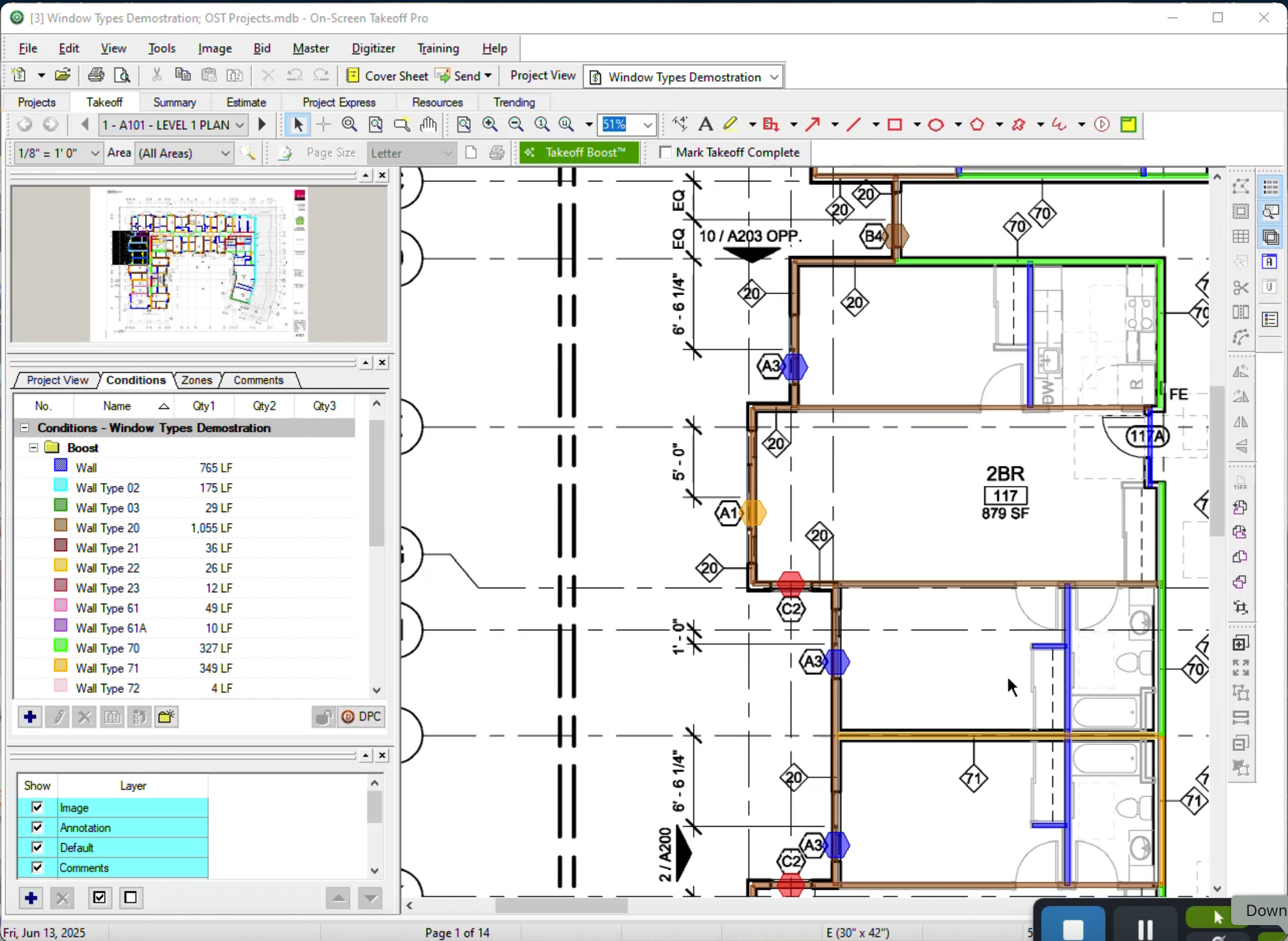 | zzTakeoff Screenshots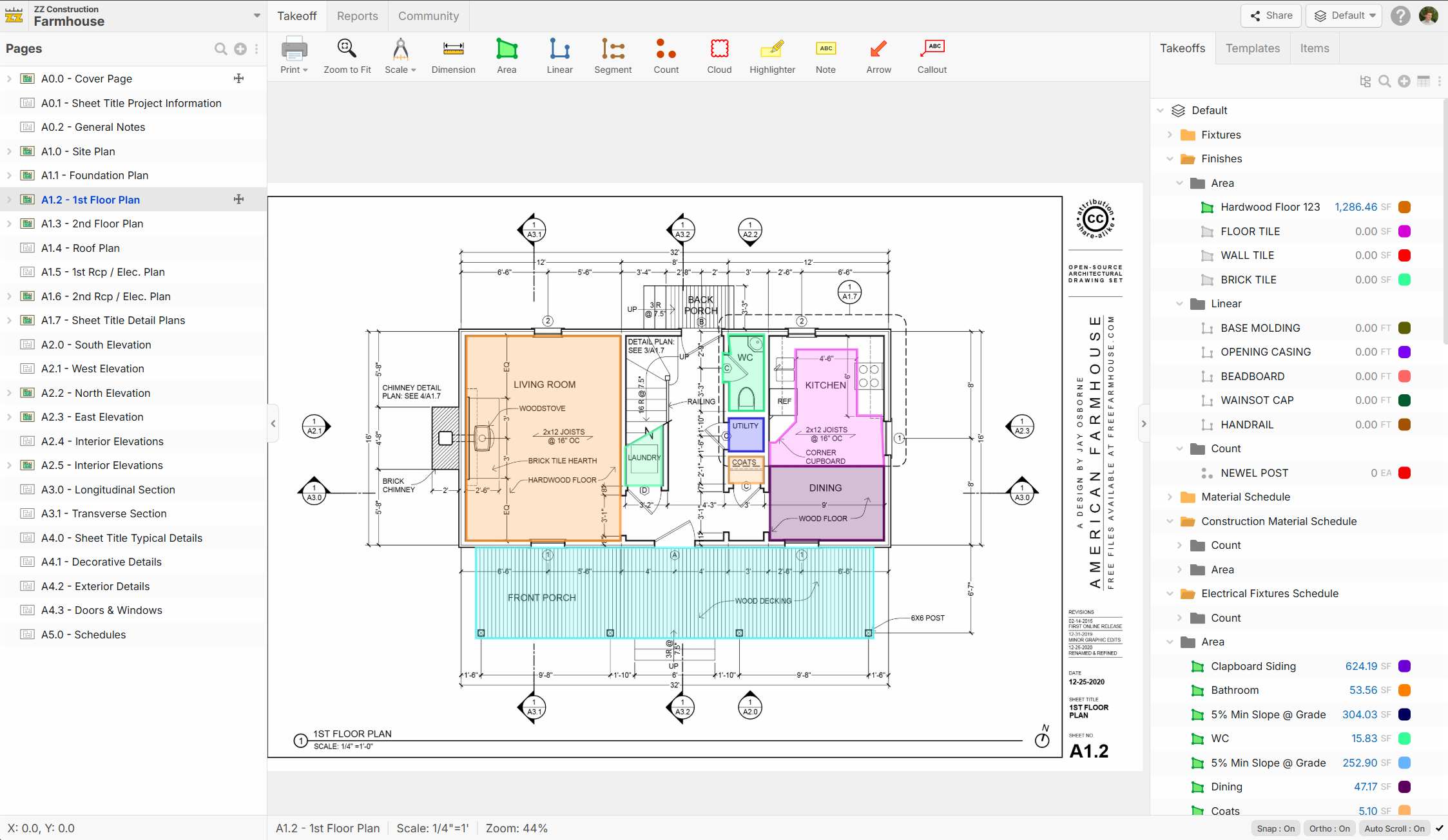 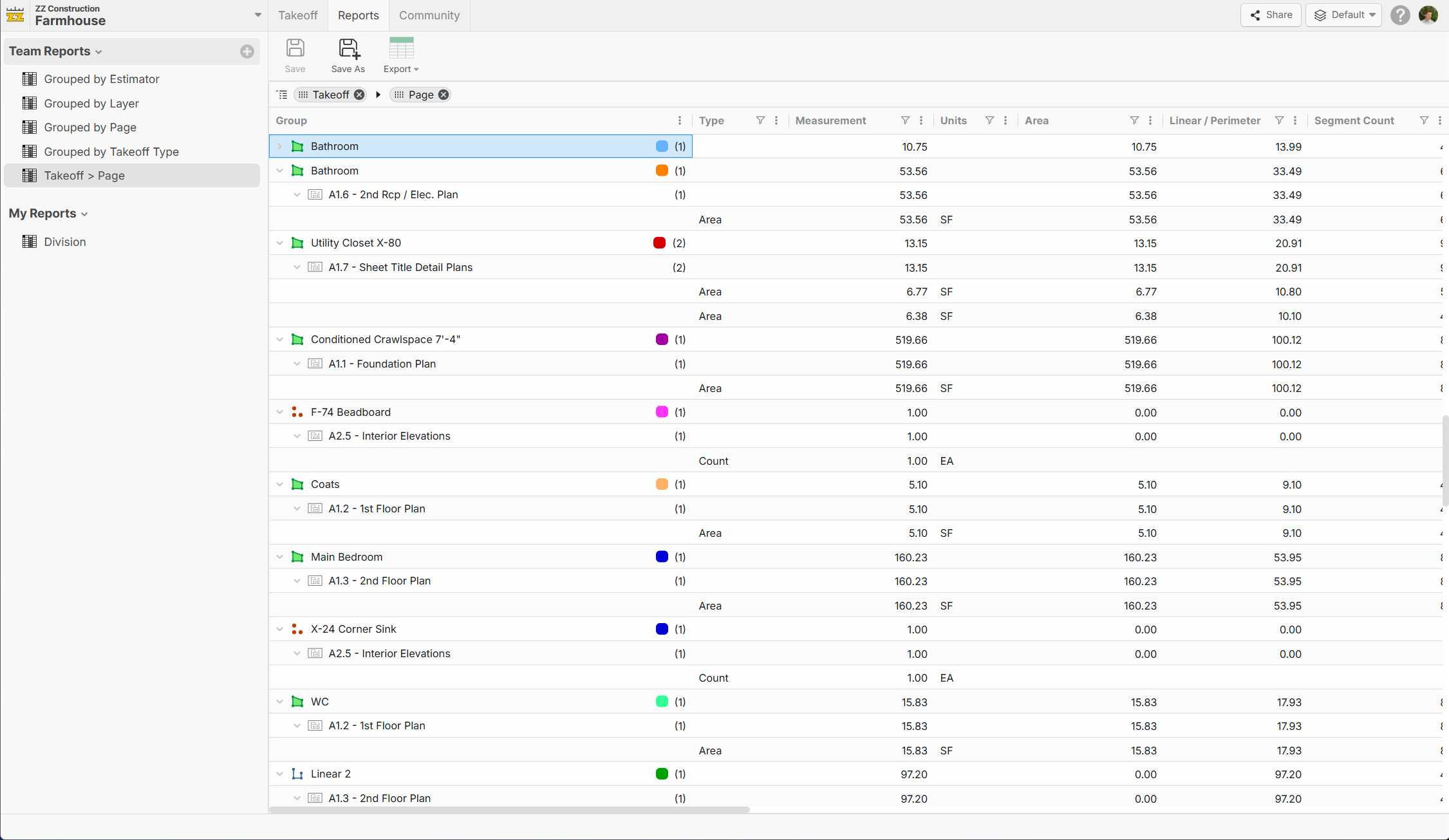 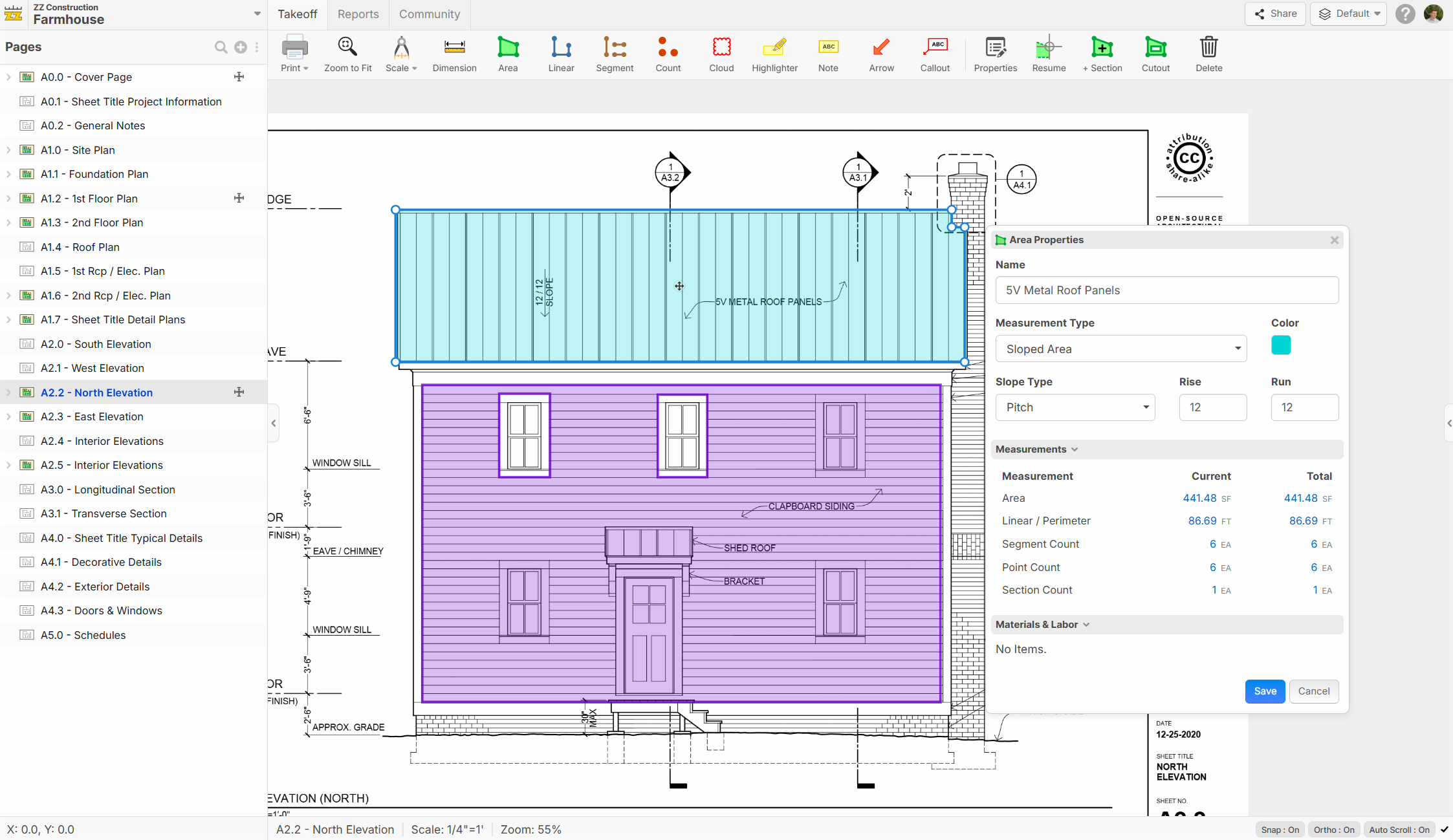 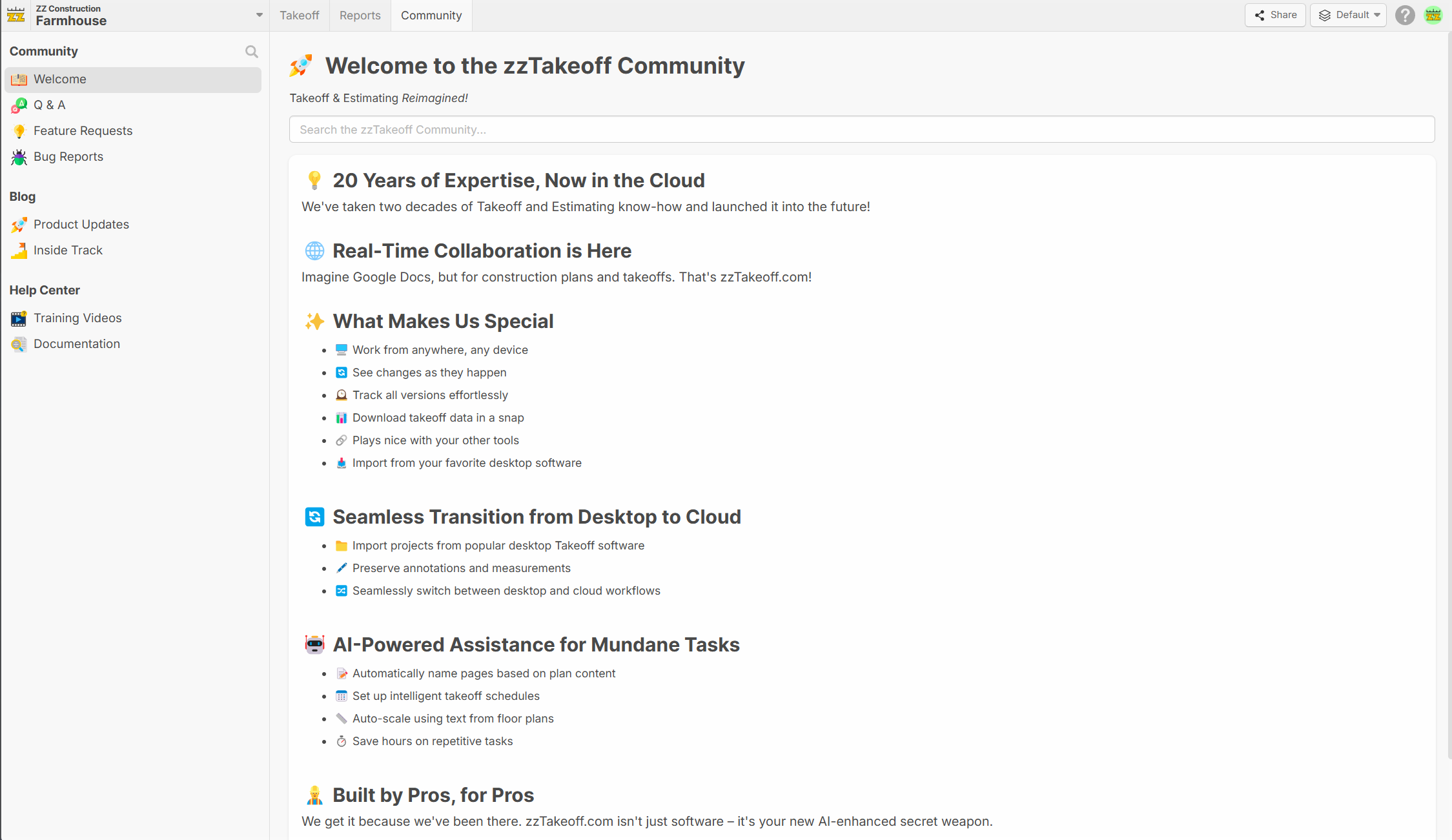 |