

TrustRadius: an HG Insights company

On-Screen Takeoff®

Score7.3 out of 10

39 Reviews and Ratings

What is On-Screen Takeoff®?

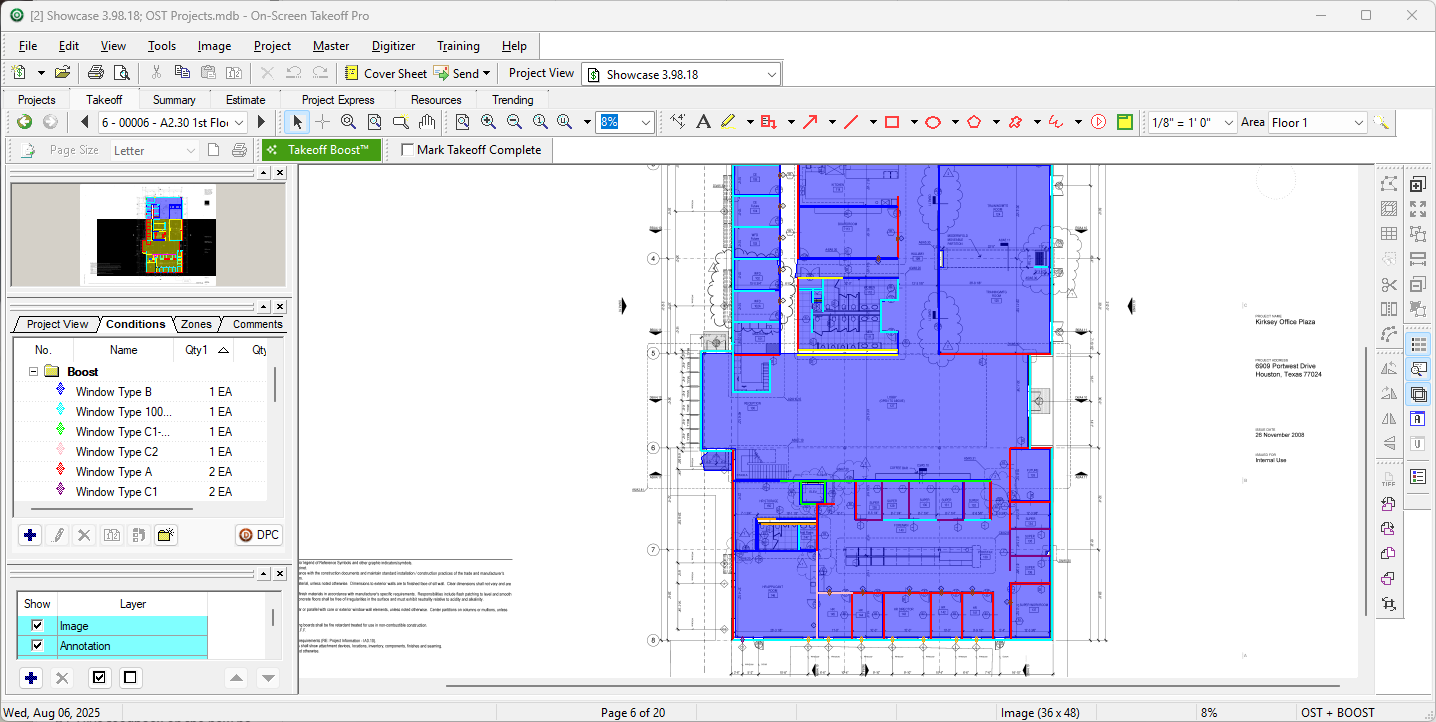
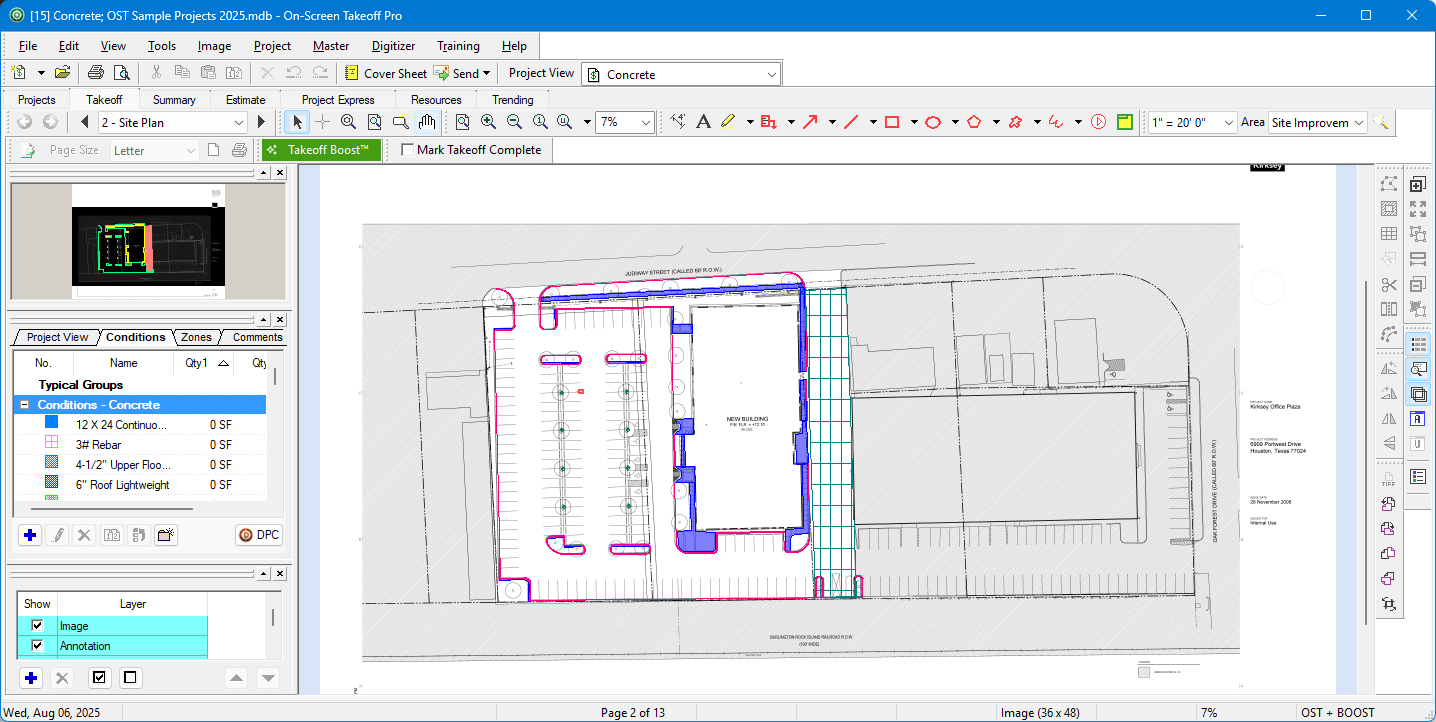
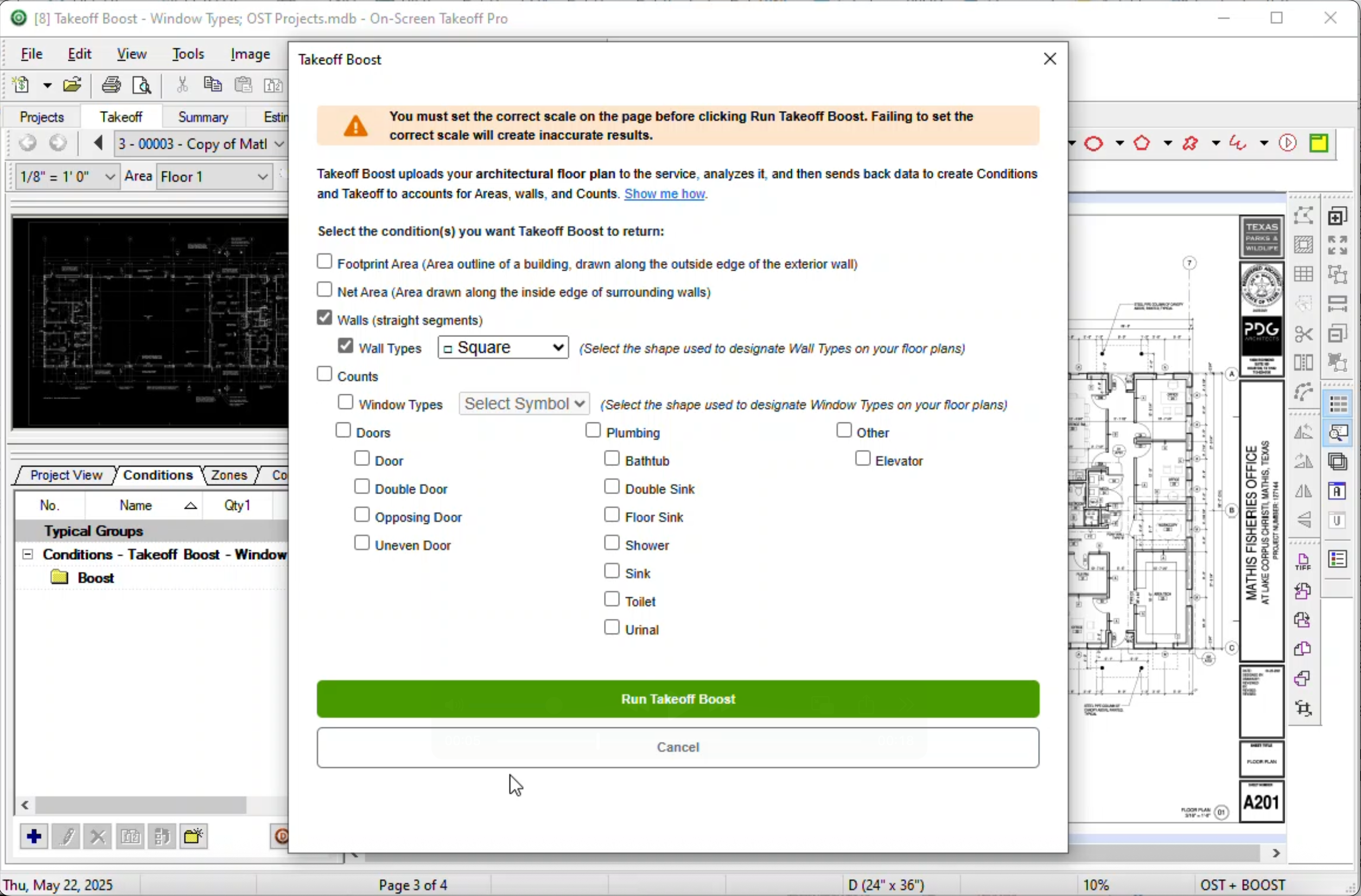
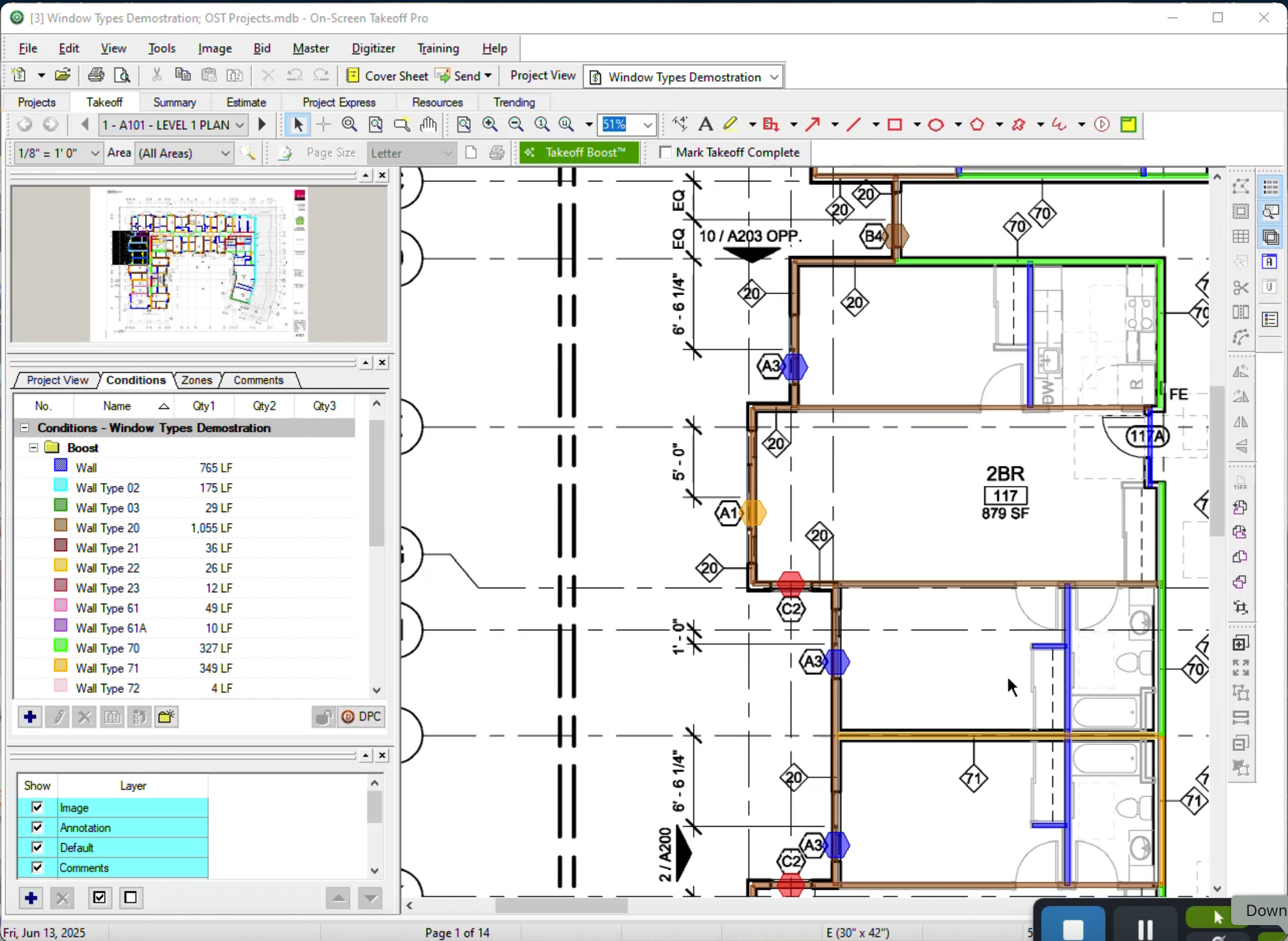
On-Screen Takeoff is a construction takeoff and estimating solution. It is intended to streamline takeoff, RFI, and bidding processes.

Media

1 / 4

Watch yourself work

Pros

  • Increases the speed of the estimating process
  • Allows us to break down the project into manageable pieces

Cons

  • It would be nice if you could select an object that occurs on multiple sheets, copy, and paste it into change orders or alternates.
  • If you could search for where a certain condition is being used (which sheet) and go directly to that page or pages, that would be cool.

Return on Investment

  • For us, it has undoubtedly been a positive experience. We have been using it since 2000, so we have a lot of time invested in the program.
  • We certainly use less paper than we did before we started using On-Screen Takeoff.

Other Software Used

Quick Bid, Bluebeam Revu, PlanGrid

Takeoff Super Software

Pros

  • The biggest thing for me is that it is so easy to use, which allows it to be used widely throughout our organization without a lot of intense training.
  • Another great thing is that it does not matter how big or little the scope of the take off may be, it works just as well for a whole 12 story building take off as it does for a stretch of sidewalk.

Cons

  • I think it would be great if it could work on a file from a shared central location rather than from the local computer's files.
  • I would also like to see some more options for how I can export data to excel or other files for analysis and reporting.

Return on Investment

  • The main benefit for using this software is that our estimating takeoff productivity has gone way up from where it was before allowing us to compile bids and estimates in a quicker and more accurate way.
  • The ease of use has allowed us to reduce the time and investment we have had to put into training new hires on the software.

Alternatives Considered

Bluebeam Revu and Navisworks

Other Software Used

Procore, Bluebeam Revu, AutoCAD, Navisworks, Microsoft Power BI

On-Screen Takeoff - Is a great product for reading prints and preparing quotes

Pros

  • Read Prints
  • On Screen Measuring to verify plans

Cons

  • Switching between different sheets of the plan set

Return on Investment

  • It has sped the bid process
  • It has improved our accuracy in the bidding process

On-Screen Takeoff saves time and provides quality output

Use Cases and Deployment Scope

Our use of On-Screen Takeoff allows us to accurately and effectively put together estimates and cross check subcontractor values. With On-Screen Takeoff our pre-construction process can fill in holes that would otherwise be guesses. Not only can we dial in the quantity values, but we can then communicate these values to our subcontractors as needed. The ability to combine multiple takeoff functions into a single takeoff condition also speeds up the process enabling us to meet accelerated timeframes.

Pros

  • Quantity Takeoff
  • Organization
  • Visual representation of project

Cons

  • User interface is dated
  • The functionality is intuitive to a point, but advanced features required digging and training.

Return on Investment

  • On-Screen Takeoff has provided us with a speedy and effective way to quantify projects.
  • This software enables us to provide detailed takeoff sheets to owners, communicating scope carried on a visual medium.

Alternatives Considered

Bluebeam Revu, eTakeoff and PlanSwift

Other Software Used

Bluebeam Revu, BuildingConnected, an Autodesk product, BidClerk

Usability

Powerful and Efficient

Pros

  • Takeoff
  • Calculating by area
  • Calculating by bid package

Cons

  • Using more than one of their sectioning tools at once. For instance, you must use a typical areas and zones to get areas within areas
  • Tutorials - On-Screen Takeoff has an amazing depth of features but their tutorial videos barely scrape the surface

Return on Investment

  • Creating consistent takeoffs
  • Speeding up the estimating process

Alternatives Considered

Bluebeam Revu