TrustRadius: an HG Insights company

BrowserStack

Score8.6 out of 10

444 Reviews and Ratings

Try for free

Contact about BrowserStack

Please fill out the form below to get in touch.

BrowserStack

Connect with BrowserStack

What are you interested in?

Already have an account?

You hereby consent to have TrustRadius share the information supplied on this form with BrowserStack so that BrowserStack and TrustRadius may contact you in regard to the information requested.

What is BrowserStack?

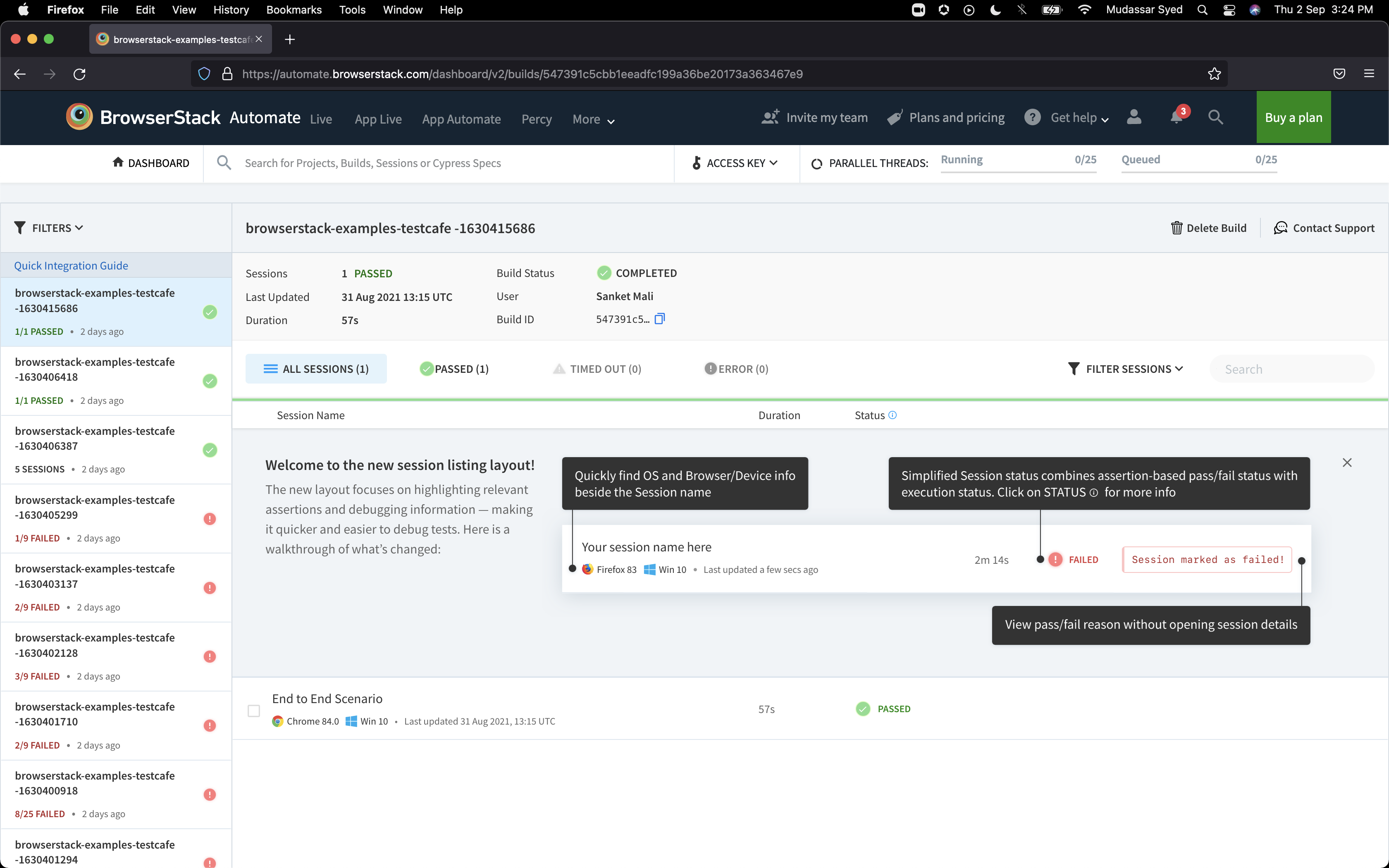
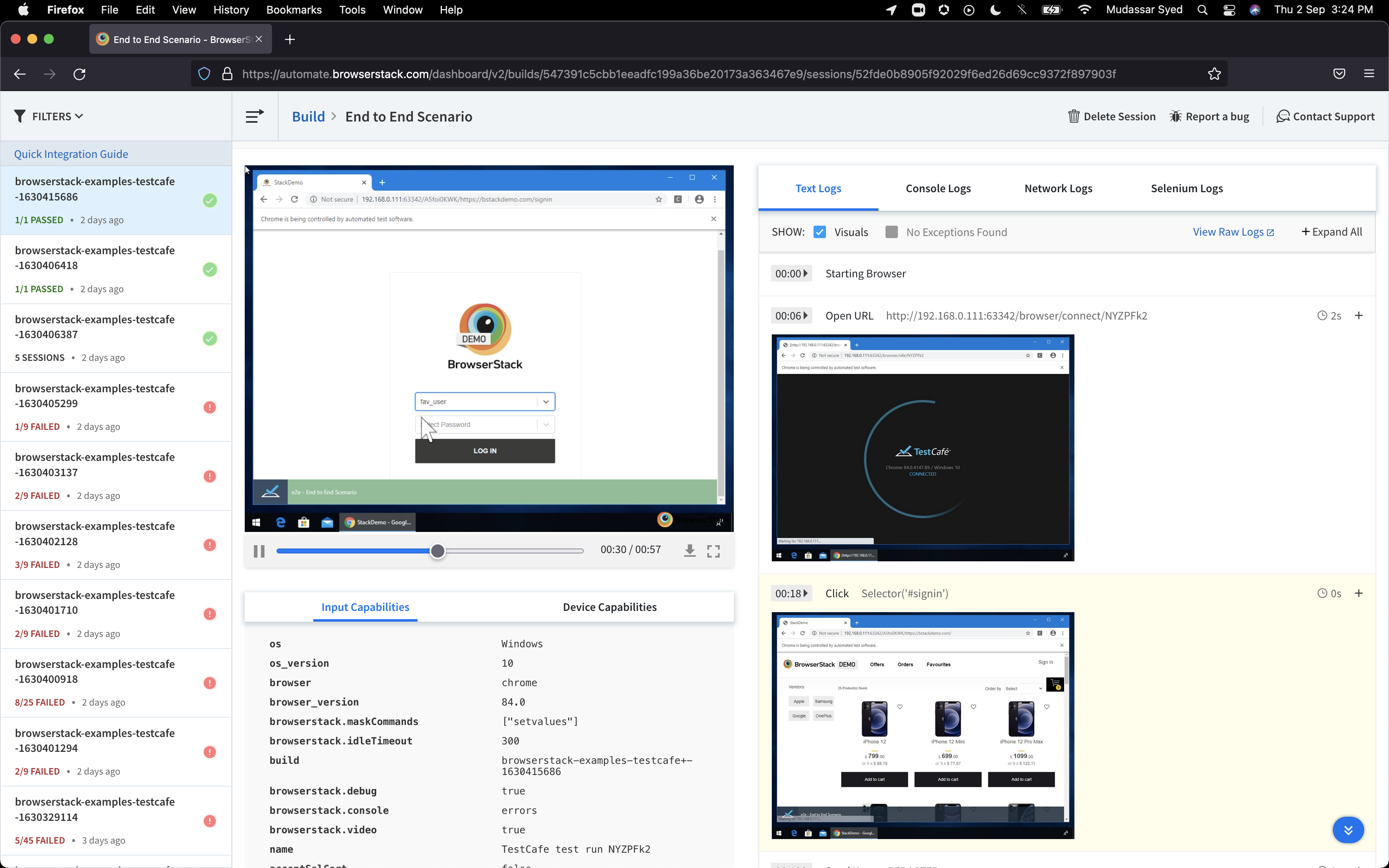
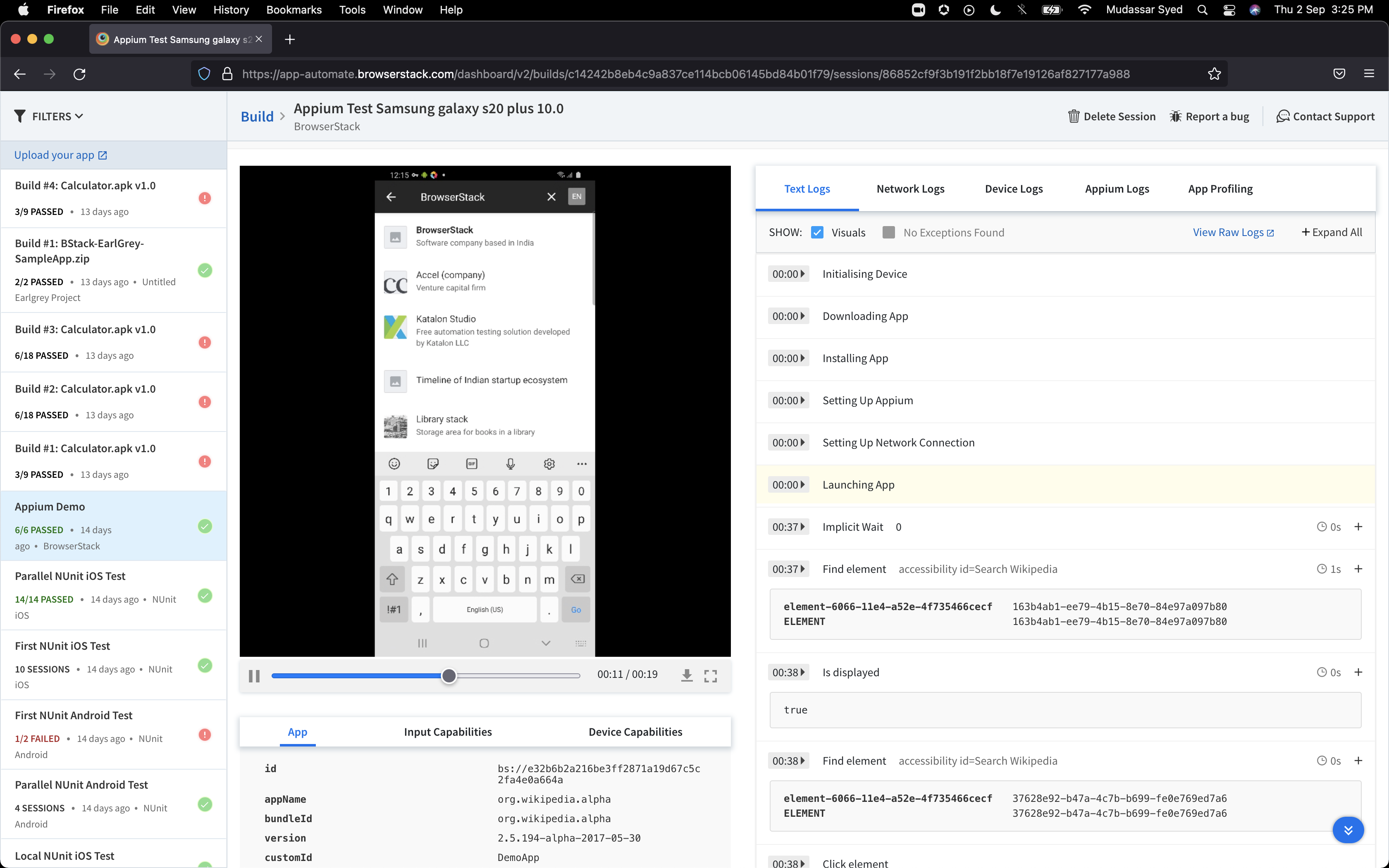
BrowserStack is a test platform built for developers and QAs to expand test coverage, scale and optimize testing with cross-browser, real device cloud, accessibility, visual testing, test management, and test observability. BrowserStack states it currently powers over a billion tests a year for customers who include Amazon, Paypal, Well Fargo Bank, Nvidia, MongoDB, Pfizer, GE, Discovery, React JS, Apache, JQuery and several others rely on BrowserStack to test their web and mobile apps.

Media

1 / 6

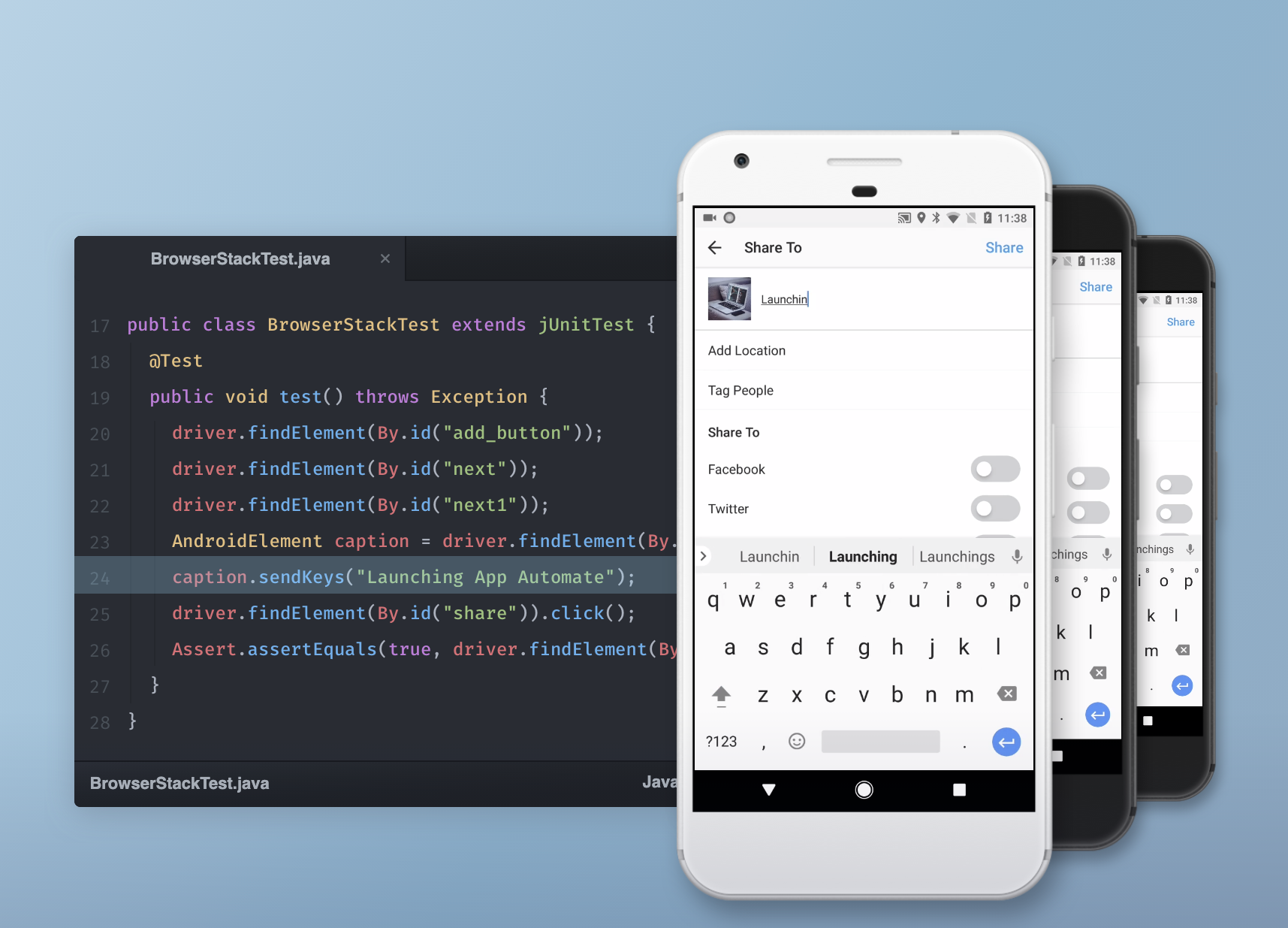
LIGHTNING FAST TESTING.

Use Cases and Deployment Scope

We use BrowserStack to test all operating systems and browser combinations that our platforms support. BrowserStack helps us to identify bugs in our software reported by our customer base without having to purchase all operating systems that they use.

Pros

  • Provides almost every combination of real world user experience.
  • Ability to determine bug reports and reproduce problems in a timely manner.
  • I wouldn't be able to perform my integration testing as a QA professional without BrowserStack.

Cons

  • The ability to test emails via specific operating systems; we had a bug happening via Outlook on a specific operating system only. I reached out to support and this is not something currently possible in BrowserStack.

Most Important Features

  • Updated Browsers.
  • All new operating systems.
  • Mobile devices for testing.

Return on Investment

  • We would be lost without BrowserStack.
  • The ROI of using BrowserStack is that we don't have to purchase every operating system or mobile device to perform our testing.

Other Software Used

Litmus from Validity

AI Driven Quality Engineering All it does BrowserStack

Use Cases and Deployment Scope

I am using BrowserStack for cross browser testing, Mobile testing, Visual testing and Accessibility testing. Exploring LowCode recently. The major business problem that gets addressed is Real time testing in real devices rather than simulators or emulators. Also when it comes to compliance, BrowserStack's Accessibility helps way better than other tools in the market in making WCAG 2.XX compliances and testing ease and effortless and automating it too.

Pros

  • Cross browser testing with its Device farm
  • Accessibility testing
  • Percy - Visual testing tool
  • Test management

Cons

  • I see they have Low code and AI driven automation. But still there is more room for improvement in this area to make it easier for automation testers.
  • If they have some integration to convert existing Selenium tests into LowCode tests, would be great for QE's

Most Important Features

  • Accessibility
  • Mobile device farm
  • Percy
  • LowCode
  • Observability

Return on Investment

  • We had 20% ROI recently which is very positive through Accessibility.
  • In terms of Automated regression tests, Considerable improvement in running tests parallely in a device farm and multiple browser versions and types, which helps faster releases and less cycles.

Other Software Used

Perfecto by Perforce, Tricentis Tosca, Testsigma

Usability

BrowserStack - the one for all platform

Use Cases and Deployment Scope

We were using BrowserStack mainly for testing the website that we built. Mainly for the purpose of responsiveness testing. BrowserStack made the process of testing the website very simple and easy. We can also take screenshots of bugs that we encountered and it made testing quick and easy for our team. We tested it on multiple browsers as well as tested the site on mobile devices and it was so easy.

Pros

  • Testing of websites and capturing bugs screenshots
  • Testing responsiveness of websites on multiple screen sizes
  • Multiple mobile devices available for testing
  • Easy one for all testing platform
  • Easy to use

Cons

  • Loading some of the mobile devices is a bit slow
  • Mobile device response is a bit slower as compare to the desktop devices
  • It's good and easy to understand, so currently I don't think of any other missing functionalities

Most Important Features

  • Testing of websites on multiple desktop and mobile devices
  • Local testing for websites on multiple devices
  • One platform for testing

Return on Investment

  • BrowserStack definitely made positive impact because of its simplistic testing methods
  • The ui is easy to understand
  • Selection of devices directly and starting the testing journey

Alternatives Considered

LambdaTest

Other Software Used

BrowserStack, LambdaTest

BrowserStack is still King

Use Cases and Deployment Scope

We primarily use BrowserStack for live, cross-browser testing. We are rebuilding over 15 websites and need to verify the site looks and works consistent in 22+ different browsers. We plan on taking advantage of the automated testing next, to be sure that, for example, forms work consistently and that their workflows are indeed firing properly.

Pros

  • cross-browser testing
  • automated testing
  • no-code automated testing

Cons

  • more optimized UI
  • better organization of tool
  • instead of more tools - synthesize and combine functionality for a streamlined UX

Most Important Features

  • screenshot test
  • live cross-browser testing
  • website scanner

Return on Investment

  • improved responsive design
  • streamlined testing
  • allows us to find bugs quicker

Alternatives Considered

SmartBear TestLeft and LambdaTest

Other Software Used

ClickUp, Semrush, Google Gemini

East West Bank

Use Cases and Deployment Scope

Our organization use BrowerStack to stimulate our digital banking. We use this to demonstrate to our customers how that works without using any genuine data of any customers. We find it particularly useful for those elderly who are not familiar with digital devices. The software helps us a lot in promoting our products.

Pros

  • Showing how to use digital banking step by step
  • Don't have to worry about using real data

Cons

  • More user friendly to open accounts
  • Much easier to start up the application process
  • Provide demonstrations to first time user

Most Important Features

  • Ensure data privacy
  • Platform stimulation
  • Demonstrating instructions step by step

Return on Investment

  • Positive ROI