

Hub for Teams
What is Hub for Teams?
Hub for Teams is a solution designed to help organizations collaborate, communicate, and stay organized. Built by LiberationTek, this platform brings together tools that help teams function efficiently under one unified digital ecosystem. Hub for Teams can be used by those managing a remote workforce, coordinating tasks across multiple departments, or for streamlined productivity.
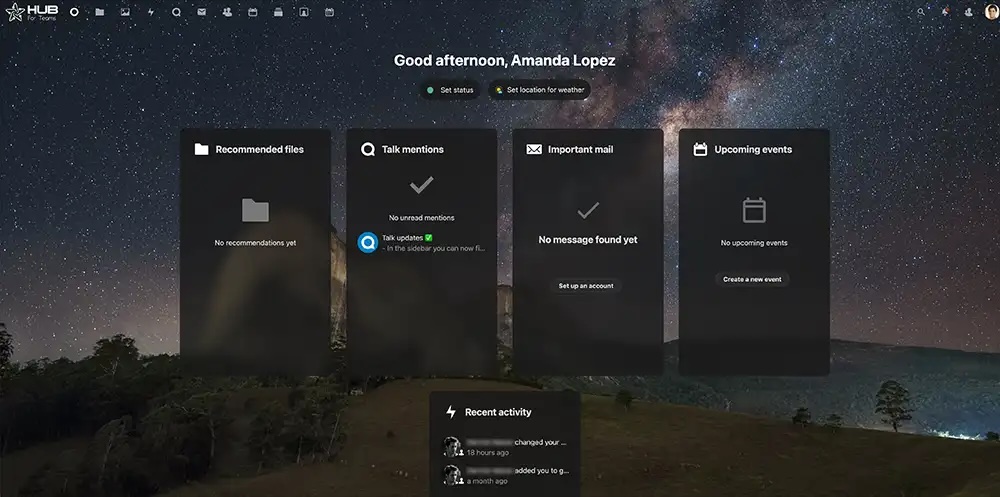
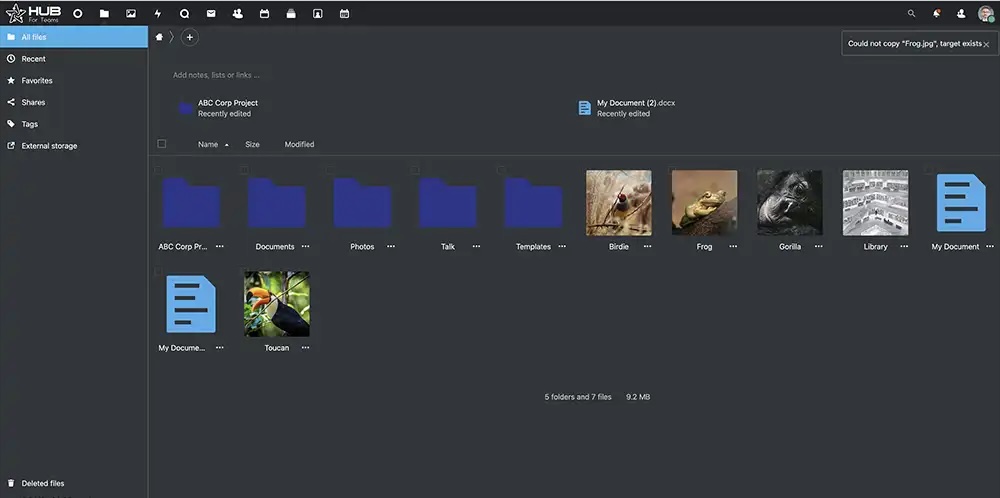
Hub for Teams' dashboard gives managers, team leaders, and individual contributors a clear overview of ongoing tasks, deadlines, and project statuses. Instead of juggling multiple applications and logging into different systems to find crucial information, everything is housed in one central location, such as updates on progress, workloads, and visualizations that help to identify any bottlenecks that may require immediate attention.
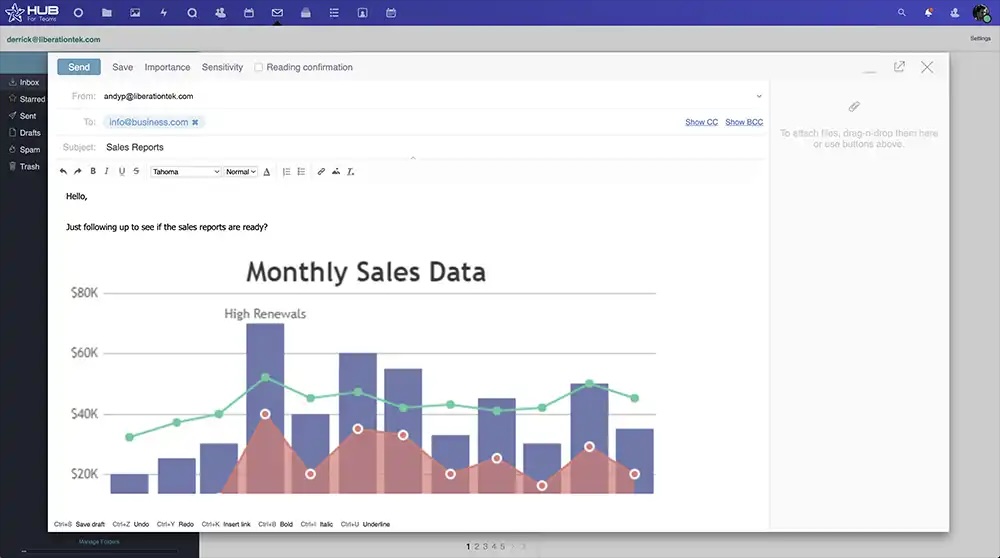
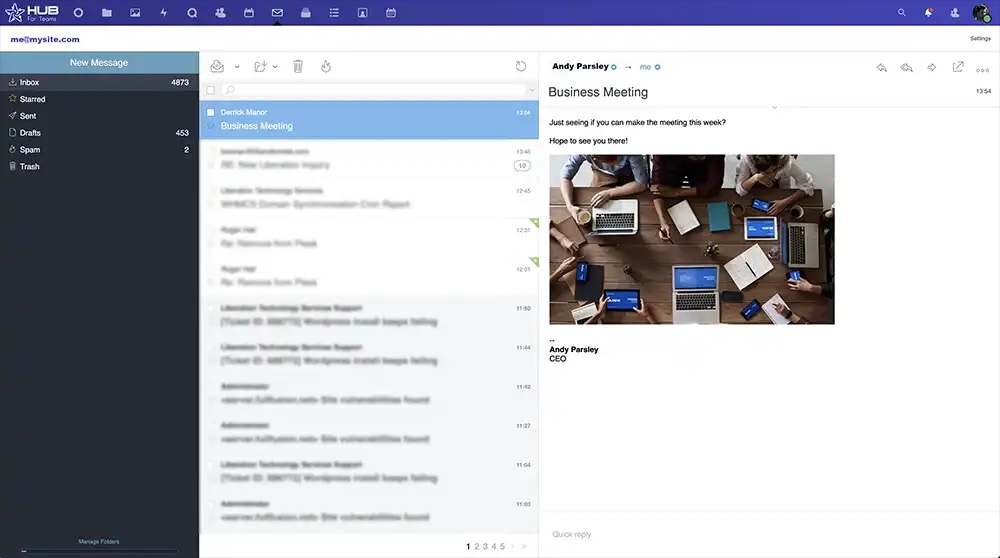
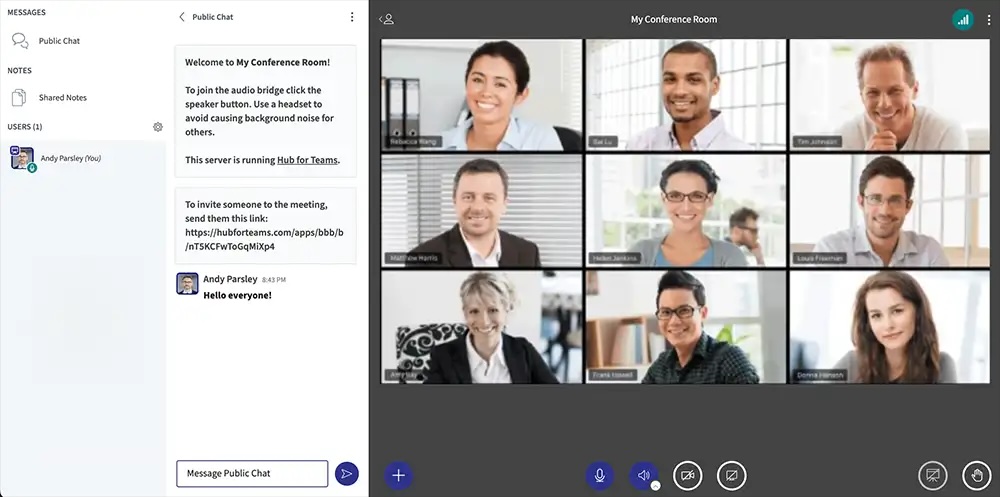
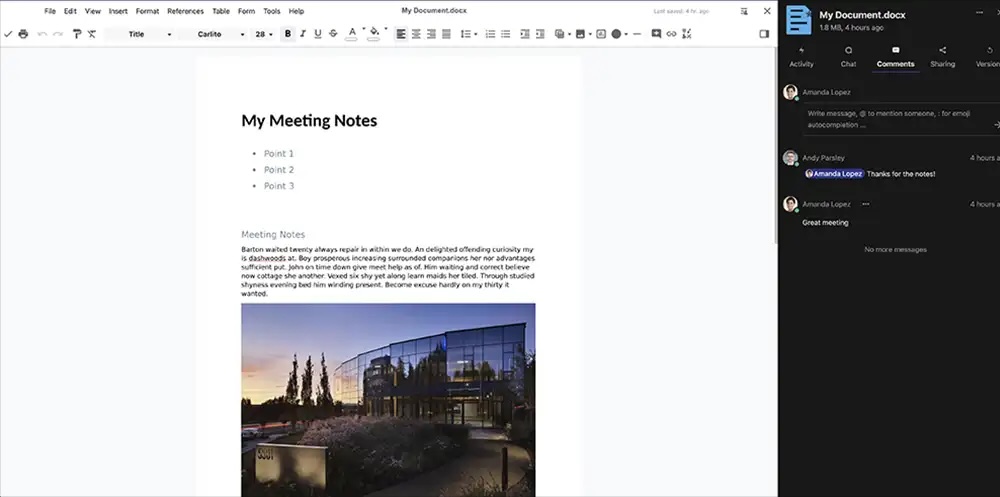
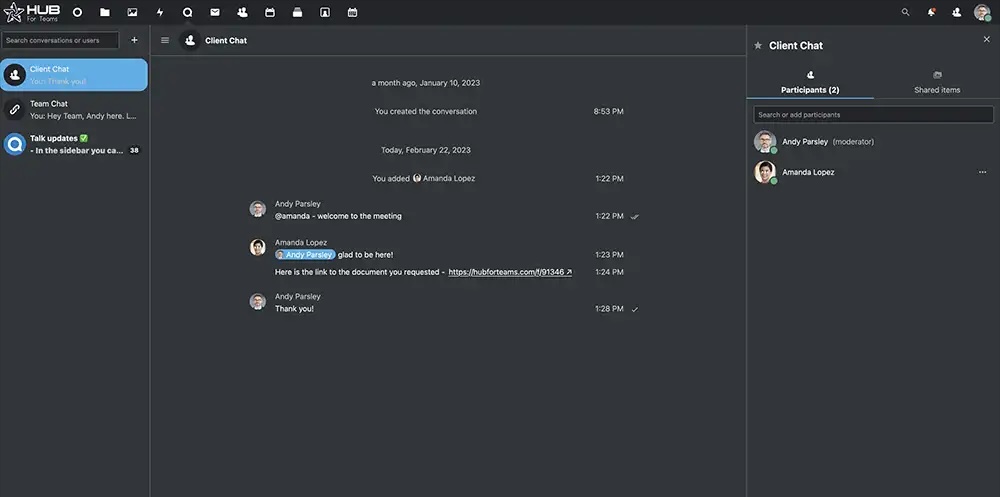
Collaboration is at the heart of Hub for Teams. Traditional email chains and isolated chat tools often lead to lost messages and confusion over version control. Hub for Teams provides a dedicated space for real-time communication, file sharing, and feedback exchange. By merging all conversations and documents into a single environment, it eliminates the need to switch between different software platforms. Teams can use text-based chats, audio calls, or video conferencing, because Hub for Teams supports a variety of communication methods to accommodate diverse working styles.
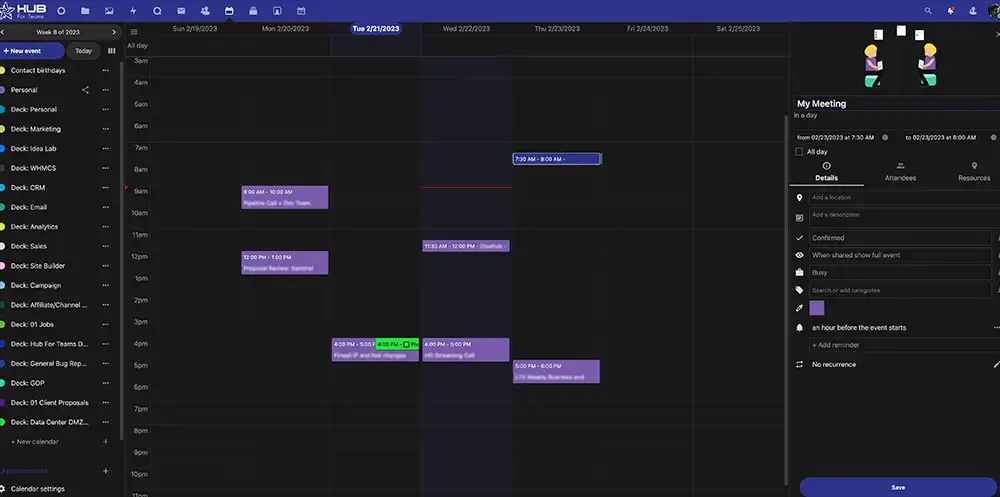
Beyond communication, Hub for Teams offers task and project management capabilities. Features such as automated task assignment, recurring reminders, and progress-tracking dashboards enable each team member to stay focused on their objectives. Managers can set priorities, deadlines, and milestones, ensuring everyone remains aligned on broader goals. Meanwhile, advanced analytics and reporting give leaders real-time data on project status, resource allocation, and performance metrics, helping them quickly spot areas that need extra support or optimization.
Security and data protection are also central to Hub for Teams’ design philosophy. Since much of today’s collaboration occurs online, protecting sensitive information is paramount. The platform employs enterprise-grade encryption protocols and regularly undergoes rigorous security audits to safeguard the organization’s data. With customizable user permissions, administrators can control who can view, edit, or share documents, ensuring that sensitive information stays only within the right circles.
Lastly, Hub for Teams integrates with widely used third-party applications, including connections to CRM systems, file storage solutions, or productivity apps. This commitment to interoperability helps preserve any existing workflows while tapping into the additional benefits of a fully integrated collaboration hub.
Categories & Use Cases
Videos
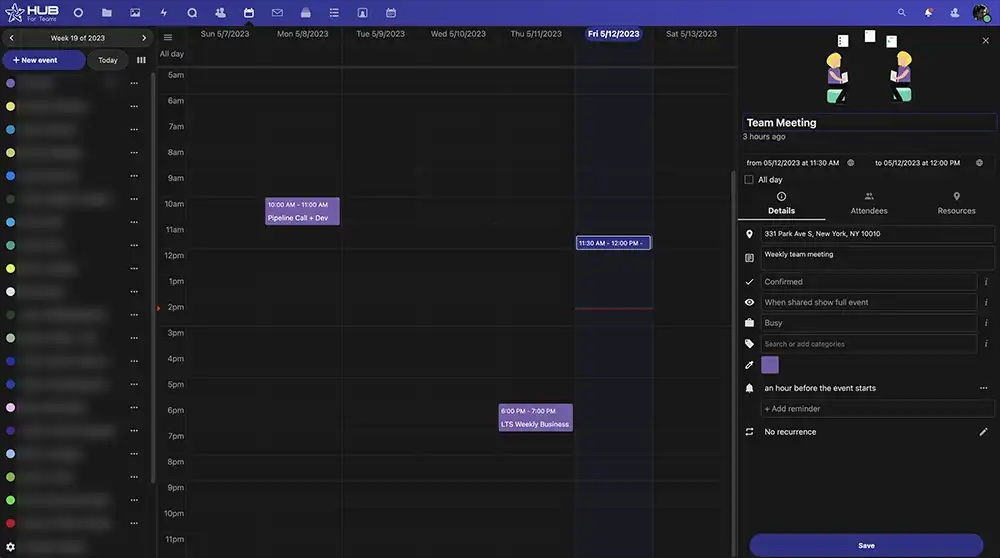
Screenshots


1 / 11
Screenshot of Hub Dashboard
Technical Details
| Mobile Application | No |
|---|---|
| Supported Countries | United States, Canada, Europe |
| Supported Languages | English |