TrustRadius: an HG Insights company

PowerSchool Unified Classroom

Score6.2 out of 10

15 Reviews and Ratings

What is PowerSchool Unified Classroom?

PowerSchool Unified Classroom is a learning management and classroom collaboration solution suite. It aims to empower teachers with real-time student interaction inside and outside the classroom, bringing in more social and collaborative learning. Teachers can quickly create and deliver rich engaging lessons, electronically collect, annotate, and grade work, and easily collaborate and share with other educators. Unified Classroom includes PowerSchool solutions Assessment, Gradebook, Learning, and Special Programs.

Categories & Use Cases

Media

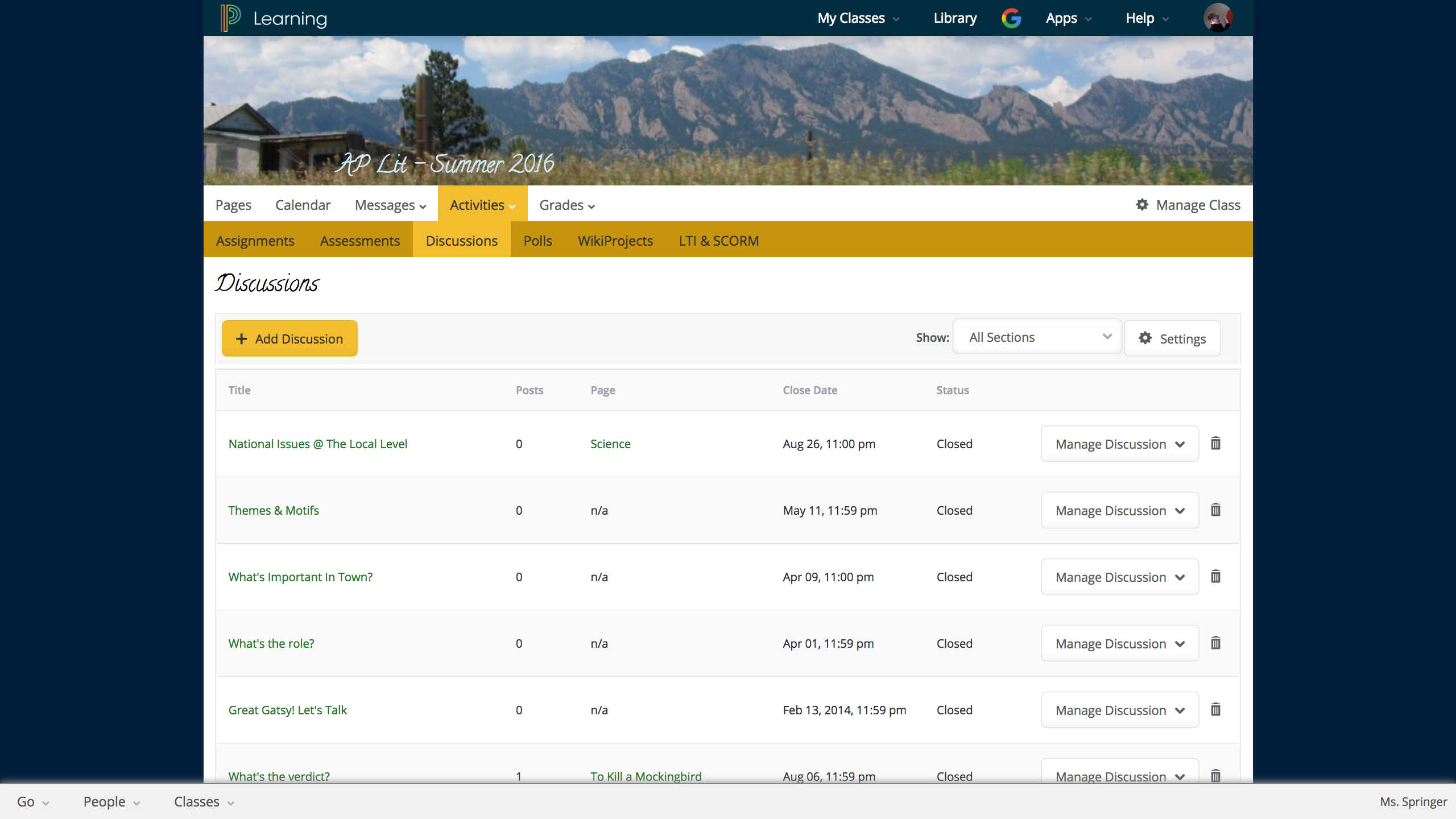
Discussion in LMS
LMS student portal
LMS student portfolio

1 / 3

Top Performing Features

  • Assignments

    Users can assign courses/curricula to individuals or groups, with due dates.

    Category average: 7.9

  • Course authoring

    Users can develop and assemble online learning content.

    Category average: 7.8

  • Player/Portal

    Students or employees can engage with content and take courses using this interface, which may be called a player or portal.

    Category average: 8.7

Areas for Improvement

  • Progress tracking & certifications

    The system tracks individuals’ progress on courses, scores, transcripts, certificates, etc.

    Category average: 8.3

  • Course catalog or library

    Learning content is organized into a course catalog or browsable library.

    Category average: 8.2

  • Mobile friendly

    Students or employees can access content from mobile devices. Course authors can develop responsive learning content.

    Category average: 7.1

PowerSchool Unified Classroom: Your Problem's Solved!

Pros

  • Hand in/Hand Out Assignments
  • Standards Based Assessments

Cons

  • Can be clicky
  • Not able to integrate digital textbooks and work from some providers.

Return on Investment

  • Gave teachers a tool that is useful
  • Helps teachers stay organized

Alternatives Considered

Brightspace and Edmodo

Other Software Used

Microsoft 365 Business, Kronos Workforce Central, MS SharePoint

Developing a cohesive student database

Pros

  • The server system is very secure and reliable.
  • We can create student accounts quickly and easily while transferring information to other schools when needed.
  • We use it for our grading systems and family information.

Cons

  • The user interface is a little blocky and not entirely user-friendly.
  • It does take more training than we'd like with new staff.

Return on Investment

  • PowerSchool has successfully helped us create a database on our students and allow staff to quickly access student information.
  • We have been able to coordinate the arrival of new students to multiple teams for student support.

PowerSchool for Schools in Power!

Pros

  • the interface is very easy to see, view, and use
  • It houses many different types of information, like attendance, grades, discipline issues, requests for administration support
  • it is helpful to maintain all grades for each class
  • it allows parents to view comments from teachers for each grade so they understand the full picture

Cons

  • I teach 15 different sections of classes and it is hard to view sections all at once to enter grades in
  • Navigating through all of the tabs to know how to view grades is hard- whether it is Assignments view, or by students, etc.

Return on Investment

  • Positive impact- i don't know how much it costs but every teacher spends probably 1-4 hours on powerschool every week but it streamlines communication

Alternatives Considered

Schoology

Other Software Used

Schoology

PowerSchool is Powerful!

Pros

  • It easily makes calculations for you to come up with a mark easily.
  • It allows me to put my comments on assignments into the grade so that students get feedback quickly and easily.
  • It is easy to use.

Cons

  • The substitute system does not allow you to see what the background areas are of substitute teachers
  • The substitute system does not provide direct contact info for substitutes
  • The Student view that we have access to is not true student view. What they see is different which negates the purpose

Return on Investment

  • Students have a real time snapshot of their grades at any given time
  • There is 100% transparency in where grades come from with a system like this.
  • It makes parents more accountable as they have no excuse of not knowing if what their kids marks are or if they attended school that day