



SAP Crystal Reports - A Little Outdated Giant of Reporting

Use Cases and Deployment Scope
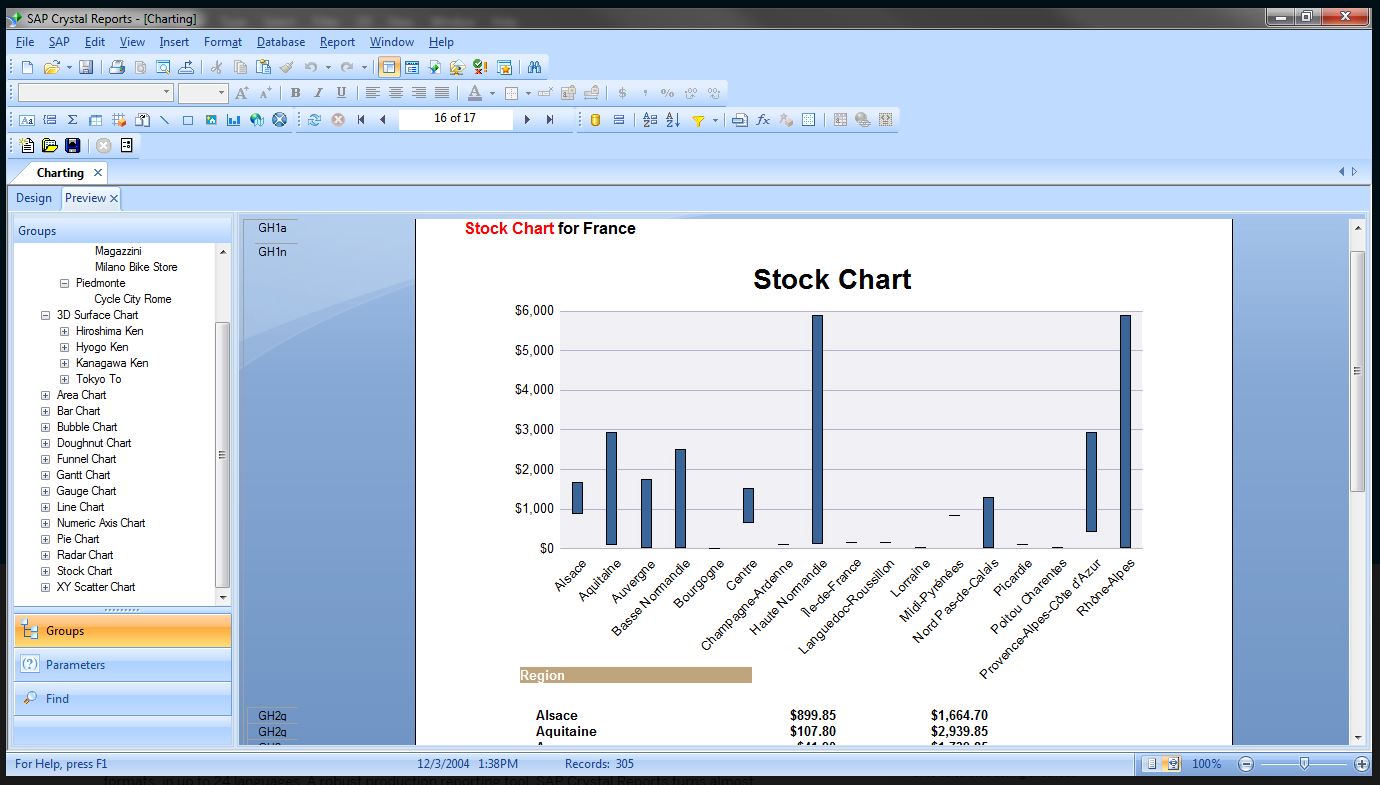
I use SAP Crystal Reports to create management reports in web apps. For developer like me it is a convenient reporting tool as it integrates well with Microsoft Visual Studio. For my clients it offers various output formats like PDF, Excel spreadsheet etc.
Pros
- SAP Crystal integrates well with Microsoft Visual Studio so development is easier.
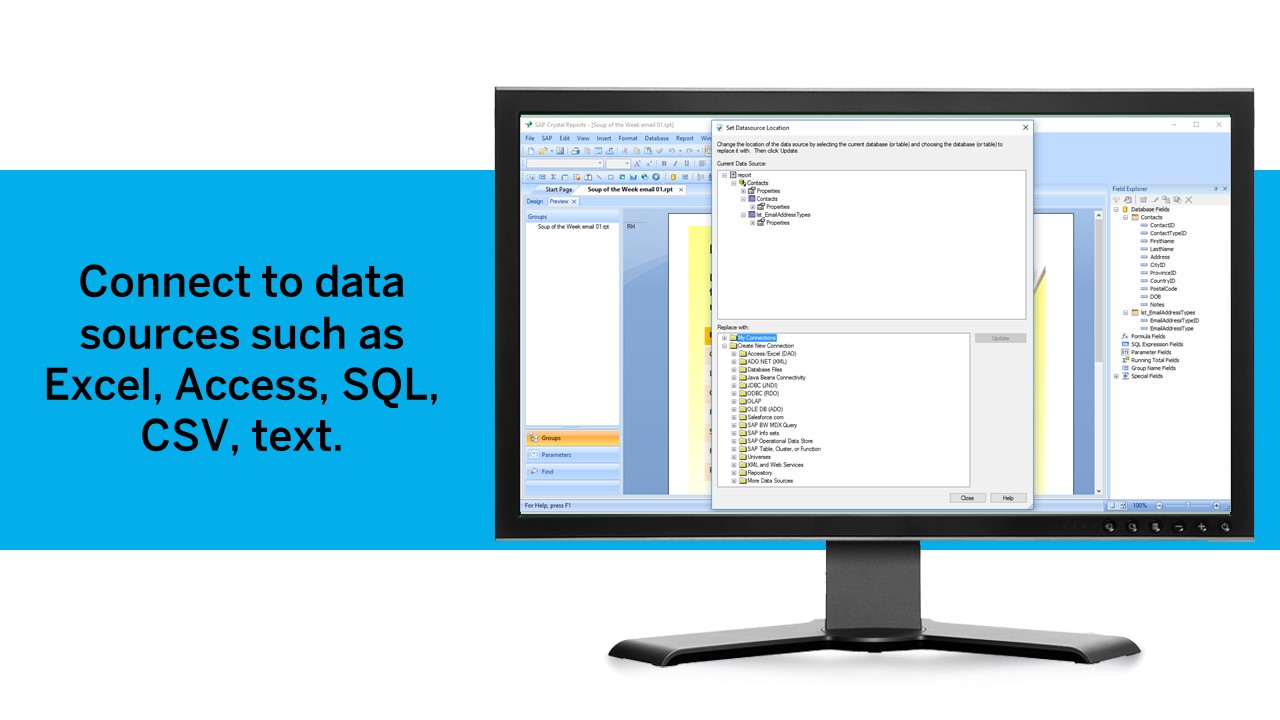
- It accepts data in different open formats like XML so it can be used with wide range of data sources like databases or web services or web APIs outputting data in XML format.
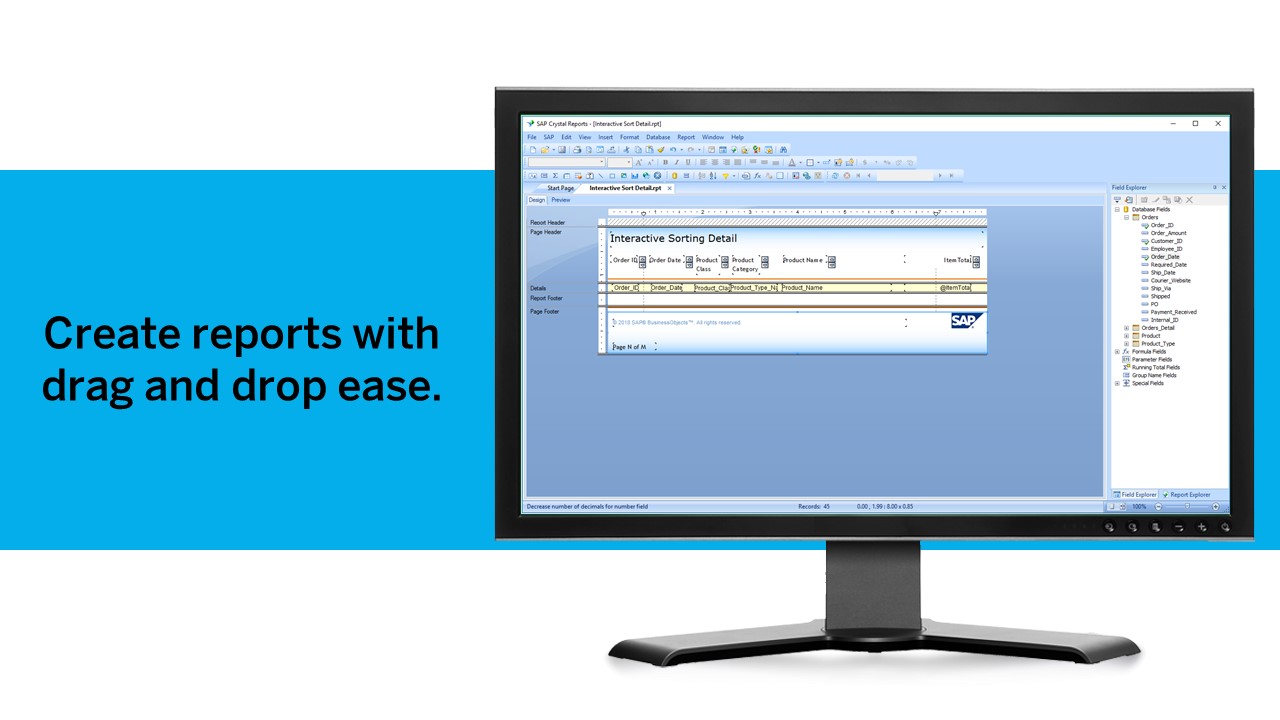
- A wide variety of reporting formats like List, Cross-Table, Master-Child etc. can be designed. Fields can be formatted in a variety of data formats like Date, Currency etc. Grouping, Summary, Calculated fields can also be added.
Cons
- Installing process needs to be more user-friendly. It takes a lot of time. Finding the correct version extension for Visual Studio is harder than you think.
- Since it's an old and evolved product, it's stable and complete; however, this has caused it to become bulky and slow in the runtime.
- "Help" material is not organized properly. You have to search the community pages if you are using some advanced feature like conditional formatting.
Return on Investment
- Being an early mover in web reporting it was a de-facto tool for reporting. But now with other players coming in, it has lost that competitive advantage.
Usability
Alternatives Considered
Progress Telerik