
What is SurFlex Screen Recorder?
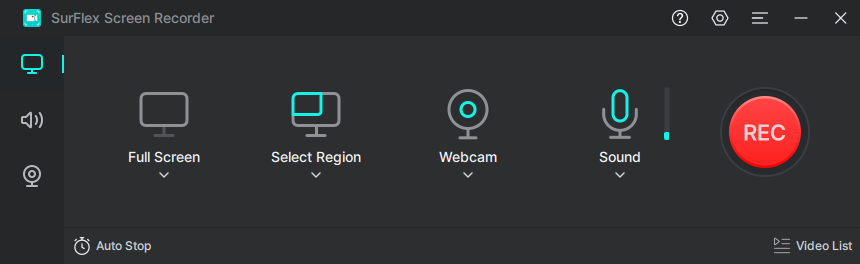
SurFlex Screen Recorder is a screen-capturing tool that captures on-screen activities. It can record the screen with GPU acceleration, whether it be full screen, a selected area of the screen, or a specific app or game window. It allows users to include audio from the system, microphone, or both to the recorded videos, while recording on-screen actions. The screen recording can be exported in 4K quality for an ultimate visual experience. An extra copy of the audio can also be saved.
The tool can record Zoom meetings, steaming videos, webinar, and software demonstrations. As SurFlex also records from a Webcam, it is useful when recording a game, online course, YouTube tutorial videos, or presentation videos.
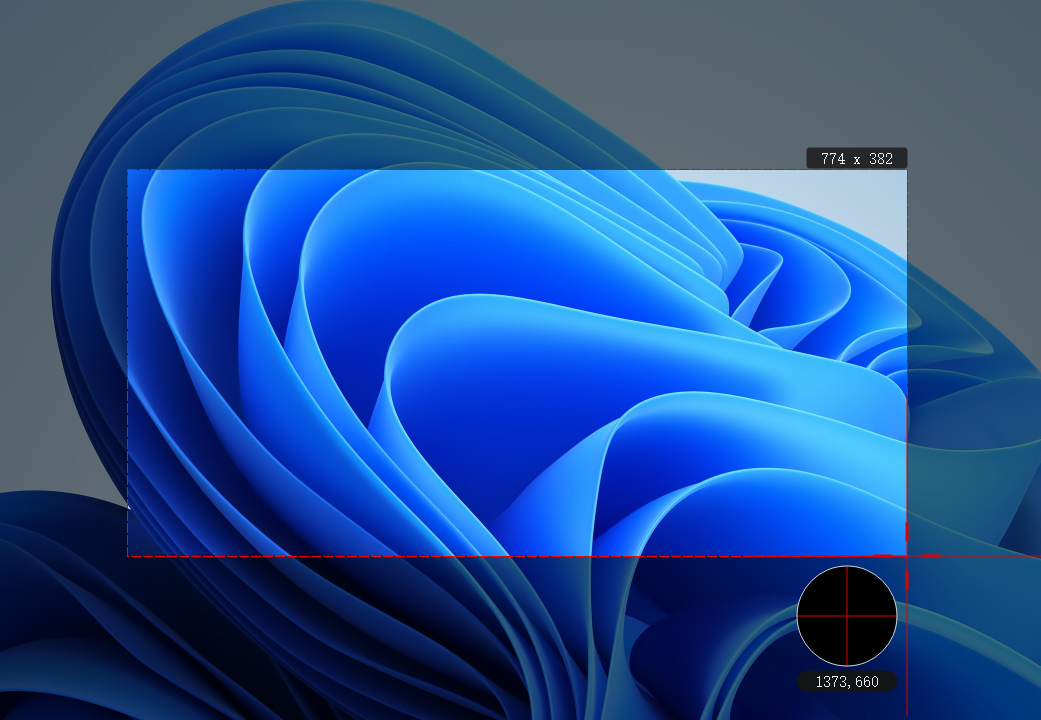
- Records the entire screen and select area of a screen
- Supports recording multiple audio sources, include system sounds, microphone, or both
- Record webcam: records webcam in high-definition
- Export recording videos in high resolution, with multiple options to set
- Smoother recording with GPU acceleration
- Multiple output formats for videos and audio files
- Shortcuts to start/stop/pause/resume the recording, controlling the recording process
- Screenshots can be taken while recording
- Saves an extra audio files for screen recording
- Videos can be convereted to audio in desired format
Categories & Use Cases
Media


1 / 7
Screenshot of Main Interface of SurFlex Screen Recorder