

What is TakeProfit?
TakeProfit is a community-driven trading platform that provides traders an opportunity to benefit from their expertise by acting as a hub for sharing insights and informed trading decisions, it optimizes the use of members' skills.
Advanced Toolset for Traders
TakeProfit provides a variety of tools designed to improve trading skills:
- Workspaces: Users can organize their workspaces with drag-and-drop widgets, designed to adapt to various scenarios.
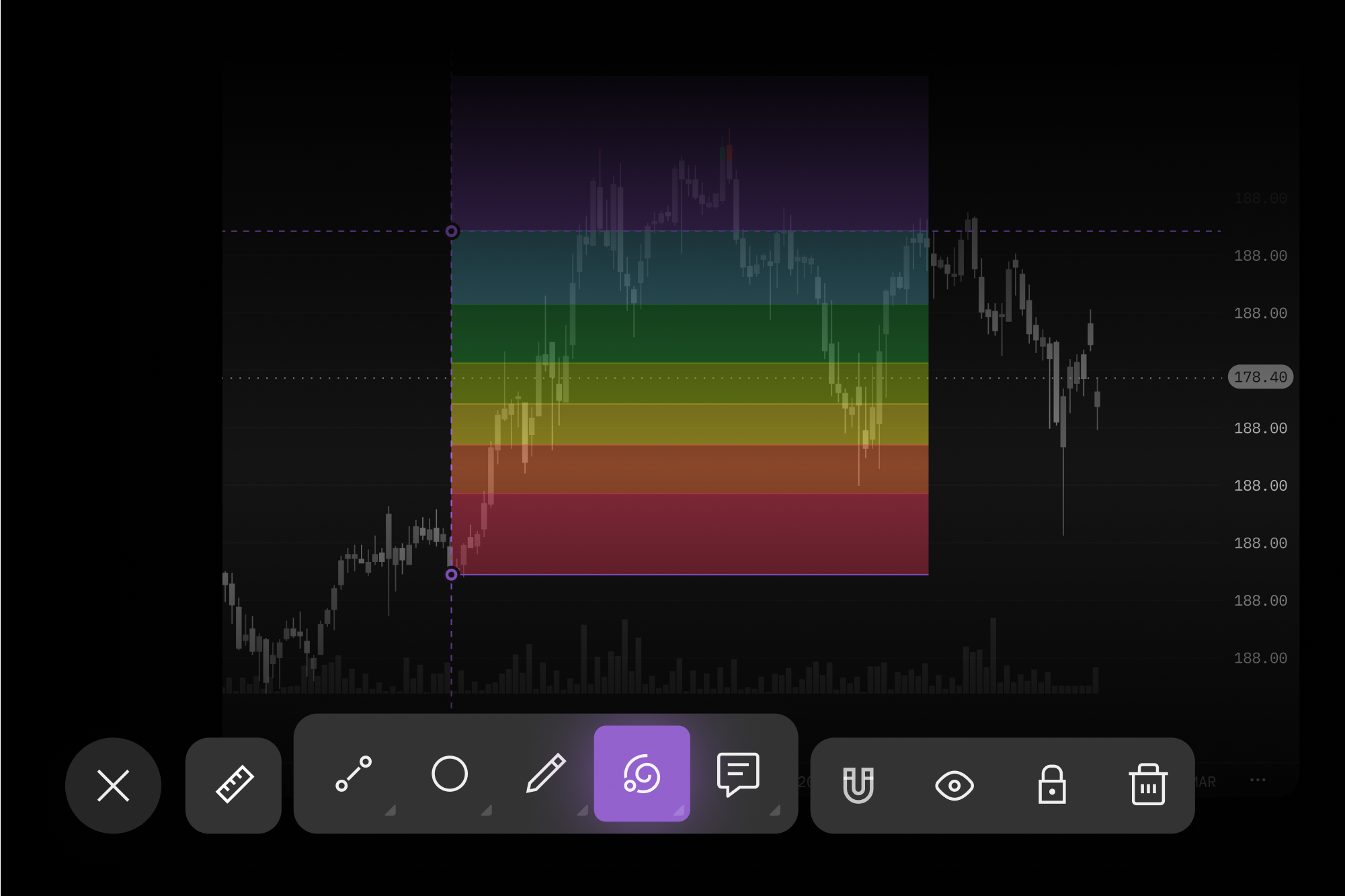
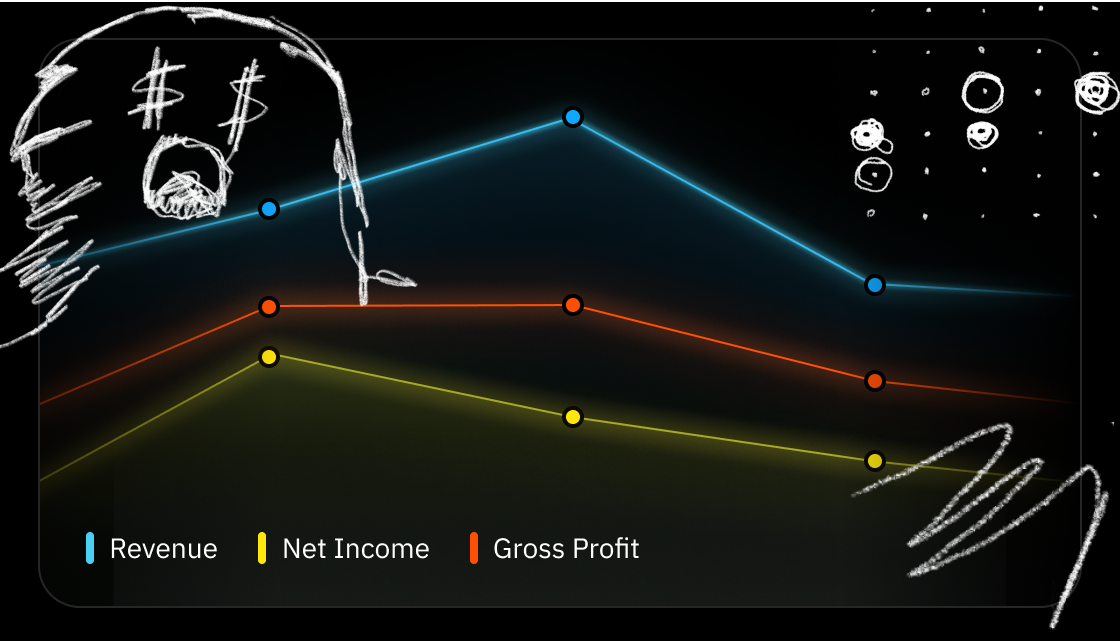
- Charts: Low-latency charts developed using proprietary WebGL-based technology.
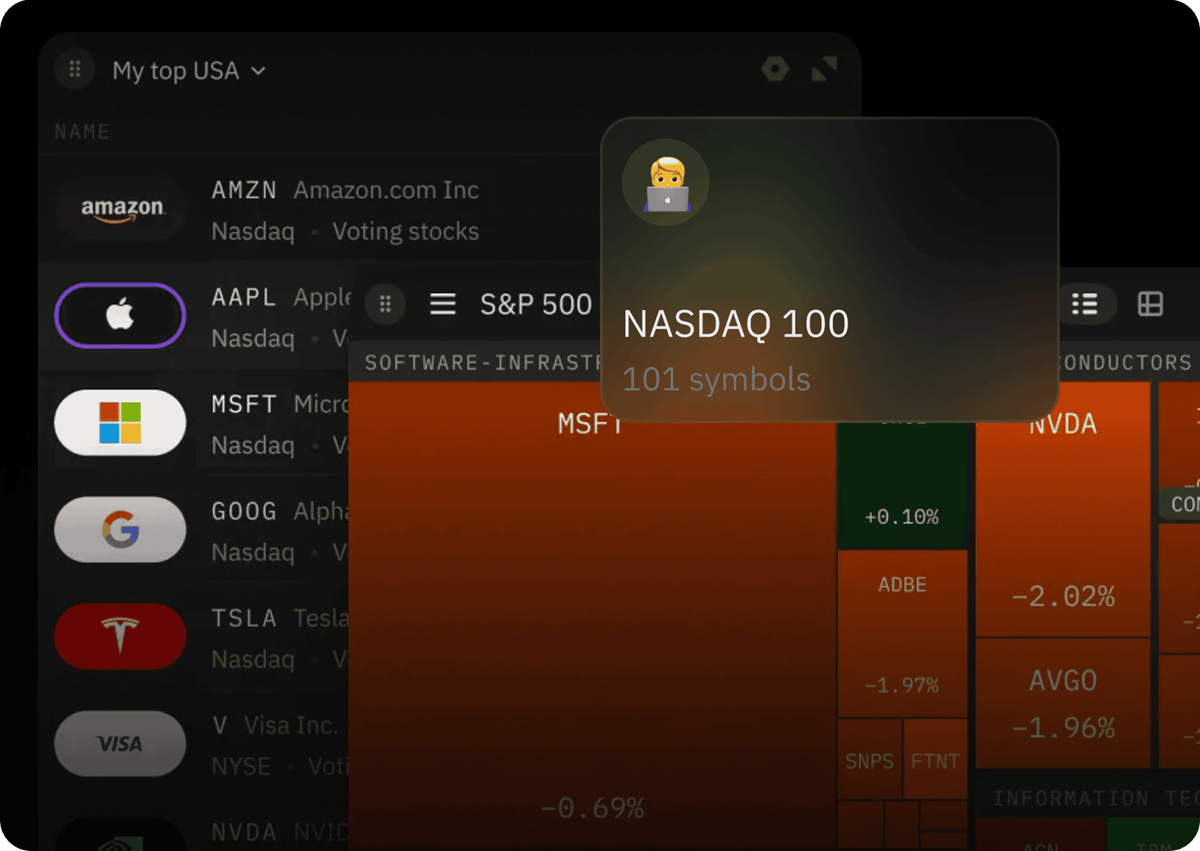
- Dynamic Watchlists: Users can customize their watchlists with different types of views: from a simple list to a customizable table or heatmap.
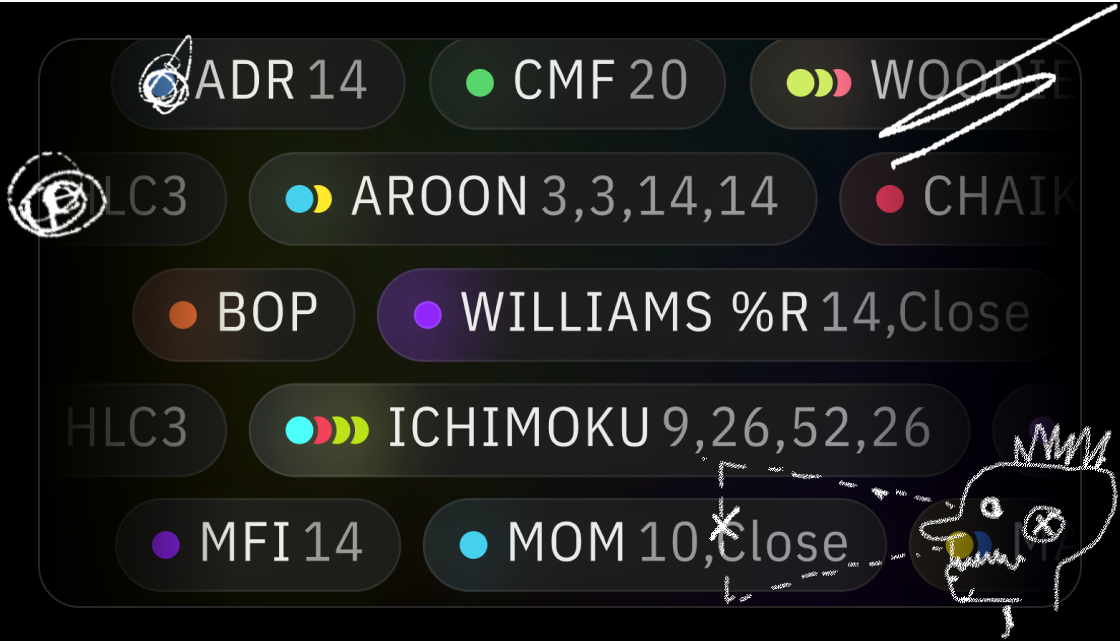
- Custom Cloud Indicators: Users can craft their own indicators using the Python-based language Indie, or select from a range offered by the TakeProfit community.
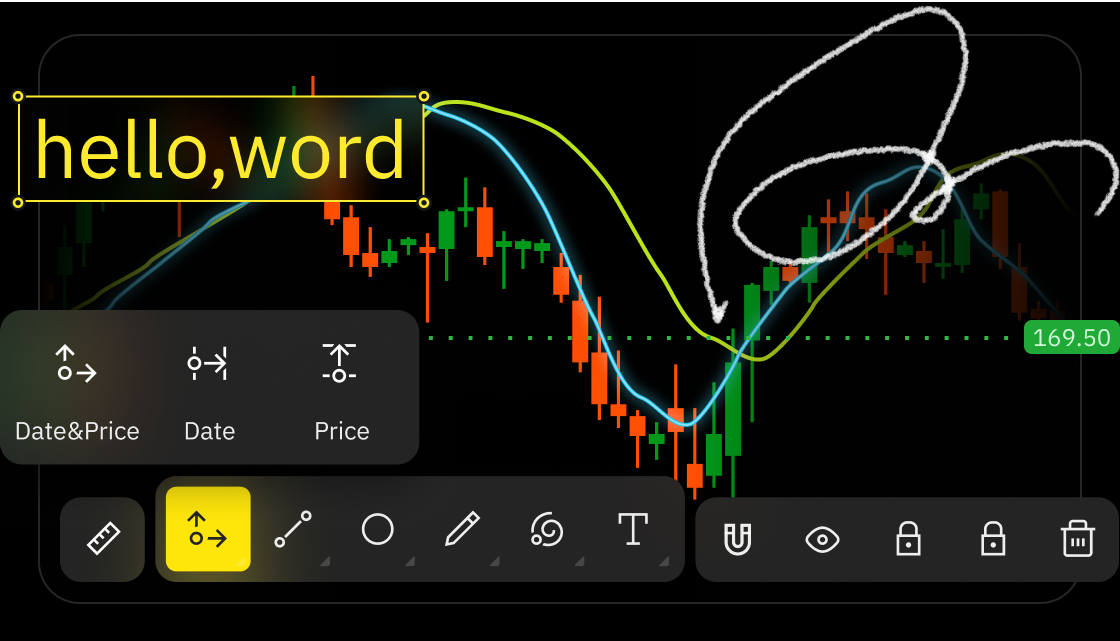
- Advanced Technical Analysis: Offers advanced, fast charting. It includes a variety of charts, drawing tools, and indicators to help everyone identify the perfect entry or exit points.
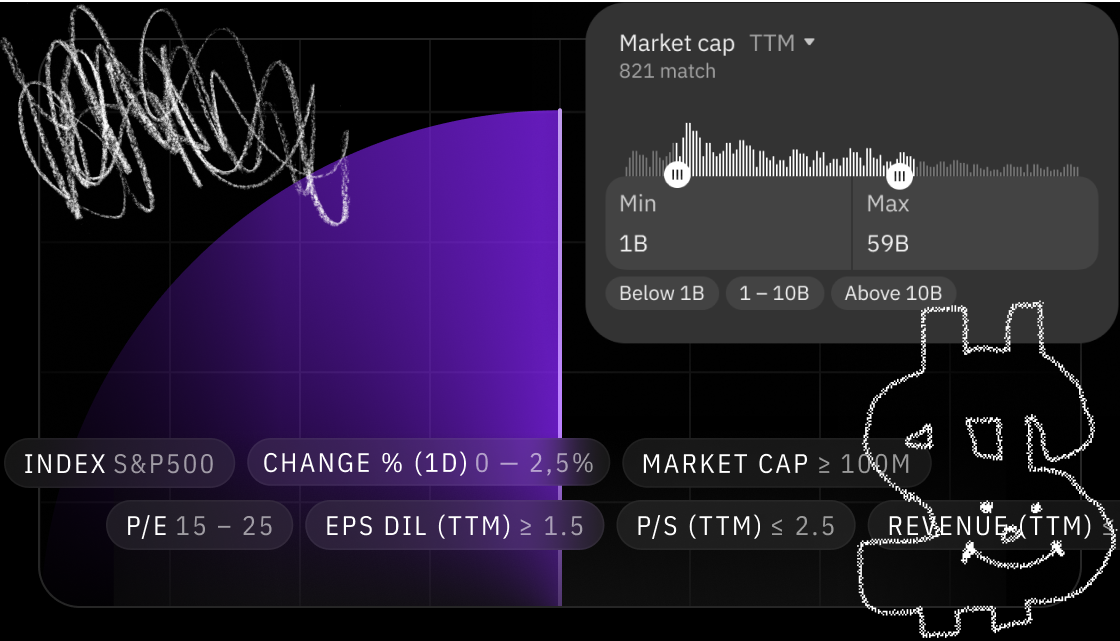
- Stock Screener: This tool is equipped with over 80 fundamental parameters, allowing users to identify potential opportunities and filter out market noise.
Empowering Traders Through Collaboration:
The TakeProfit community promotes collaboration. Traders can generate income by offering their developments on the marketplace, sharing market insights with subscribers, and earning rewards through Stripe. Additionally, a unique referral program allows affiliates to profit from sharing platform features, selling marketplace items, and content.
Blending Desktop Technologies with Web-Based Applications
TakeProfit integrates desktop trading capabilities with with the convenience of web-based applications, to ensuree a robust trading experience accessible from any device with an internet connection.
Integration with Lime Broker
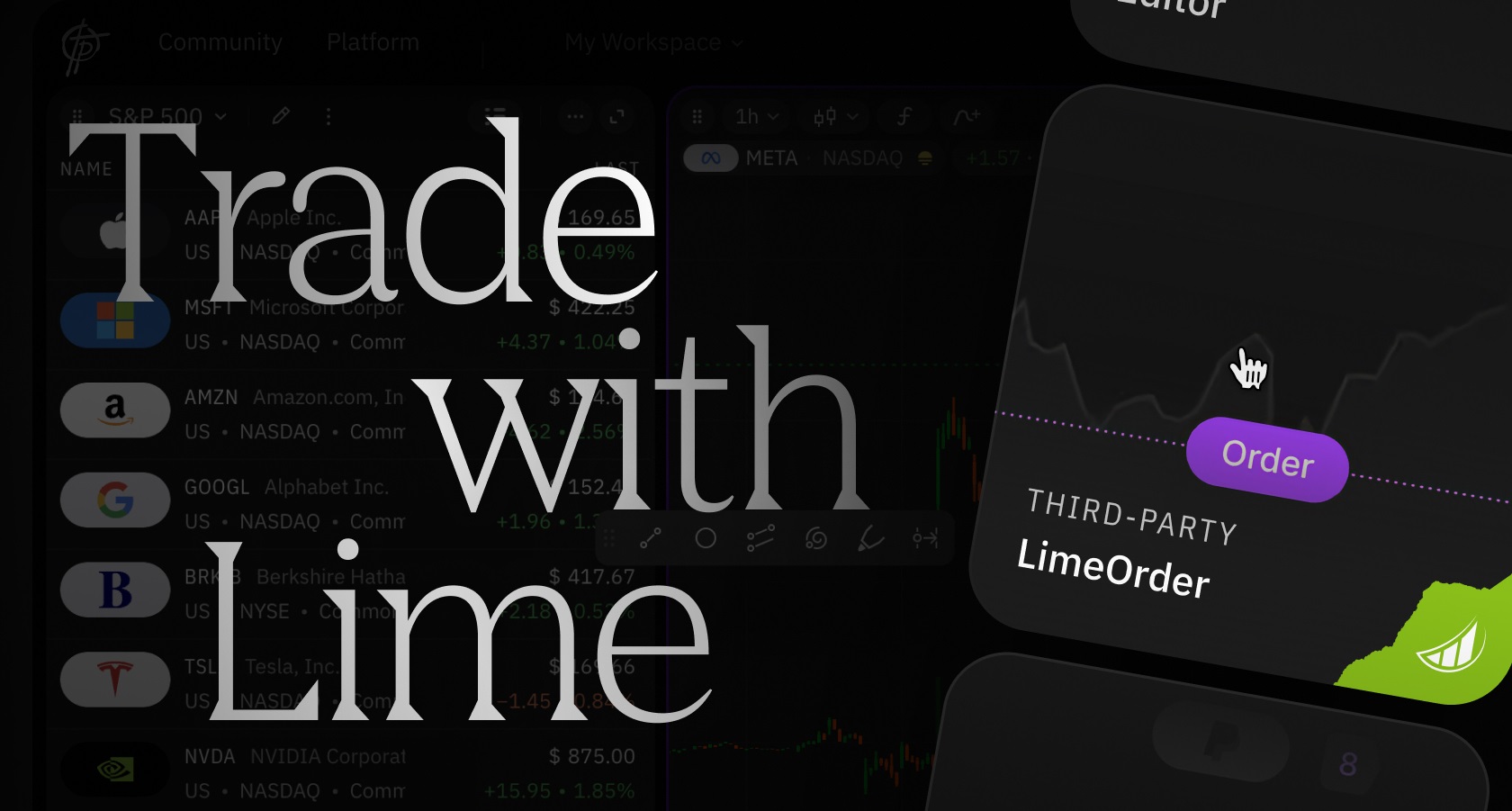
Lime customers can enjoy the convenience of opening and closing positions with just one click through integration with Lime Brokerage. They can monitor their portfolio in a dedicated widget, available in the Widget HUB for all users.
Categories & Use Cases
Media
1 / 7
Screenshot of access to over 70 built-in cloud indicators


