

TeamsID
What is TeamsID?
TeamsID Business Password Manager is a solution designed to enhance the security of an organization's passwords, logins, credit cards, and custom records. This password manager caters to teams of all sizes, ranging from small businesses to large enterprises. According to the vendor, IT teams, business administrators, security professionals, finance and accounting professionals, as well as marketing and social media professionals, can benefit from the password management capabilities offered by TeamsID.
Key Features
Effortless Password Security Solution: According to the vendor, TeamsID provides IT teams with a password security solution that allows complete control over employee access to business passwords and records. Onboarding and removing employees can reportedly be done in seconds, and integrations with popular platforms like Google Apps for Work and Active Directory enable IT automation.
User-Friendly Security Solution: TeamsID offers a user-friendly security solution for employees, providing each individual with their own secure business password manager for accessing and securing their business tools. Additionally, employees also have their own personal password manager for securing personal passwords. Auto-fill and auto-save features reportedly make it convenient for employees to save and access their comprehensive passwords, while secret passwords enable secure sharing of one-time passwords with contractors or agencies. Custom record types can also be created by employees, making them accessible to everyone in the business.
Unlimited Records & Teams: TeamsID allows businesses to create unlimited business records and teams, providing flexibility for effective organization and management of passwords and records.
Advanced Admin Features: According to the vendor, TeamsID provides advanced admin features for management control, allowing admins to have complete control over the TeamsID web app. They can reportedly set permission levels for employees, excluding access to organizations, teams, records, or record editing.
Available Everywhere: TeamsID is available on various platforms and devices, including iOS, Android, Mac, Windows, and browser extensions, enabling users to access their passwords and records from anywhere.
TeamsID Apps: Dedicated apps for Mac, Windows, iOS, and Android offer additional convenience and functionality. The Mac and Windows apps provide keychain integration and offline support, while the iOS app supports Touch ID integration, offline support, and iPad split view. The Android app supports fingerprint integration, offline support, and tablet split view. Chrome and Firefox extensions are also available for easy access to passwords and records.
Categories & Use Cases
Videos
Screenshots


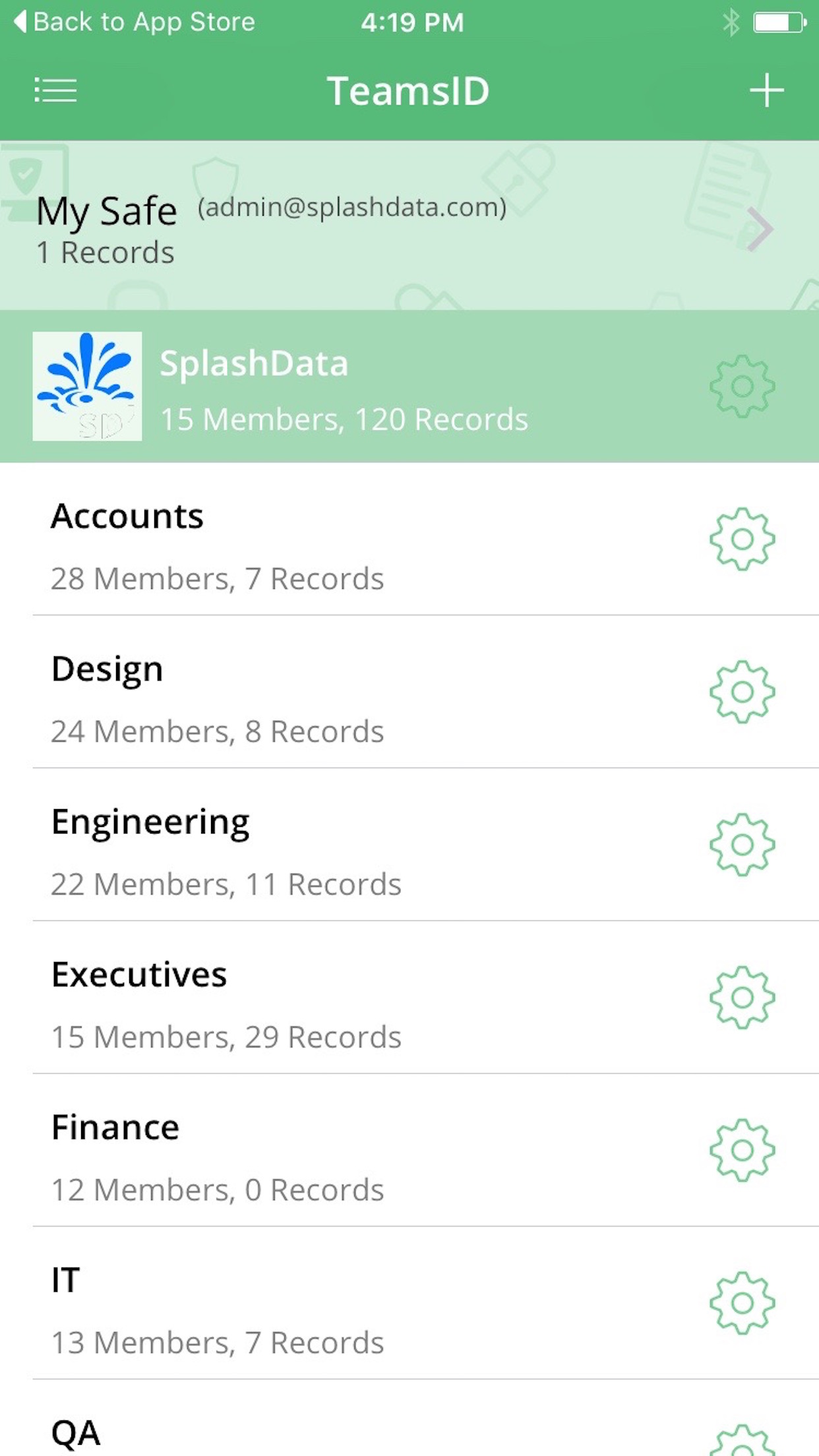


1 / 9
Screenshot of web-app organization settings
Product Demos
Technical Details
| Deployment Types | On-Premise, SaaS |
|---|---|
| Operating Systems | Windows, Linux, Mac |
| Mobile Application | Apple iOS, Android, Windows Phone, Mobile Web |
| Supported Countries | United States, England, Canada, Australia, Asia, Europe |
| Supported Languages | English |