Adobe Dynamic Tag Management (discontinued) vs. Qubit OpenTag

Overview
ProductRatingMost Used ByProduct SummaryStarting Price
Adobe Dynamic Tag Management (discontinued)
Score 10.0 out of 10
N/A
Adobe Dynamic Tag Management (DTM) was a tool used by marketers to manage tags, and for collecting and distributing data across digital marketing systems. Adobe DTM is a legacy, and it will not receive feature updates. Adobe invites users to upgrade to Launch on the Adobe Experience Platform.N/A
Qubit OpenTag
Score 8.7 out of 10
N/A
Opentag is an open source enterprise tag management solution that runs on Qubit's open Universal Variable data model. Some key features include: Container Tag, CPA De-duplication and Privacy Consent.N/A
Pricing
Adobe Dynamic Tag Management (discontinued)Qubit OpenTag
Editions & Modules
No answers on this topic
Offerings
Pricing Offerings
Adobe Dynamic Tag Management (discontinued)Qubit OpenTag
Free Trial
NoYes
Free/Freemium Version
NoYes
Premium Consulting/Integration Services
NoNo
Entry-level Setup FeeNo setup feeNo setup fee
Additional Details
More Pricing Information
Community Pulse
Adobe Dynamic Tag Management (discontinued)Qubit OpenTag
Considered Both Products
Adobe Dynamic Tag Management (discontinued)
Chose Adobe Dynamic Tag Management (discontinued)
Google Tag Manager is free software from Google that allows you to deploy many different types of tags quickly and easily without utilizing web developers. Dynamic Tag Management, on the other hand, can only be acquired if you purchase an adobe solution. It too allows you to …
Chose Adobe Dynamic Tag Management (discontinued)
Adobe DTM provides a more secure data analytics solution. It is customized and best used on large scale deployments of websites with pages 10,000+. The Adobe Analytics tool, once learned, is very easy to use and provides more robust, customized graphics and ability to export …
Chose Adobe Dynamic Tag Management (discontinued)
The one thing GTM has over DTM is that there are a bunch of hosted pixels by companies like Facebook. Otherwise, it's incredibly inferior. The DTM UI is easier, more intuitive, and more comprehensible. Debugging is easier as well, and the triggers are better defined in DTM. …
Chose Adobe Dynamic Tag Management (discontinued)
Adobe Dynamic Tag Management is no Tealium. However it doesn't need to be.
Chose Adobe Dynamic Tag Management (discontinued)
Since we are using it almost exclusively with the implementation of Adobe Media Optimizer, we have not considered using a different tag management software.
Qubit OpenTag
Chose Qubit OpenTag
Easier to set up & integrate with other tools, cost-efficient, great KPI dashboard interface, custom alerts, and notifications.
Chose Qubit OpenTag
I have only used Qubit in my current and previous role.
Features
Adobe Dynamic Tag Management (discontinued)Qubit OpenTag
Security
Comparison of Security features of Product A and Product B
Adobe Dynamic Tag Management (discontinued)
10.0
Ratings
22% above category average
Qubit OpenTag
10.0
Ratings
22% above category average
Role-based user permissions10.00 Ratings10.00 Ratings
Tag Management
Comparison of Tag Management features of Product A and Product B
Adobe Dynamic Tag Management (discontinued)
9.4
Ratings
18% above category average
Qubit OpenTag
8.6
Ratings
9% above category average
Tag library9.00 Ratings9.00 Ratings
Tag variable mapping10.00 Ratings5.00 Ratings
Ease of writing custom tags10.00 Ratings9.00 Ratings
Rules-driven tag execution9.00 Ratings10.00 Ratings
Tag performance monitoring10.00 Ratings10.00 Ratings
Page load times10.00 Ratings7.00 Ratings
Mobile app tagging10.00 Ratings9.00 Ratings
Library of JavaScript extensions7.10 Ratings10.00 Ratings
Data Management & Integrity
Comparison of Data Management & Integrity features of Product A and Product B
Adobe Dynamic Tag Management (discontinued)
7.6
Ratings
5% below category average
Qubit OpenTag
10.0
Ratings
23% above category average
Event tracking10.00 Ratings10.00 Ratings
Mobile event tracking10.00 Ratings10.00 Ratings
Data distribution management7.00 Ratings10.00 Ratings
Universal data layer10.00 Ratings10.00 Ratings
Automated error checking1.00 Ratings10.00 Ratings
Best Alternatives
Adobe Dynamic Tag Management (discontinued)Qubit OpenTag
Small Businesses
Google Tag Manager
Google Tag Manager
Score 8.8 out of 10
Google Tag Manager
Google Tag Manager
Score 8.8 out of 10
Medium-sized Companies
Google Tag Manager
Google Tag Manager
Score 8.8 out of 10
Google Tag Manager
Google Tag Manager
Score 8.8 out of 10
Enterprises
Tealium Customer Data Hub
Score 8.2 out of 10
Tealium Customer Data Hub
Score 8.2 out of 10
All AlternativesView all alternativesView all alternatives
User Ratings
Adobe Dynamic Tag Management (discontinued)Qubit OpenTag
Likelihood to Recommend
10.0
(0 ratings)
9.0
(0 ratings)
Likelihood to Renew
10.0
(0 ratings)
8.2
(0 ratings)
Usability
5.0
(0 ratings)
10.0
(0 ratings)
Support Rating
10.0
(0 ratings)
10.0
(0 ratings)
Implementation Rating
10.0
(0 ratings)
-
(0 ratings)
User Testimonials
Adobe Dynamic Tag Management (discontinued)Qubit OpenTag
Likelihood to Recommend
Dynamic Tag Management allows you to tag any data elements on a page in order to track every aspect of your customer's journey. Its ease of use and the ability to deploy tags without having to involve a web developer leaves marketing to iterate without the lag time of a code release. I haven't found any areas where improvement is needed.
Read full review
If needed to deploy pixels in no time, fast - this is an ideal candidate. Less if you need special targeting rules as these are a bit behind - compares with Google Tag Manager.
Read full review
Pros
  • Manage web analytics tags!
Read full review
  • Data analysis
  • Configurable Alerts and Notifications
  • Quick & easy tagging process
Read full review
Cons
  • Single Page Applications: While it's greatly improved over the years, being able to accurately target certain actions on single page applications. In particular, applications built on React are difficult. The addition of a hash change trigger was quite useful, but more is definitely needed.
  • Data Elements: Great new tool, but I need it to be easier to create. I'm not an inherently technical individual, and the main benefit of tag management is reducing the need for technical people.
Read full review
  • Reporting part is lacking
  • Copy pixels between containers no longer exists
Read full review
Likelihood to Renew
As it interfaces so well with AMO, we shall be utilizing the DTM for any future client additions.
Read full review
Qubit has supported us with our business goals and continues to do so.
Read full review
Usability
It is easy to use at a basic level, however without JavaScript resource you will struggle.
Read full review
Easy to set up and integrate with other tools, boosts efficiencies within the team, provides great insights, custom dashboards, and notifications.
Read full review
Support Rating
Although it is a newer product to Adobe, they seem to truly care about our challenges and are very proactive in making sure that we have the most knowledgeable support available in a timely manner.
Read full review
Friendly and knowledgeable customer support team.
Read full review
Implementation Rating
It was quite seamless with the outstanding support from our Adobe account manager.
Read full review
No answers on this topic
Alternatives Considered
The one thing GTM has over DTM is that there are a bunch of hosted pixels by companies like Facebook. Otherwise, it's incredibly inferior. The DTM UI is easier, more intuitive, and more comprehensible. Debugging is easier as well, and the triggers are better defined in DTM. Version control is far superior and it's so easy to tell what tags are firing and when. I went from DTM to GTM when switching jobs and was so relieved when my new company made the switch to DTM. I'm much happier and it's much easier now.
Read full review
Easier to set up & integrate with other tools, cost-efficient, great KPI dashboard interface, custom alerts, and notifications.
Read full review
Return on Investment
  • Excellent ROI investment "if" strategy and roll out are prioritized appropriately. Because this is a custom solution, Adobe does not provide this level of guidance.
  • From a project management timeline perspective, if the team rolling this out tries to tag everything, then they will quickly run out of time and overextend resource hours.

Read full review
  • One of the most obvious and beneficial features is the huge reduction in HTTP requests, giving us a great site performance benefit.
  • Managing all of our tags in one place has removed a lot of potential complications.
Read full review
ScreenShots

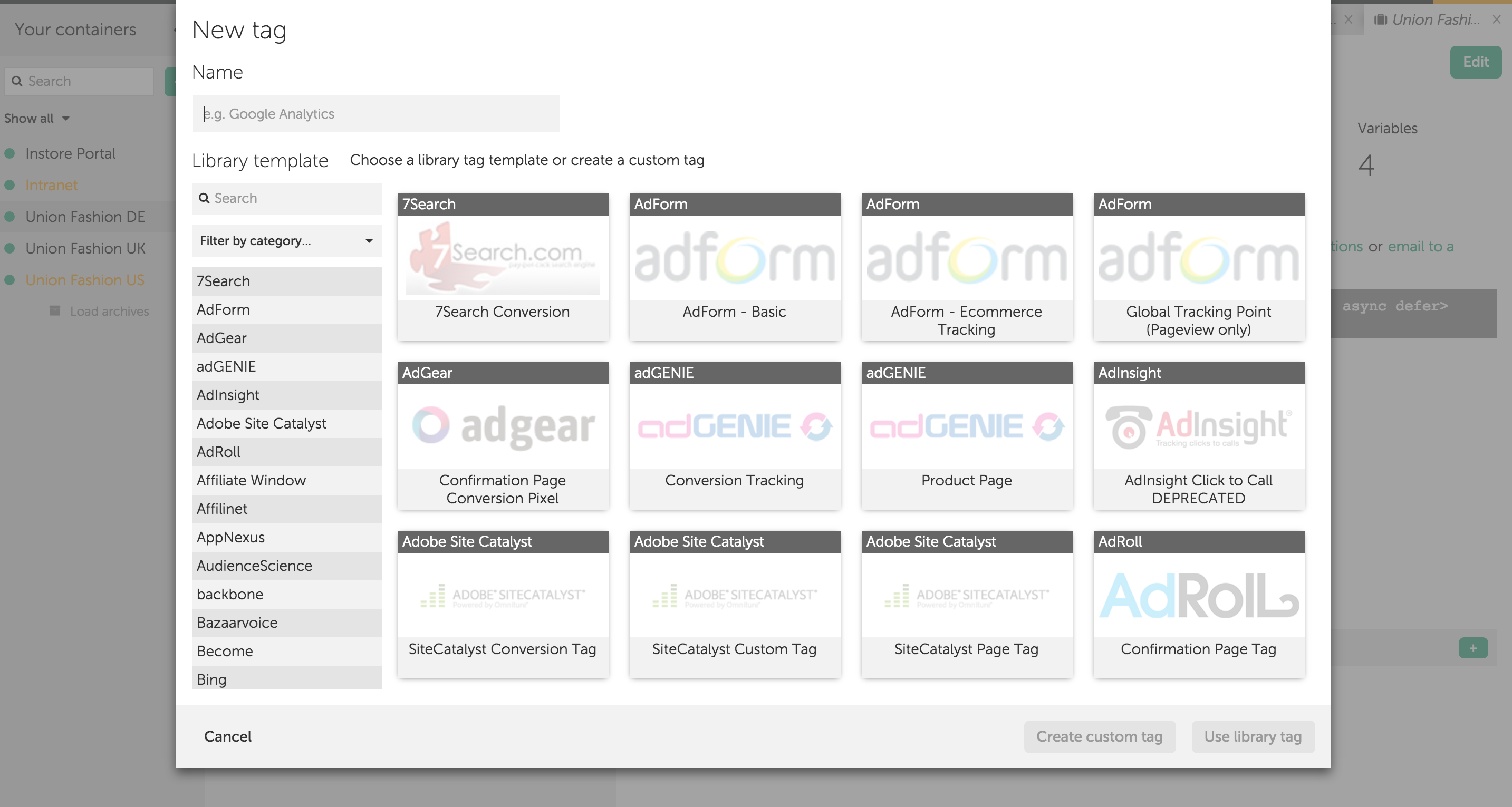
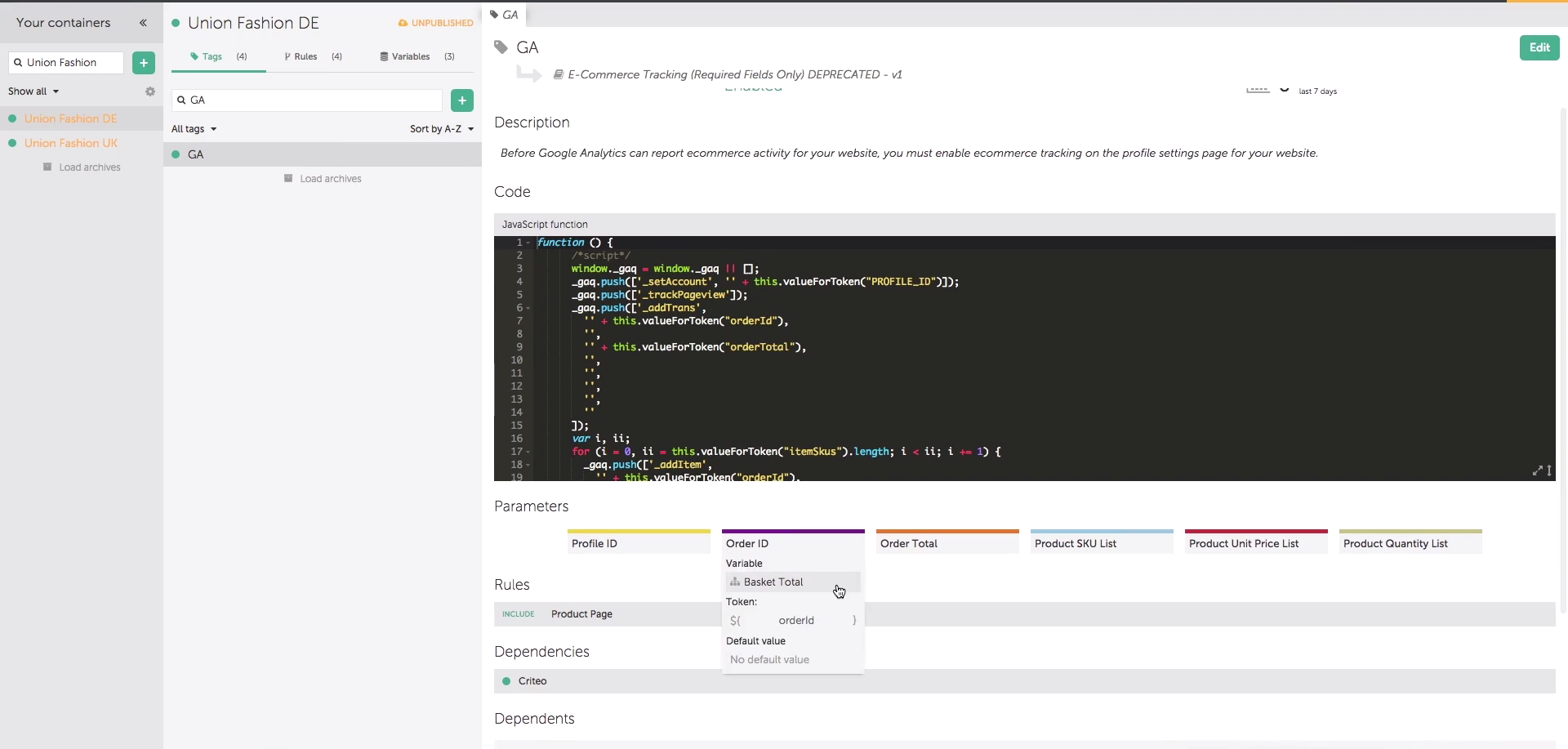
Qubit OpenTag Screenshots

Screenshot of Screenshot of