Front is a communication hub that helps businesses keep the human touch in every interaction.
$29
per month per user
Jira Service Management
Score 7.9 out of 10
N/A
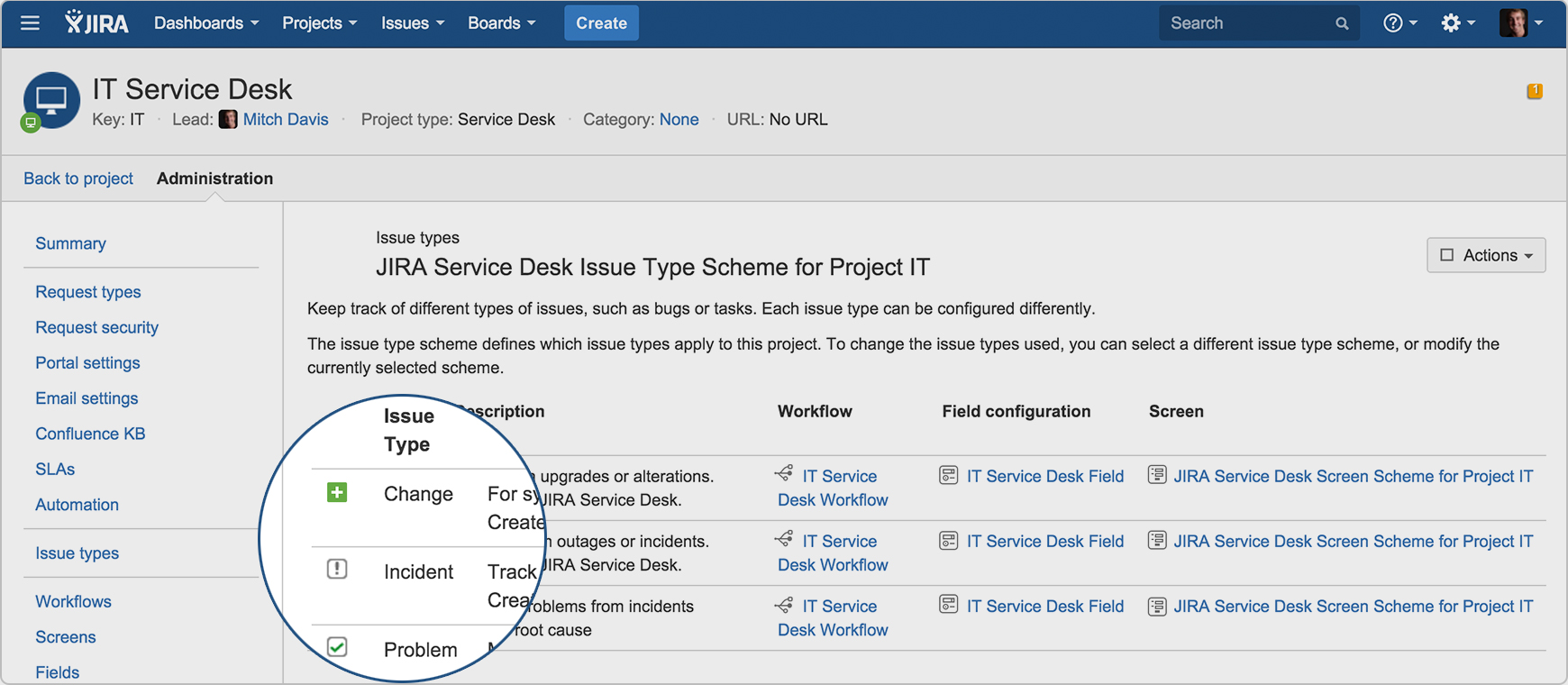
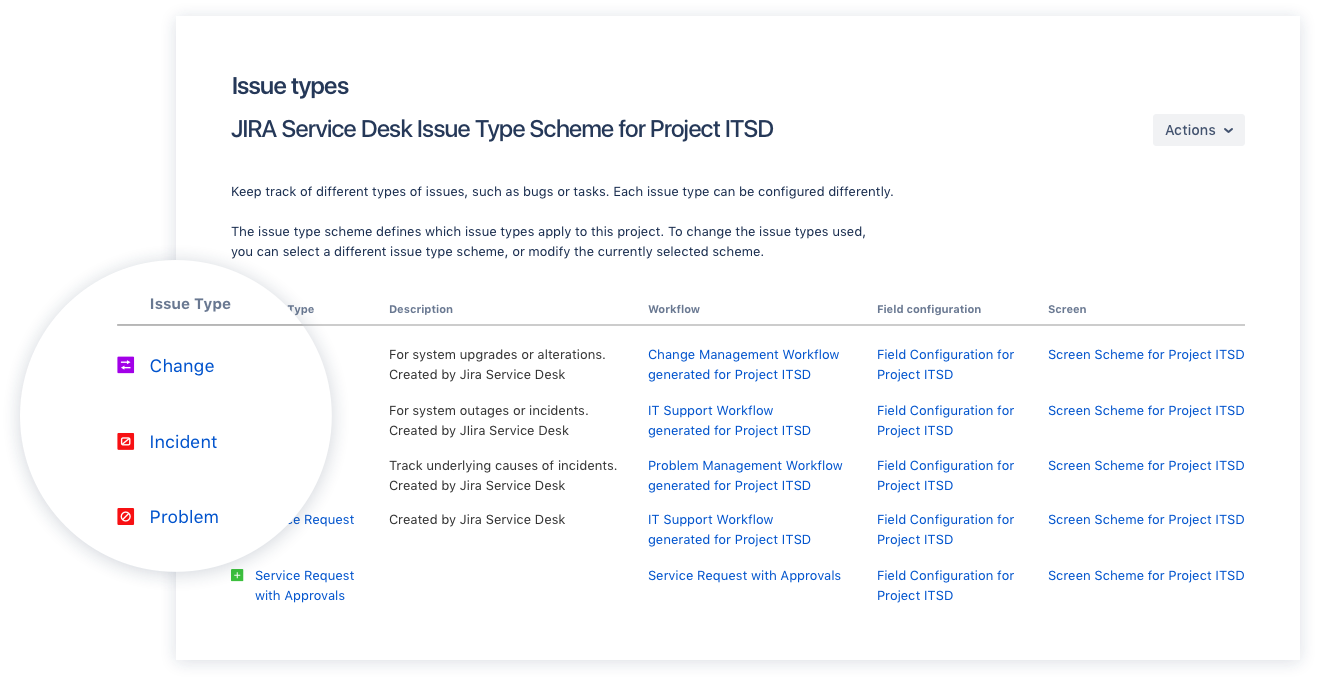
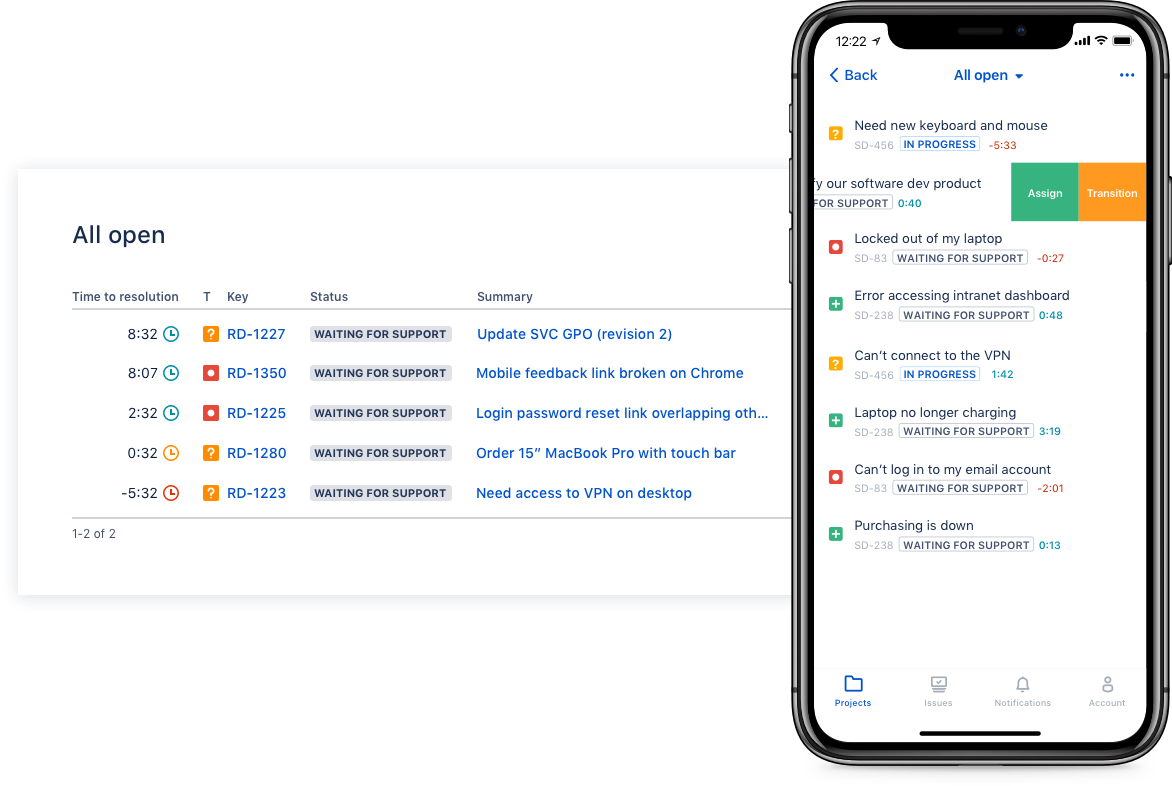
Jira Service Management (formerly Jira Service Desk, now including features from the former Mindville Insight, acquired by Atlassian in June 2020) is a service desk software that is purpose-built for IT, service, and support teams. The software provides everything IT and support teams need out-of-the-box for service request, incident, problem and change management. Jira Service Management integrates seamlessly with Jira Software so that IT and development teams can work better together. Users…
$0
per month
Pricing
Front
Jira Service Management
Editions & Modules
Starter
$29
per month per user
Growth
$79
per month per user
Scale
$99
per month (billed annually) per user
Premier
$229
per month (billed annually) per seat (50 seat minimum)
Free
$0
per month
Standard
$20
per agent/per month
Premium
$40
per agent/per month
Enterprise
Contact sales team
Offerings
Pricing Offerings
Front
Jira Service Management
Free Trial
Yes
Yes
Free/Freemium Version
No
No
Premium Consulting/Integration Services
No
No
Entry-level Setup Fee
No setup fee
No setup fee
Additional Details
Discount for annual pricing on Starter and Growth plans. Scale and Premier plans are annual price only.
—
More Pricing Information
Community Pulse
Front
Jira Service Management
Considered Both Products
Front
Verified User
Anonymous
Chose Front
Front was easier to have shared inbox. It also gave us more flexibility in tagging, both tagging users and tagging the emails to triage. It was also quick to set up and get users on boarded and trained. We found it was just a more intuitive and flexible system for us.
We switched to Front because of how simple it looked, then we realized we could tailor it to the type of business we have. I don't see us using any other tool to manage emails besides Front.
I have only used Gmail in the past and Front is any day better than Gmail in terms of the interface and ease of usage. The ability to send scheduling links and comments between the email threads makes it better than Gmail. The shared inbox also makes it easier for the entire …
A few features are very good in Front that are not in Outlook, like sharing draft content with teammates, commenting, read receipts, etc., which made us choose Front.
The tagging feature stands out. Their tagging can be quite deep and effective if it's set up properly. For example, I can pull out all the clients who [have] an issue with billing. Or better yet valued clients who [have] a specific MRR that has an issue with billing that needed …
Front is honestly an amazing blend of an email server and slack, as it allows for nimble, efficient, and immediate communication between team members without needing to forward a single email back-and-forth before finally responding to a client. Front also saves time when …
This is something I am not familiar but it seems like it is [available] in Gmail. Thus I cannot give any feedback about it. What I am sure about is Front works for our team and I see Zoom using the service in the Customer Success Organization in a long run.
Thanks to Front, it has allowed us to have smooth and effective internal communication between departments, attaching projects, problems, and endless files without any problem. It is allowing us to have practical and soft customer support.
Front is better than any other tool. It is a great app to use also because of its multipurpose features. Anyone can also use this app for your customized business needs and manage your work accordingly. I feel that Front is easy to use and it is also very user-friendly due to …
I love how scalable the software is. Also, Front comprises many good features that are needed for helping teams work efficiently and effectively for sales and support.
Front has been simple to implement and operate on our team. It is not possible to lose an email; it is impressive how it adapts better while being used daily. We can have excellent communication between colleagues, the percentage of evaluations, and changes in planned tasks …
Front is always getting the newest capabilities of the industry [and] is never behind. Instead, it provides you with features that [you] would not even think exist. Also, it is faster than other apps [and] takes just a moment for you to get started in your daily tasks.
Front was not designed as a ticketing system and doesn't have great reporting tools, but the commenting and draft features were important and other platforms' versions of these features were weak or unintuitive.
It should be noted that we ended up developing our own messaging …
It offered newer features and more ways to control user communication inflow, as well as team roster management. The Front app also had a presence on the app, mobile web, and web, which was helpful for on-the-go email queue management. In short, at the time we made this …
Zendesk is by far the market leader here and offers a tremendous solution. It is, of course, very expensive -- especially if you require multi-brand support. Many of the other solutions (except Groove) offer some flavor of multi-brand support but they are not as good as …
We had all our leads going to a gmail account before front. Front solved so many problems that Gmail had. It was much more user friendly for somethings and it was a much more flexible software that we were able to use to meet our needs. It also has a reporting feature that …
Front is a flexible and quickly growing tool that integrates with almost every system we use. Front have been our go-to support system since we started and will continue to be for the foreseeable future.
Front is cleaner from an email communication standpoint. Less details are sometimes better. Hubspot is more of a CRM and that focus is key. While Front is more of a communication channel.
We chose Jira Service Management due to its easy integrations with the rest of the Atlassian tools, as we have also invested in those. For the price, the ability to add or remove agents, and the cost being reflected in that, it was an excellent medium for us. For the …
It was the most complete package, requiring the lesser adjustments compared to the others, had the most options to tailor to our specific needs, and the price for the Cloud hosted version was fair.
Jira Service Management is quick, intuitive, & easy to use. Its a little more basic than some other software but thats the benefit. Most of the info that is required from an IT support & change management requires basic information to be inputted. Jira Service Management allows …
Jira is easier to use and holds service agents more accountable due to reporting and tracking tools that are available. It connects better with other products that other departments are using to track programming changes, etc., giving management a single pane of glass to see …
We went with this solution mainly because it was already planned to use it with the developers. Understanding the tool made us go forward with the solution as it provided everything we wanted in a project planner.
Jira is the only ticketing system we have used at my company, and it is absolutely superb. What usually was a process in the past, with lots of time to spare in between, is now updated to modern-day and makes the entire experience fluid and efficient. I know our IT department …
Jira has every necessary feature, including tracking tasks and helping teams to plan tasks. You can create user stories for tasks and also can create documentation for tasks. It can easily integrate with APIs and other service platforms. You can easily assign work to anyone who …
I didn't use any other services before this. I love this product. By the way I am using Bitbucket, too, which is also awesome, easy to manage versions.
In Jira, you can browse your own knowledge base. You can also create new widgets and filters the way you wanted it customized. I prefer JIRA over any other ticketing tool since JIRA is easy to navigate. You can create your own Dashboard. You easily can pull up the reports needed.
Jira is easier to set up and gets going faster. It is easier to customize to fit your needs and the Dashboard feature and added widgets really help you get the views you want to see. Other products are harder to set up, don't get going as quickly, and lack the dashboard …
We selected Jira Service Desk because we were already Jira users, and the price point was easy to absorb. Our experience as Jira administrators made it easy to customize Jira Service Desk to our needs.
Various intranet custom made tools, usually focused on a specific area in telco, banking, utilities, production, etc. with excellent support for general tickets and with links to company core processes
Being a past user of JIRA has helped a lot in making a decision. When I first used it, I could learn to navigate in a day's time. I knew my way through most of the functionalities. The dashboard creation was also a piece of cake. The CRM software that we used in the team was …
We use Trello along the Jira Service Desk. Jira Service Desk is universal and is better for IT and specific requests (bugs), while Trello is work better for the tasks dividing on the team level. Jira Service Desk is on a higher price range than other tools, but it worth it, …
Compared to other products I have used, like, Fresh Desk Service or Manage Engine it has more features included per user and technician (others may require a license for each type). Portal setup can be integrated to the Confluence Portal for easy access to Jira for service …
I think JIRA Service Desk is very similar to many products out there, but for users who currently use JIRA for their projects, it makes the transition much easier and users will be able to see the progress of their ticket throughout. The price is higher than many of the other …
Jira Service Desk has similar or equivalent features to heavyweight competitors as HP Service Manager, for a better price. The highlight of Jira Service Desk, in my opinion, is that you can customize a series of visual boards that are tremendously useful for an agile and …
I’m not aware of a direct competitor to Jira other than Asana which is more of a project management tool. For medium size companies and larger I recommend Jira.
Unlike the 2 other alternatives, Jira is more complete. It is a bit harder to use, but because it has more customized and better functionalities. While other software can be used for almost everything, Jira works best for tech companies that need to work on agile methodologies …
Jira SD is between Tivoli and Service Now. In this particular case, we are using JIRA SD as the customer asked us to integrate some things with products he already had, such as Confluence, where he kept all the information we could use.
There are other systems that perform well, but we always came back to Jira. One of the reasons is that it has companion systems like Confluence that can integrate and be used with it. Another reason is Jira can be molded to be many things, not just project management. For us, …
I think Front is very useful for every company with multiple teams working together on different emails from clients. Not so useful if a lot of different teams need to work on a request at the same time, because when an email is sitting in multiple shared inboxes things can get messy. Also would not recommend for teams that work is individualized, as team work is the main point of Front.
Great to manage your issues in a clear and centralised way. If your development teams work with Jira, it will all naturally come together. Great way to manage the issues from end to end. - Very flexible if you have people who understands the set up and is able to configure it for your needs - Maybe not the best if you want something with very easy set up
I call them "sticky notes" but Front calls them Comments. It's a way to collaboratively make comments on messages sent to joint inboxes for folks to coordinate a response before it goes back to the sender.
When exchanging with someone using the Comments feature, someone can create a draft reply and then share it before it goes out. It also includes the typing indicator letting you know they are not just replying, but specifically working on a draft reply. These things are really great for individuals, or teams, that don't sit next to each other.
Tagging. It's a fairly simple concept, but very useful for classifying notes and being able to manage, what could be, a messy inbox. Additionally, the ability to have your own personal tags really allows the user to manage their own messages in a way that works best for them.
Zoom Meeting Integration as there are some clients who want to have a call immediately.
Tagging can be improved - looks scattered.
Calendly Integration, they have their own calendar appointment but it would be good if I don't need to leave the front to set up [calendar] appointments.
Some of the built-in functions and workflows are surprisingly limited given the fact that you can customize a lot with JQL. These limited areas do not allow you to use JQL. For instance, the built-in notifications are lacking. They have one that is great-- "notify on critical ticket creation"-- EXCEPT that it does not allow you to notify a group or anything, only individual users.
The ticket interface is a little odd for agents. Changing the status is not a simple drop down from unassigned to open to in progress to pending, etc. There are a couple of tabs ("investigate", "pending", "workflow") where you can change the status in different ways. Maybe I am just not used to this way of doing it, but I feel like it could be simplified.
It can get complicated deleting/changing some of the out-of-the-box fields and rules, because you never know what will break workflows or other automated/built-in features.
It's very easy to understand and use by new customer support agents as well. Be it a technology, product, or marketing person, we have trained most of the company folks to read and respond to customer conversations in their free time with the help of the Front app. It is also easy to set up for an admin and manage his/her team with communication rules.
I have given this rating because, in my opinion, I don't see any downsides of Jira until now. We can customise workflows based on the project needs, including task workflows. Jira is very extensible, which is one of its most important features.
The support is good, and it's definitely prompt, but still lags when it comes to technical requirements, as I guess they are slow in developing newer features fast. So no complaints in terms of responsiveness, but yeah, at times it's not very helpful when you need certain features or are blocked on things which can't be unblocked.
I gave JIRA a 9 rating since for me JIRA works according to its purpose. Since there is a customer portal, our clients can leave a comment or communicate with us using the PR ticket that way it is easier for us to also request any additional information we need for our investigation.
This is something I am not familiar but it seems like it is [available] in Gmail. Thus I cannot give any feedback about it. What I am sure about is Front works for our team and I see Zoom using the service in the Customer Success Organization in a long run.
We chose Jira Service Management due to its easy integrations with the rest of the Atlassian tools, as we have also invested in those. For the price, the ability to add or remove agents, and the cost being reflected in that, it was an excellent medium for us. For the foreseeable future, I do not see us moving off this platform.
Quality- with all the benefits given, in just matter of time, all your organization will find it familiar and less effort is needed when composing emails.
Effectiveness- no one wants to miss an email, or never respond to a possible customer. Front will help you that. If you do not want to send that email now, you can set a timer and Front will send it for you later on.
Simplicity- Front is not the most difficult app to handle, indeed, it is too easy to learn. From the first moment you will have a guided tour and will learn all the good things that it has for you.